
Make Your iPhone Feel Like New by Flipping These 9 Switches
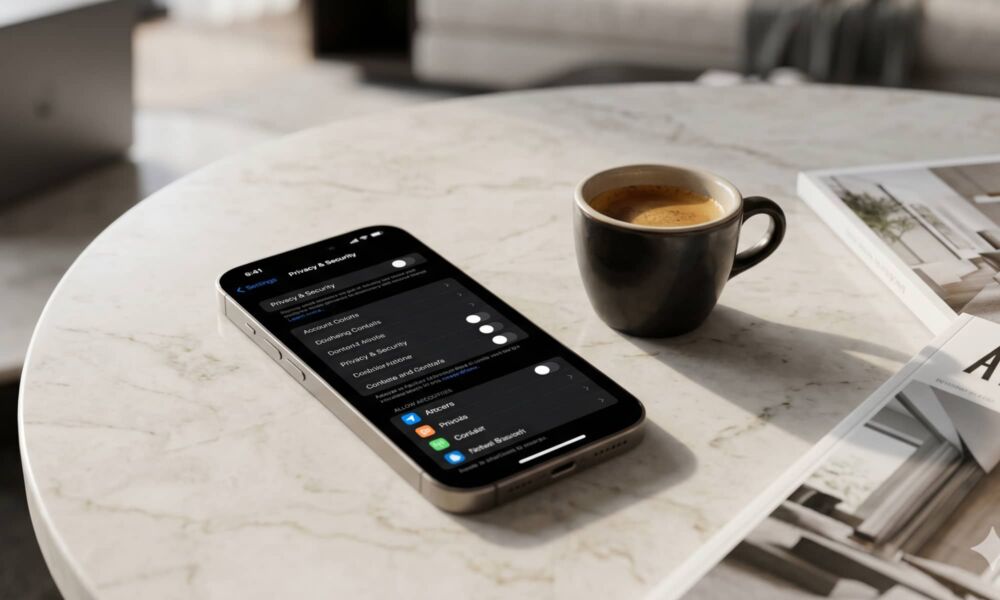
Apple does a great job of making the iPhone easy to use right out of the box, because many of its default settings try to prioritize convenience, personalization, battery life, and simplicity. Unfortunately, not every feature is perfect. Some of them constantly run in the background, while others quietly track your activity, surface unnecessary suggestions, or send usage data back to Apple.
Needless to say, it’s important to take a moment with your iPhone to make sure you’re not being tracked as much by Apple. Luckily, a few small changes can help your device feel more private and sometimes even a little faster. If you don’t know where to start, we’ve got you covered.
Not everyone needs to switch off every setting on this list. Some people might not mind sharing data with Apple, while others don’t need to turn off anything because their iPhones are still buttery smooth. Still, read on for 9 of the most important settings you should at least review.