
Apple Finally Boosts iCloud Alias Limits
 hilalabdullah / Shutterstock
Toggle Dark Mode
While an iCloud+ plan may not give you as many AI cameras as you like, Apple is adding a new perk on the email side by increasing the limit on the number of aliases users can create for their primary accounts and custom domains.
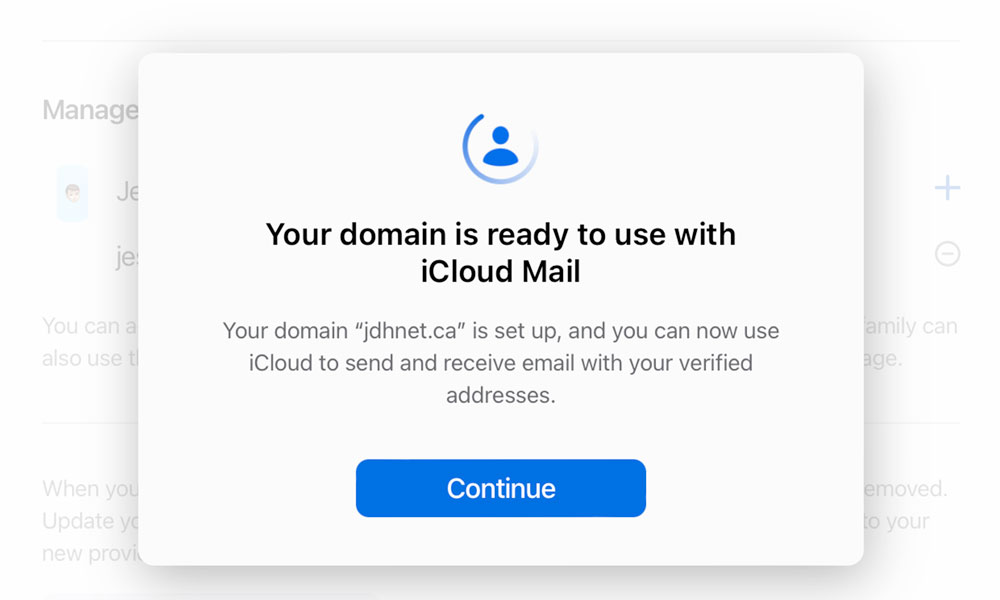
Apple was pretty late to the game in adding support for custom domains. The feature only arrived in 2021 with iOS 15, the same year that Apple rebranded the paid service as “iCloud+” and tossed in a few other features like Hide My Email and iCloud Private Relay.
Unfortunately, while the new custom domain support was surprisingly well-implemented — even allowing users to register a new domain via Cloudflare right from their iPhone in iOS 16 — it remained pretty stingy regarding how many addresses users could actually create.
While Apple allowed for up to five custom domains — a perfectly reasonable limit for most people — it restricted folks to assigning only three aliases on each of those. While that’s not unreasonable for aliases on the primary iCloud.com domain that’s shared by everyone, a custom domain owner effectively has control over everything before the “@“ sign.
Apple compensated by supporting a catch-all address — effectively a wildcard that directs all emails ending in your custom domain into a single mailbox — but that’s an imperfect solution as it can easily become a magnet for spam.
To put this in perspective, popular email service Fastmail allows for up to 100 custom domains and 600 aliases per account. Granted, that’s a separate paid service, whereas iCloud Mail is already included with everything else in iCloud+, but it still made Apple’s limits seem absurdly restrictive.
The good news is that Apple has finally raised the alias limit, as noted in an Apple Support document that was updated on September 30, 2026:
You can use up to five custom domains, with up to 10 personalized email addresses per domain.
As before, the ten-address limit applies to each user, so if you’re sharing your custom domain with others, each person will be able to create up to ten unique addresses for their own account.
This includes the primary email address, so technically it’s nine aliases. The same limit also applies to the primary iCloud email address, so you can create nine additional emails beyond the one that you use for your Apple Account.
You can also still use a catch-all, so if ten personalized addresses aren’t enough, you can route everything that’s addressed to any possible address at one of your custom domains to a specific mailbox.
The only caveat with a catch-all mailbox is that it’s much more difficult to invalidate a temporary address that you no longer want to receive emails at. With an alias, you can simply delete the address and all future messages will bounce, but if you’re using a catch-all, you’ll need to resort to a rule to automatically route inbound messages to your spam or trash.
On the flip side, you can still use Hide My Email for disposable addresses. Apple lets users create several hundred of those. There’s no official limit, and while some folks have hit “Email Address Limit Reached” messages in the 500–750 range, that’s still far more than most people will likely need. Hide My Email addresses can be created for any target email address, not just iCloud Mail accounts, and can be deactivated or deleted when they’re no longer needed.






