
Quickly Undo Typing Mistakes With a Gesture
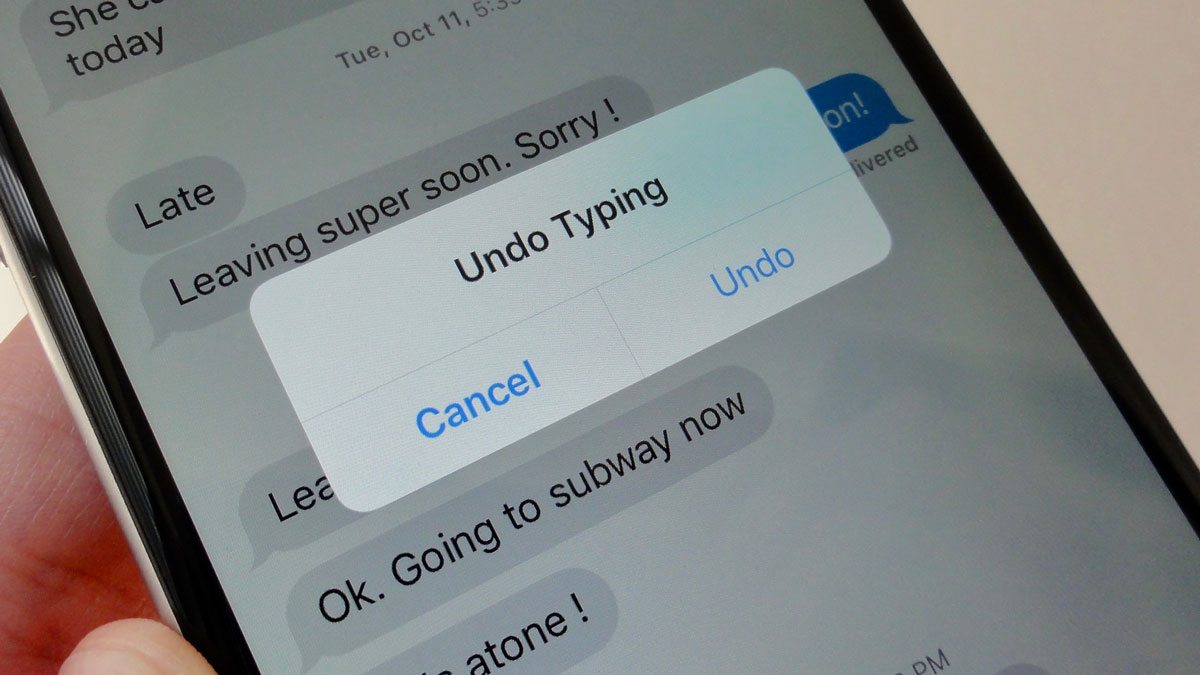
The ability to undo something you type has been on iPhone for years, but a lot of people still only think of the old shake-to-undo method. It’s useful, but there may be an easier thing you can try.
The three-finger swipe gesture is much better. Swiping left with three fingers undoes recent typing, while swiping right redoes it. It might be awkward at first, but it’ll definitely be less awkward than constantly shaking your iPhone around.
On instant messaging apps like WhatsApp or iMessage, this trick might be hard to pull off, as the app might think you’re doing a different gesture. But if you write a lot in Notes, Apple Journal, Gmail, or any other app with text input, this gesture becomes a bit more convenient. Plus, this is basically the only way to redo anything.