
The iOS 27 Public Beta Is Here (But Should You Take the Plunge Yet?)
Toggle Dark Mode
During its Worldwide Developers Conference (WWDC) last month, Apple promised that it would have public betas of iOS 27 and the rest of this year’s big software updates available sometime in July, and now they’ve appeared just as we’re approaching the mid-point of the summer month.
Apple’s public betas always follow a few rounds of developer betas — typically three or four — so their arrival a week after the third developer betas landed is pretty much right on the mark. Although public betas are usually only delayed by about 48 hours after a developer beta arrives, it’s likely Apple wanted to take a bit more time for the first one. It’s likely we’ll see subsequent beta releases follow that shorter time cycle.

There’s nothing new in this week’s public betas that we don’t already know about. In fact, for most devices, public beta testers will be downloading the exact same builds that Apple pushed out to developers last week, which means you can expect the same features we already covered when those arrived.
We did see a refresh of the developer betas for iPadOS 27 and macOS 27 Golden Gate yesterday, suggesting Apple had a few things to clean up before turning those into public betas.
The HomePod Joins the Party
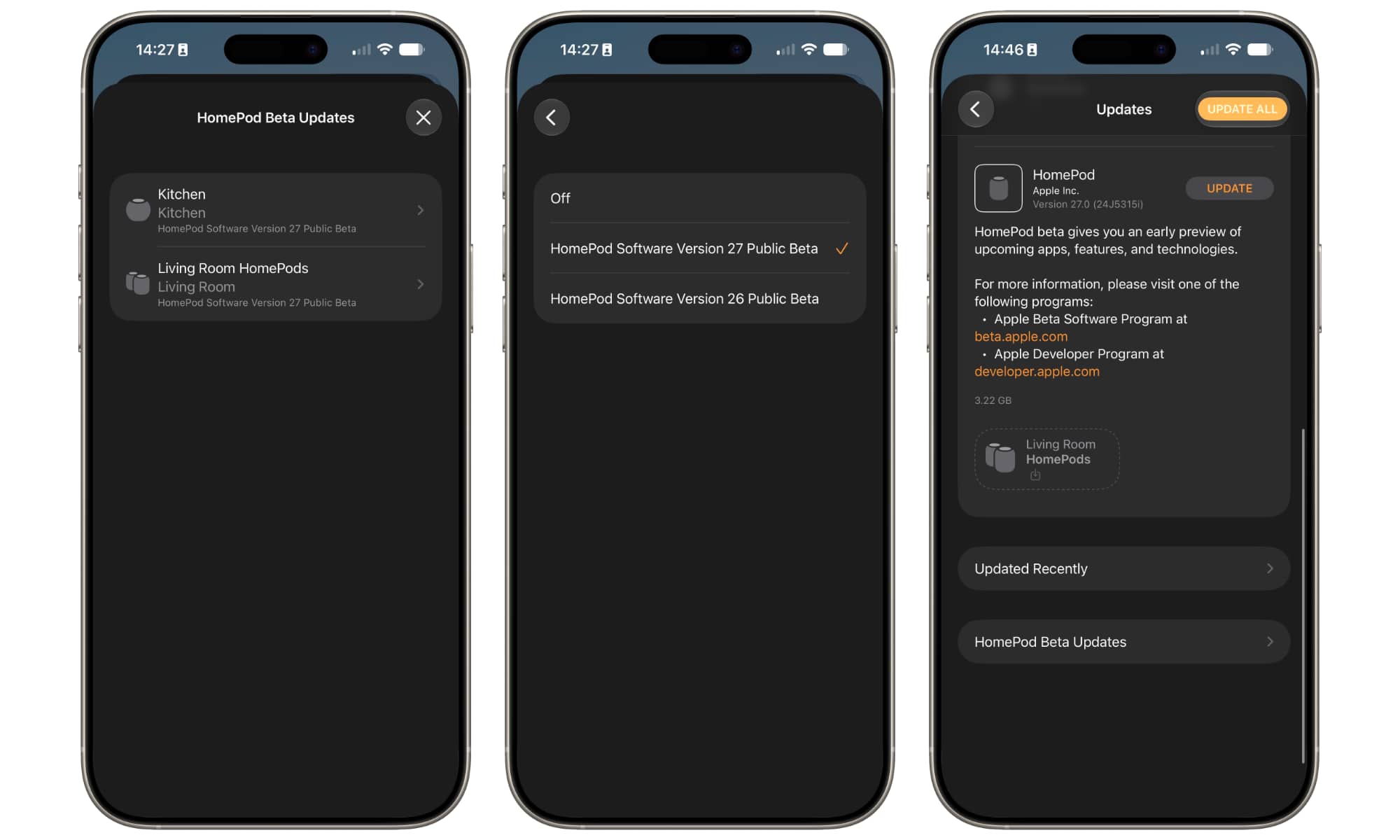
Perhaps one of the most exciting things about the start of the public beta cycle is that early adopters can finally add their HomePods into the mix — quite literally this time around.
While Apple releases developer betas of iOS, iPadOS, macOS, watchOS, tvOS, and visionOS almost immediately after its WWDC keynote each year, HomePod betas are typically much more limited, remaining available only to those invited onto Apple’s private “AppleSeed” program.
Everyone else has to wait until the public betas arrive, so while those on the developer beta won’t be getting updates for most of their devices this week, they will be able to bring their second-generation HomePod and HomePod mini up to the OS 27 level.
The original first-generation HomePod is excluded from the beta program, but that’s par for the course, and doesn’t mean that older smart speaker won’t be getting an update this fall — in fact, early adopters have already found evidence in the beta code to indicate the original HomePod will remain on the list.
The most significant new feature in HomePod Software 27 is AutoMix in Apple Music, although it packs in some other performance improvements, including faster AirPlay connections.
Should You Install the Public Beta?
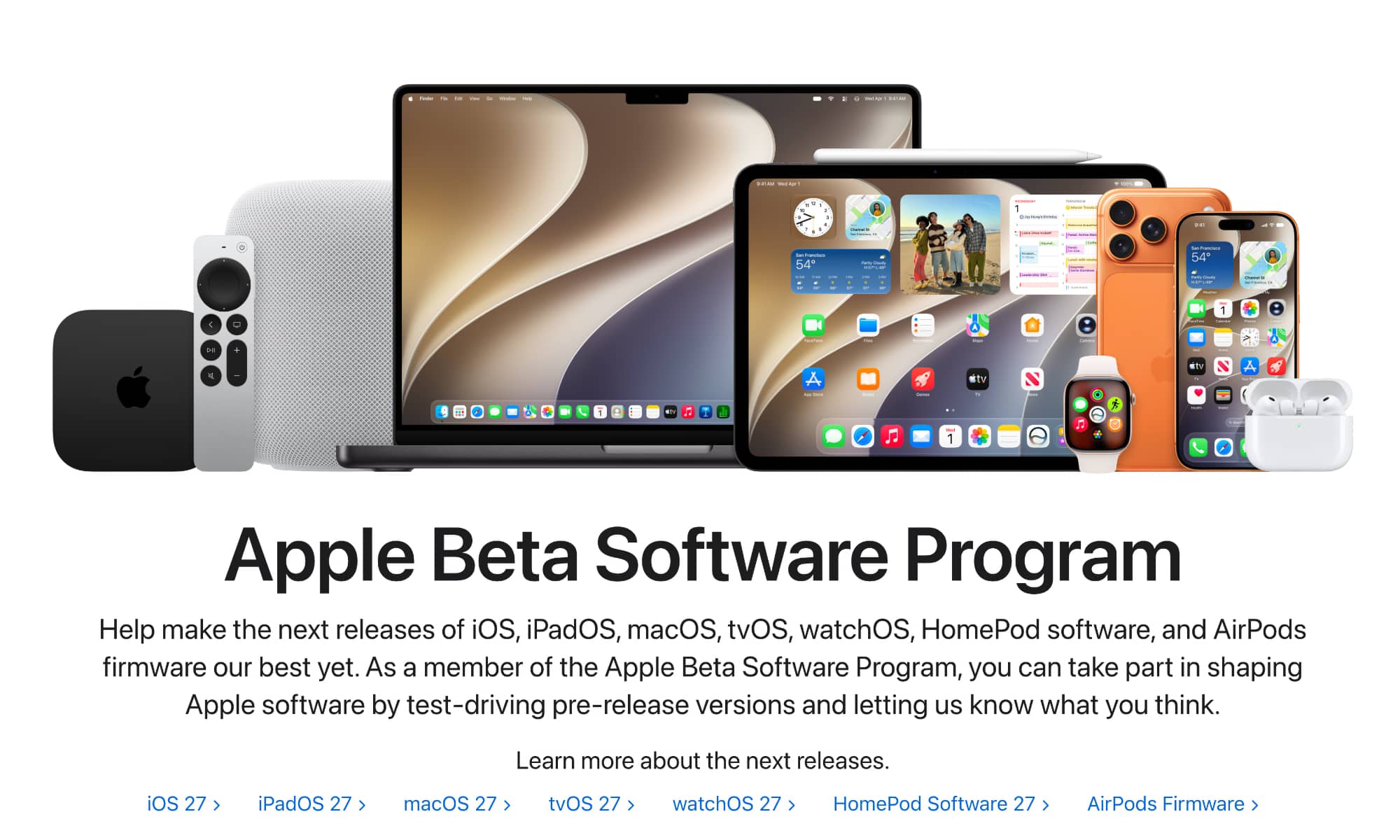
If you’ve already signed up to Apple’s Public Beta program in a previous year, you don’t need to sign up again for the OS 27 betas; the option for the “Public Beta” should appear in the Software Update setting for each of your devices just like it has in the past. Public beta eligibility is tied to your Apple Account, so once you’ve enrolled, the public betas will be available on all your Apple devices that are signed in using that account.
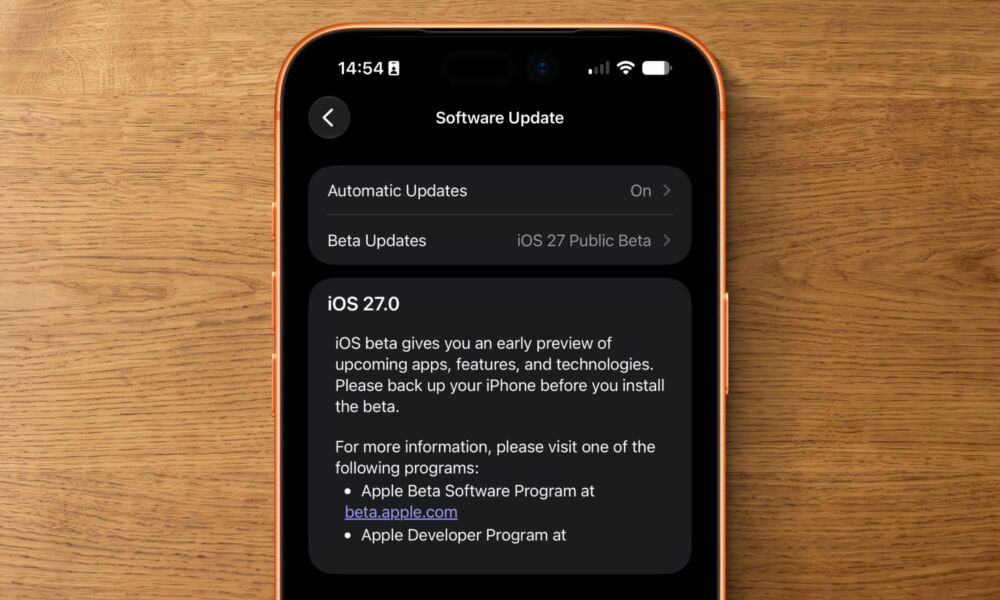
If this is your first time exploring Apple’s public beta program, you can sign up on Apple’s Beta Software Program website. You’ll find all the instructions there, but basically once you’re signed up, you can go to Settings > General > Software Update on your iPhone, iPad, or Mac, and select the OS 27 public beta from the “Beta Updates” drop-down. For the Apple Watch, you’ll find this in the iPhone’s Watch app, while the HomePod public betas are installed by going to Home Settings > Software Update in the Home app on your iPhone, iPad, or Mac.
However, you should also be forewarned that this is still beta software, and Apple makes it clear that you should be careful before wading into these stormier waters.
- Apple notes that public betas “may contain errors or inaccuracies and may not function as well as commercially released software.” That may sound obvious, but reading the comments on social media from folks who installed the first developer beta and then complained that things were broken, it seems that not everyone fully appreciates what the word “beta” means in this context.
- Don’t expect third-party apps to be ready for iOS 27 and the rest. Most should function as well as they did on iOS 26, but they won’t support new features of iOS 27 until the final release comes along in the fall. Many developers are actively working on embracing iOS 27 features such as integrating with the new Siri AI, but unless you’re fortunate enough to get in on a TestFlight beta for these apps, you won’t see any of these new features until the public release of iOS 27 in September, as Apple doesn’t allow these updates to be published on the App Store until then.
- Always make a backup before installing any beta operating systems. It’s a good idea to ensure you have a solid iPhone, iPad, or Mac backup even before updating to a public release, because stuff can and does sometimes go sideways. However, that goes double for a beta — even a public beta.
All of this having been said, I’ve been running the iOS 27 beta on my iPhone 17 Pro Max since it launched hours after WWDC, and the macOS 27 Golden Gate beta on my MacBook Pro (M4 Pro) since mid-June. Both have been remarkably stable — in fact, I’d argue they’re the most stable initial developer betas I’ve ever used.
This year’s public betas may be especially tempting, as the new Siri has been surprisingly good from the start. Again, you won’t get any real third-party app integrations yet, as developers need to update their apps for the new APIs, but Apple’s built-in apps like Messages, Mail, Calendar, and Reminders are fully supported by its new semantic indexing.
Still, your mileage may vary, so if you’re eager to try it out, be sure to keep the points above in mind to ensure your data is protected and you’re going into it with your eyes open.






