

How To
Here’s Why Photographers are Crazy for RAW Images and How to Shoot Them on iPhone
How To
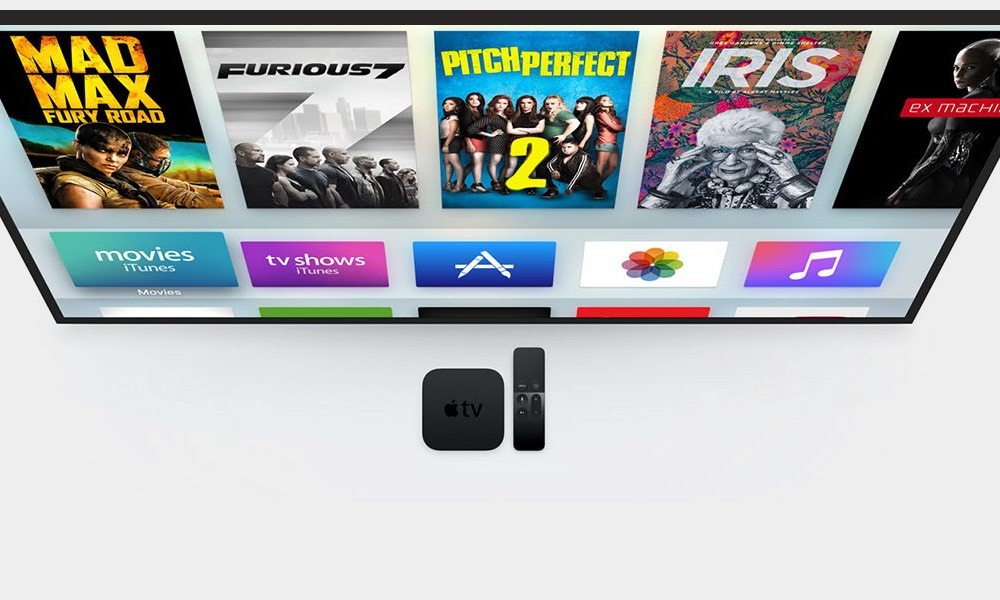
4 Ways to Stream Tonight’s Live Coverage of the Election on Apple TV
How To
5 Quick and Easy Ways to Speed Up Your iPhone
How To
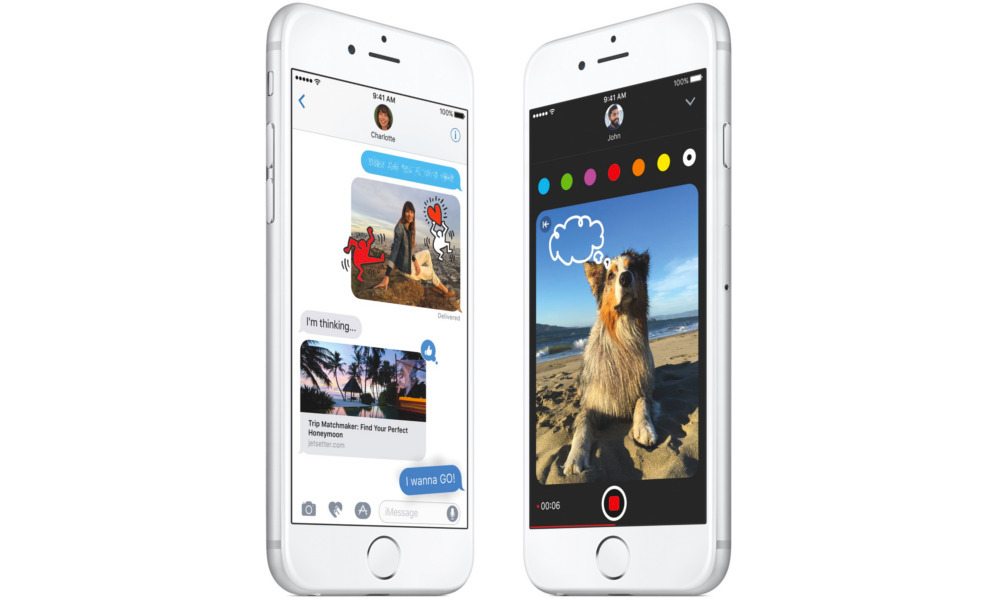
How to Edit Photos Directly from iOS 10’s Messages App
How To
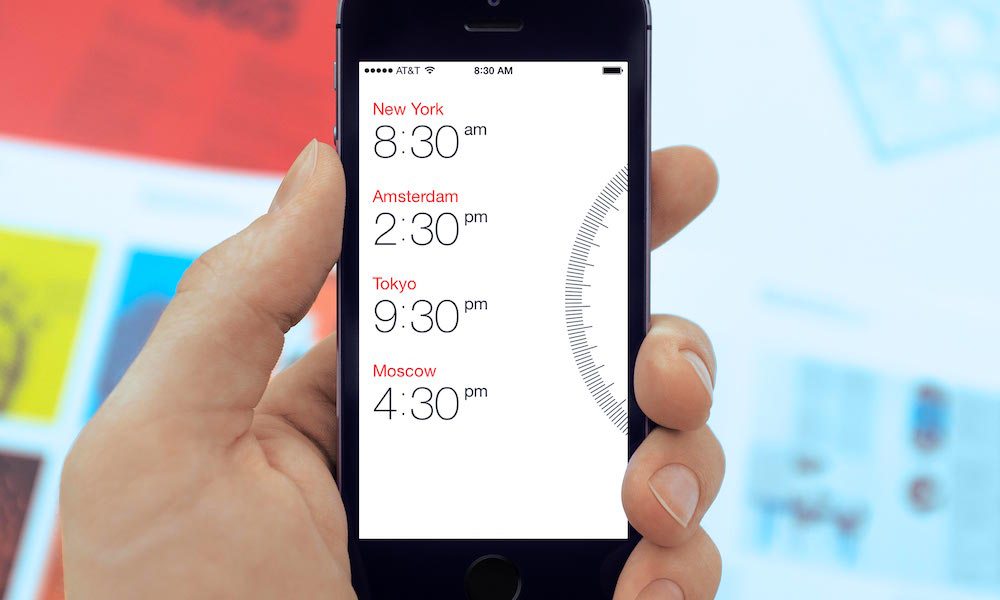
Daylight Saving Time: How to Ensure Your iPhone Will Automatically ‘Fall Back’ an Hour

How To
How to Save Vine Videos Directly to Your Computer, iPhone, or Android Device
How To
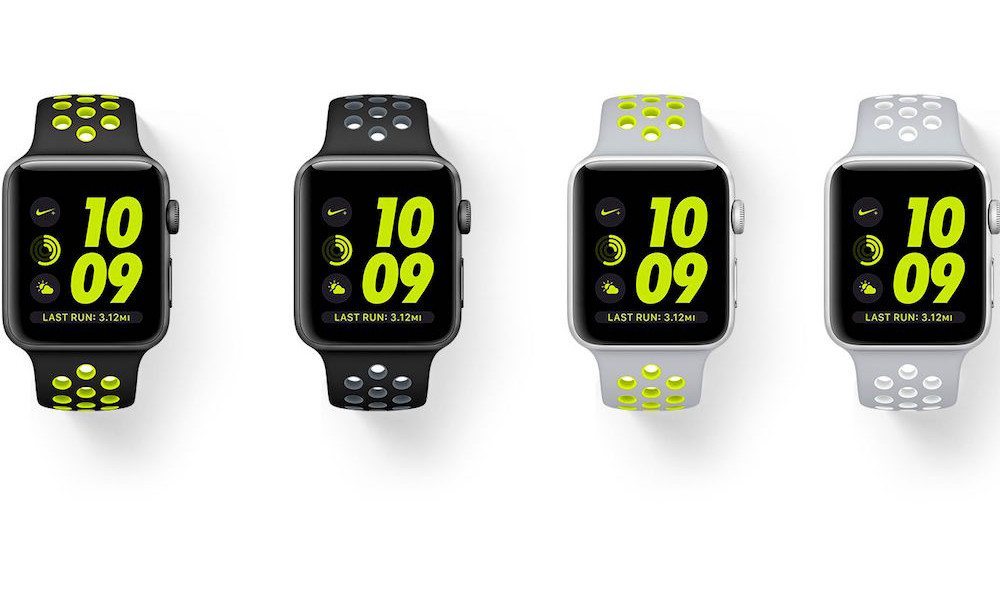
Top 3 Reasons to Choose the Apple Watch Nike+ over the Standard Series 2
How To
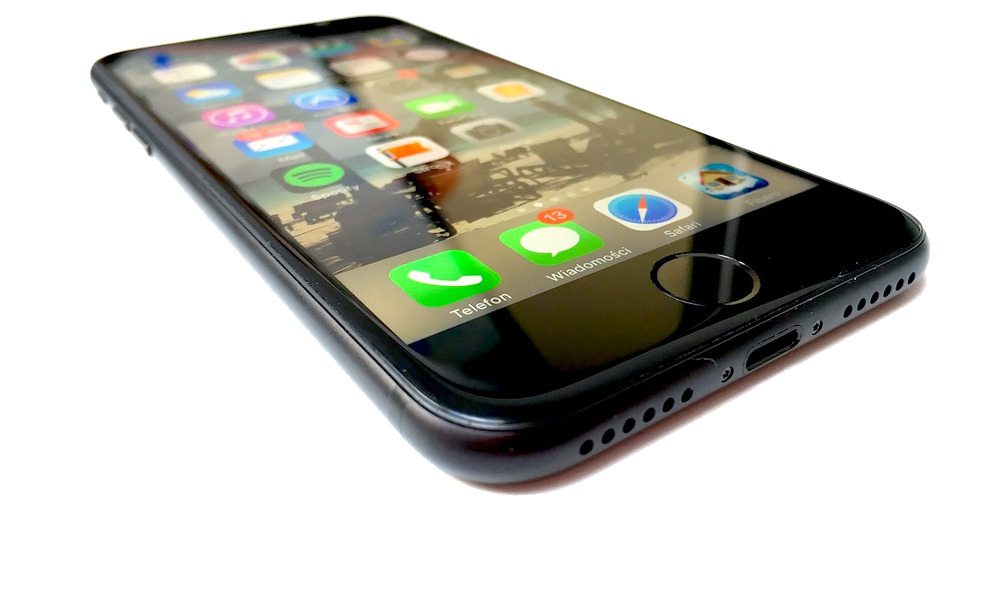
How to Turn off 5 of iOS 10’s Most Annoying Features

How To
How to Find Your Parked Car Using Apple Maps in iOS 10
How To
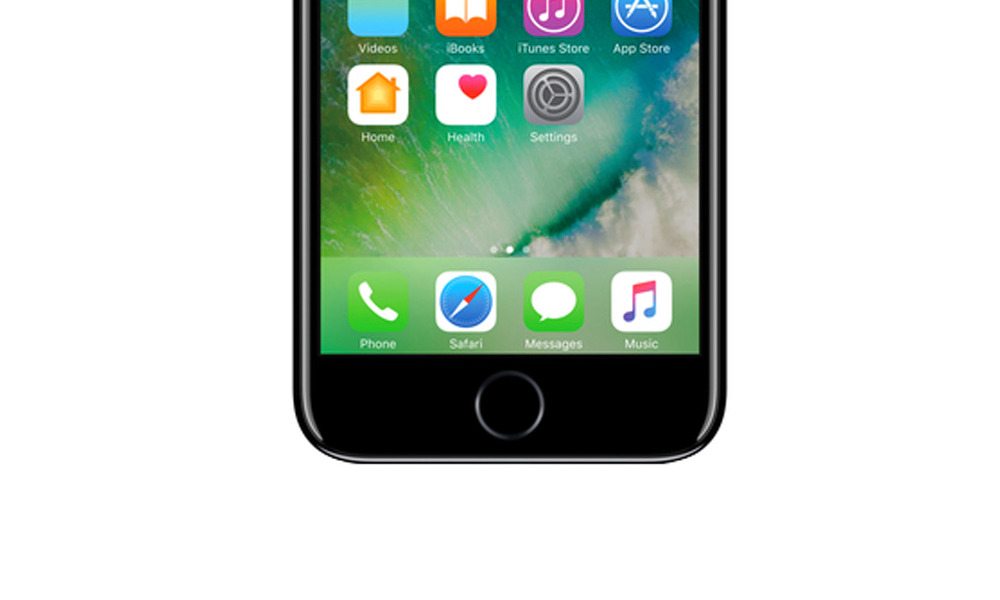
Here’s How to Activate the iPhone 7’s Hidden Home Button
How To
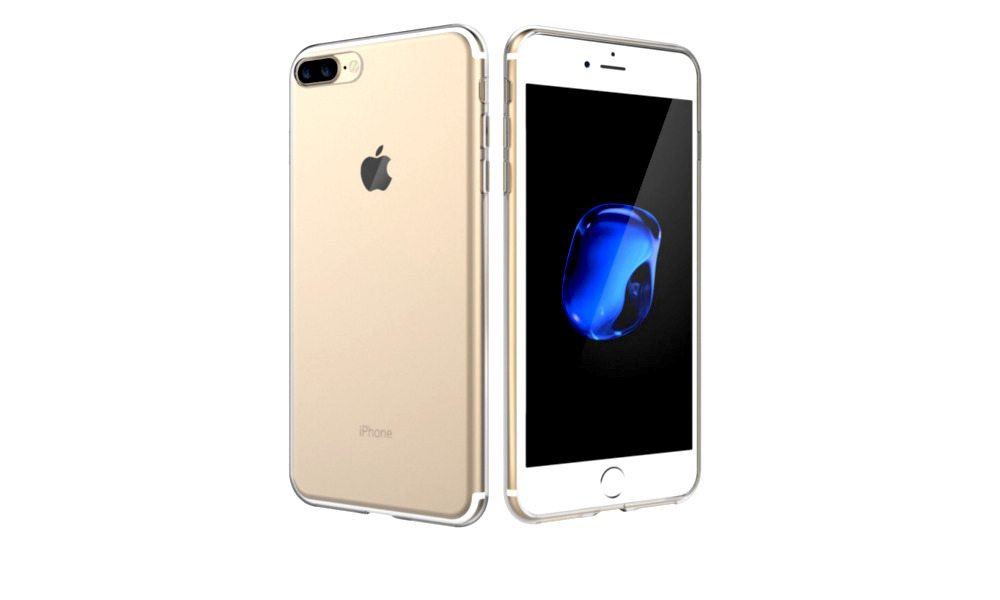
10 Ways Android Users Benefit By Switching to iPhone
How To
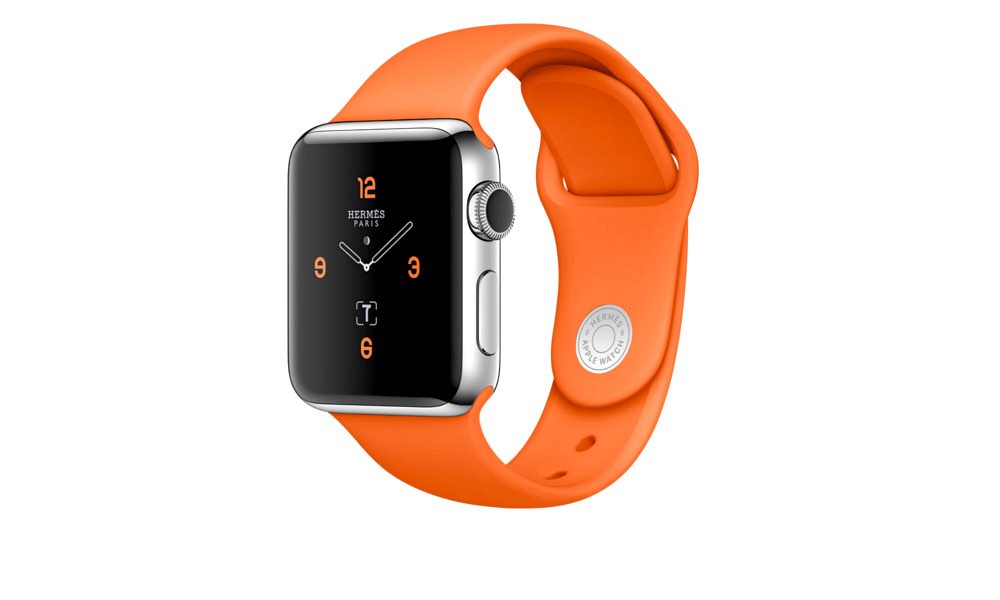
How to Subtly Wake Your Apple Watch Series 2 Using the Digital Crown

How To
5 Incredibly Useful Mac Keyboard Shortcuts You Didn’t Know
How To
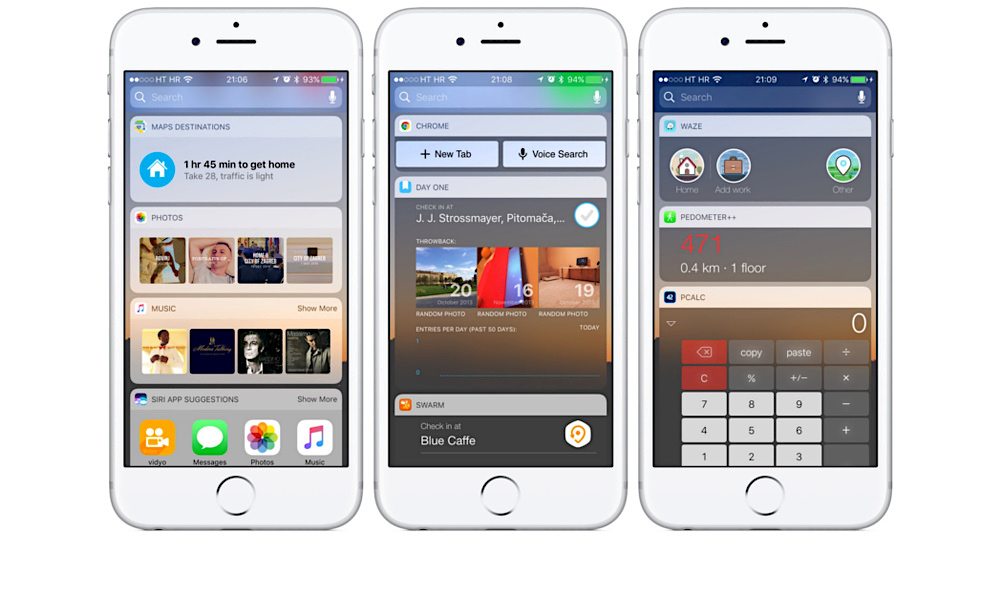
How to Customize and Add Widgets to Today View in iOS 10
How To
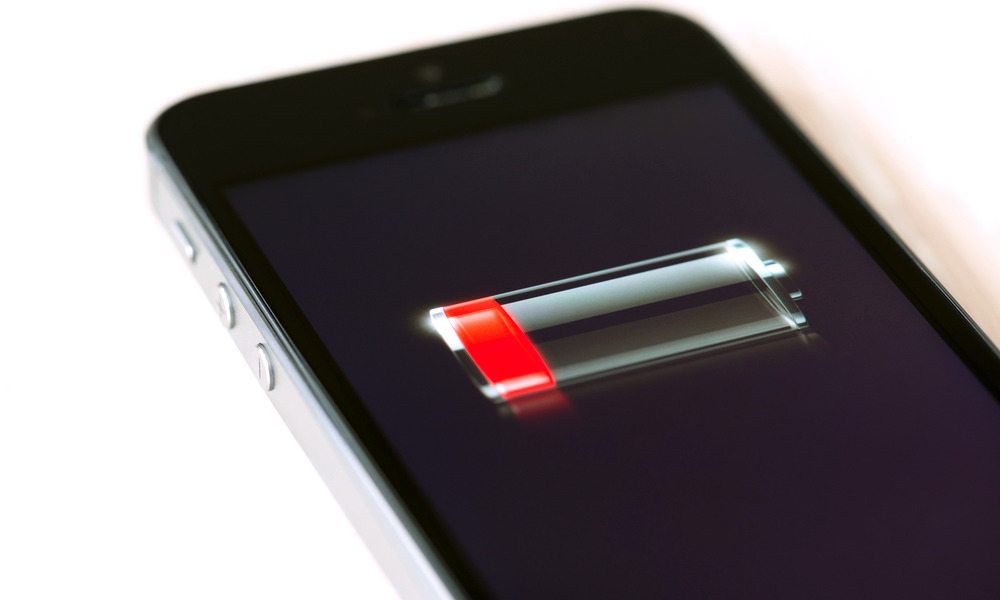
5 Surefire Ways to Increase Your iPhone’s Battery Life in iOS 10
How To
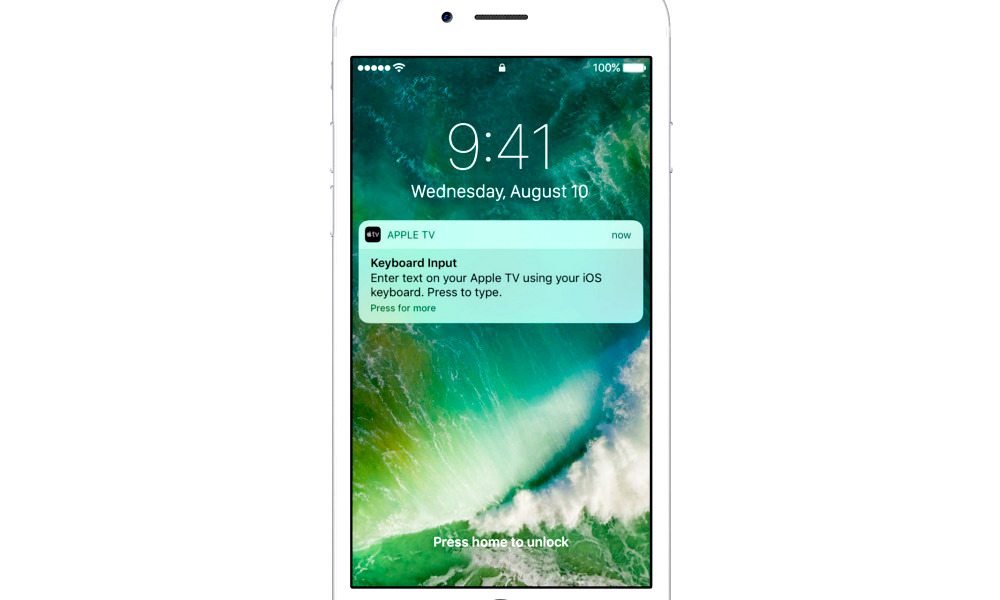
iOS 10’s Rich Notification System Allows You to Use Your iPhone to Type on an Apple TV
How To
Unlock the hidden potential of all your Apple and iOS devices. iDrop produces the most useful How-Tos and Tips for all Apple and iOS users.
