
Why Your Freezer Is the Absolute Worst Place for an Overheating iPhone
 Antb / Shutterstock
Toggle Dark Mode
A new series of posts going viral on TikTok are, as usual, offering spectacularly bad advice. This time, it’s on how to deal with an overheating iPhone. Just stick it in a refrigerator, seems to be the common, homespun wisdom of random TikTokers who have no credentials beyond having achieved some modicum of “influencer” status.
Of course, it’s easy to understand why that seems logical on the surface, especially in the middle of a summer of record temperatures and rampant wildfires. Hot iPhone? Why not put it on ice?

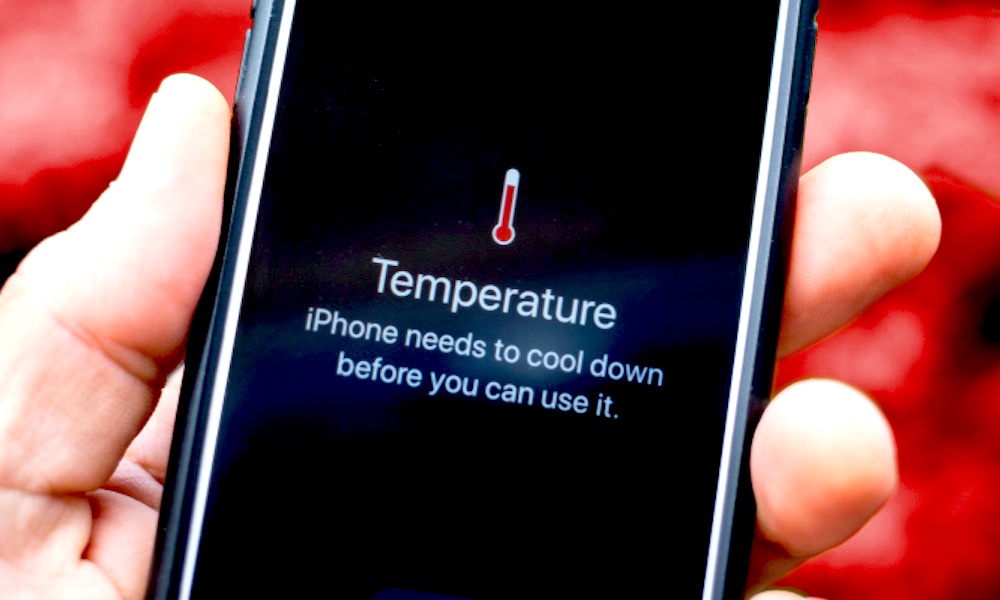
This may feel even more urgent if your iPhone is showing a high temperature warning. That’s not uncommon if you’ve left your iPhone in your hot car or sitting in the sun, but it’s also enough to cause some folks to panic, fearing that it might cause damage to their iPhone, or even risk a battery fire.
The good news is that neither of these are a risk. Battery fires aren’t caused simply by overheating, and the very high temperature warning that tells you to stop using your iPhone until it cools down is what’s actually protecting the internal components from facing heat damage — and if it gets too hot, it will actually just turn itself off entirely.
Even if you’re not worried, a high temperature warning still prevents you from using your iPhone until it drops below a certain threshold temperature. While sticking it in the refrigerator, or even the freezer, might seem like a smart way to speed up that process, it’s actually a disaster waiting to happen. Here’s why.
Rapid Temperature Changes are Bad
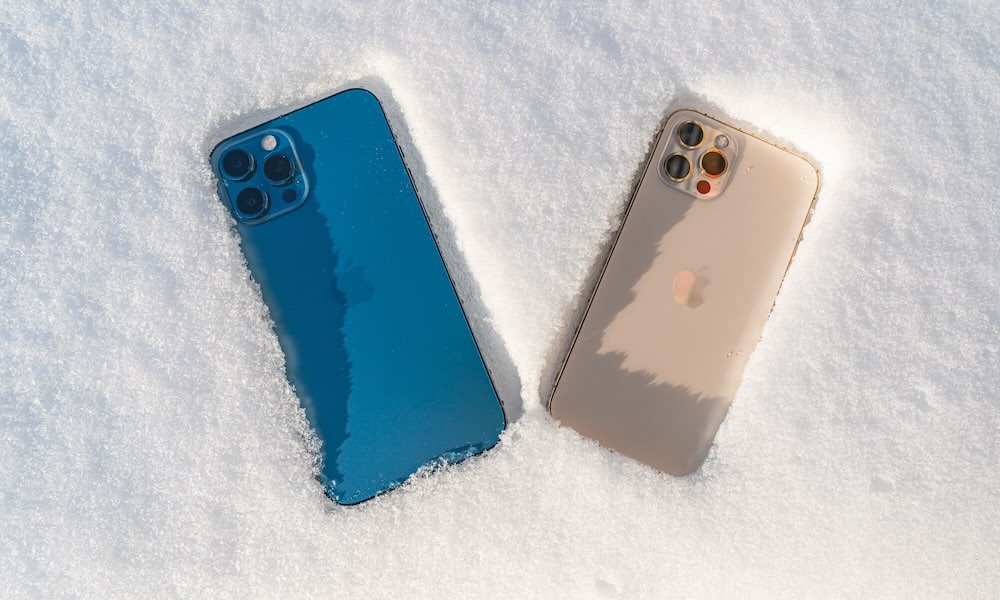
Taking an iPhone that’s running at 110 degrees Fahrenheit or more and rapidly dropping it down to around 40 F or lower is a perfect recipe for two problems: thermal shock and condensation.
Thermal shock is what happens when a sudden, extreme change in temperature causes uneven expansion or contraction of materials. Imagine pouring boiling water into an ice-cold glass or pouring hot water on a frozen car windshield and you’ve got the general idea.
The same thing can happen inside your iPhone. As the temperature drops, the various materials will contract at different rates, and if that happens too quickly, the internal stresses can damage the internal circuit, battery, screen, and camera hardware. Some of this damage may not be immediately apparent, but it will shorten the life of your iPhone.
Condensation is an even higher risk. The iPhone is water-resistant, not waterproof — and it’s certainly not airtight. That means humid air, containing water vapor, is almost certainly floating around inside most people’s iPhones.
Take a hot iPhone and put it into a cold environment, and that water vapor will suddenly condense into liquid moisture. Water resistance doesn’t help here because that vapor already got past the front-line defenses by sneaking inside disguised as a gas rather than presenting itself as a liquid.
It should go without saying that water inside any electronic device is a bad thing, and depending on where it lands, the consequences could range from simple long-term damage to catastrophic failure.
In fact, the BBC reports that enough people in the UK have been sticking their iPhones in the fridge or freezer that the country’s repair business is booming. One repair shop owner, Jamie Farnell, said he was getting “flooded” with repairs with “almost all of them” due to the heat.
However, the iPhones and other smartphones weren’t coming in due to heat damage. Instead, they were suffering “internal moisture damage” — likely as a result of being put in fridges or freezers. He even had an iPad explode in his shop as a result of a swollen lithium battery.
It’s worth noting that Apple has its own instructions for dealing with a hot iPhone, and none of them involve putting it in the freezer. Instead, it simply advises users to follow three simple steps:
- Turn off your device.
- Move your device to a cooler environment (away from direct sunlight).
- Allow your device to cool down.
Of course, it’s better to prevent your device from overheating in the first place, which isn’t hard to do if you follow a few simple steps, including avoiding direct sunlight, playing demanding games in hot environments or while charging your iPhone, turning down your screen brightness, and ensuring your iPhone software and apps are always up-to-date.






