
PSA: A Dangerous New Scam is Targeting Apple Pay Users
Toggle Dark Mode
Apple Pay is one of my favorite ways to pay, due to its convenience and overall security protections. I particularly appreciate that it doesn’t transmit my actual credit card number, but instead, uses a one-time token for the transaction.
That said, the bad actors of the world have figured a way around those protections by using just a bit of social engineering.

As reported by author and nationally syndicated radio show Clark Howard, fraudsters trick you into giving them access to your bank account by preying on your sense of charity. It’s the latest variation on a scam that went viral on TikTok two years ago.
Here’s How the Tap-to-Pay Charity Scam Works
When people are out shopping they’re in the mood to spend a bit of money and can even be more in the mood to be charitable, particularly during the holiday gifting season. However, scammers are always waiting to relieve you of your hard-earned cash.
In four easy steps, here’s how the scam works:
- A solicitor approaches you in a busy public area like in front of a store or at the mall, saying they’re collecting donations for a worthy cause.
- If you offer cash they’ll take it, thank you, and move on to the next target. If you offer the tried and true reply, “Sorry, I don’t have any cash on me,” they’ll quickly assure you that they can take a donation right on the spot using tap-to-pay on your smartphone. They’ll explain how it’s completely safe. Why, you can even use Apple Pay if that’ll make you feel safer!
- Here’s where the scammers make their move. They ask for a small donation — just $5 or $10 or so. But, oh darn! Their reader isn’t working properly! Thus is when they say, “Oh, let me see your phone to help you with that.”
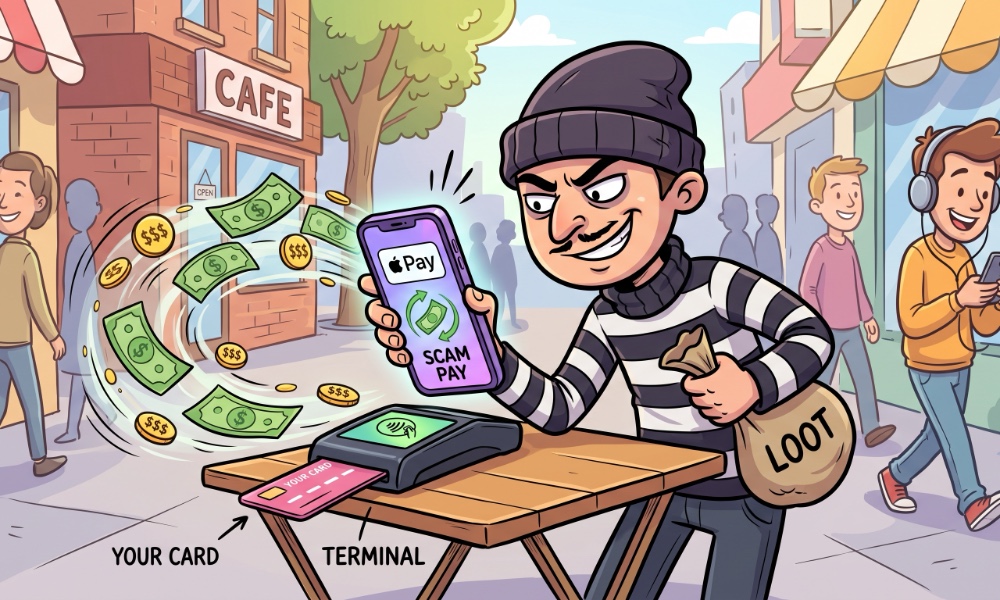
- Here’s where they steal the money from your account. If you’re trusting enough to hand over your phone in the middle of the transaction, they’ll tilt their mobile payment terminal a bit away from your sight and change the amount. A $5 donation immediately becomes $500, that $20 gift from the bottom of your heart becomes $200. The bad actor completes the tap, the phone beeps, they hand it back, thanking you profusely, then walk away in search of a new victim, a bit richer thanks to taking your hard-earned cash.
Not only did your money go straight into a scammer’s pocket instead of assisting a well-deserving charity, you also handed over your unlocked device, which contains your most sensitive personal and financial information.
How You Can Protect Yourself and Your Money
Okay, so it’s bad out there with bad actors waiting on every corner, but what can you do to protect yourself and foil their nefarious schemes? Always keep these rules in mind:
Do NOT Hand Over Your Unlocked Phone!
If you’re like me, everything is on your iPhone, there is no way you should ever hand over your smartphone in an unlocked state to a stranger. (Or to most friends and family, for that matter. I’ve always thought that Uncle Billy seems a bit shifty, if you know what I mean.)
Never give your phone to a stranger for anything — especially in the middle of a tap-to-pay transaction. The moment someone gets their hands on your unlocked device, they have access to your personal data, messages, and financial tools. But if you’ve already authenticated your phone to pay for something, they can also take whatever amount of that payment card will allow them to.
In addition to avoiding the tap-to-pay charity scam, also be careful when on vacation and asking someone to take your picture. Any time you hand over an unlocked phone there’s a risk. Even if it’s for a few moments.
Pro tip: Many smartphones, the iPhone included, can take photos and record video while locked. Make sure your device is locked when asking for amateur photography services.
Double-Check the Amount Before You Tap
Any time you are using tap to pay, be it for a charity or at a merchant or vendor, always double-check the exact dollar amount displayed on the terminal before holding up your phone or card to complete the transaction.
Vet Any Charities Before You Give
Be wary of giving money to random solicitors coming to your door, approaching you on the street, at malls, or over the phone. In situations like that, you won’t have any way to verify on the spot whether the organization is real or if the person represents them.
Even doing a quick web search for the charity isn’t a sure thing, as scammers will go so far as to either care fake ID for a legitimate charity, or even buy domains and set up scammy websites to take your money and run.
If the solicitor pressures you in any way, walk away. Only give your money to charities and other organizations that you know are legitimate.
Lock Down Your Financial Apps
Keep your financial apps and payment platforms locked down. Apple Pay already requires Face ID, Touch ID, or your passcode for every single transaction, but you should ensure you enable the same restriction for other platforms like Venmo, Cash App, PayPal, and especially your mobile banking apps.
This way, even if your phone is unlocked, those extra protections will keep your money and financial data safe. Turn on multi-factor authentication, PIN protection, or biometric login (Face ID or Touch ID) in each individual app’s settings. In the unlikely event an app doesn’t offer those settings, you can lock it behind Face ID at the OS-level — as long as you’re running iOS 18 or later.
That way, if anyone ever does get their scammy paws on your unlocked phone, they still won’t have access to your bank accounts or be able to transfer funds.
In Closing
By staying alert and watching for the signs of a scammer, you can keep your money safe and sound, making sure to save that money for truly deserving charities, like Uncle Chris’ Home for Retired Video Game Players. Why, for just $14.00 a month, you can help feed and clothe a retired gamer…






