iOS 27.3 Beta 2 Brings Face Unlock to the iPhone Duo, Siri AI in Safari, and More
Toggle Dark Mode
Following the release of the first developer beta of iOS 27.3 at the beginning of November, Apple has just pushed out a second installment. Like most later betas, this mostly refines things from the first one, but the company has also tucked a couple of fascinating new features in here.
The most notable change in iOS 27.3 so far has been the return of the redesigned Health app that Apple showed off during its “Surprise and Shine” event in September alongside the new Apple Watch models. It was a given that the new app wasn’t going to be available with iOS 27.0, but when it made an appearance in the iOS 27.2 betas in October, it got some people’s hopes up — despite the fact that Apple said it was only testing it and had no intention of including it in the final release.

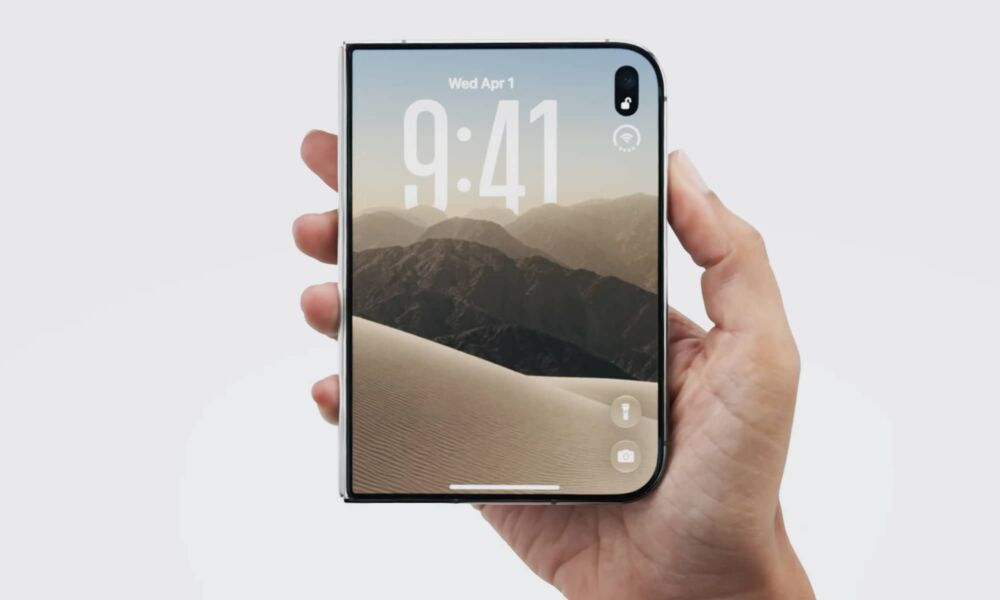
However, it’s coming for good in iOS 27.3 — and Apple has made that official. Along with the new Health app, iOS 27.3 also adds a Selfie Sing video karaoke mode, an Adaptive Dark Mode for Safari, and a more versatile set of StandBy faces, clearly borrowed from the iPhone Duo.
Facial Recognition for iPhone Duo
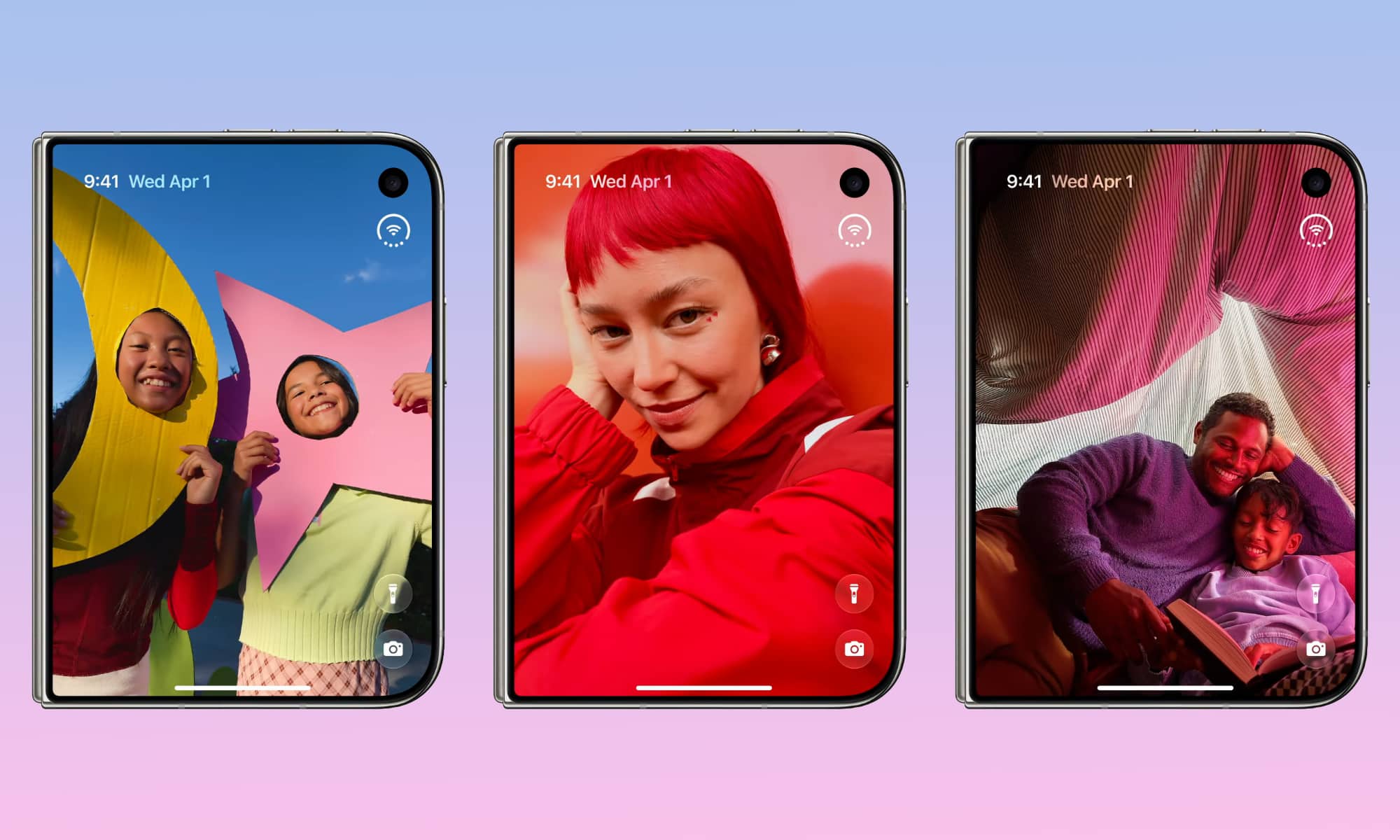
Now, the second beta of iOS 27.3 is adding another trick for iPhone Duo owners who have lamented its reliance on Touch ID: a facial unlocking feature that simply uses an analysis from the outside front camera (not the inside one, which is likely too low of a resolution). This is joined by a setting that also tells the iPhone Duo to lock every time you fold it closed, rather than transition the active app to the cover screen.
To be clear, the iPhone Duo is not equipped with a TrueDepth camera that can do 3D mapping the way mainstream iPhone models are (and have been since the iPhone X introduced Face ID in 2017). This is the more basic facial recognition that’s long been standard on Android smartphones. That means it’s less secure by design, although Apple hasn’t yet said how much less.
Our guess is that this will work much like it does on the HomeView, which can also do facial recognition to identify which member of your family is interacting with it. Users will be prompted to scan their face from multiple angles, but time will tell how easy it will be to bypass this. Early Android facial recognition systems could be fooled with a photo, but we’d be shocked if Apple’s implementation is that weak.
It’s also telling that this is strictly an unlocking method. You’ll still need to use Touch ID (or your passcode) for anything else that requires authentication, such as Apple Pay, autofilling passwords, and unlocking apps. It also has a very short time limit on — 45 minutes at this point — which means you’ll only be able to use the facial unlocking feature if you’ve already unlocked your iPhone using Touch ID or your passcode within that time frame.
In other words, this is definitely more of a convenience feature than a security one, but it will do for those who really don’t want to fiddle with Touch ID every time they pick up their iPhone Duo — at least until Apple figures out how to cram a TrueDepth camera into its ultra-thin foldable (and do so without raising the price to even greater heights).
Ask Siri About Webpages
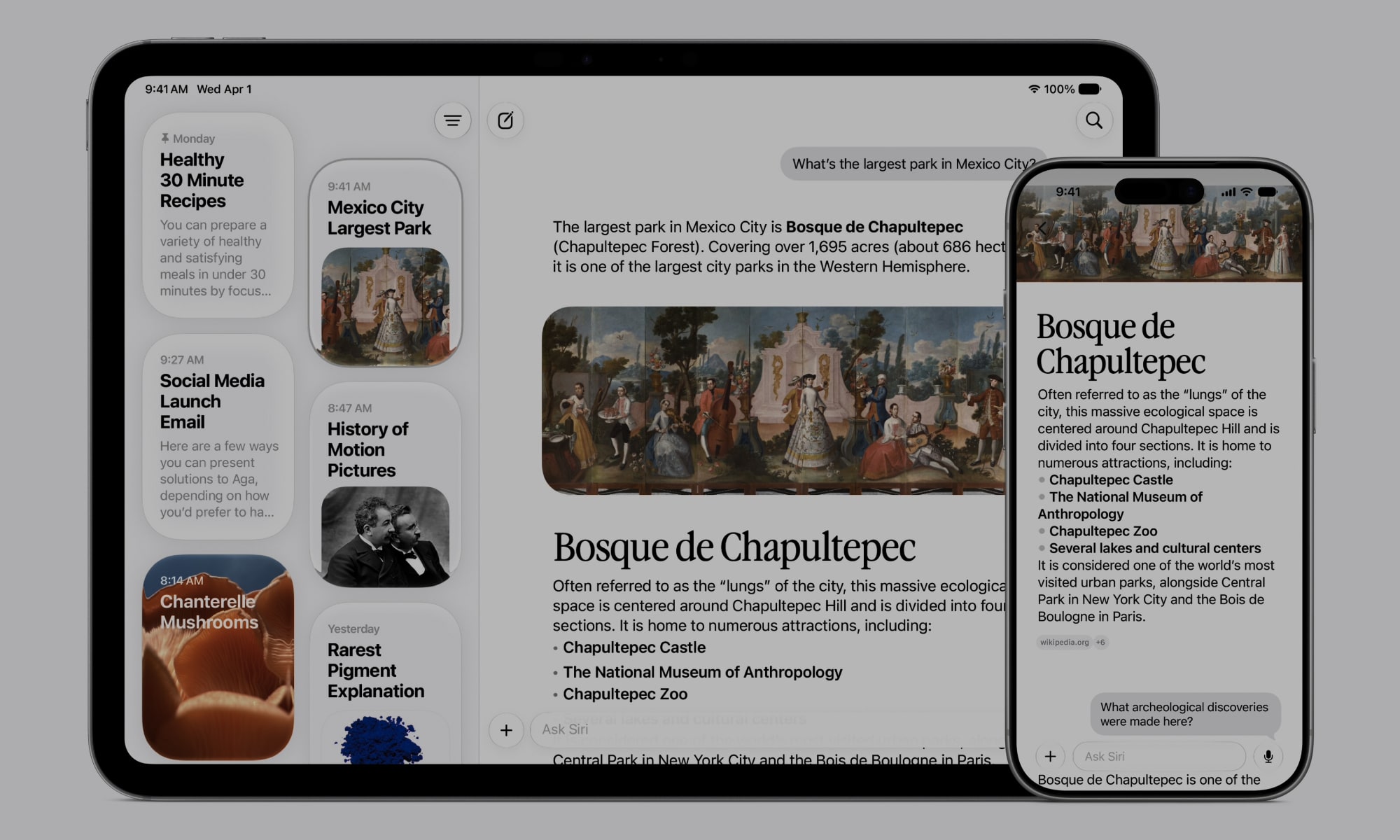
Siri AI also gains a new “Ask About Page” feature for Safari in iOS 27.3 that will allow the voice assistant to pull in an entire webpage — not just what’s visible on the screen — and analyze or summarize it.
For example, you can ask Siri to filter a restaurant menu without having to scroll all the way through it, or to summarize an article or a guide.
This continues the expansion of Siri AI’s capabilities that began in the first beta, which already allows Apple’s new AI assistant to delve more deeply into apps like Calendar, Files, Journal, Mail, Maps, Messages Music, Notes, Photos, Reminders, and Weather.
With iOS 27.3, Siri AI will go beyond simply reading information from these apps to allowing you to make changes, such as adding locations to the Weather app, managing tabs in Safari, or organizing content in the Files app. Siri AI also reintroduces the ability to ask questions about your metrics in the Health app — something that was initially walled off from the updated assistant, despite Siri Classic being able to handle these queries.
Other Tweaks in iOS 27.3 Beta 2
There are also several smaller changes in the latest iOS 27.3 beta that are worth noting:
- It appears that Apple will be starting to more visibly enforce Siri AI and Apple Intelligence usage limits, starting in iOS 27.3. It’s outlined these in a support document, but the phrasing suggests that the new release will allow the higher limits to be unlocked by those on eligible iCloud+ plans, rather than simply enforcing new limits.
- The Apple TV app now includes a video podcasts section, along with short-form vertical video clips.
- The Calendar app has moved more controls to the bottom. Only the view button remains in the top-right corner, while the new event and search buttons drop to the footer, with the Today button shrunk to a calendar date. The current month also now shows in the top-center, between the back and view buttons. This increases the available real estate for the actual calendar, while reducing how often you have to reach to the top on larger screens.
- Apple News+ is bringing puzzles to Australia and the UK, as well as expanding to the French language in Canada.