iOS 27.3 Brings This iPhone Duo Trick to the Rest of the Family
Toggle Dark Mode
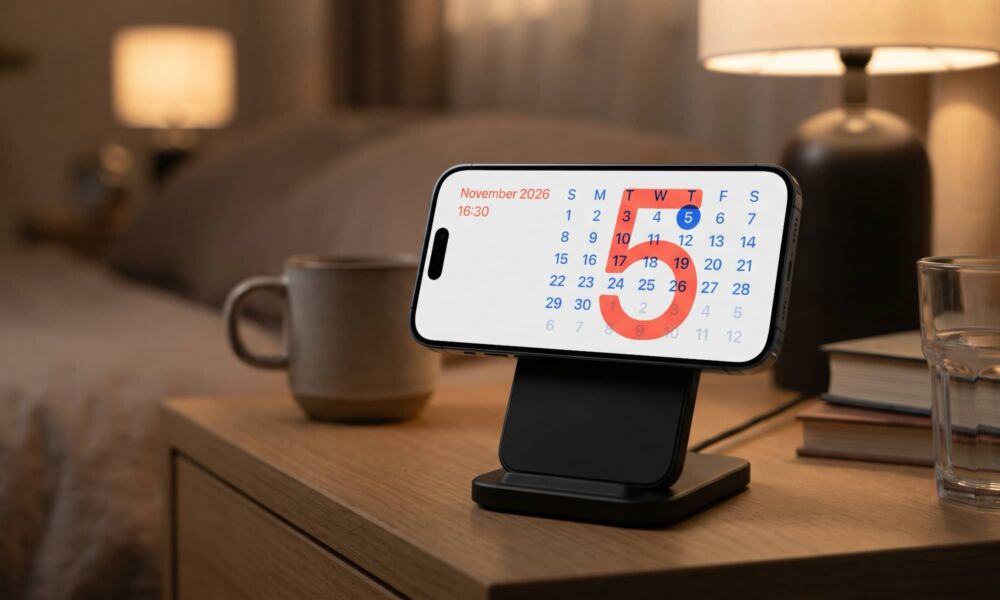
One of the most interesting software-level features to come to the iPhone Duo was an entirely new StandBy design that effectively turned Apple’s new foldable into a smart display, with unique new clock, calendar, photo, and weather faces.
While this seemed like a natural extension of the StandBy feature that Apple added to the rest of the iPhone lineup in 2023 with iOS 17, there was a sense that Apple was making it exclusive to its new foldable due to the unique ability of the iPhone Duo to be propped up on its own and therefore display these screens without the help of a stand.
Although the ability to use StandBy mode anywhere remains exclusive to the iPhone Duo, Apple is extending the new StandBy design to the rest of the iPhone lineup in iOS 27.3. In fact, the first developer beta completely flips the legacy StandBy feature on its head by replacing it with the same system as the iPhone Duo — a design that clearly borrows much of its inspiration from the Apple Watch and its gallery of faces.
Gone are the fixed three StandBy views for widgets, photos, and clocks. Instead, you can create a seemingly unlimited number of StandBy faces. I’m not sure if there’s an actual limit, but I gave up trying when I hit about 25, which is probably a lot more than most reasonable people would even want.
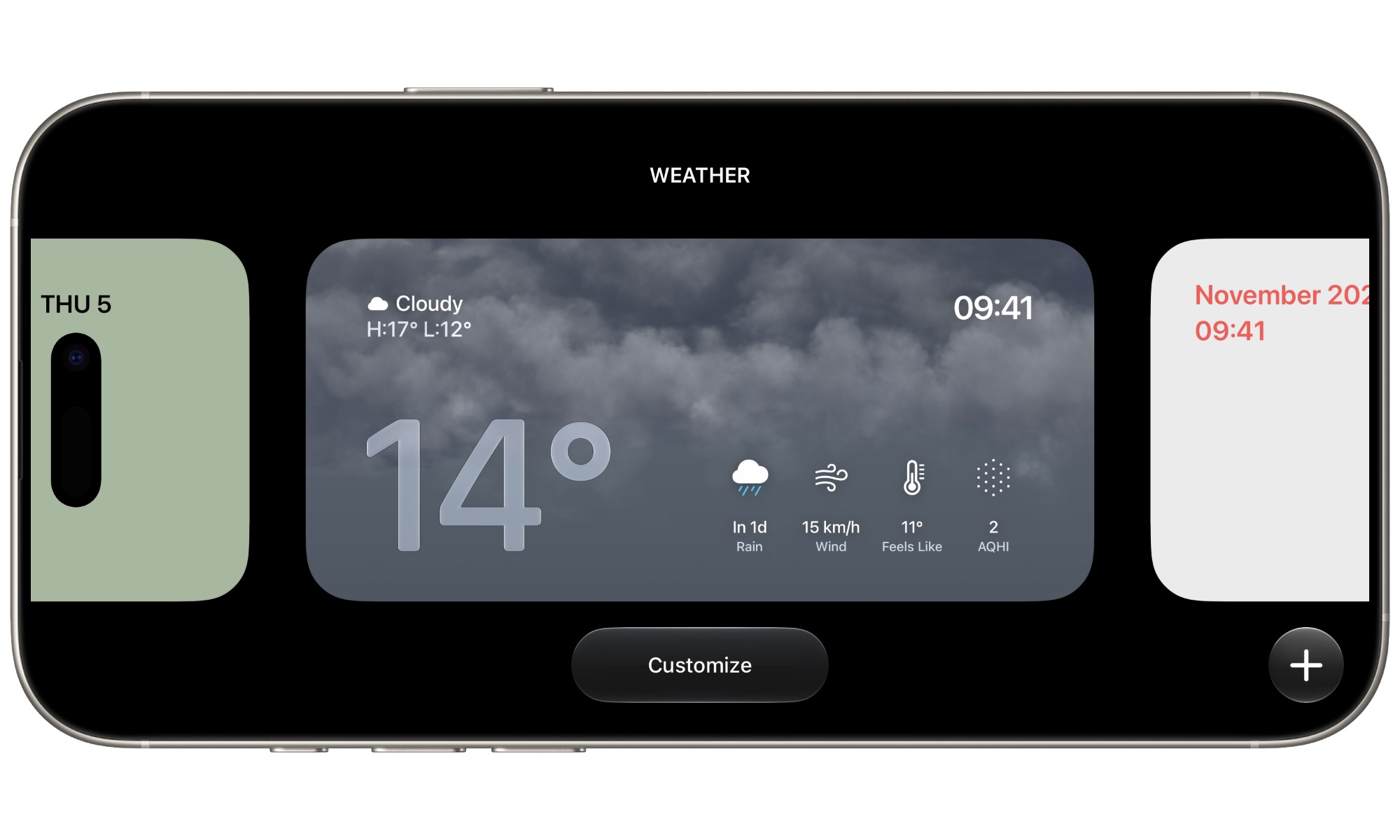
Those are currently grouped into seven categories: Photos, Memories, Modular, Weather, Calendar, Digital, and Analog. The last two represent standard clock views, while Modular directly replaces the old two-pane widget view with a version that allows for customizable color themes.
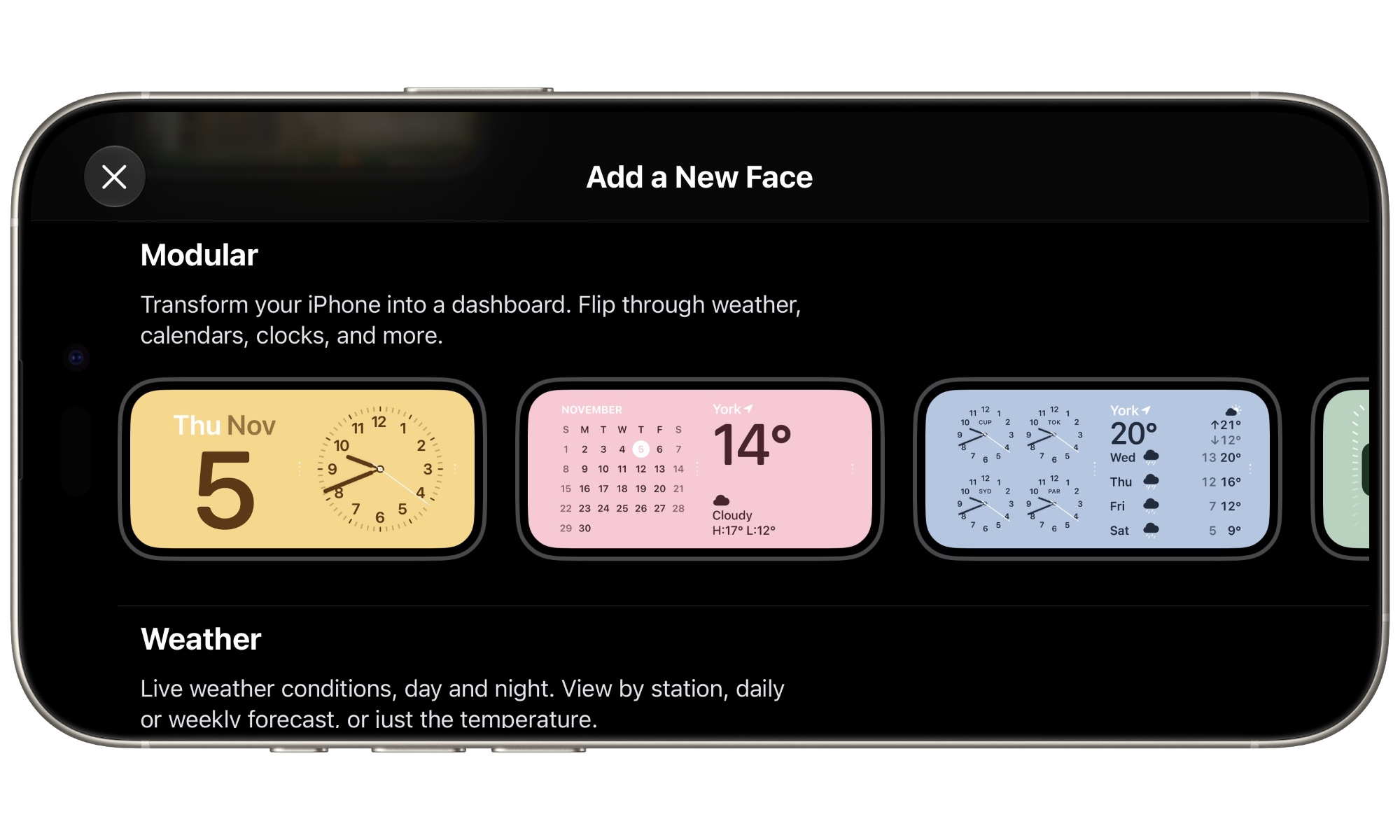
The Modular screen otherwise works much the same way as the old widget one did before, allowing you to add multiple square widgets that you can swipe through. However, the fact that you can now add multiple Modular faces side by side — and easily swipe between them — might make you rethink how many you want to stack on a single screen.
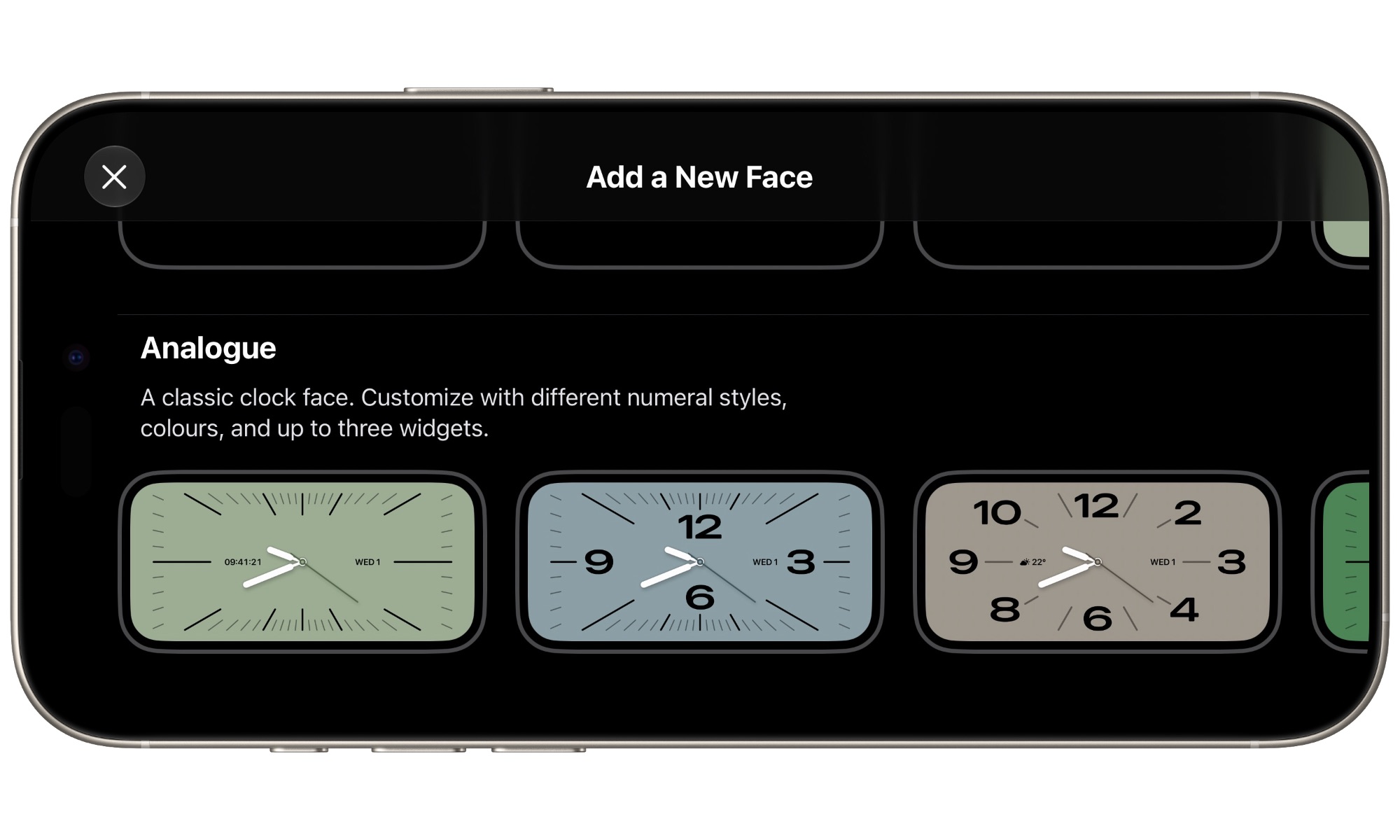
Like Apple Watch faces and iPhone Lock Screen wallpapers, iOS 27.3 provides a gallery of faces in each category, but these are largely just pre-customized versions to let you dive right in. Depending on the face you choose, you can tweak elements like styles, fonts, and accent colors, plus add small widgets in the style of Apple Watch complications.
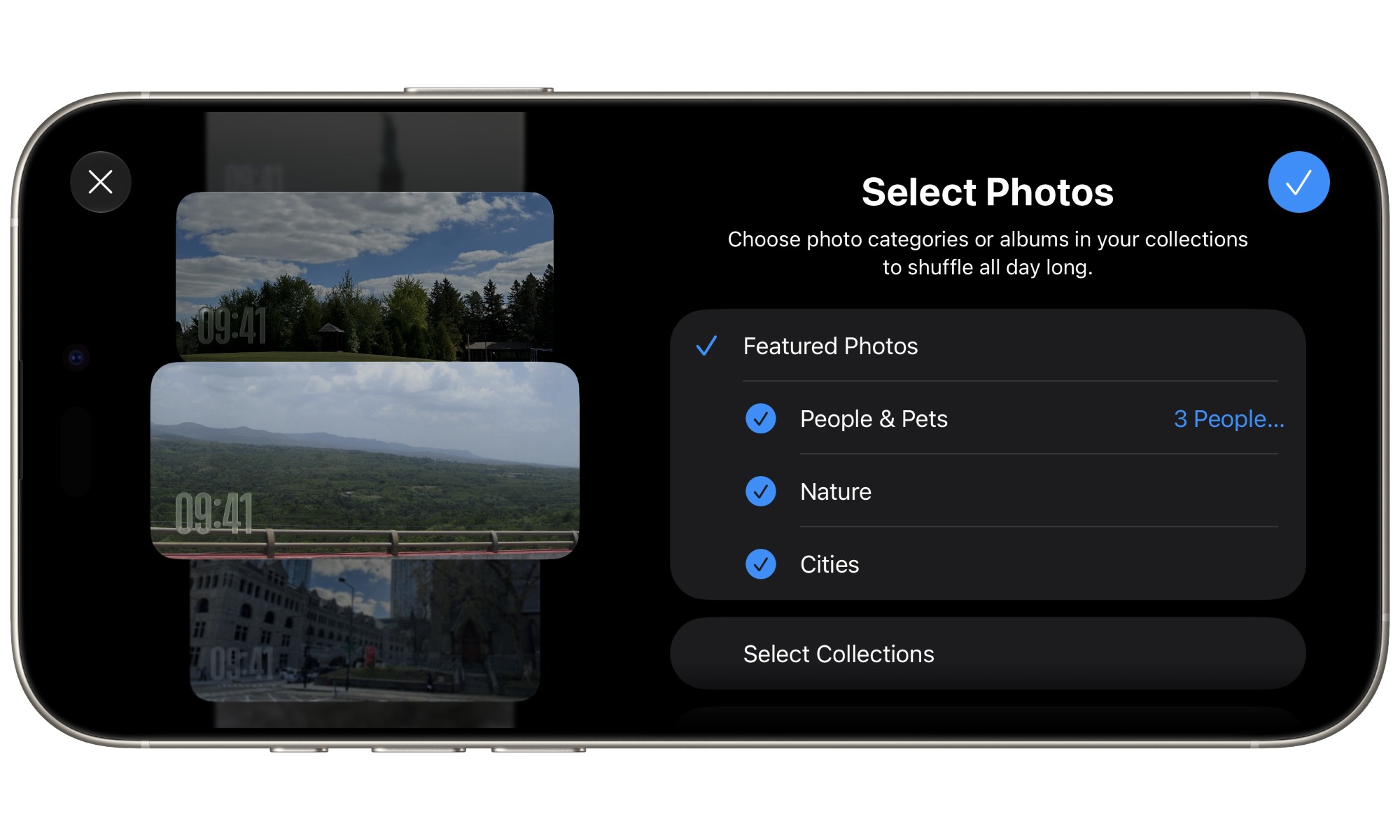
The Photos and Memories faces are a bit more restrictive, displaying only the time over the current image like a digital picture frame. As with Lock Screen wallpapers and the original Photos StandBy view, you can choose which photos appear — and now you can even draw them from a Shared Album.
The new StandBy faces appear to be available on any iPhone capable of running iOS 27.3 — the iPhone 11 and newer models — although how StandBy mode itself works hasn’t changed. You’ll still need to be charging your iPhone and have it propped up for StandBy mode to engage.