
Apple Officially Releases iOS 26.5.1 to Fix This Strange Charging Bug
 charnsitr / Adobe Stock
Toggle Dark Mode
Apple has just released iOS 26.5.1, and while minor sub-point releases are often filled only with unspecific “bug fixes and performance improvements,” this one actually packs in a change to solve a real problem that at least some users of Apple’s latest iPhone models have experienced.
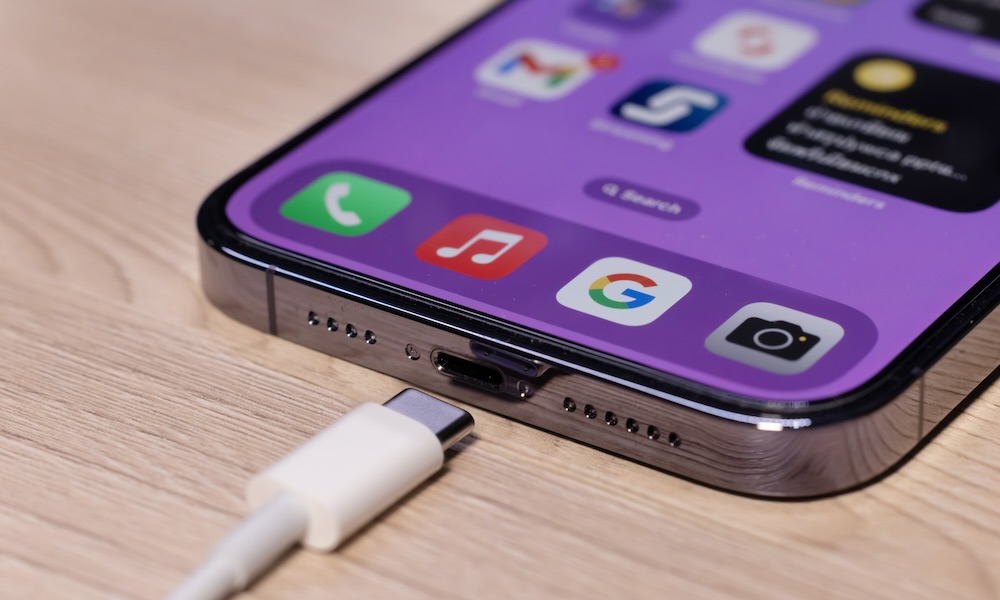
Sporadic reports over the past few months from iPhone 17 and iPhone Air owners have highlighted a problem where a device with a depleted battery refuses to start back up when plugged into a wired charger. Instead, users reported an iPhone sitting there with no sign it was even charging, leading some to believe they had a brick on their hands.

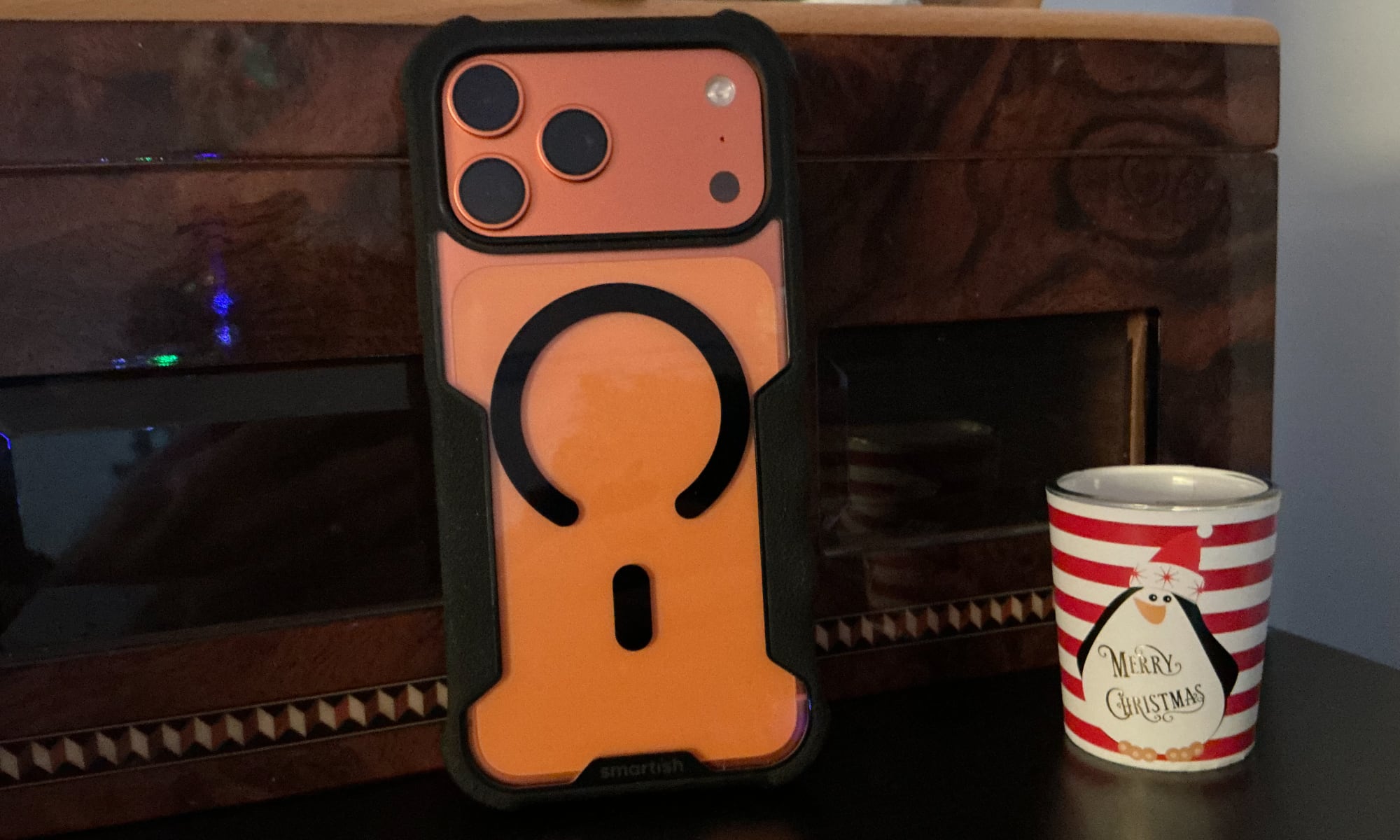
Various commenters on Reddit have reported workarounds, including dropping the iPhone onto a MagSafe charger, where it will usually pick up a charge and boot back up just fine, plugging it into a MacBook or using a wired charger without a MagSafe case on the iPhone.
That last fix suggests the iPhone may have been getting the magnets in the case confused with an actual charger and refusing to charge over USB-C — an odd scenario, since it’s traditionally worked the other way, disabling MagSafe charging when wired power is available — but those tales are also anecdotal, and there’s no information on whether anyone experienced the problem without a MagSafe case in the first place.
It’s unclear how widespread this issue was, particularly since it only impacted folks with an iPhone 17 or iPhone Air who let their battery go dead and used a wired charger (and may have also required the iPhone be in a MagSafe case). For all we know, it may have been a universal problem that most iPhone users simply didn’t stumble into, but it definitely went beyond random comments on Reddit. In April, 9to5Mac’s Benjamin Mayo had the same experience. He reported that the “consensus workaround” of using a MagSafe charger fixed it, which at least one Redditor said is exactly what an Apple Store Genius will do if a customer brings an affected iPhone in.
Despite reports going back to November, the problem remained unfixed through several iOS 26 point releases, up to and including iOS 26.5 last month. Thankfully, Apple seems to have figured out whatever the issue is, and has specifically addressed it in iOS 26.5.1:
This update addresses an issue for a small number of users that may prevent wired charging on iPhone Air and iPhone 17 models when the battery is nearly drained.
Even if you haven’t experienced this problem, we’d recommend updating to iOS 26.5.1 anyway just in case. While this release doesn’t address any known security vulnerabilities (for once), as Mayo pointed out in April, there are plenty of scenarios where an inability to recharge a dead iPhone could become a problem.
What if this happened when I was out in my car and needed CarPlay to route me home? I don’t carry a MagSafe puck with me at all times. Maybe I should now, just in case this happens again.
Benjamin Mayo
While several commenters on Mayo’s original post suggested this is simply a normal issue with how lithium-ion batteries work — and they’re not entirely wrong — this particular bug was more complicated than simply waiting for the battery to reach a certain voltage threshold. It’s entirely normal for an iPhone to take 15 minutes or more before it powers up from a dead battery, whether it’s plugged in or placed on a MagSafe charger. However, users experiencing this problem were waiting hours, not minutes. One user shared on iFixit how they had even plugged a USB amp meter in and watched the voltage fluctuate, suggesting it was “trying to charge, but can’t for some reason.”
If you’re experiencing this problem and haven’t had a chance to update to iOS 26.5.1 yet — or even if you still encounter it after updating — the fix seems to be simply dropping your iPhone onto a MagSafe charger and waiting about 15 minutes. It’s unclear if MagSafe battery packs will provide enough juice to revive a dead iPhone — many don’t — so if you plan to travel anywhere you should be sure to update to iOS 26.5.1 and pack a MagSafe puck or avoid letting your iPhone go dead until we can be sure Apple has actually fixed this issue.






