
5 Brilliant iOS 27 Features You Need to Try First
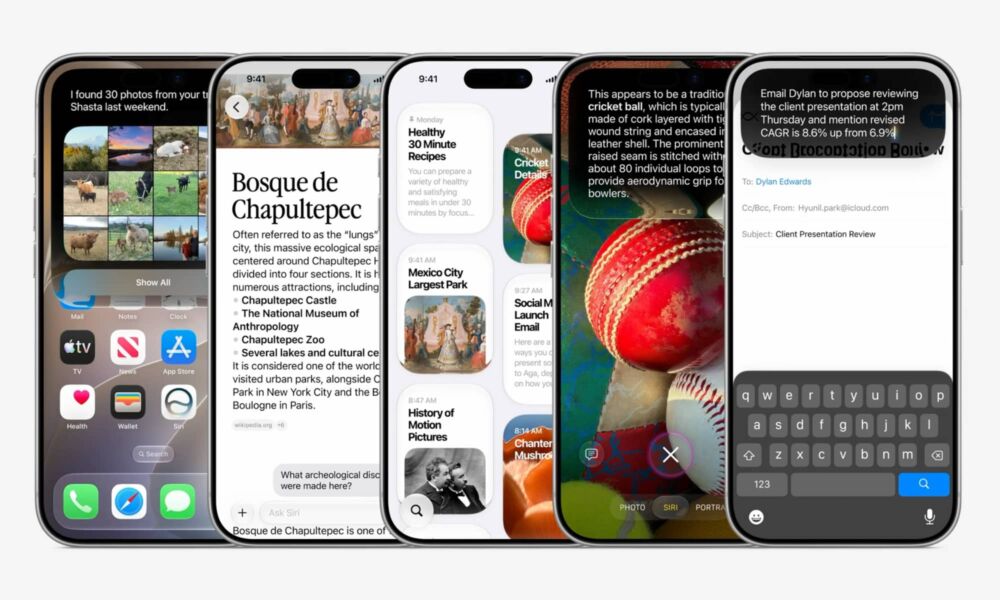
While iOS 26 introduced one of the biggest visual changes the iPhone had received in years with Liquid Glass, Apple is taking a more focused approach in iOS 27, refining the design while improving the way your iPhone performs.
Apple is also giving Apple Intelligence a much larger role throughout the whole operating system. As always, Siri is getting a major boost (for real this time), and some of Apple’s most popular apps are also getting some new or improved AI tools.
iOS 27 itself isn’t fully available yet, but you can download the public beta if you want to give it a try. It works surprisingly well, but you should always be cautious about installing any beta on your main iPhone. If you do install it, be sure to create a backup beforehand just in case. That’s a good idea for any iOS update, but it goes doubly for a beta.
With that said, if you’ve already installed iOS 27 on your iPhone — or you’re thinking about it — there are a of of fun new things you can now do. To help you get started, read on for 5 of the best iOS 27 features you need to try first.