
It’s Time to Free Up Some Storage
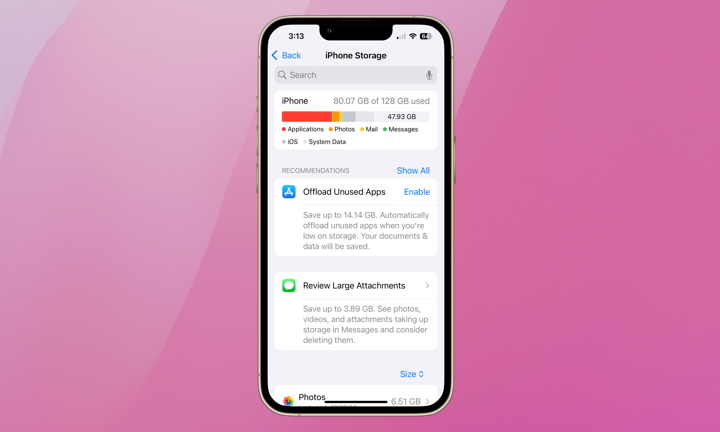
Low storage is one of the most common reasons an iPhone starts feeling cramped and slow. When your iPhone is nearly full, iOS doesn’t have enough room to handle updates, temporary files, caches, and all the little things the system needs to do in the background. That can make the whole device feel more jammed than it should.
So, if your iPhone has been warning you about space, or if you know you’re holding onto years of photos, videos, downloads, and giant message attachments, it’s time to clear out some storage for your iPhone’s sake.
To check and manage your storage:
- Open the Settings app.
- Tap General.
- Go to iPhone Storage.
From there, start by reviewing the recommendations your iPhone provides. You can also check which things are consuming the most space and start cleaning them out. Old videos, giant attachments and files, any type of media, and apps you never touch are usually the first things you need to take care of.
If there are heavy apps you’re not ready to delete from your iPhone, you can always tap on them and select the Offload option. This will basically erase them from your iPhone while still keeping all your information stored in case you need it later.
Freeing up space won’t magically turn an ancient iPhone into a new one, but it can definitely make a difference in the long run.