
Stop Force-Closing Apps All the Time
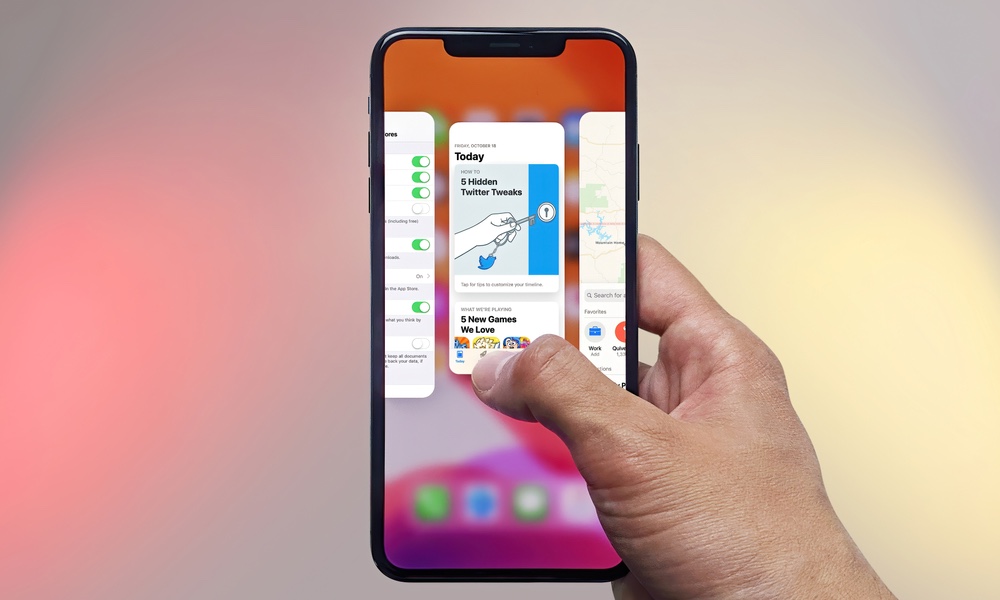
Many people mistakenly believe that swiping away every app in the App Switcher will make their iPhone run faster, but nothing could be further from the truth.
Unlike a Mac or a PC, iOS is very strict about managing what your apps can do when they’re not running, typically suspending them completely not long after you’ve return to the Home Screen or switched to a new app. When you force-close apps all the time, your iPhone has to fully reload them from scratch the next time you open them, which can actually make the device feel slower.
Yes, it’s a bad tech habit, but it’s an easy one to break, and you might even see an improvement right away. App switching feels more natural, and you stop making the system do extra work for no reason. Plus, it can also help battery life instead of hurting it.
So the rule here is simple: don’t manually close apps just because you’re done using them. Just use your iPhone naturally. The only time you ever need to force-close an app is when it’s clearly not responding or functioning properly. If that happens, open the App Switcher and swipe up only on the app that’s misbehaving.