
First, Restart Your iPhone
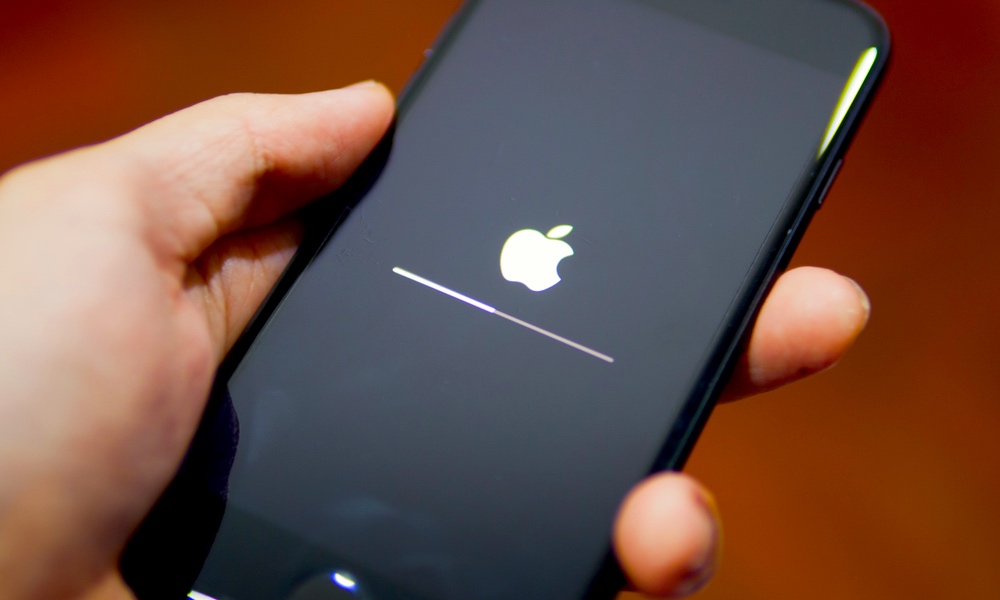
A quick restart is still one of the fastest ways to clear out temporary glitches, random lag, and background weirdness that builds up over time. If your iPhone suddenly feels sluggish, this is the easiest first step you can take. It doesn’t change your settings, it doesn’t delete anything, but it can fix more than people expect.
This is especially useful when your iPhone is fairly new, but you’re noticing a few things slowing it down. Maybe the keyboard is lagging, apps are taking longer to open than usual, or the whole phone feels a little off. In cases like that, a restart can sometimes solve the problem in under a minute.
To restart your iPhone:
- Press and hold the side button and one of the volume buttons until you feel a haptic response.
- Drag the Power Off Slider to turn your iPhone off.
- Wait around 30 seconds.
- Press and hold the side button until the Apple logo appears.
On the other hand, if your iPhone is completely frozen, you can force restart it with the following steps:
- Quickly press and release the Volume Up button.
- Quickly press and release the Volume Down button.
- Then press and hold the Side button until the Apple logo appears.