
Use Dictation Instead of Typing Everything
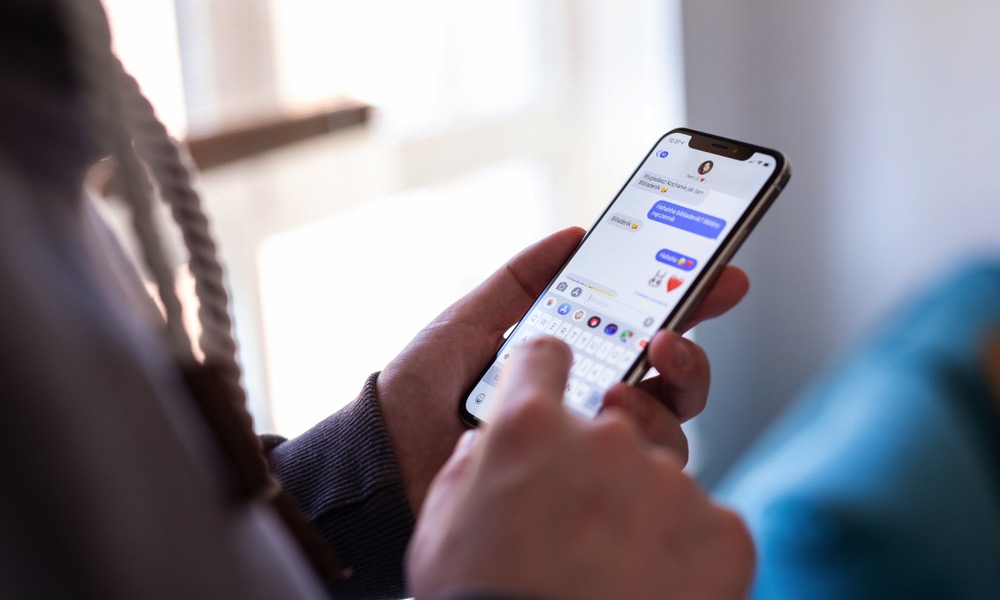
The dictation feature lets you speak into your iPhone and turn your voice into text. It’s much faster than typing when you want to send a quick message or write down something important, especially when your hands are full or you’re simply tired of typing.
You can dictate into Notes, Messages, Reminders, Mail, Safari, or pretty much any other app with a text field.
Of course, this feature isn’t perfect, so you should always review the text before sending or saving anything important. Also, make sure to speak clearly into your iPhone, or you might end up with some pretty bizarre transcriptions. Still, it’s great for getting words down quickly. Editing a rough dictated note is often faster than typing the whole thing from scratch.
To use it, simply open up any app where you can type and tap the text field. Tap the Microphone button that appears on your keyboard and start speaking to your heart’s content. You can tap the same button again once you’re done, and your iPhone will type everything it heard.