
iPhone Mirroring Gets a Big, Resizable Upgrade in iOS 27
Toggle Dark Mode
One of the best reasons to buy into the whole Apple ecosystem is how seamlessly the company’s products work together. Features like Continuity, Handoff, and Sidecar make moving between an iPhone, iPad, and Mac almost effortless, but Apple’s most recent addition, iPhone Mirroring, does even more to bridge the gap — and it’s getting even better in iOS 27 and macOS 27 Golden Gate.
If you haven’t tried it (and you really should), this feature lets you access and control your iPhone from your Mac just as if you were sitting in front of it. While the paired iPhone has to be in close proximity, it doesn’t need to be visible. It can be tucked away in your pocket or bag, and you’ll still be able to call it up from your Mac, opening a window directly into your iPhone’s Home Screen.
While Continuity and Handoff still work great when you’re using apps available on all devices, that’s not always the case. In fact, chances are you have more apps on your iPhone that don’t have Mac counterparts. That’s where iPhone Mirroring shines because you can just open your iPhone screen on your Mac and then access those apps directly, as if you were holding your iPhone in your hand. It’s also not just a remote control window; you can also share the clipboard and even drag and drop images and files between apps or folders on your Mac and those on your iPhone.
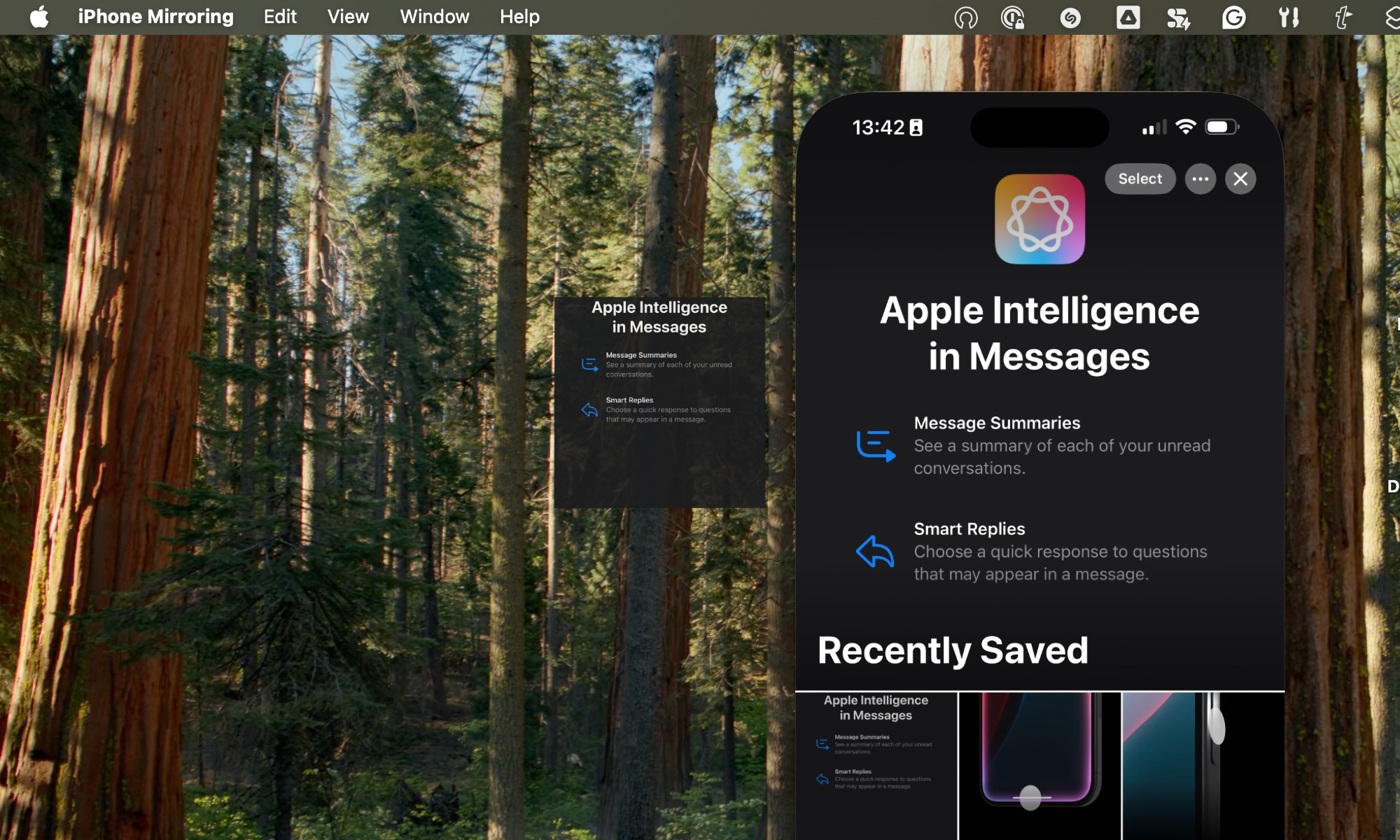
Now, Apple is preparing to up its iPhone Mirroring game in iOS 27 with the ability to take better advantage of your Mac’s screen.
Until now, the iPhone Mirroring app was basically a direct representation of the iPhone itself. That meant you’d usually spend most of your time looking at a narrow portrait view (iPhone Mirroring will automatically flip to a landscape orientation in apps that require it, such as full-screen video players, but there’s no way to force it into landscape).
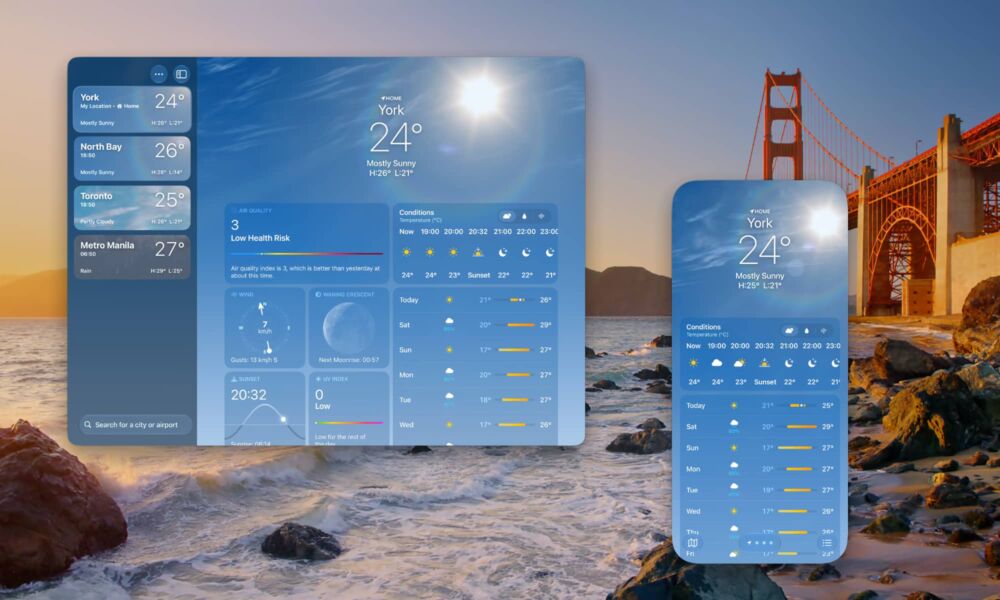
However, in iOS 27 and macOS 27, you’ll be able to resize the iPhone Mirroring window to see what are essentially the iPad versions of supported apps.
There aren’t even any tricks to this. Just grab one side of the iPhone Mirroring window and drag it out; if the app you’re running supports a full screen, you’ll be able to resize it into either an iPad-style portrait view, or a full landscape view. The window will snap back to an iPhone view as soon as you return to the Home Screen or switch to an unsupported app, but you can also just drag the window to a smaller size or hit Command-9 to return directly to the iPhone view.
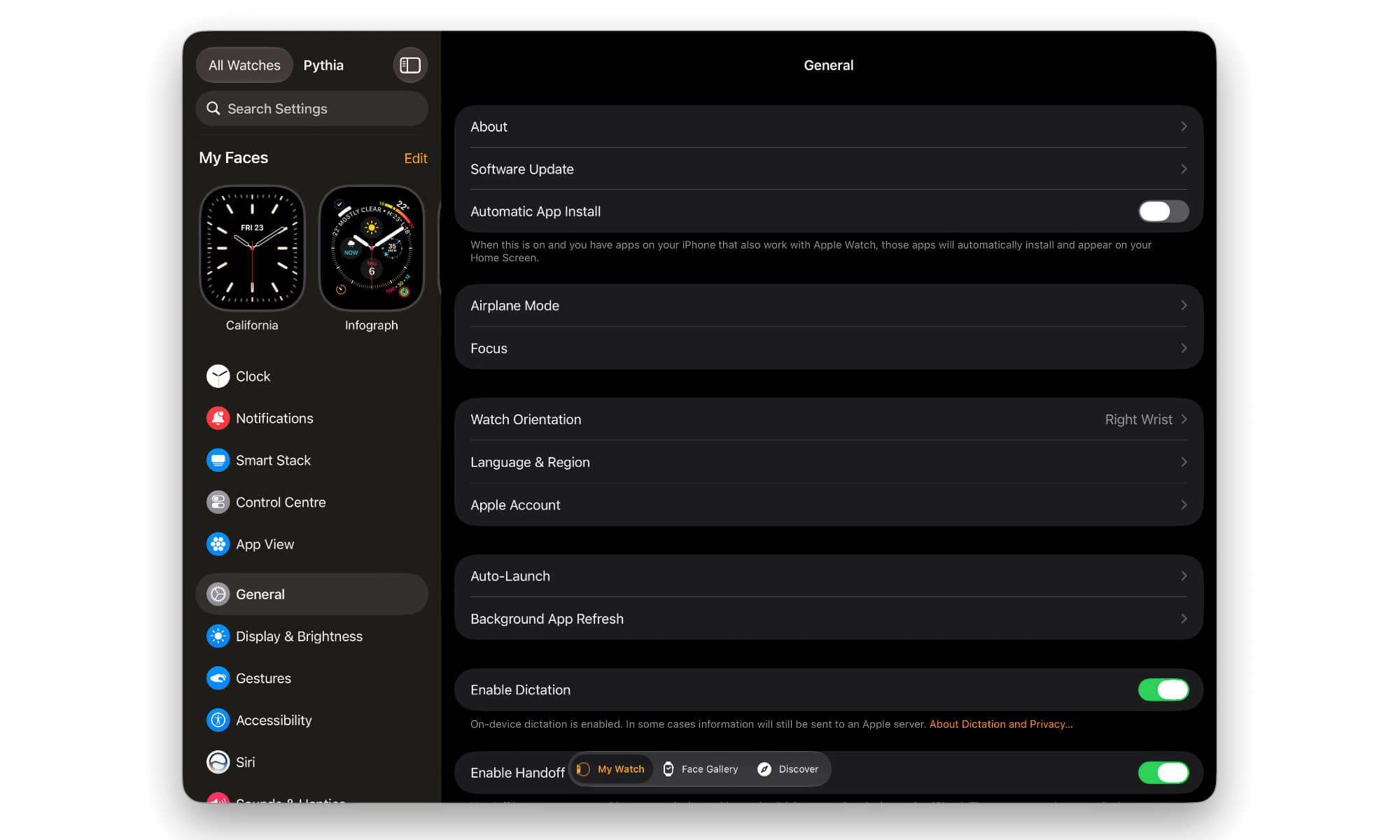
This is already live in the iOS 27 and macOS 27 betas, although only Apple’s first-party apps are supported right now. Still, this includes pretty much everything from Weather and News to Settings, Calendar, Notes, and Mail. Even apps like Wallet and Watch, which don’t have iPad counterparts, can still be expanded into a larger, iPad-style view.
It’s almost certain this change is intended to support Apple’s foldable iPhone, which will launch this fall, likely running iOS 27. The larger inside screen of a foldable means iPhone Mirroring will have to be versatile enough to handle this. Still, Apple could have reserved this capability for that specific model; the fact that it’s available now on any iPhone running iOS 27 is a huge bonus.
It also appears that developers won’t have to do anything special to support this other than compile their apps for iOS 27, at least as long as these are universal apps with both iPhone and iPad interfaces; it’s less clear if there will be a path for developers to add this capability to iPhone-only apps.
In addition to supporting larger app windows, iPhone Mirroring in iOS 27 and macOS 27 now provides access to the Control Center and the ability to play DRM-protected videos.






