Apple Sends Spyware Alerts to iPhone Users in 99 Countries — But Don’t Panic
 iDrop News / AI
Toggle Dark Mode
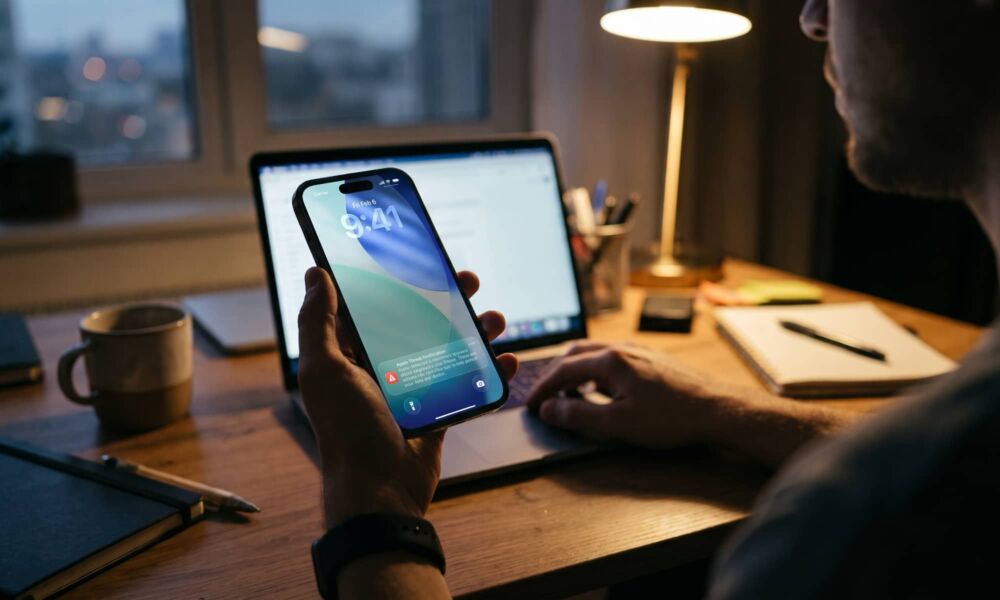
Apple has quietly sent out a new round of security warnings to iPhone owners in 99 countries. The alert tells them their device may have been targeted by “mercenary spyware.” That sounds pretty frightening. Fortunately, most of us don’t need to panic about this one.
On or around October 29, Apple began notifying a select group of iPhone users that it believes someone tried to hack their phone using advanced, targeted spyware.
Security researcher Costin Raiu was among the first to report the new wave of notifications.
To be clear, “99 countries” is where the warned users live, not a count of the number of victims. So far, it does not appear any infections have been publicly confirmed. Apple also hasn’t said who is behind the attacks or which spyware was used.
According to Apple, “mercenary spyware attacks” are “exceptionally well funded” and cost millions of dollars.
That means a bad actor has to specifically be planning to attack you personally. These are the farthest possible things from random attacks. They’re also using tools like Pegasus and Predator, which don’t come cheap and are technically only sold to government agencies for counterterrorism and law enforcement.
In other words, these aren’t your garden-variety hacking tools — they’re typically only wielded against specific individuals that well-funded agencies consider to be worthwhile targets.
Of course, not all government agencies have the same definition of what constitutes “terrorism” or “organized crime,” and Apple also says those often targeted by the sophisticated attacks can include journalists, activists, politicians, and diplomats.
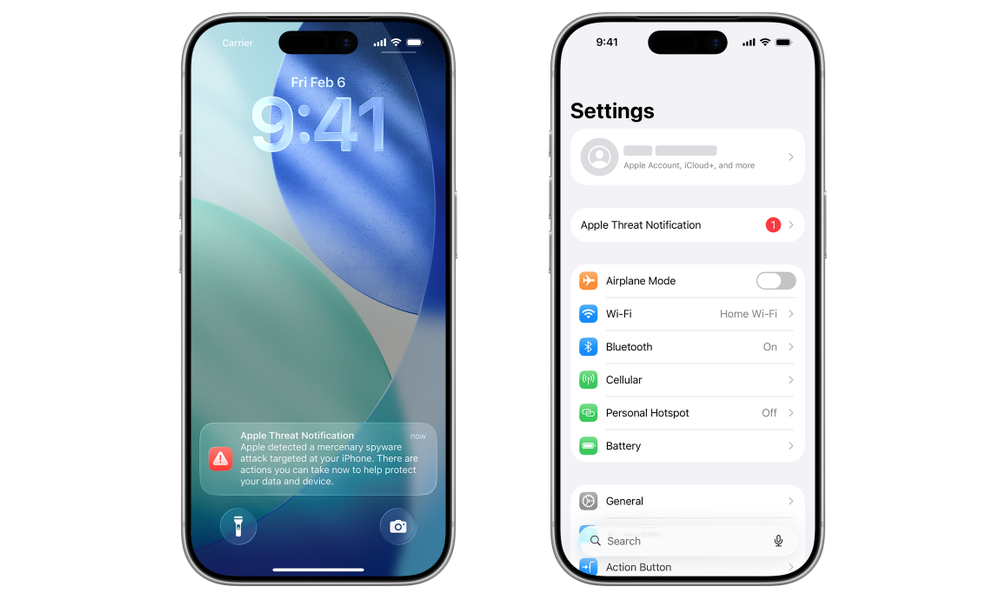
Apple detects these attacks via “internal threat-intelligence information and investigations.” The threat notifications it issues are “high-confidence alerts that a user has been individually targeted.” To prevent attackers from adapting behavior to avoid future detection, Apple does not disclose any details on what causes it to issue these threat notifications.
Apple delivers threat notifications via an Apple Threat Notification alert appearing on the user’s iPhone, on the Lock Screen, and in Settings while also sending an email notification to the user’s Apple Account.
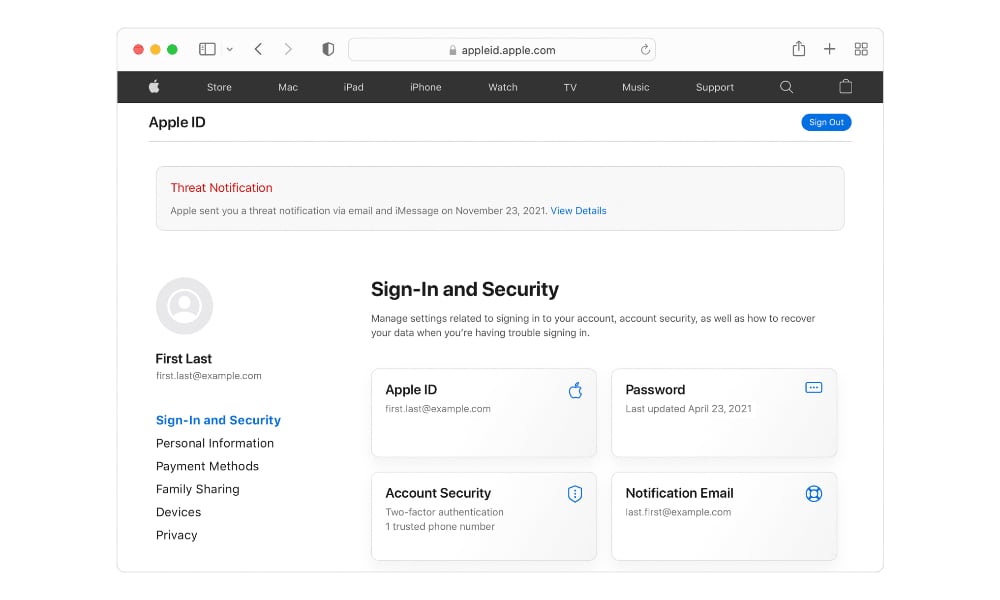
If you actually receive an Apple Threat Notification, verify it by logging into your Apple Account directly by typing account.apple.com into your browser — never trust a link from anywhere else — and look for the visible banner notification at the top of the page after signing in.
Genuine Apple Threat Notifications will never ask you to click links, open files, or install apps, so independent verification is essential.
Once the notification is verified, enable Lockdown Mode. Apple also strongly suggests enlisting emergency security assistance, such as Access Now’s Digital Security Helpline.
For the rest of us, Apple’s general security guidance always comes back to the same best practices. Update your Apple devices, use a passcode, Face ID, or Touch ID, use strong passwords and two-factor authentication when possible, and enable Stolen Device Protection. Security threats are rapidly evolving. At this point, these recommendations aren’t merely best practices, but more like table stakes when it comes to protecting your personal privacy and security online.