
This One watchOS 27 Feature Changes Everything
Toggle Dark Mode
Although almost all of what’s coming in this year’s watchOS 27 is about Siri AI, there’s one massive quality-of-life improvement tucked in that could be an even bigger game-changer in how you interact with your Apple Watch.
When Apple unveiled the Apple Watch Series 9 in 2023, it introduced double tap, a new gesture to make it easier to interact with the wearable using only one hand. While the feature wasn’t an entirely new concept — Apple added an AssistiveTouch accessibility feature in 2021 — this feature promised to be simpler to use and deliver greater accuracy.

That was thanks to the S9 chip in that year’s Apple Watch models, which included a four-core Neural Engine — a first for Apple’s wearable chips. This allowed Apple to employ a sophisticated machine learning algorithm to track tiny movements and changes in blood flow.
Sadly, this also meant that older models were left out of the double-tap gesture. Some wondered if this was Apple arbitrarily gating a new feature, since AssistiveTouch had worked fine for years, but after spending extensive time with both, it’s obvious to me that there’s more going on with the double-tap gesture, as it’s both responsive and works flawlessly every time.
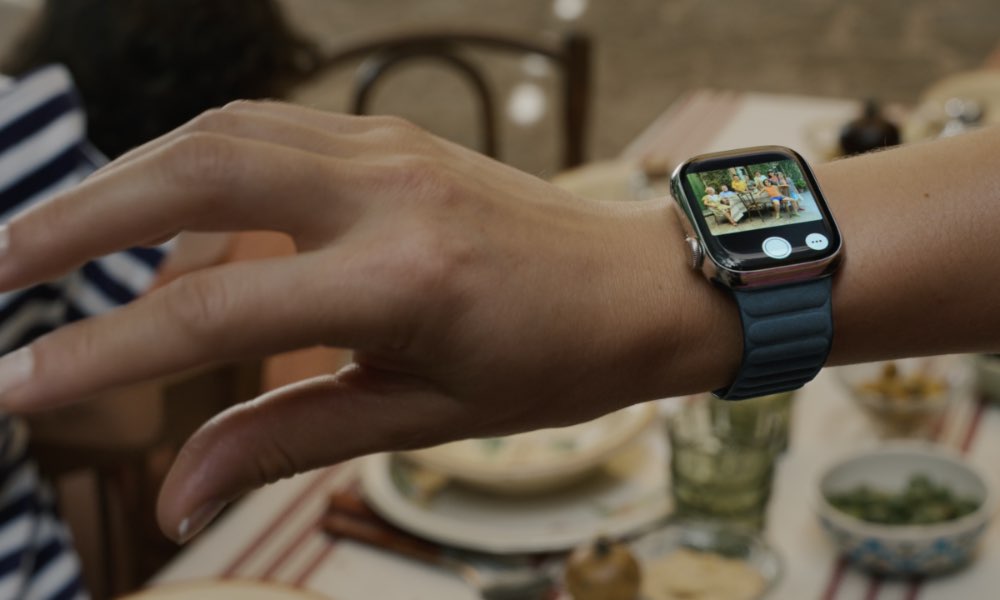
Double tap could be used to dismiss notifications, answer calls, bring up the Smart Stack, and more. However, it also felt a bit too one-dimensional, letting you start things but not necessarily finish them. For example, scrolling through the Smart Stack was all well and good if you only wanted to glance at the information there, but there was no way to dive deeper or even dismiss the carousel of cards without reaching over with your other hand.
That left me using the feature much less often than I thought I would. It was still useful to dismiss timers, glance at things, and scroll through stats in the Workout app, but if I was going to have to eventually use two hands anyway, I might as well do so from the start. Apple improved this last year in watchOS 26 with a new wrist flick gesture that allowed you to dismiss notifications, mute incoming calls, and more — effectively making it a “cancel” button to the double tap’s “okay.”
This added a new level of completeness to the one-handed gestures, since I could call up my Smart Stack with a double tap and then dismiss it with a flick. Ditto for notifications; a flick became a reliable way of dismissing a notification in situations where a double tap might perform a different default action. It also let me dismiss the notification stack without clearing all the notifications, leaving them to review later.
However, there was still one piece missing: a selection gesture. Every time I used double tap to view my Smart Stack, I couldn’t shake the feeling that I should be able to open one of those apps with a single-handed gesture — but no such gesture existed.
Until now, that is. This year, watchOS 27 is filling in that gap with a new single-tap gesture that lets you dive into a widget in the Smart Stack.
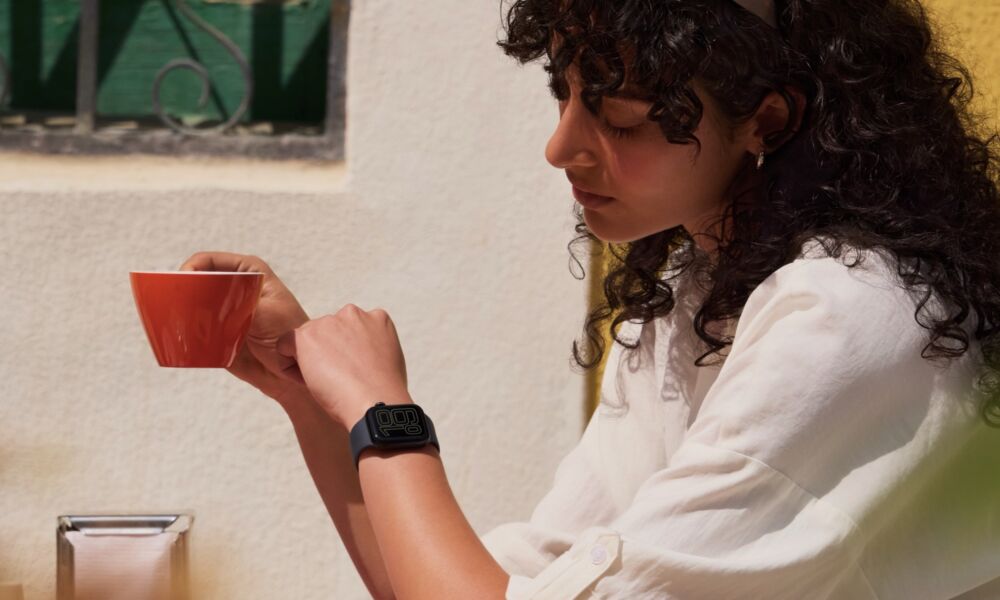
So far, this appears to be all the new gesture does, but even just for that it’s remarkably useful and intuitive. I’ve been wearing watchOS 27 on my wrist for two weeks now, and I’ve already found myself navigating the Smart Stack while working out, drinking a coffee, washing dishes, or doing just about anything else where my other hand is occupied.
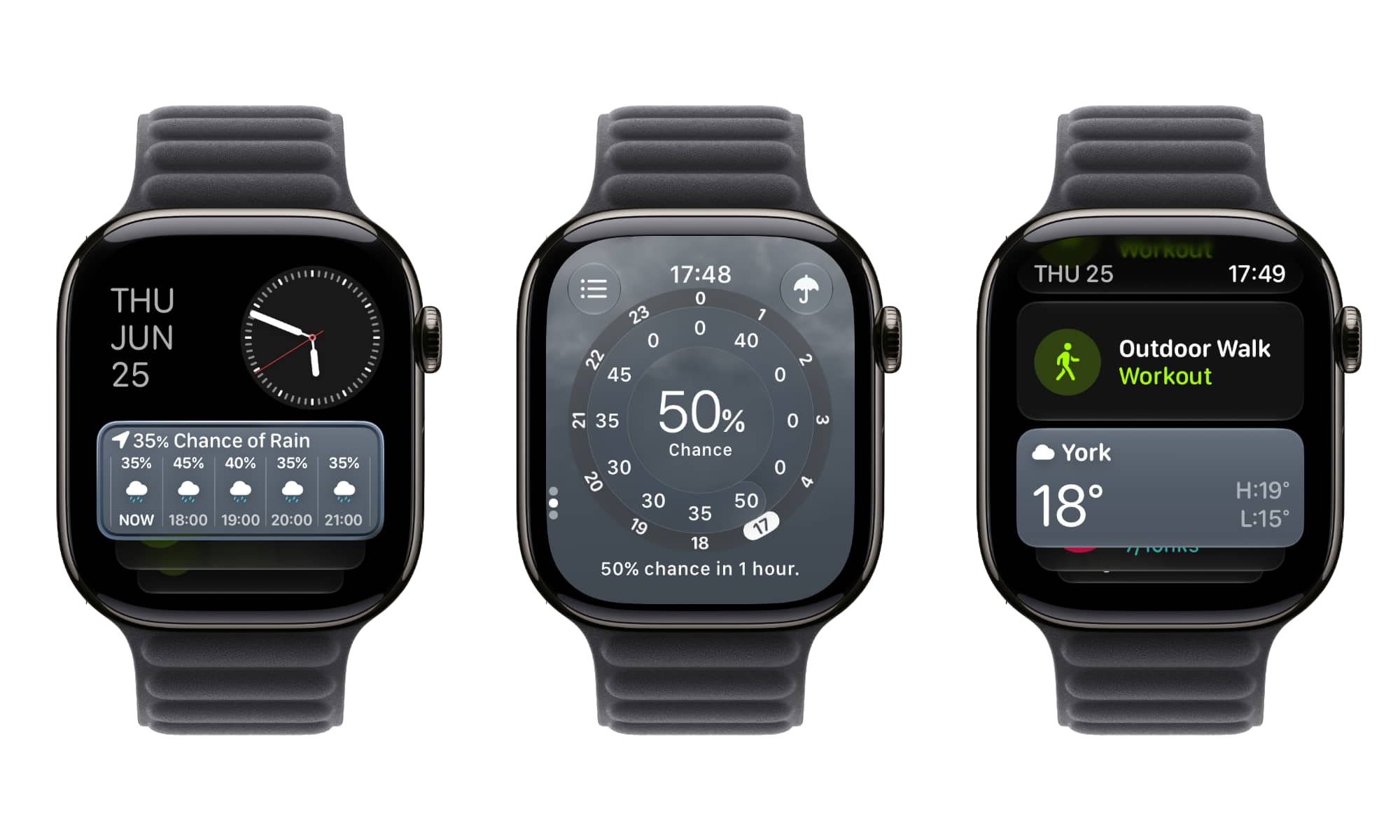
The single-tap gesture is as simple as it sounds, and the flow between the three gestures is smooth:
- Raise your wrist and double-tap to open the Smart Stack.
- Double-tap until you find the widget you want to open.
- Single-tap to open the app behind the widget.
- Double-tap to scroll or page through the app, if applicable.
- Flick your wrist to return to the Smart Stack.
- Repeat steps 2-4 to select another app, or flick again to return to your watch face.
So far, I’ve used it for starting workouts, checking the weather, and scrolling through the Home app to check on my accessories. Unfortunately, the single tap can’t be used to activate anything inside these other apps; for example, I can use double-tap gestures to scroll through the playlists in the Music app, but I still need to tap on one with my other hand to open it or play it. Hopefully that will come in a future beta, but even as it stands now, the addition of the missing third gesture could easily be the biggest small change coming to watchOS 27 this year.






