
Time to Switch to iWork? Microsoft Is Soft-Bricking Office 2019 for Mac

Toggle Dark Mode
A very wise man once told me, “you can’t buy love, you can just rent it for a while.” Apparently, that also applies to the software you buy from Microsoft.
Microsoft has announced that Office for Mac 2019 owners will be unable to create, edit, or save documents beginning Monday, July 13. The company says an expiring digital certificate will make the productivity suite more or less unusable.

Office 2019 apps affected by the expiration include Word, Excel, PowerPoint, Outlook, and OneNote. Once the digital certificate expires, the apps will no longer be able to confirm the user’s suite license, automatically forcing all of the apps into “reduced functionality mode.”
While users will still be allowed to open, view, and print their existing documents, they will no longer have the ability to create, edit or save documents. Microsoft says this issue affects Microsoft 365 subscribers on macOS, iPhone, and iPad, and those with Office suites they paid a one-time fee for, including Office 2021 or Office 2019 on macOS. For Microsoft 365 users and Office 2021, ensuring your operating system and your apps are updated to their latest versions will resolve it.
Starting July 13, 2026, some users may notice that Office apps (Word, Excel, PowerPoint, Outlook, or OneNote) can open and print files, but cannot edit, save, or create new files — called “reduced functionality mode”. This happens when support for Microsoft Office apps is no longer continued for older operating systems or devices.
This issue affects both Microsoft 365 subscribers on macOS, iPhone, and iPad, and those with non-subscription software, including Office 2021 or Office 2019 on macOS. For most users, updating your OS, and updating your apps will resolve it.
While this is fine for Microsoft 365 subscribers and Office 2021 owners, for Office 2019 owners “updating your apps” means you’ll need to buy or subscribe to a later version of the Microsoft Office productivity suite.
As noted by Mactrast, while Microsoft can easily renew expiring digital certificates, those renewals are only delivered via software updates. Users of Microsoft 365 and Office 2021 will receive the update and continue to have access to all of the suites’ features. However, Microsoft dropped support for Office 2019 on October 10, 2023, and the software has received nary an update since then. Consequently, Microsoft will bypass Office 2019 for this update, leaving its expiring certificate untouched.
Microsoft’s solution to the problem is to either subscribe to Microsoft 365, or make a one-time purchase of Office 2024. Users can also use the company’s free Microsoft 365 web apps.
As you might imagine, this news has not been well-received by users and IT folks. While Microsoft could likely update the Office 2019 security certificate if it chose to do so, the move is viewed by many (including me) as nothing more than a money grab, as users will be forced to subscribe or purchase a newer version of the productivity suite. (But hey, Microsoft has to pay for the development of Copilot somehow, right?)
Some users have even gone so far as to say Microsoft gaslit Office 2019 users, as they apparently changed the original announcement about end of support for the suite. While the announcement originally said users would still be able to edit their documents, it now reads that they won’t lose any data.
If you’re not sure which version of Microsoft Office you have installed, here’s how to check:
- Open the Word app, click on Word > About Word in the menu bar.
- If you see ”Microsoft 365,” you have a subscription. If it lists ”Office 2021″ or “Office 2019,” you have a one-time-purchased standalone version.
- If you are on an iPhone or iPad, you are using Microsoft 365 apps for mobile, as there are no other versions available.
If you’re running a newer supported version of Office on macOS 12 Monterey or later, you simply need to update to build 16.83. iPhone and iPad users running iOS 17 or later will want to have build 2.93.
Office 2021 users should keep in mind that they’ll likely be next up on the firing line. Microsoft will end support for Office 2021 on October 13, 2026, and while those apps will continue to work properly after that date, feature and security updates will no longer be available, and it’s a safe bet that Office 2021 will also cease to allow editing and saving a few years from now.
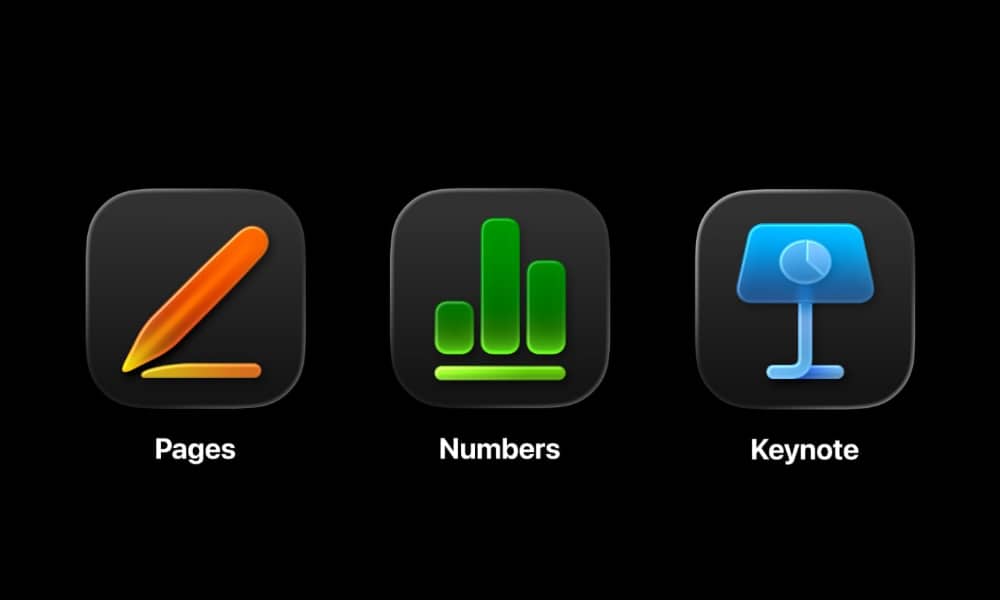
Fortunately, Mac users do have valid alternatives to Microsoft Office. Apple’s iWork suite is a free alternative from Apple that offers many of the features found in Microsoft’s offering, and can import Office documents, allowing you to continue to edit said documents. While a few new AI features are now locked behind an Apple Creator Studio subscription payment, they’re hardly what we’d call core features.
The free and open-source LibreOffice suite of apps, while perhaps not as refined as Office, also offers most, if not all of the features of Microsoft’s productivity software.






