HomeView 27.2.1 Arrives to Rescue Siri From Your Shared Albums
Toggle Dark Mode
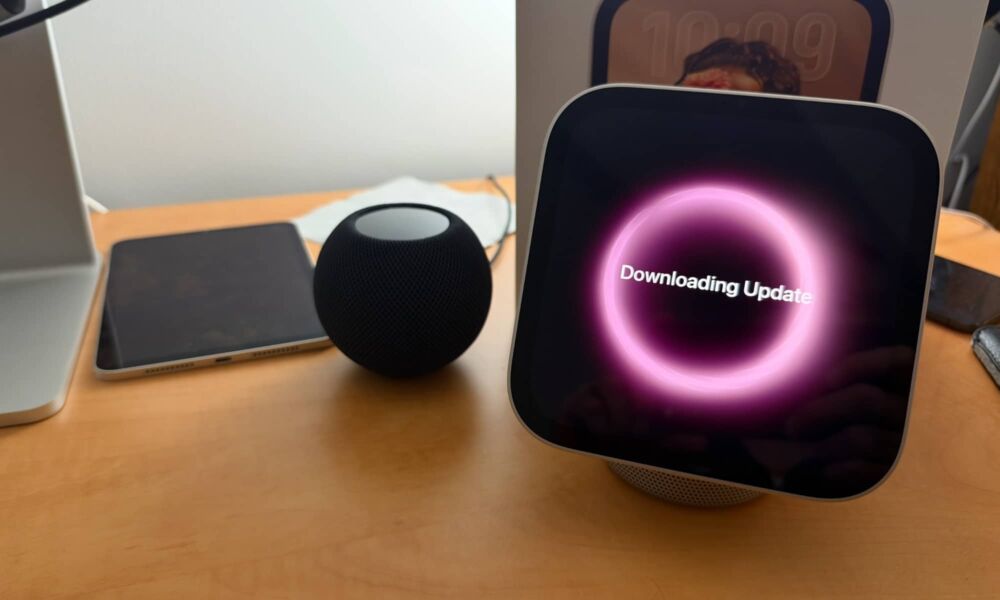
Less than a week after Apple’s HomeView began landing in customers’ hands, the company is already pushing out its first bug-fix release in the form of HomeView Software Version 27.2.1.
While the HomeView oddly shipped with a version 26.5 of the software out of the box, presumably corresponding to iOS 26.5 that was released for the iPhone in May, there didn’t appear to be any way to make the smart home hub function on that release. The initial setup, conducted from an iPhone, required an update to HomeView 27.2 right out of the box before continuing any further.
Now, HomeView 27.2.1 is out to fix a few small and relatively quirky bugs from that initial release.
Specifically, the update addresses an issue where using a Shared Album on the Photos face would somehow prevent Siri from being downloaded, causing the voice assistant to be completely unavailable. Siri could also fail if you tried to pair the HomeView with an iPhone or iPad running the iOS or iPadOS 27.3 beta (although I didn’t personally encounter that problem).
Apparently, connecting another home hub device could “unexpectedly remove HomeView from your home.” It’s not entirely clear what Apple is referring to here, but “home hub” in this case likely means an Apple TV or HomePod acting as a hub for Apple Home requests.
HomeView software updates can installed through the Home app on your iPhone, iPad, or Mac, much like they are for a HomePod. Open the Home app, tap or click the three dots in the top-right corner, and select Home Settings, and choose Software Update.
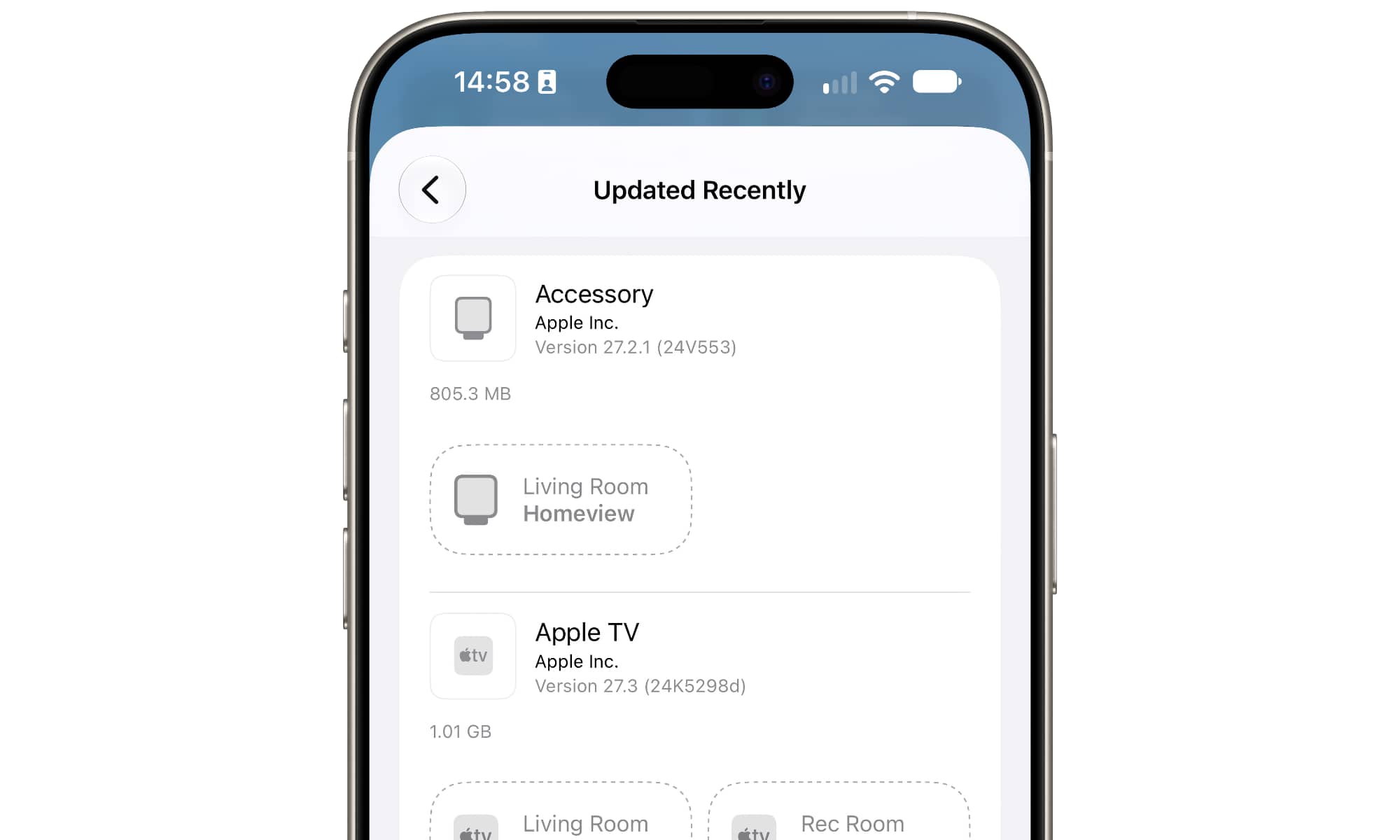
However, since the HomeView has a touchscreen, you can also follow a more iPhone-style route of going to Settings > General > Software Update.
Unfortunately, the new update doesn’t yet fix the problem where Siri on the HomeView is unable to control secure home accessories like door locks. As I noted in my first hands-on testing on Friday, the HomeView may get very confused if you ask Siri to unlock a door or open a garage door. Joanna Stern first discovered this in her review and was told by Apple that a fix is coming in a software update, but I’m guessing that will be HomeView 27.3 at this point.
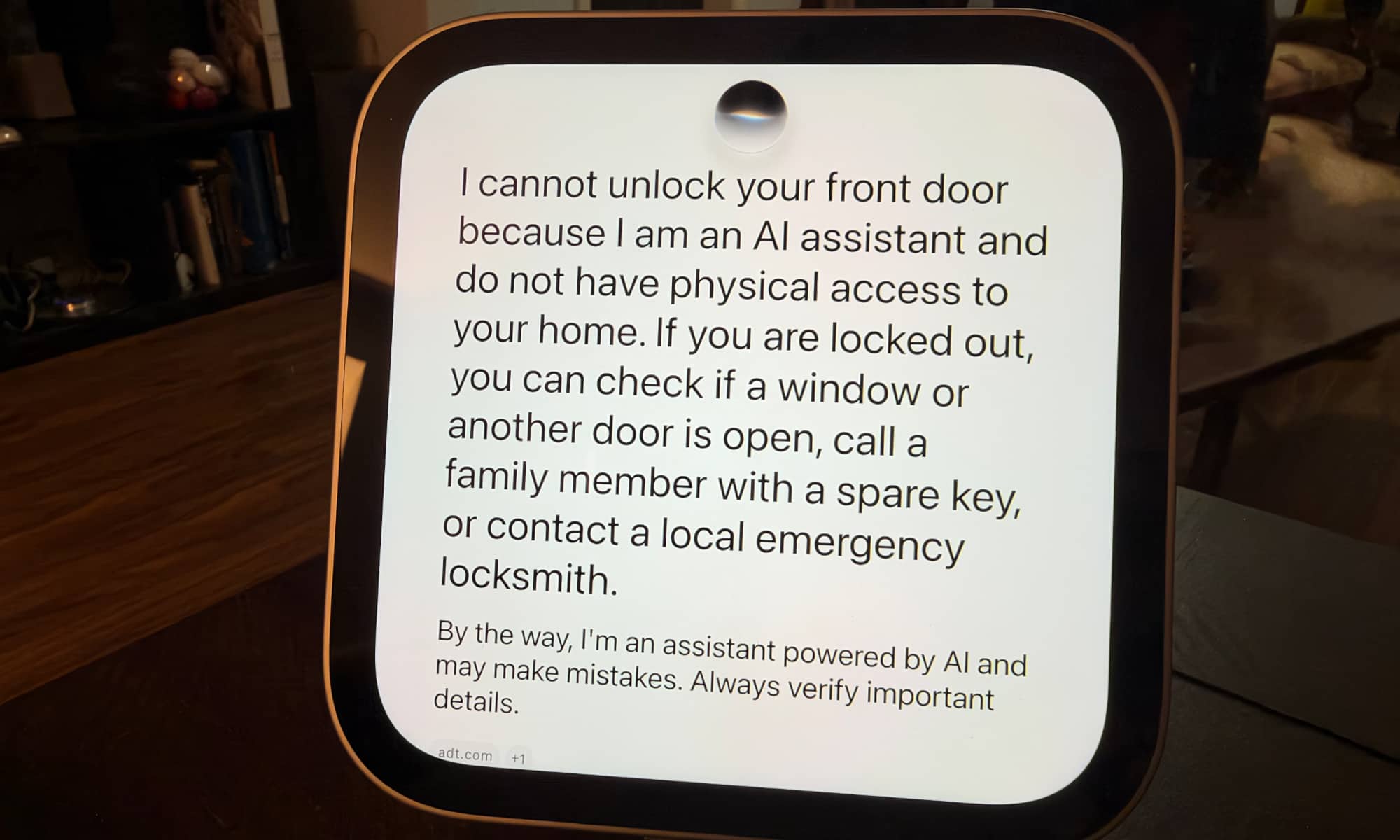
Siri also appears to have gotten the same memo after Stern pointed it out, as questioning the voice assistant on the HomeView will result in a more specific statement that a software update is coming “next month.”
A software update coming next month will enable this functionality once HomeView recognizes the person making the request. In the meantime, you can unlock door locks and garage doors by opening the Home app on your device.
Another small bug I’ve run into on the HomeView is an inability to open the Reminders app, which comes back with a screen telling me to make sure my iPhone and HomeView are connected to the same Wi-Fi network (which they are). Every other iPhone-connected app works fine — this problem appears to only affect the Reminders app.
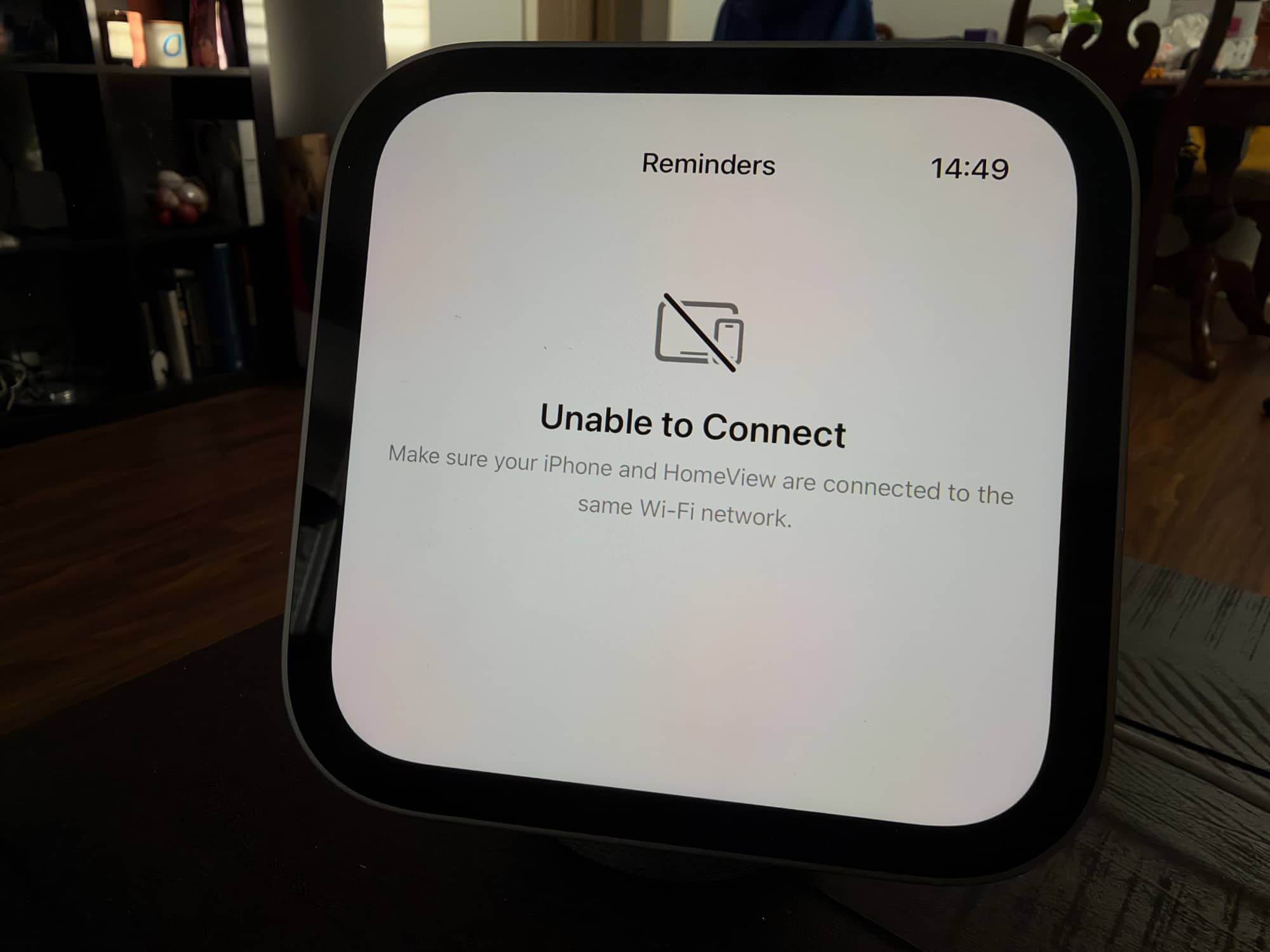
Force-closing Reminders will sometimes resolve it, but not consistently. Since I’m running the iOS 27.3 beta, I’ll chalk this one up to an incompatibility on that level, especially since it seems to occur most often when I’ve been using AirPlay from my iPhone to a device other than the HomeView.
One piece of good news is that, unlike iOS 27.2.1 and the gang, HomeView 27.2.1 doesn’t appear to have any published CVE entries. This means that there aren’t any known security vulnerabilities in HomeView 27.2 that Apple had to fix. Although HomeView 27.2 had a few security fixes, that’s the baseline version for the new smart home hub, so the release notes aren’t relevant for anyone other than security researchers.