
Low on Mac Storage? This Tool Reclaims Up to 12 GB from Apple Intelligence
Toggle Dark Mode
While macOS 27 Golden Gate finally brings the long-promised Apple Intelligence features to Siri, along with several other useful new features, that power comes at a cost: your Mac’s storage space.
Apple Intelligence on macOS 27 officially takes up roughly 10 GB to 12 GB of storage space — although some users report it eats up even more. That can be a problem for those folks who own Macs with smaller SSDs installed, like the 256 GB Mac mini or MacBook Neo.
The culprit is the artificial intelligence models that Apple stores on your Mac’s SSD. Unlike many other AI schemes, much of Apple’s AI processing is done locally, using only the machine’s resources to perform many of the tasks that other AI providers do off-device, connecting to those AI data centers we hear so much about in the news.

Apple’s way is much more private than other AI systems, but that privacy comes with a price tag in the form of SSD storage space. And while you can turn off Siri, there is no way to fully disable Apple Intelligence on your Mac.
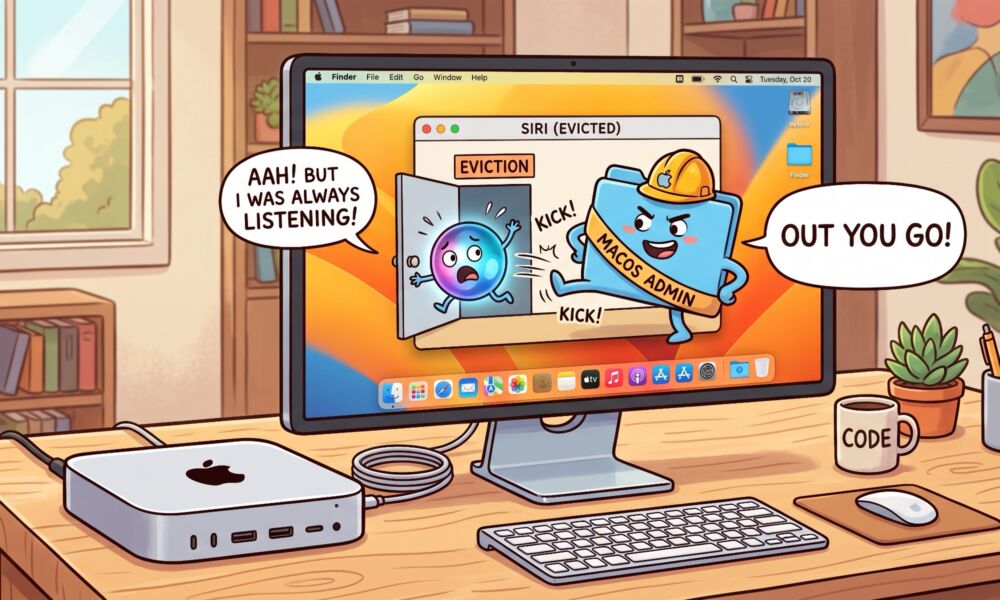
Luckily, relief is available in the form of a utility that helps Mac users reclaim the valuable storage space taken up by Apple’s AI models.
Before jumping in, though, let me strongly caution readers who may be considering ways to regain storage space to please be sure they understand exactly what happens when they use a tool like the one I’m about to mention.
Once you are fully informed, then and only then should you decide whether to use this tool. Also be aware that we here at iDrop News are not endorsing this tool; we are merely informing our readers of their options. Anyone using this app does so at their own risk. We are not responsible for any loss of data or loss of function.
As reported by Mactrast, a new open-source tool, called “RemoveMacAI,” is getting a lot of attention from Mac users in search of ways to reclaim the large amounts of SSD storage space taken up by Apple’s AI models. The tool, by developer Om Lahore, disables Apple Intelligence in macOS 27, deletes its downloaded AI models, and then prevents them from being automatically downloaded again.
As the developer explains on Reddit, macOS 27 no longer has a single toggle for Apple Intelligence. There are about a dozen settings to fiddle with, and several of them are rather buried, many in unusual places like Screen Time.
Even if you do find and toggle all of those various settings to off, Apple’s foundation models stay on your SSD, continuing to take up gigabytes of precious space. RemoveMacAI foils this by using a configuration profile to switch off Apple’s own asset management service and remove the models.
I wrote RemoveMacAI to do all of it in one go. It turns off Siri, Writing Tools, Genmoji, Image Playground, the ChatGPT extension and all the summaries, then it deletes the models and stops macOS from downloading them again. Dictation still works because it’s a separate setting.
It then configures the system to block attempts to download the removed models by redirecting them to a closed local port, preventing them from automatically and immediately being restored. The developer says all of this is accomplished without disabling System Integrity Protection (SIP) or manually deleting files from protected system locations.
While the developer says the tool can free up somewhere around 10 GB to 12 GB of storage space, depending on which models are present on your Mac, some users are reporting cases of the models having taken up a lot more space, which they’ve now reclaimed by using the RemoveMacAI tool.
Keep in mind that when the Apple models are removed, your access to all Siri AI-related features is also removed. This includes Genmoji, Image Playground, Writing Tools, summaries, smart replies, inline predictions, ChatGPT integration, Photos Clean Up, Spatial Photos, and Xcode predictive completion.
But if you’re running tight on SSD space and you’re not using those features, it may be worth a try, particularly on those Macs with just 256 GB of non-upgradable SSD storage. The profile reportedly hangs in there across updates. And dictation still works.
The project has attracted the attention of several thousand Mac users, resulting in plenty of online discussion on Reddit and Hacker News about why such a tool is needed.
Before deciding to use the RemoveMacAI tool, keep in mind that the developer warns that some of the configuration-profile restriction keys that the tool relies on were deprecated by Apple in macOS 26.4. That means that while they still work in macOS 27.0.1, a future update could change that.






