
Apple Invites Just Made Party Planning a Team Sport
Toggle Dark Mode
Apple has been on a roll with Apple Invites, the party planning app it released only 16 months ago. In that short time, it’s seen nine feature updates, not including the usual handful of “stability and performance enhancements” releases. That’s a pace that almost rivals Apple Sports.
We’ve already seen two full point releases this year alone, with Apple adding countdown widget improvements in March with version 1.7, followed by a bigger version 1.8 update in April that introduced iMessage integration, Image Playground backgrounds, manual guest lists, and more.

Now it’s back with another update to version 1.9 just in time to help you plan a graduation bash, summer barbecue, ice cream social, or nearly anything else you may have in mind.
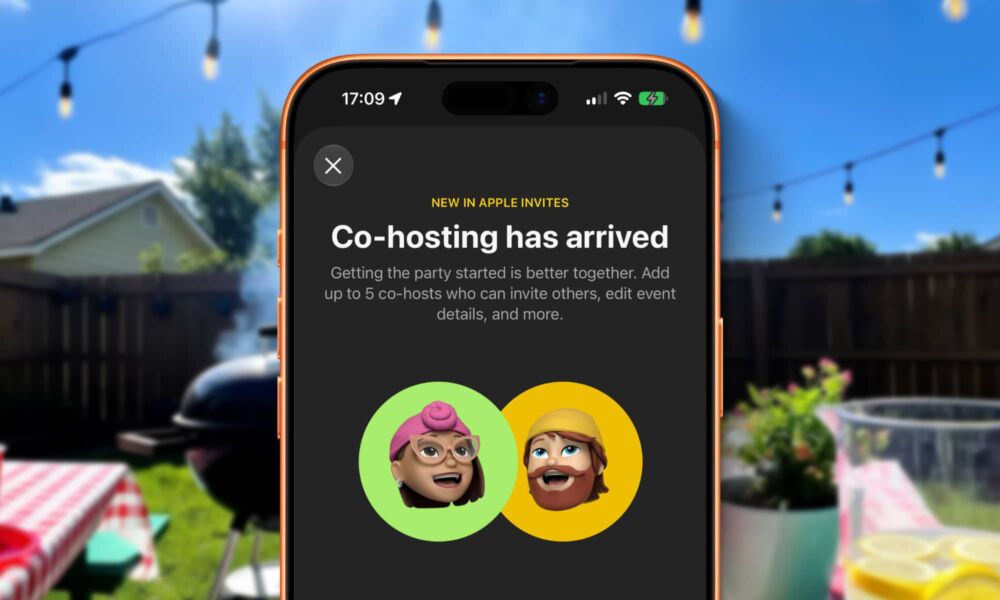
The big new feature this time around is co-hosting. Until now, managing an event in Apple Invites has been solely a one-person affair. However, with the latest update, you can now add up to five co-hosts to any event, who will have all the privileges they need to invite and manage guests and update event details.
Apple’s update notes don’t offer too many details on how co-hosting works, so I dove in for a closer look, and the co-hosting features are remarkably flexible, although there are a few limitations it’s important to be aware of:
- While the event creator still needs to have an iCloud+ account, that’s not a requirement for co-hosts; you can add anyone with an Apple Account.
- An Apple Account is mandatory, presumably for security reasons.
- You can’t add co-hosts when creating an event. You have to invite them as normal guests first and switch them to co-hosts by tapping on the three-dot menu by their name and choosing the appropriate option. This can only be done after they’ve accepted the invite by logging into their Apple Account.
- You can switch co-hosts back to guests at any time from the same three-dot menu beside their name.
- Co-hosting features work both in the Apple Invites app and on the web.
- Co-hosts effectively have full access to manage events, including managing the guest list, invite settings, description, and even canceling it entirely — although this doesn’t delete the event, so the host or another co-host can still restore it.
- Co-hosts can’t kick the original creator out of the event, nor can they add a Shared Album or Apple Music playlist, presumably because these need to be linked to the original host’s Apple Account.
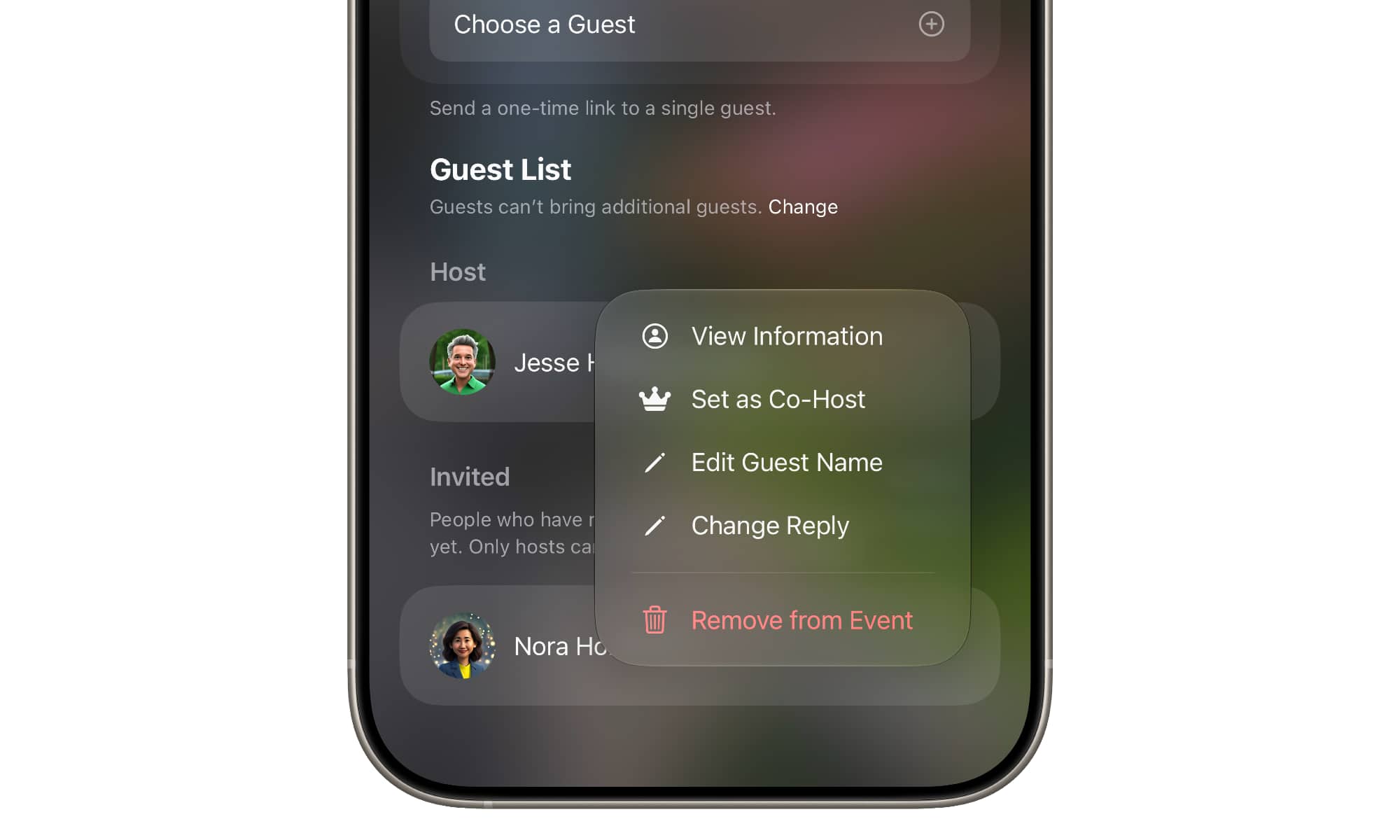
It’s particularly handy that this works from the web and co-hosts only require a free Apple Account — which anyone can create, even non-Apple users.
In addition to the new co-hosting feature, Apple Invites 1.9 also adds new event backgrounds to “help set the mood for your next coffee catch-up, boba run, ice cream social, and more,” and adds a toggle to let you make your invited guests list visible to all attendees.
Apple Invites 1.9 is a free download from the App Store, and can be used by anyone to accept invites — and now to co-host an event — without any additional cost. Hosts will need an iCloud+ subscription, but any plan will do, even the $0.99 50 GB tier. Apple Music playlists added to an event work the same as any other shared playlists; guests with an Apple Music subscription can listen to full songs, otherwise only the usual previews are available.






