
Don’t Recycle It Yet: 5 Signs Your iPhone Just Needs a New Battery
Toggle Dark Mode
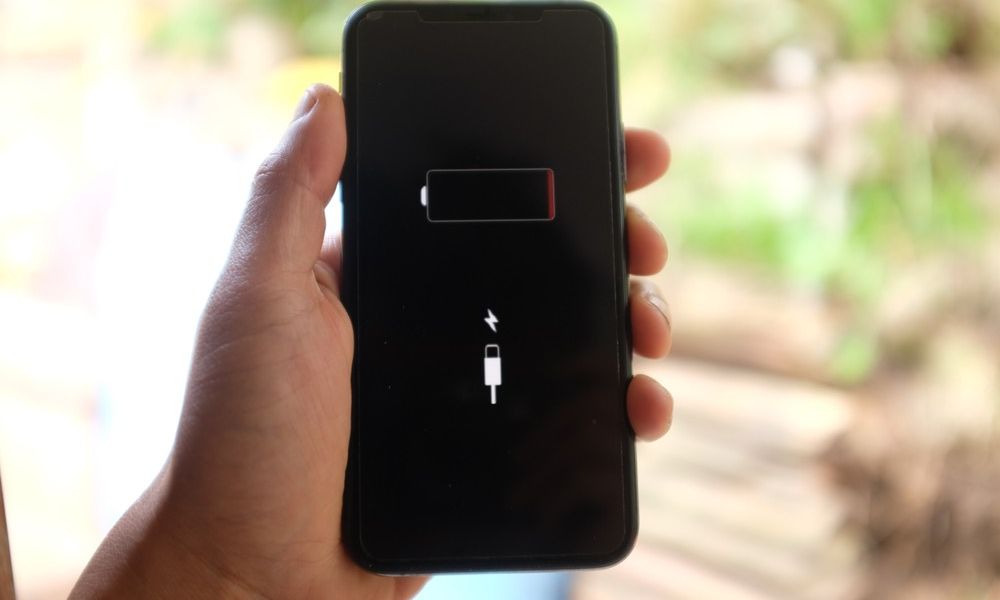
A weak battery can make even a perfectly good iPhone feel old. Apps may load more slowly, your iPhone might die unexpectedly, and you may find yourself constantly looking for a charger before the day is even over.
The frustrating part is that battery problems don’t always show up all at once. As your iPhone’s battery slowly ages, symptoms usually appear gradually over months or years, so you might not notice how bad things have gotten until it’s already too late.
The good news is that replacing your iPhone’s battery is usually much cheaper than buying a new iPhone. A fresh battery can often make an older device feel faster and more reliable again, especially if the rest of the hardware still works well.
But how can you know when it’s time to upgrade your battery? Here are a few things to consider.
Your iPhone Battery Drains Much Faster Than Before
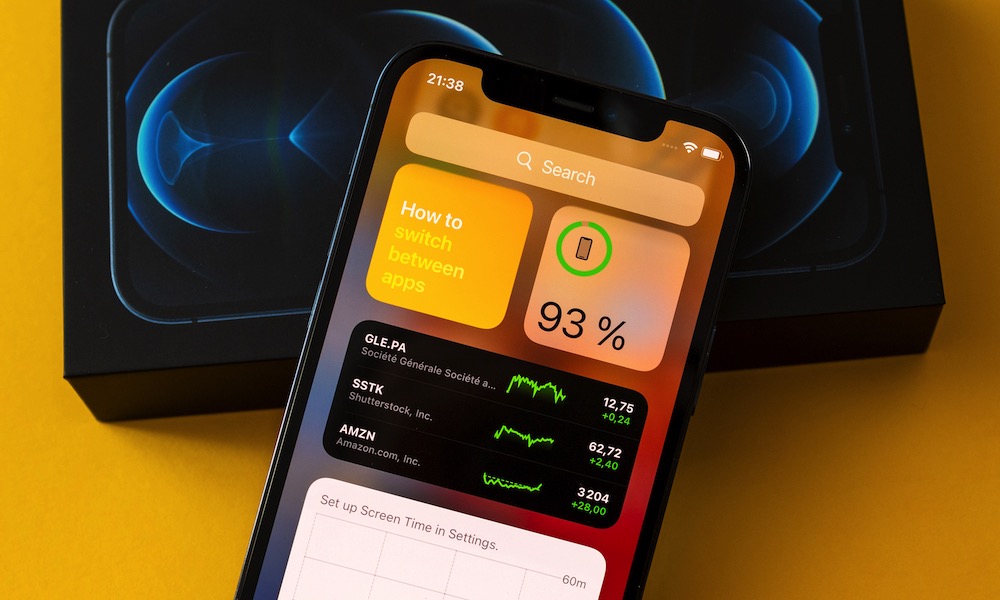
One of the clearest signs of an aging battery is shorter battery life. Your iPhone may still work fine, but you’ll start to notice it doesn’t last nearly as long between charges.
This happens because lithium-ion batteries naturally degrade over time. As the battery ages, it can’t hold as much of a charge as it did when it was new. That means the same iPhone, running the same apps, will need to be charged more frequently.
You may notice that your battery drops quickly while browsing, texting, taking photos, or using social media. You might also see your iPhone lose a surprising amount of charge even if you’re not using it. If you used to finish the day with 30% left and now need to charge by lunch, the battery may be the problem.

Your iPhone Randomly Shuts Down
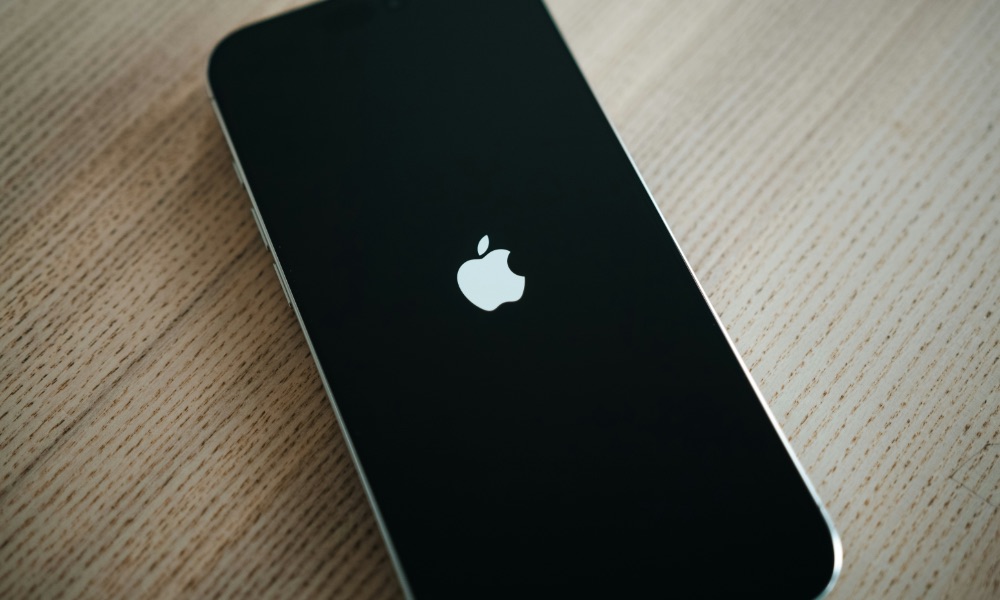
Your iPhone shutting down unexpectedly is a clear tell that your battery may be struggling. This is different from your iPhone simply running out of battery at the end of the day.
A worn battery may not be able to deliver enough power during demanding moments. That can cause your iPhone to just shut down even when the battery percentage says there’s still charge left. You might see it die at 15%, 20%, or even higher in some cases.
This can happen during gaming, video recording, or other tasks that require more power. Believe it or not, the weather can also make the problem more noticeable as batteries perform worse in lower temperatures.
Your iPhone Feels Slower Than It Used To
An iPhone slowing down isn’t anything unusual. It sometimes happens because too many processes are running at once, or because the latest software update is demanding more from it. However, a degraded battery can also affect performance. If your iPhone feels slower than before, the battery may be part of the reason.
Apple includes many features to help prevent your iPhone from turning off unexpectedly due to its aging battery. These include reducing peak performance to avoid issues from sudden spikes in power usage. However, the side-effect is that apps will open more slowly, scrolling will feel less smooth, or other processes will slow down.
For instance, you may notice keyboard lag, slow app switching, or apps reloading more often than they used to. Of course, as we mentioned, performance problems can also come from other issues like low storage, outdated software, or buggy apps, so the battery isn’t always the only cause.
Still, if your iPhone is older and battery health is low, replacing the battery can sometimes improve both battery life and performance. It won’t make an old processor brand-new, but it can make the device feel more powerful.
Your iPhone Gets Hot Frequently
As with any device, feeling some warmth on your iPhone is normal. Devices may heat up during gaming, navigation, video recording, software updates, or when you’re using them in direct sunlight. That doesn’t automatically mean your battery is deteriorating.
With that said, if your iPhone gets uncomfortably hot during basic tasks or while sitting idle on a charger, something may be wrong. Heat is also bad for long-term battery health because high temperatures can accelerate battery aging.
An older battery may work harder to provide power, especially during demanding tasks. That can contribute to heat, although apps, charging accessories, poor signal, and software issues can also play a role. If your iPhone regularly feels hot, and you’re not using it while charging or in the sun, you might want to consider a battery replacement.
Your Battery’s Maximum Capacity Is Below 80%
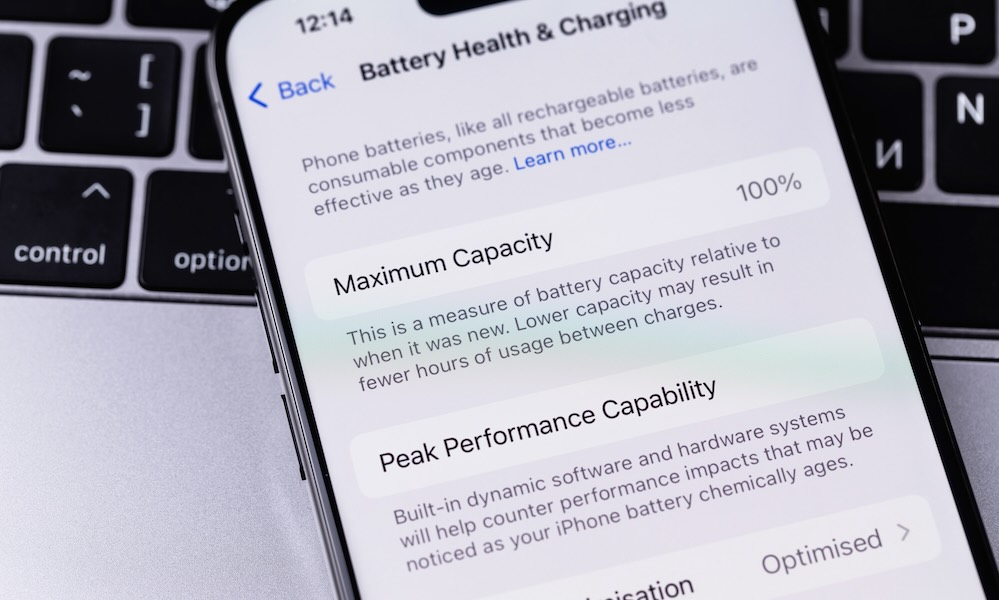
This is the biggest thing that will let you know it’s time to get a new battery. The 80% mark is one of the most important numbers to know when it comes to your battery health. Apple commonly uses 80% capacity as the point where battery aging becomes more significant under normal use.
That doesn’t mean your iPhone instantly becomes unusable at 79%. Some people can keep using a device below 80% if they’re light users or always near a charger. But for many people and power users, this is where the daily experience starts feeling frustrating.
At this point, you may notice other issues, such as slower performance, unexpected shutdowns, or a general feeling that your iPhone can’t be trusted away from an outlet. If your battery health is below 80% and the device still meets your needs without any issues, it might be worth changing the battery instead of your whole iPhone.
A New Battery Can Make an Old iPhone Feel Much Better
Even if your battery still seems to work fine, there are plenty of signs that tell you it might be time to consider changing your battery.
For many people, replacing the battery is the smartest upgrade they can make. If your iPhone still performs well, still gets updates, has enough storage, and meets your needs, a fresh battery can extend its life without the cost of a new device.
Just make sure the battery is really the problem first. Check Battery Health, review Battery Usage by App, and update iOS. If the battery is clearly degraded, replacing it can make your iPhone feel brand new again.






