Tapped a Scam Text Link on Your iPhone? Do These 4 Things Right Now
 fotofabrika / Adobe Stock
Toggle Dark Mode
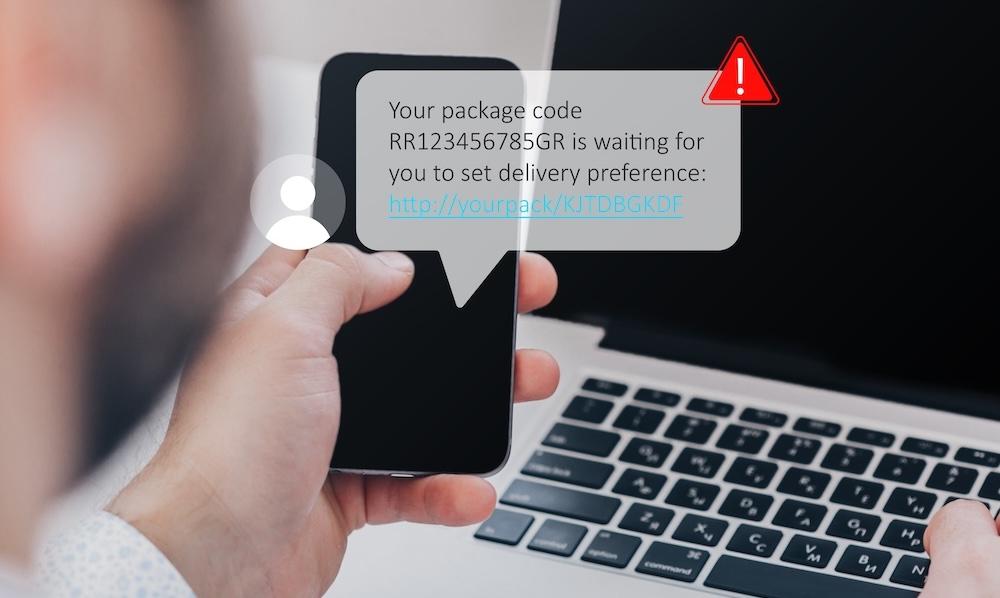
Scam texts are big business. The FTC reported people lost about $470 million to scams that started with a text in 2024.
Fake package delivery notices were the most common tactic, so we published a reminder ahead of Black Friday.
Right on cue, I received this text message. ‘Tis the season.
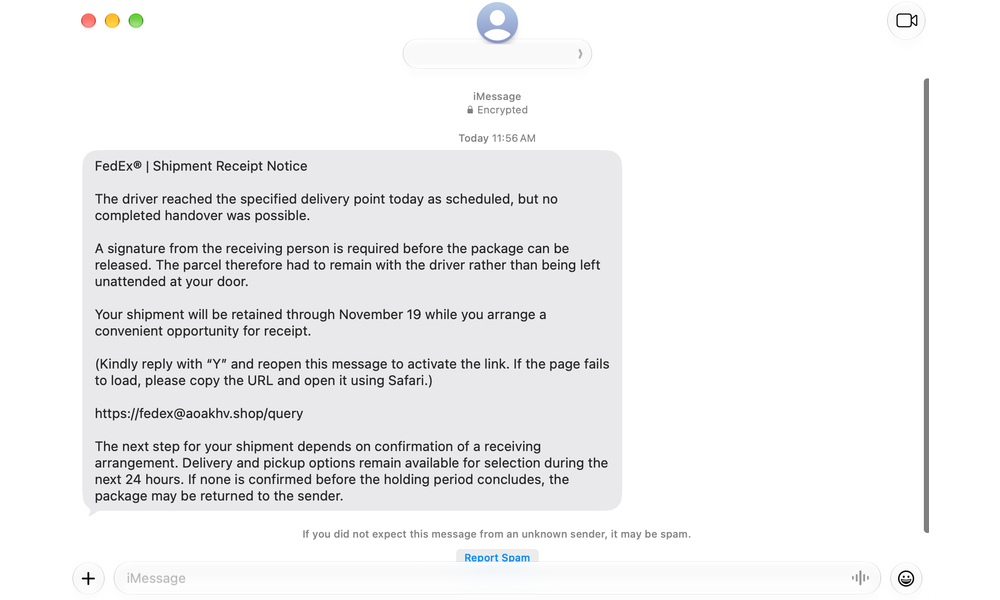
The Gmail address that sent the message is redacted because I searched the name and the results indicate a rather distinguished person I don’t believe actually sent it. That’s possibly all part of the plan. The message includes the common “reply Y” red flag we warned of.
If you tap a link in a text that turned out to be a scam, don’t panic. It happens to careful people every day. Maybe you’re expecting important packages or used a toll road recently. The key is to move quickly. If you do, hopefully you can stop the real damage before it starts.
Even if you’re taking action a bit later, doing something is better than doing nothing. Acting quickly generally limits your exposure. Here’s some general guidance.
Step 1: Stop and Close the Page
If you tapped a link in a message and you suddenly realize something doesn’t add up, stop. Don’t finish filling out the form and don’t tap, click, or submit anything else on the page.
- Close the web page. Tap the Tabs button in the bottom-right and tap the X on the tab to close it (simply swiping Safari away from the App Switcher won’t close the page — it will reload the next time you open Safari).
- Don’t reply to the text. Even if you reply with something you believe is harmless, like “stop,” it tells the scammer your number is active, which may invite more attempts to fool you.
- Take a screenshot of the text. Before you delete the message, take a screenshot by pressing the side button and volume up button at the same time and saving it. Below we’ll tell you where to report the message if you desire to.
Step 2: Protect What You Shared
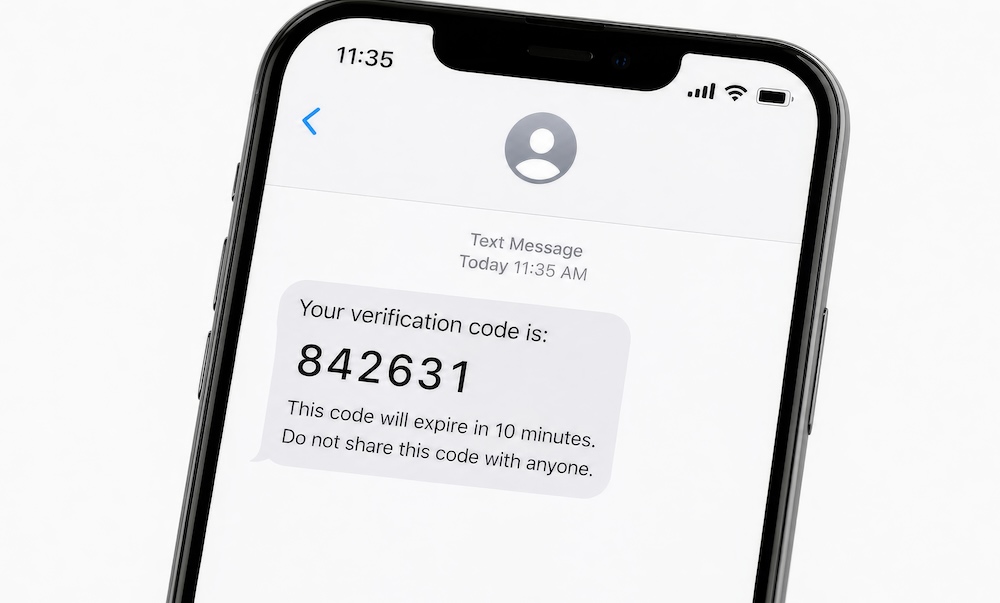
Here are some of the common situations you may find yourself in if you were successfully tricked by a scam message. Follow the steps below for every section that applies to the action you took.
You tapped a link but didn’t type anything. In this case, you’re most likely fine. Just looking at a fake page usually isn’t enough for scammers to steal your information or install malware. Still, you’ll want to skip to Step 3.
You entered a credit or debit card number. This is a common goal of fake delivery fee texts, so act fast. This is especially true if you provided a debit card number. Debit card transactions usually come directly out of your bank account and offer weaker protections than a credit card.
- Call your card company right away. You can find the phone number on the back of your card. Don’t use any number from the text or from a webpage you visited by clicking the text.
- Tell them the card information was stolen in a scam. Ask them to cancel the card and send a new one with a different number.
- Dispute any unrecognized charges. This would include any small fee you paid on the scam page, if you did.
- Review statements for that card carefully. For at least two to three months, keep a close eye on that card’s statements for any unfamiliar charges.
You gave a password. If you provided a password, change it right away.
- Go to the real website or app directly. Don’t use the same scam link through which you shared the password originally.
- Change the password everywhere else you use the same password. Scammers will try stolen passwords across multiple sites.
- Turn on two-factor authentication. If the account offers it, turn on two-factor authentication. Once enabled, even someone with your password can’t access that service without a code from your phone.
- If the password was for your Apple Account, change it by going to Settings > Your Name > Sign-In & Security. There, you’ll see both the option to change your password and enable two-factor authentication.
You gave your Social Security number. This is likely the most serious scenario. Your SSN can be used to open new accounts in your name, leaving you with the stressful and time-consuming process of having to document everything and possibly repair your credit. Here’s what to do if you gave up your SSN.
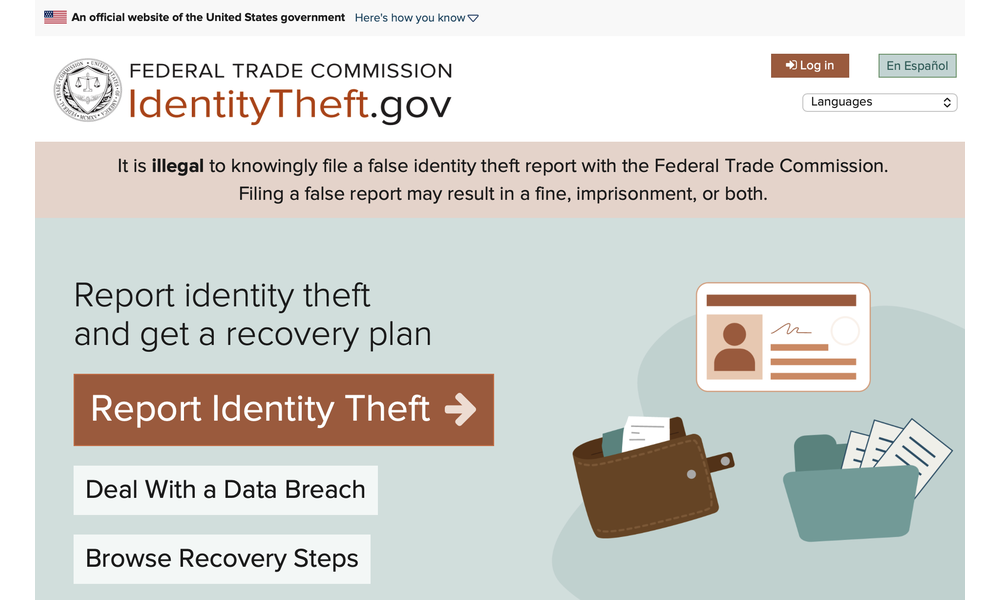
- Go to IdentityTheft.gov. It’s an official government website that will allow you to report identity theft, help build you a step-by-step recovery plan, and monitor the plan’s progress.
- Freeze your credit with all three credit bureaus: Equifax, Experian, and TransUnion. It’s free. A freeze allows you to lift or thaw the freeze any time you need to apply for credit yourself.
- Consider signing up for a third-party service that monitors your credit, like CreditKarma.com.
Step 3: Check Your iPhone
It’s rare for an iPhone to be compromised from opening a web page alone. Some scam pages will try convincing you to install something. Either way, take a few minutes to make sure nothing happened.
- Look for a profile you didn’t add. Open Settings > General > VPN & Device Management. If you see a profile you don’t recognize, tap it, then tap Remove Profile and enter your passcode. If this screen doesn’t appear in General, there are no profiles installed. If your iPhone was issued by an employer, check with them before deleting any profiles.
- Update your iPhone. This could fix security holes a scam tried to use. Go to Settings > General > Software Update.
- Delete any apps you installed because of the text. Touch and hold the app’s icon, then tap Remove App and then Delete App.
- Clear your Safari history. This makes sure the scam page doesn’t reopen accidentally. Go to Settings > Apps > Safari > Clear History and Website Data.
Step 4: Report the Scam
There are a variety of options when it comes to reporting the scam beyond just your bank. Doing so isn’t required, but it’s a good idea if you gave up sensitive information like credit card details or certainly your SSN. Reporting alone won’t be enough to recover your money if you lost any, but it helps authorities start a trail and could protect others. Here are some options.
- Forward the text to 7726 (it spells SPAM). Touch and hold the message, tap More, tap the forward arrow, then type 7726 as the recipient and send. Your wireless carrier uses these reports to block similar texts.
- Report it to the Postal Inspection Service if the text pretended to be USPS. Email your screenshot to spam@usps.gov and share the action you took and any harm that followed.
- File a report with the FTC at ReportFraud.ftc.gov. This is important if you shared personal details or suffered any loss. Doing so doesn’t offer individual dispute resolution, but it does provide actionable next steps. Reporting here helps the FTC and partner law enforcement agencies investigate larger schemes.
- File a report with the Internet Crime Complaint Center run by the FBI under the category “Cyber Enabled Frauds, Scams, or Cyber Threats and Intrusion.” This information will also be used to support law enforcement intelligence, support larger investigations, and track emerging threats.
After taking these steps, you’ll want to Screen Unknown Senders to help keep the next trick out of your inbox. Falling for a scam text doesn’t mean you’re careless. Professional fraudsters do their job well. What you do after you realize you’ve been duped matters. Close the page, call your bank or card company, change passwords, and report the text. If you exposed yourself to identity theft, take action and use the government website to come up with a plan. Try to keep this rule in mind going forward: never click a link from a text you didn’t ask for.