
Most Apple Users Don’t Know This Emergency Reverse-Charging Hack – You Should
 ifeelstock / Adobe Stock
Toggle Dark Mode
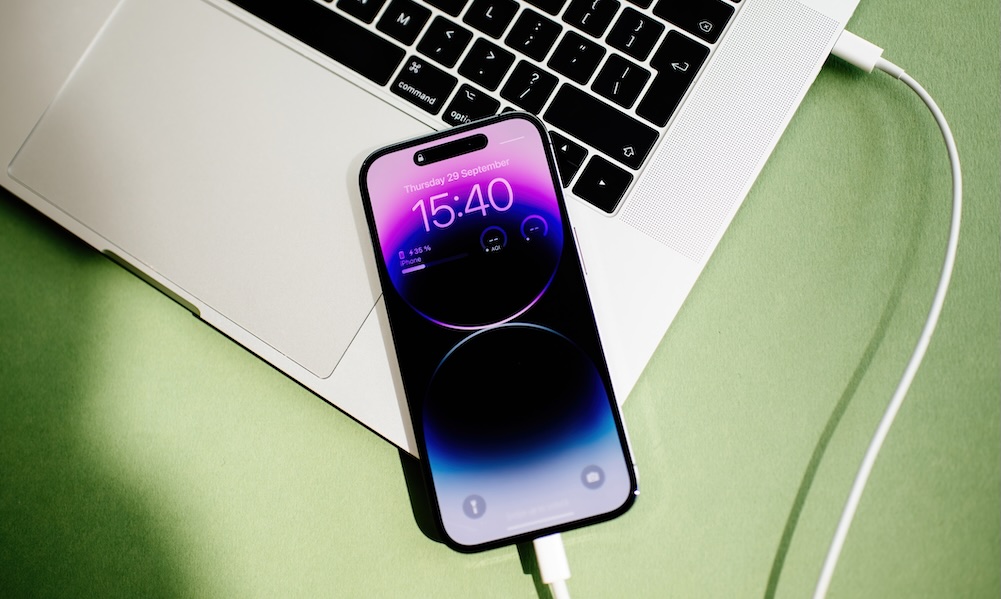
If you have a modern iPhone and a MacBook, you need to know this trick. While this only works if your iPhone has a USB-C port, that encompasses every model released since 2023, when the iPhone 15 replaced the older Lightning connector.
Every modern MacBook since 2015 uses USB-C, either standard USB-C or multi-use Thunderbolt/USB-4 ports, so that should definitely qualify, as chances are pretty good your current MacBook is less than eleven years old.

Imagine this scenario. Your MacBook is nearly out of power and you need it to complete a task to meet a deadline. You forgot your charger.
However, there’s no need to panic if you have your iPhone and a USB-C to USB-C cable, since your iPhone can actually coax your dead MacBook back to life.
To be clear, your iPhone won’t charge your MacBook in the traditional sense — and this will cost you a significant chunk of your phone’s battery — but it takes only a tiny trickle of power to keep your MacBook going, and your iPhone has it.
MacBooks ship with at least a 30 W power adapter, with some models needing as much as 140 W. The iPhone’s power output maxes out at 4.5 W, so don’t expect a miracle. This isn’t a charging solution, but a last resort. It’s also not officially documented by Apple and seems to vary depending on the iPhone and Mac models used.
You’ll likely have a better chance powering a MacBook Neo or MacBook Air than a 16-inch MacBook Pro, but you’ve got nothing to lose by trying either way. This can’t damage your iPhone or MacBook; the worst-case scenario is nothing happens at all.
But here’s why it can work. With most USB-C charging connections, the device serving as the power source isn’t predetermined. Instead, it’s negotiated the moment they’re connected via the USB Power Delivery (USB PD) protocol. Typically, when you connect your iPhone to your MacBook, the MacBook wins that negotiation and charges the iPhone.
Here’s what worked for us, using an iPhone 17 Pro to power an M3 MacBook Pro:
- Shut down your MacBook (not Sleep mode).
- Connect the USB-C cable to the iPhone first.
- Plug the other end of the cable into your MacBook.
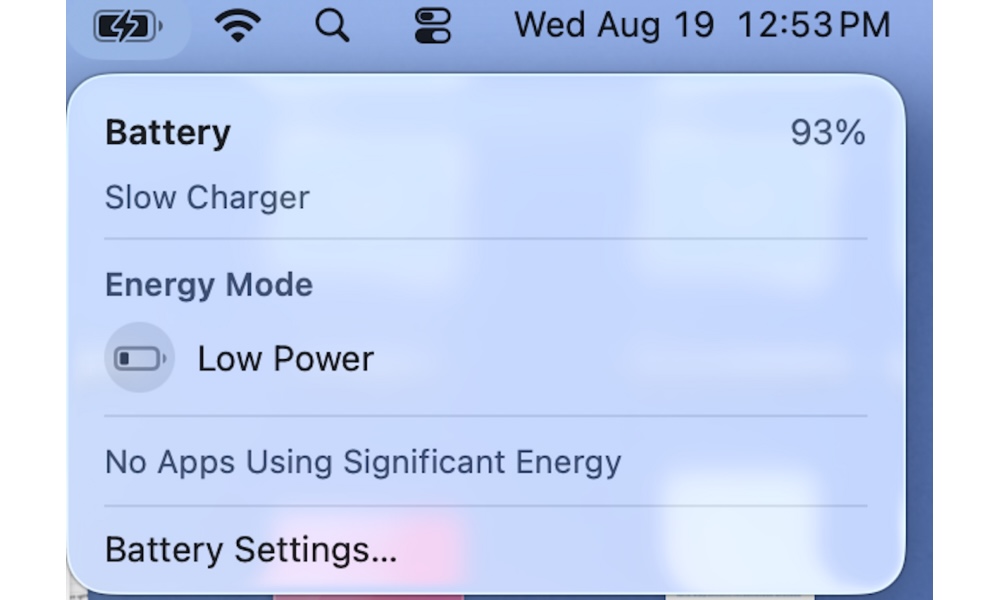
In this case, the MacBook was powered off with the screen open. After connecting the USB-C cable to the MacBook (already charged to 90%) it immediately booted up. The battery icon in the top-right of the screen showed the MacBook was charging, indicating it was connected to a “slow charger.” Unplugging the cable from either the iPhone or MacBook will reset the connection. To get the iPhone to serve as the power source again required shutting down the computer.
Remember, reverse charging a MacBook with your iPhone should be a last resort. You can expect significant battery drain for minimal, slow gains. iPhones can also charge AirPods and the Apple Watch — via USB-C, not wirelessly — where it can provide a meaningful top-up in less time. Still, your iPhone’s battery is draining to charge your accessories, which means reverse charging with your iPhone is best used to get you through a bind, not as a regular practice.






