
Use Your AirPods as a Camera Remote
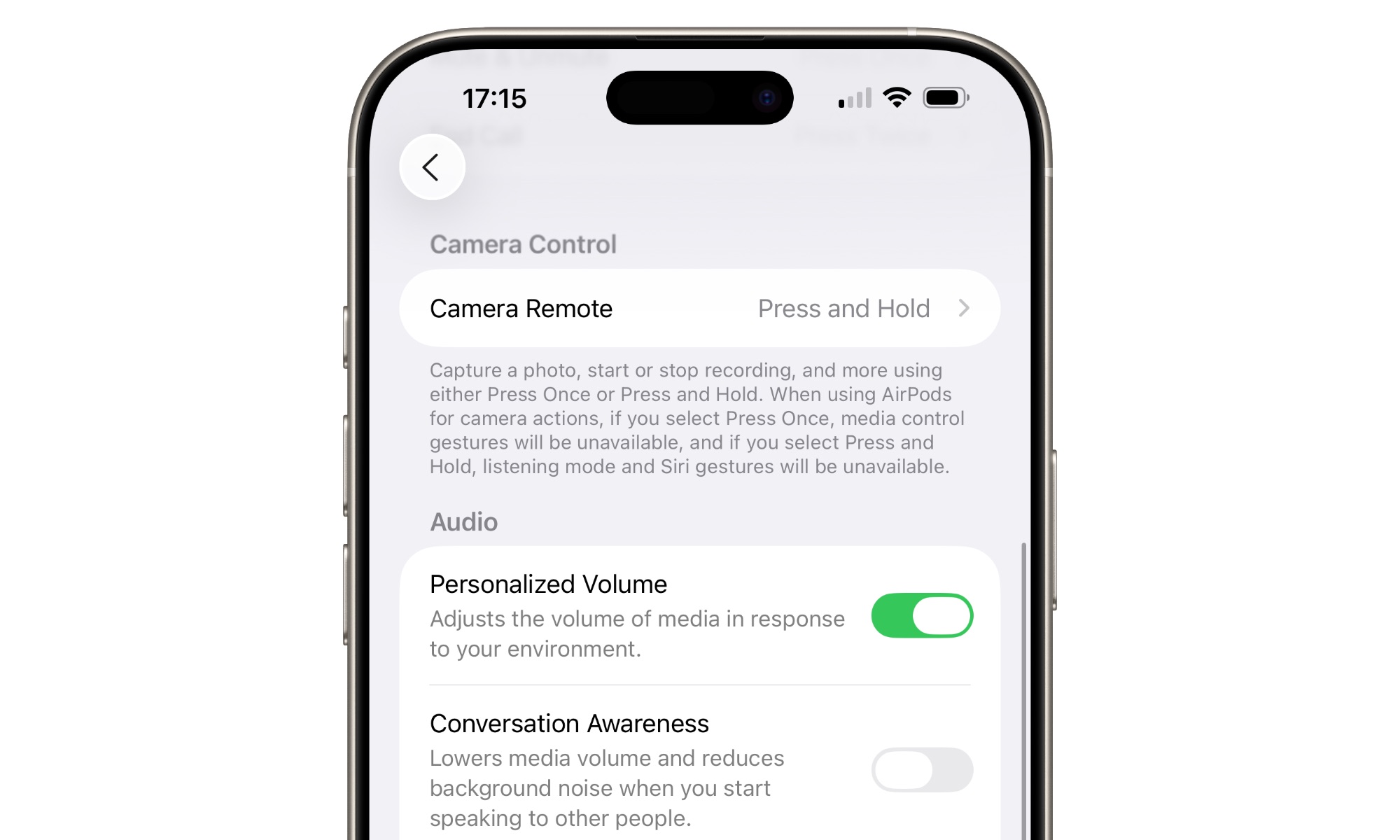
This is one of those iOS 26 features you didn’t know you needed, especially if you love taking selfies. Modern AirPods can now work as a camera remote for supported camera apps , so you can trigger a photo or video action without touching your iPhone directly.
That opens your iPhone up to many different situations. Group photos and selfies get easier, and recording yourself from a short distance won’t ever be difficult again.
To use this feature, you’ll need the AirPods 4, AirPods Pro 2, AirPods Pro 3, or AirPods Max 2. Connect or pair them to your iPhone, go to the Settings app, tap your AirPods’ name and then go to Camera Remote, and choose Press Once or Press and Hold.
Now open the Camera app (or other third-party apps that support this feature), choose to take a video or photo, and then press once or press and hold your AirPods (depending on what you chose).