
Does My iPhone Support ‘Siri AI’ in iOS 27?
Toggle Dark Mode
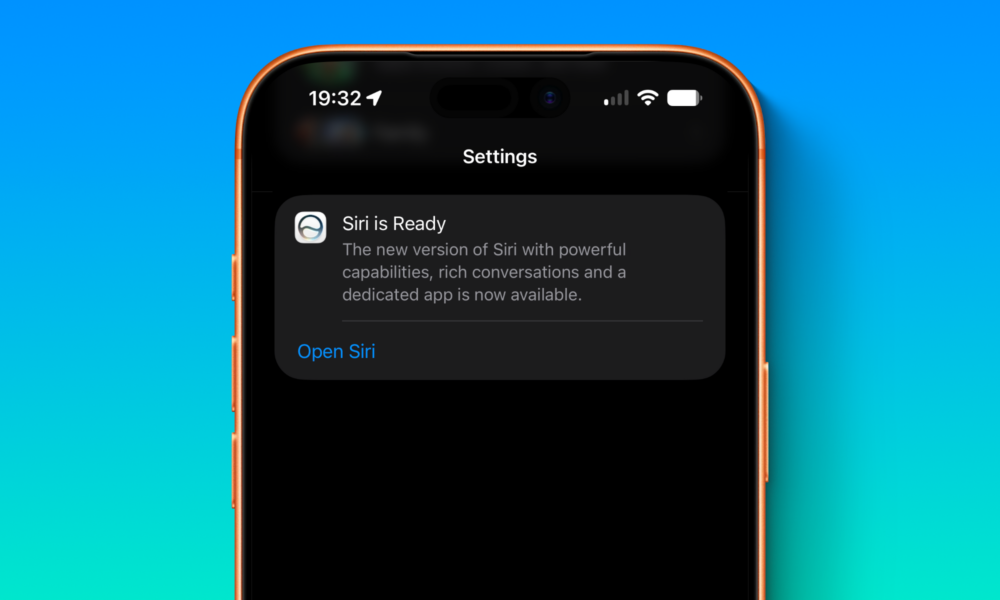
Among all the new iOS 27 features that Apple introduced with the new software update, there’s one that stands out: Siri AI. This is the vastly improved Siri that everyone was waiting for.
Now, Siri is smarter and more capable than ever. It can understand personal context, provide more personalized suggestions, search photos better, and of course, you can still ask it questions.

That said, it’s still far from perfect. Despite turning 15 years old a few days ago, Apple’s virtual assistant can still be a bit silly at times. But just because it isn’t perfect doesn’t mean you shouldn’t use it.
If you want to use Siri AI, you need to make sure your iPhone actually supports it. Then, you might need to enable it. Don’t worry; you’ll find everything you need to know right here.
Does My iPhone Support Siri AI?
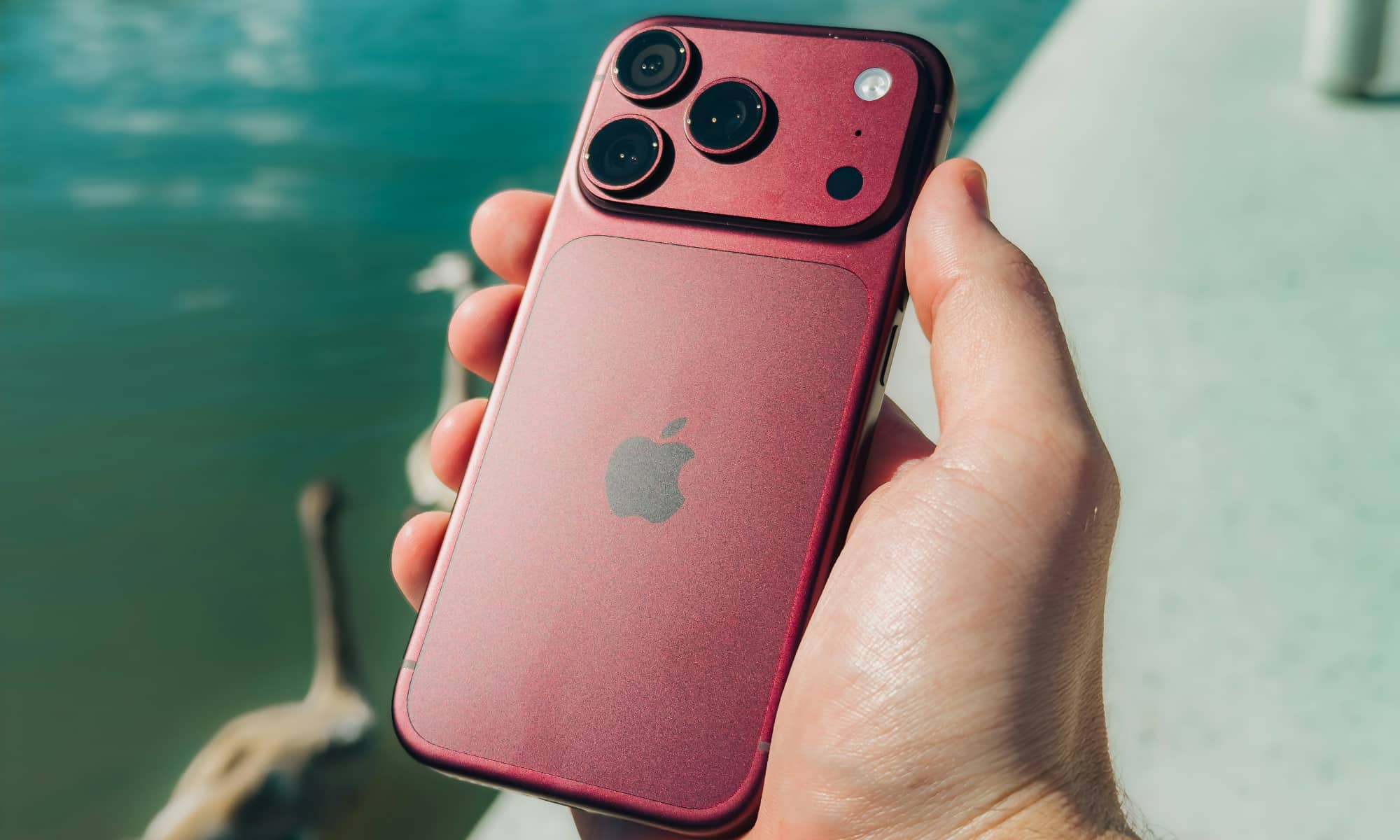
The good news is that if your iPhone already supports Apple Intelligence, you’ll also have access to Siri AI, which makes things way easier.
To be more specific, Apple confirms that these iPhones can use Siri AI:
- iPhone 15 Pro and Pro Max
- All iPhone 16 models
- All iPhone 17 models
- iPhone Air
- iPhone 18 Pro and Pro Max
- iPhone Duo
Note that some more advanced features like expressive voices require an iPhone 17 Pro or later Pro model, or an iPhone Air, as these are the only models equipped with 12 GB of RAM.
How to Turn on Siri AI
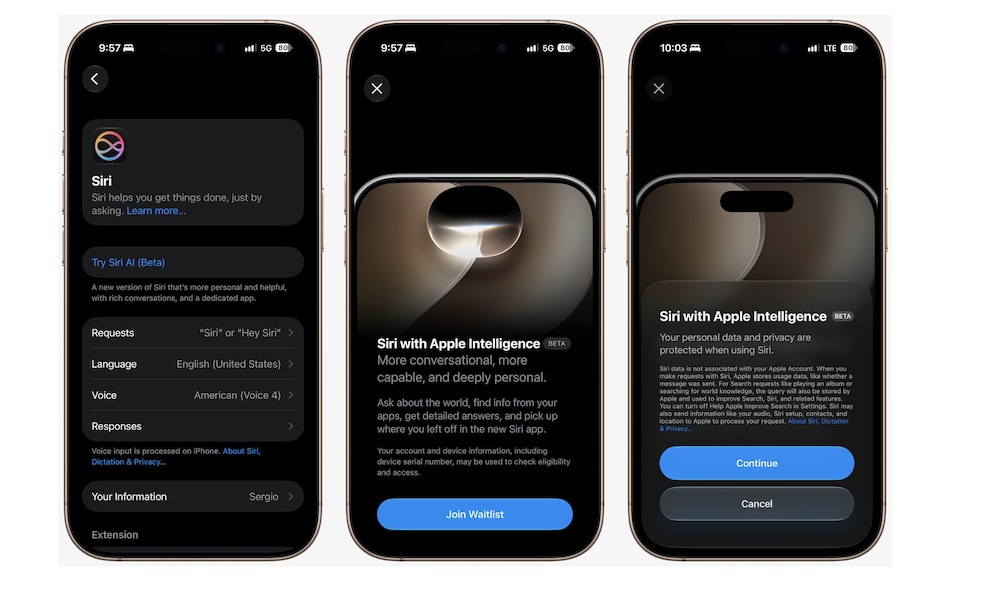
Enabling Siri AI is pretty easy, although you may have to join a waitlist, as Apple is still rolling it out slowly.
Siri AI is currently in beta and isn’t available everywhere — notably remaining absent in both the EU and China, with no official timeline for launch.
At the time of this writing, Siri AI is only available in English, although that’s set to change in iOS 27.2, which will add French, Japanese, Korean, Portuguese, and Spanish, and is expected to be released within the next week or so.
However, as long as you meet the requirements, here’s how to turn on Siri AI on your iPhone:
- Open the Settings app.
- Scroll down and tap on Siri.
- If you don’t have Siri turned on, enable it.
- Finally, tap Try Siri AI (Beta).
- Tap Continue.
- Follow the instructions on the screen.
Make the Most Out of Siri AI
As we mentioned, Siri is far from perfect. There is still a lot of work to be done to make Siri the virtual assistant we’ve all dreamed of. Still, what’s here is a big step in the right direction.
Once you get access to Siri AI, your iPhone will be smarter, and you’ll be able to keep track of all your conversations with Siri with the help of the dedicated Siri app.






