
Summarize Long Emails
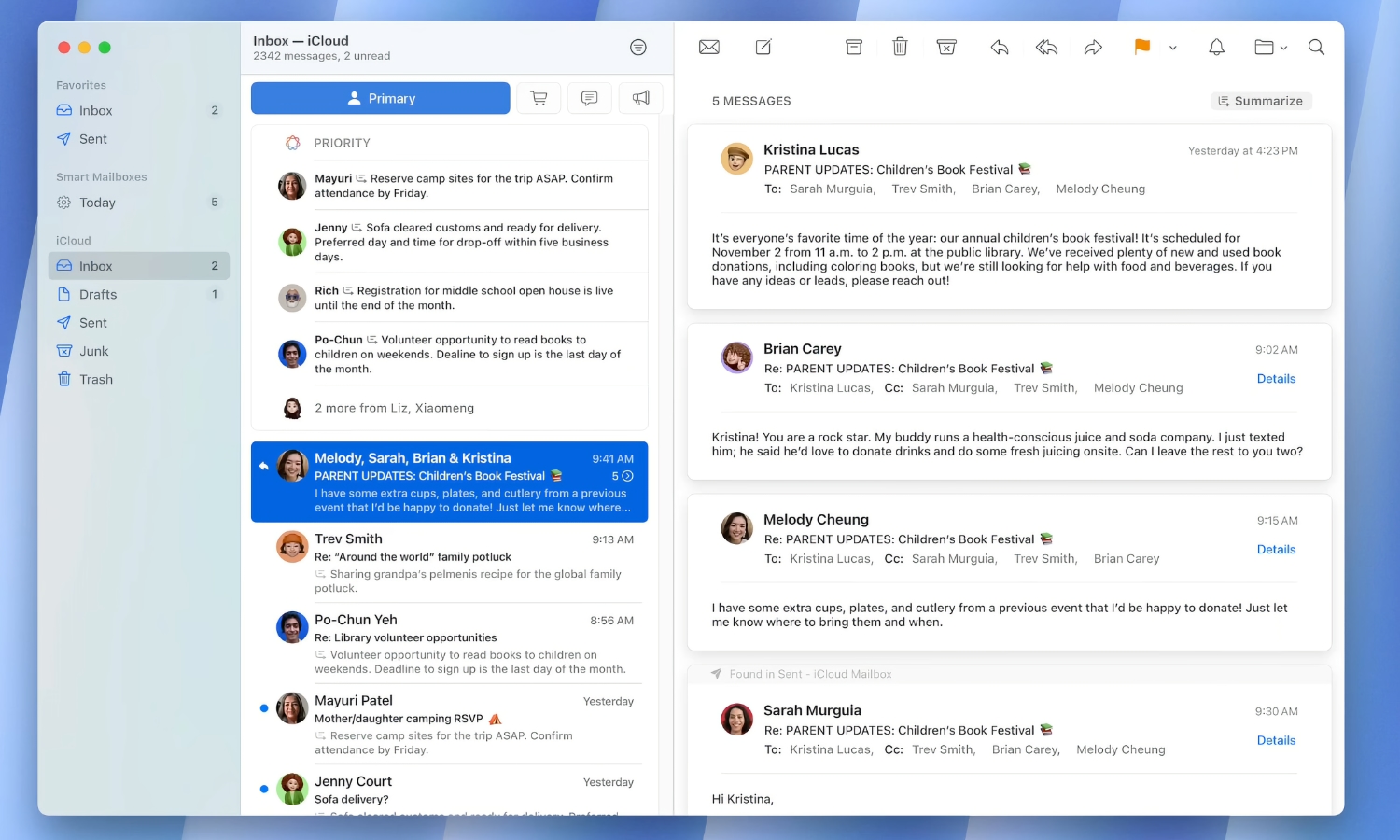
Opening your inbox and discovering another enormous email thread isn’t exactly exciting. However, Apple Intelligence can help you with that.
Apple’s AI can summarize emails directly inside the Mail app. A brief summary outlining the contents will appear near the top of the screen.
To use this feature, simply open the message in the Mail app and then click or tap on Summarize. The summary will appear after a few seconds, highlighting the key takeaways from the email.
Granted, the message might be a bit too concise or inaccurate at times. So test it before relying on it completely. Generative AI can misunderstand details, so read the original email when exact wording or specific instructions matter.