
Proofread Your Messages With Writing Tools
You’ve probably written an email on your iPhone and noticed a typo just two seconds after pressing Send.
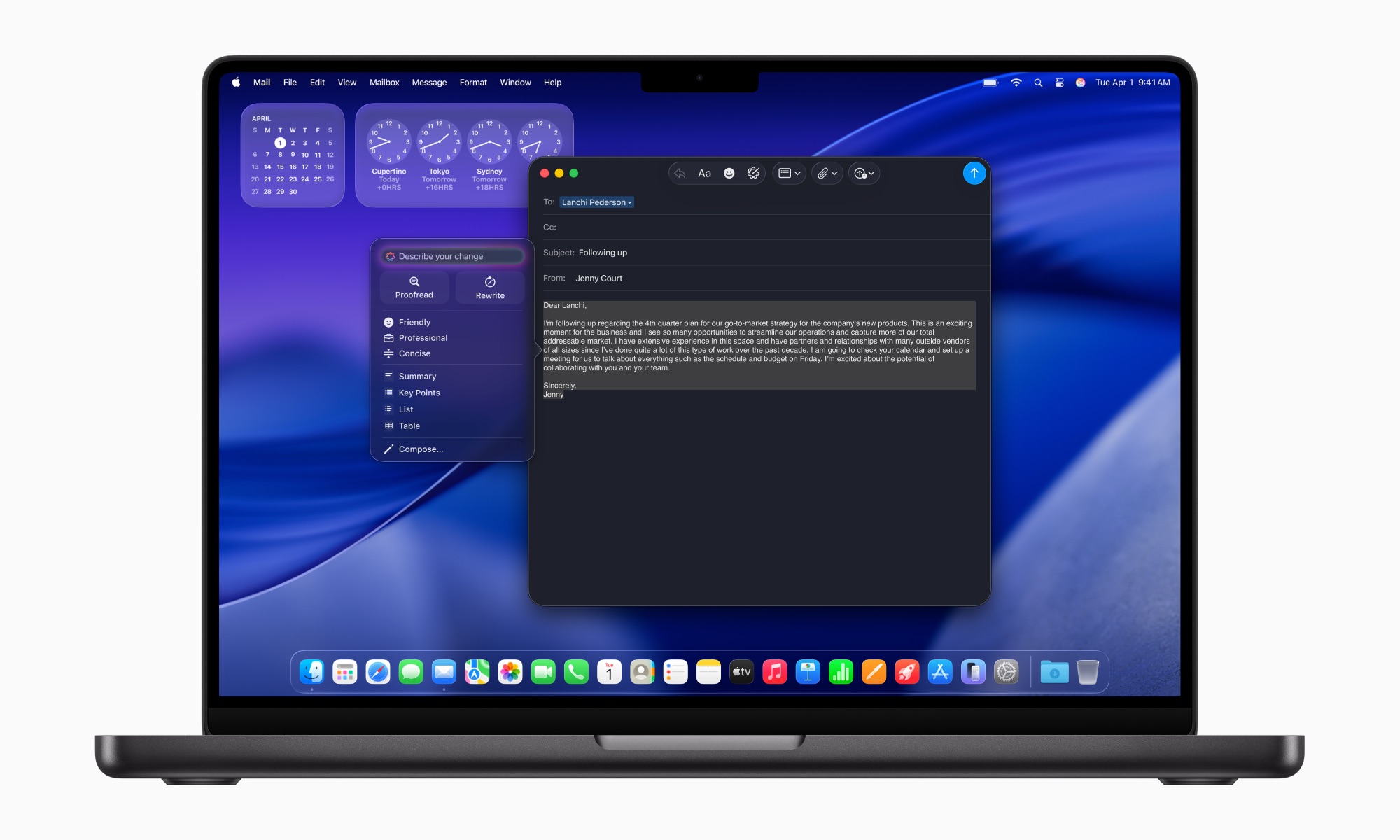
Writing Tools can help you catch those mistakes. Apple Intelligence can proofread a message and look for problems with spelling, grammar, and even the tone. It can also suggest wording changes when something you’ve written doesn’t sound quite right.
Writing Tools are available in many places where you can enter text, including supported third-party apps and websites. That means you don’t have to copy an important email into a separate AI app just to check it.
To use this feature, simply write your message normally and select it. If you’re on iPhone, tap the Writing Tools icon that appears in the pop-up message. On Mac, control-click (right-click) the selected text and choose Show Writing Tools or Proofread.
Be sure to always read through the result before sending the message. Apple Intelligence can help clean up your writing, but you should still make sure the final version says exactly what you intended.