Final Cut Pro 13 Lands with MotionVFX in Apple’s Fall Creator Studio Rollout
Toggle Dark Mode
At the end of October, Apple announced a set of significant updates for Apple Creator Studio, its pro suite of creative apps, alongside the debut of its new M6 MacBook Pro and touchscreen MacBook Pro with PROLED XDR Display.
However, not all of those apps arrived right away. While Logic Pro 13.0 rolled out in early November with the promised Intelligent Assistant — and a new way of buying more AI usage — the rest of the apps in the suite were left waiting in the wings.
Apple has finally filled in those gaps today, with Final Cut Pro 13.0 and Pixelmator Pro 5.0 alongside updates to Pages, Numbers, and Keynote, bringing the entire suite into sync.
Although Apple has also updated the one-time purchase versions of Final Cut Pro and Logic Pro, these are beginning to drift a bit further from their Creator Studio counterparts, as Apple continues to bring new subscription-exclusive AI features to the table. Meanwhile, the old standalone version of Pixelmator Pro is once again left out entirely. Last updated seven months ago, that one is beginning to feel a bit like abandonware.
Both the perpetual and Apple Creator Studio versions of Final Cut Pro get general user interface improvements, including the ability to disconnect timeline clips from the primary storyline, more precise keyframe easing options for animating footage, and the ability to generate captions and search transcripts in 23 new languages. Compressor also gains support for Cinematic mode video shot on the iPhone 18 Pro and iPhone Duo.
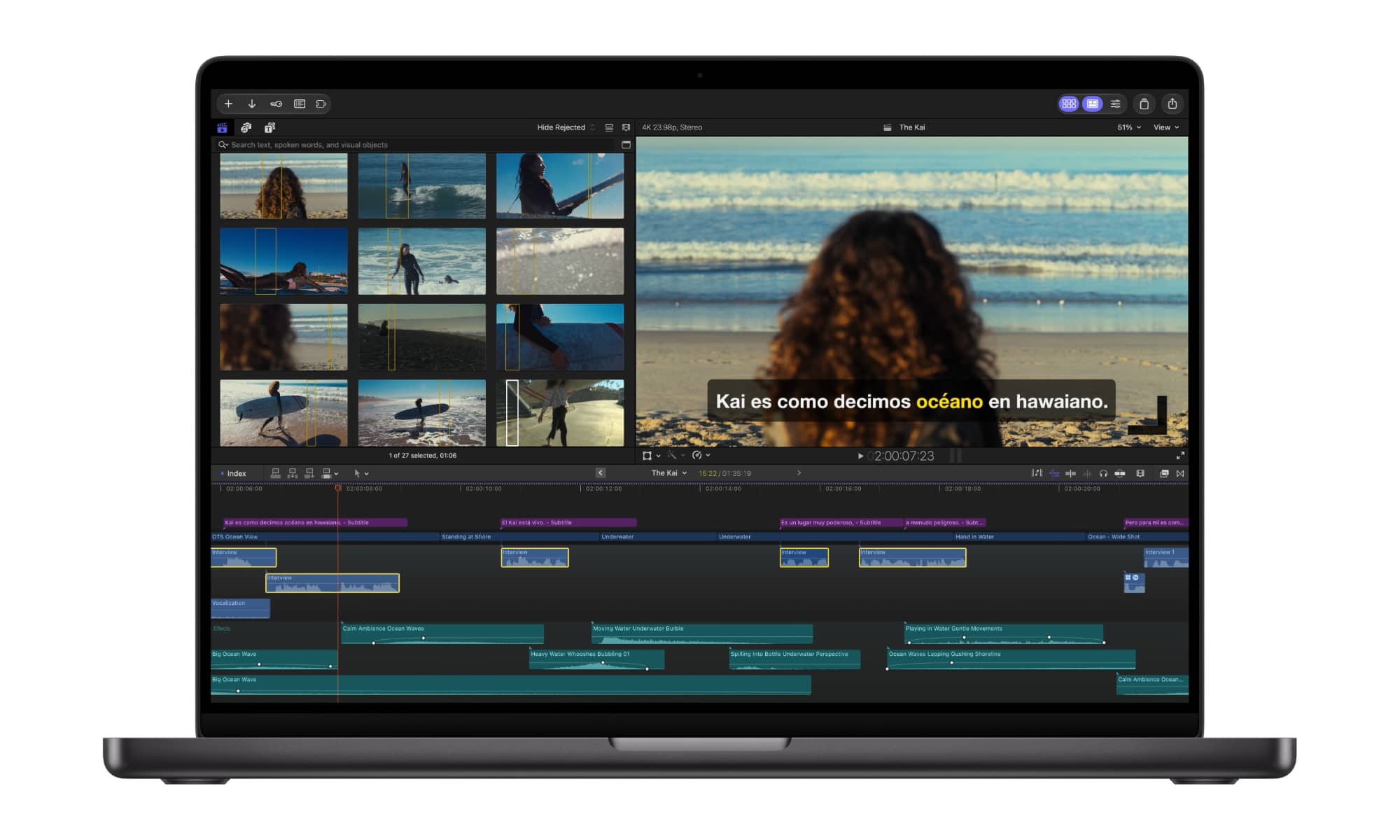
However, if you subscribe to Apple Creator Studio, Final Cut Pro unlocks the ability to open timeline images for round-trip editing in Pixelmator Pro, as well as AI tools for generating or editing images from a text description.
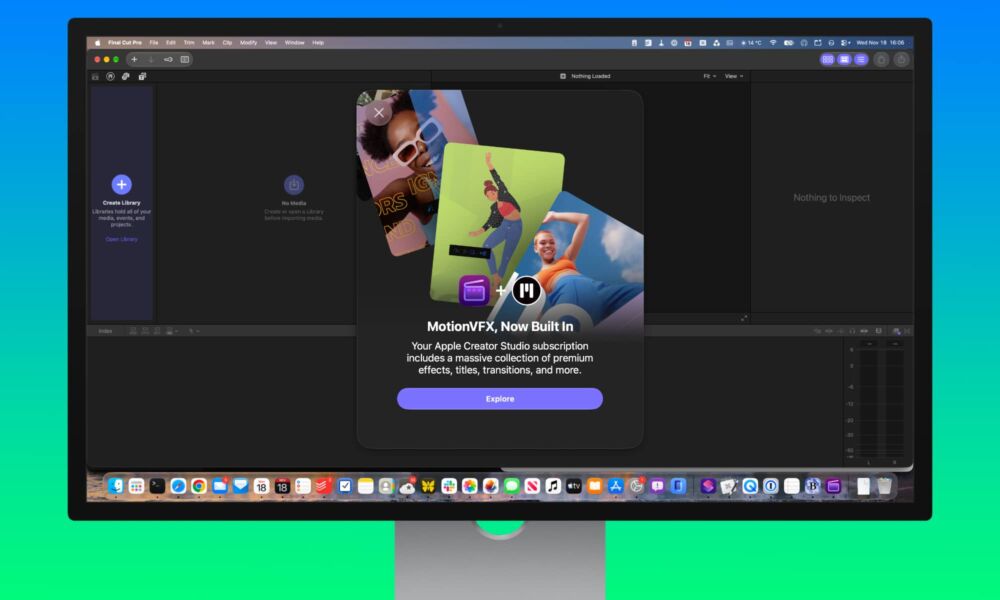
More significantly, Final Cut Pro now has MotionVFX support built in, providing a wealth of templates with unique themes, plus tools for rotoscoping, tracking, and color grading. This is in addition to the Content Hub that’s been a core feature of Apple Creator Studio from the start, which provides stock photos and backgrounds, and now adds royalty-free video assets.
For its part, Pixelmator Pro gets a new Generate Fill tool that takes natural language prompts to edit images using a nondestructive masking layer, plus improved Magnetic Selection, Free Selection, and Quick Selection tools.
It’s not too surprising that some of these features require a subscription, since we’re talking about licensed content libraries here — not to mention MotionVFX plug-ins that previously cost at least $30 a month on their own. There’s also the AI aspect, and as we saw earlier this month with Logic Pro, Apple is through giving away those tools entirely for free.
While Apple Creator Studio costs $12.99 monthly or $129 annually on its own, that only pays for so much AI usage. Apple has enforced some limits from the start, but at least now it’s offering the ability to buy more when you run out.
As expected, the ability to purchase $49.99 “intelligence usage packs” has been extended to the rest of the Creator Studio suite, as Apple notes in its updated support document:
On Mac, choose Keynote, Pages, Numbers, Pixelmator Pro, Final Cut Pro, Motion, or Logic Pro from the menu bar, choose Intelligence Features, choose Show Usage, then choose Buy More Usage.
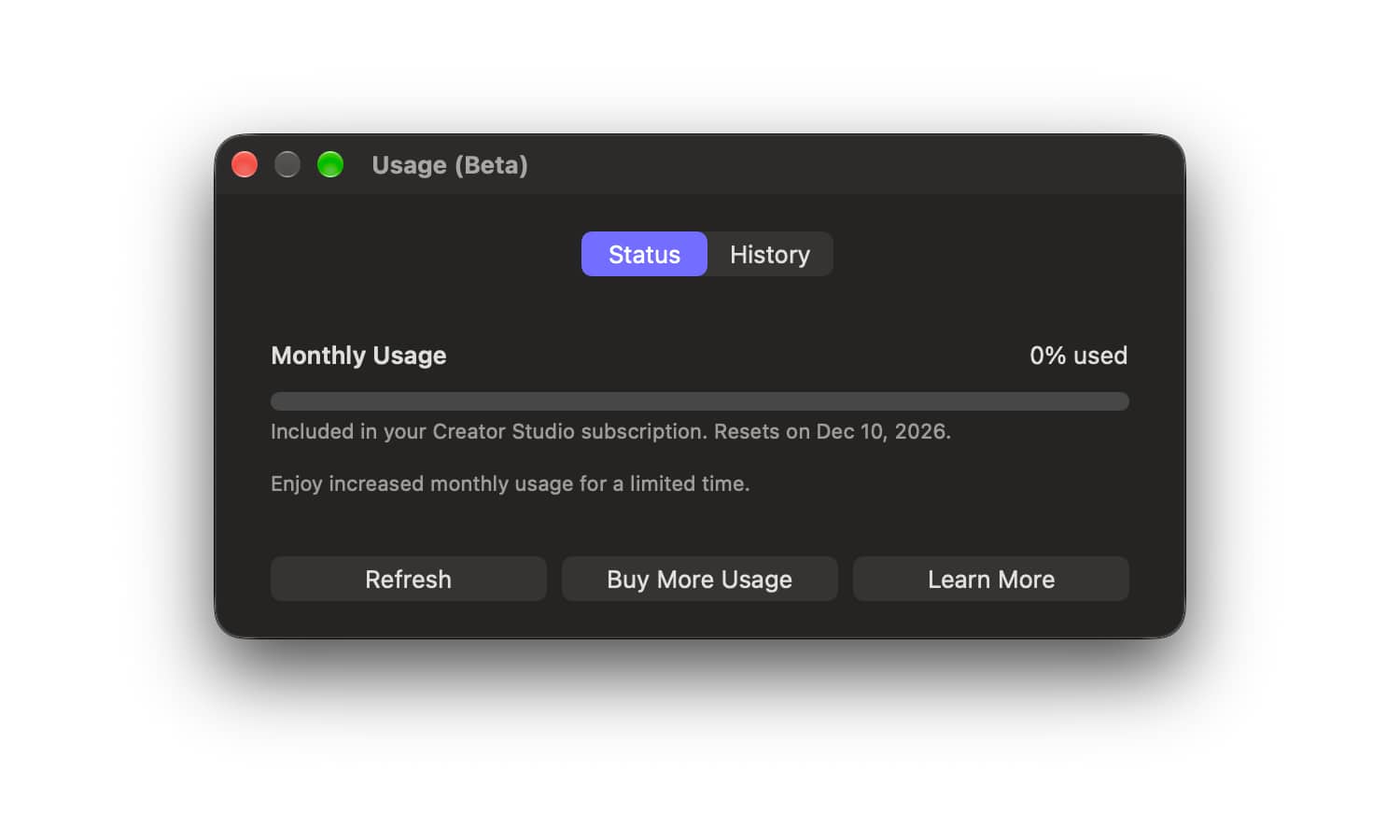
Previously, these only showed up in Logic Pro, as the rest of the Creator Studio updates weren’t released until today. Apple will enforce its usage limits across the entire Creator Studio suite — so all apps share the same allotment, which Apple describes as follows:
- 50 images, or
- 500 shapes, or
- 5 presentations with approximately 8–10 slides each, including images, or
- Presenter notes for 700 slides, or
- 50 fills
Or any combination of the above. Those are also only guidelines, and the complexity of queries and use of the AI assistants in Keynote, Numbers, Pages, and Logic Pro can consume more, as do image generation suggestions and follow-up suggestions. However, Apple also adds that it’s offering increased monthly usage above these limits “for a limited time.”
Usage limits will reset each month, but those who hit the wall in the United States, Canada, Mexico, the UK, France, Germany, India, or Brazil can pay $49.99 for an intelligence usage pack — although Apple doesn’t say how much additional usage this adds.
Intelligence usage packs are one-time top-ups that are only consumed after the normal monthly allotment is used, and they roll over monthly until they’re either fully used up or expire after 12 months. They also don’t support Family Sharing, and are tied to the iCloud account you were using when the purchase was made (which is important to note if you use a separate Apple Account for purchases across multiple iCloud accounts).