
This iOS 26.5 Feature Mac Owners Have Wanted for Years Is Finally Here
 Heath Vester
Toggle Dark Mode
Apple introduced some new features in iOS 26.5 that have been really fun to try out. Sure, not everything is a winner — you’ll soon be seeing ads in the Maps app, for instance — but there are lots of good new things, too, like a new wallpaper that really makes your iPhone stand out.
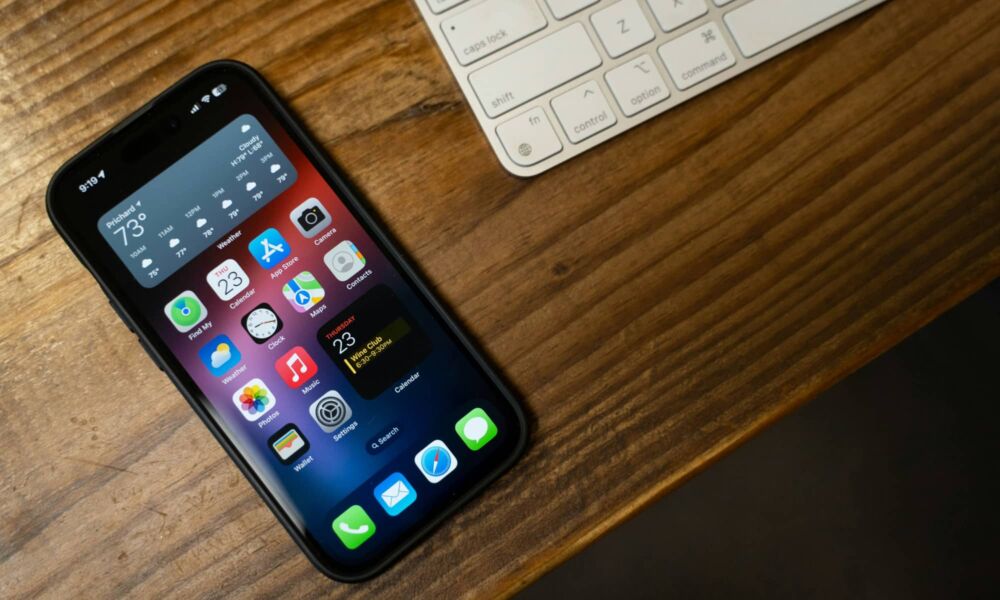
There are plenty of things to make iPhone users happy, but there’s also a feature that even lets Mac owners bring their favorite desk accessories along for the ride. Now, pairing a Magic Keyboard, Magic Mouse, and even your Magic Trackpad via Bluetooth is easier than ever — and it’s great news for people who want to control their iPhones with them.
With this update, you can automatically pair them all instantly. Here’s what you need to do.

How to Auto-Pair Your Magic Keyboard and Magic Mouse to Your iPhone
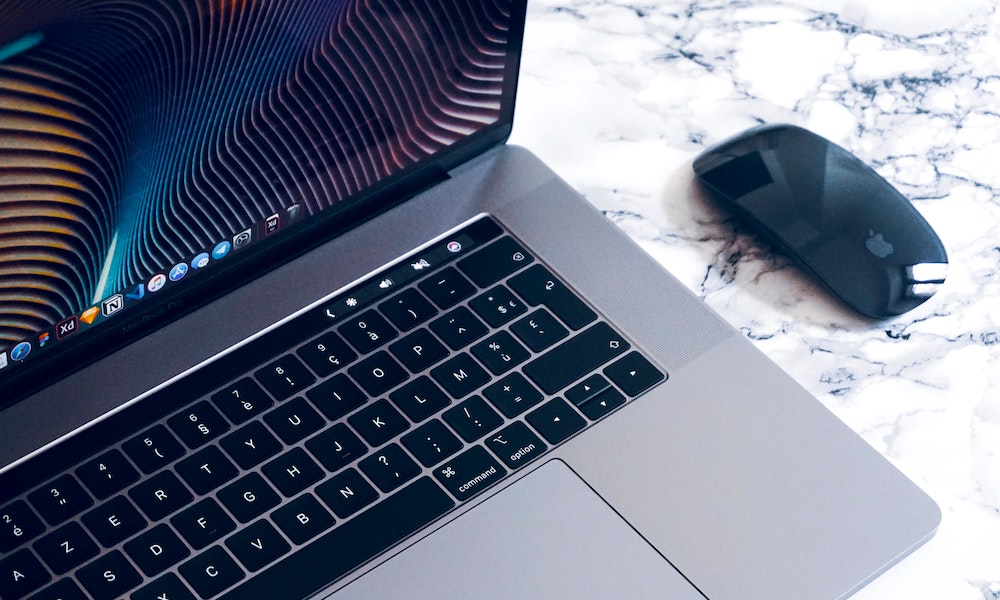
After you install iOS 26.5, there’s a really easy way to automatically connect your core Mac accessories to your iPhone via Bluetooth, but it’s probably not what you think.
Instead of putting your devices in pairing mode and waiting for them to connect, you can simply connect them to your iPhone with a USB-C cable.
Once you do that, your Magic Keyboard or Magic Mouse can be used over the wired connection, but it will also automatically pair in the Bluetooth settings of your iPhone.
And that’s pretty much it. You can disconnect the USB-C cable, and they’ll stay connected over Bluetooth, which means you can continue using your mouse and keyboard without any wires. As an added bonus, this also works just as seamlessly with an iPad.
Use Your iPhone to Get Work Done
iOS 26.5 made it even easier to use your iPhone with Mac accessories, which is great news for both Mac and iPhone users. Now, if you really need to, you can get some quality work done from your iPhone as long as you have your Magic Keyboard with you.
Granted, it won’t replace your Mac or PC, but it’s a great way to get some work done if you’re in a hurry on the go. And now, it’s even easier to keep all your Apple products connected.






