
Older Mac? Think Twice Before Buying an Apple Studio Display
Toggle Dark Mode
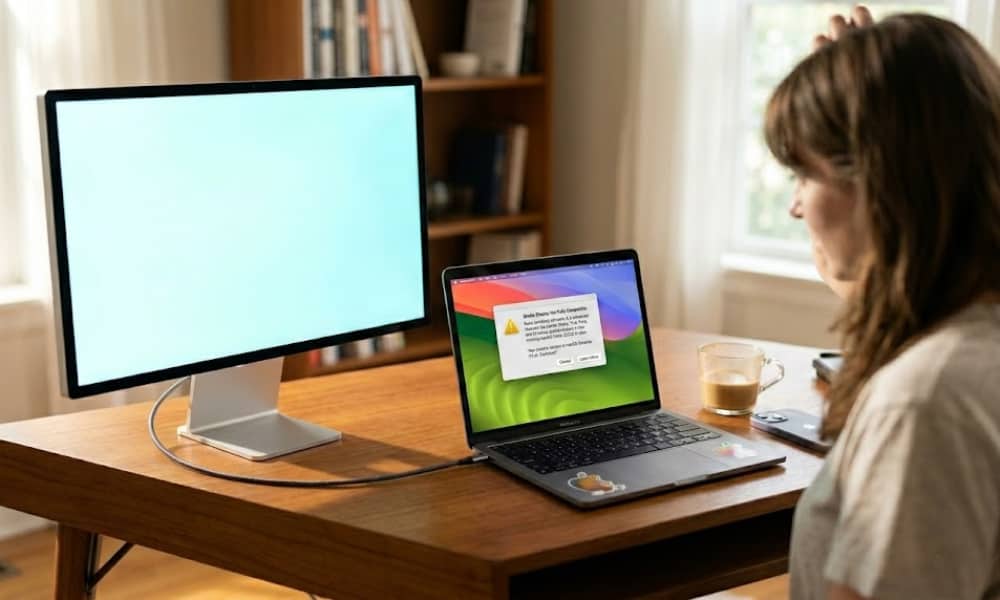
Yesterday, Apple unveiled two stunning (and pricey) new Studio Displays, but users of older Mac models should check the fine print before rushing out and clicking the “Buy” button.
While the new Apple Studio Display is effectively a direct replacement for the 2022 model of the same name, it comes with an interesting and significant limitation: it requires macOS Tahoe 26.3.1 or later.

That’s a stark contrast to the 2022 Studio Display, which only required macOS Monterey 12.3. That was the latest version of macOS at the time — it had been released only six months earlier in September 2021 — but it also meant the older Studio Display could (and still can) be used with Macs going back to the 2016 MacBook Pro and 2017 iMac.
This requirement is important to keep in mind as it’s not the sort of limitation most folks would expect from a display. It’s reasonable to think that a monitor should be plug-and-play with a broad variety of computers. Granted, Apple’s Studio Displays use Thunderbolt, but that’s still an open standard.
However, there’s more to Apple’s Studio Displays than just the screen. Technically speaking, even the Apple Studio Display XDR, which shares the same requirements, should work as a “dumb” display with any compatible Thunderbolt Mac or PC; however, you’ll be living without a lot of features that make these displays worth their premium price tag.
Apple Studio Display and macOS Synergy
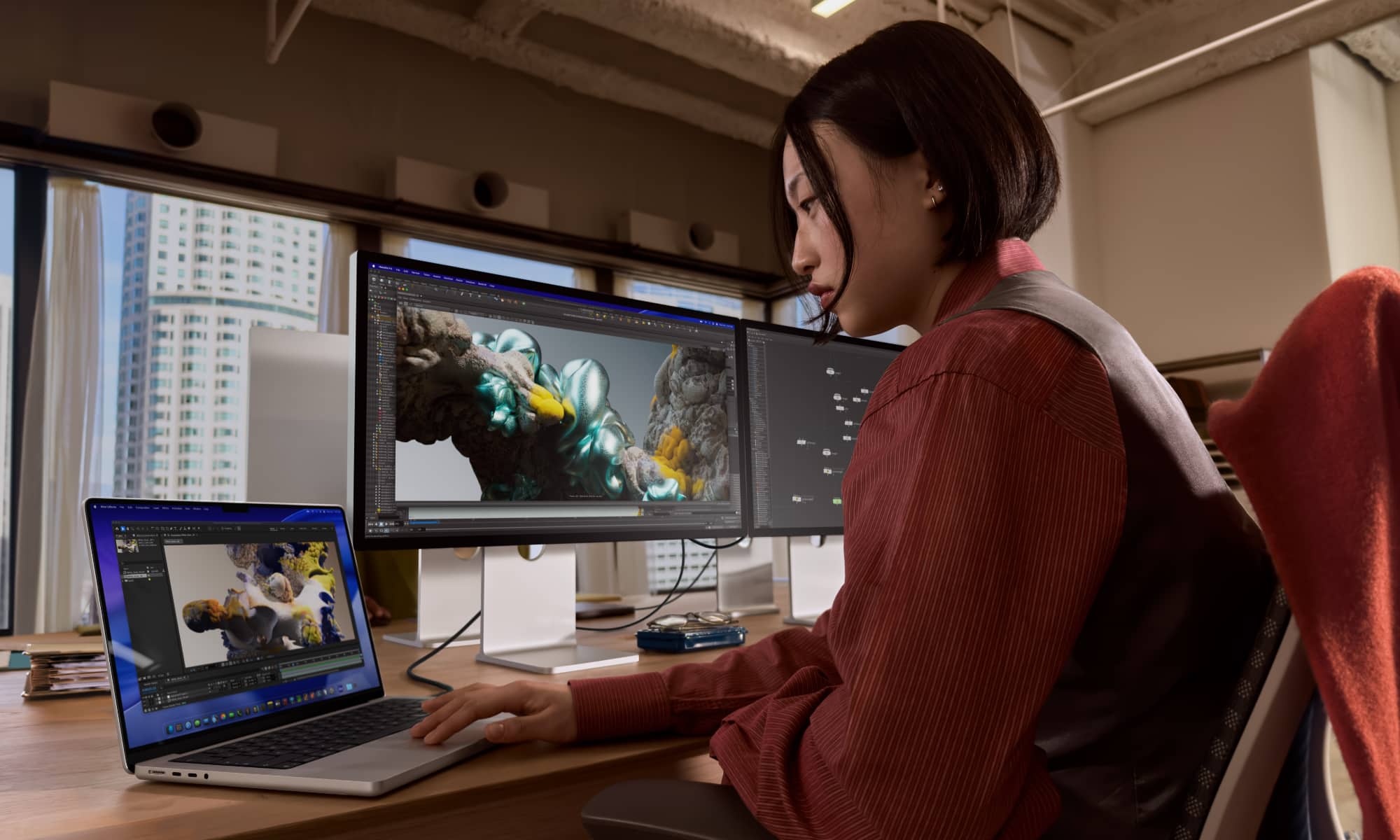
Apple has designed its Studio Displays to work in tandem with macOS, and you may be surprised at how much it relies on software. Right off the bat, there’s the fact that the Studio Display has no physical buttons at all. All of the usual adjustments like brightness and volume are handled entirely by macOS, the same way they are on a MacBook’s built-in display. It will likely be impossible to control even these basic functions from a Mac running Sequoia or Sonoma. Enabling more advanced features like True Tone and color gamut adjustments will likely be completely out of the question.
Similarly, the camera, mics, and speakers should still show up as generic USB devices, but you’ll get only the most basic functionality, which means no Center Stage, Spatial Audio, Voice Isolation, or Hey Siri support.
Then there’s the firmware. The Studio Display is actually a computing device in its own right, and it needs a Mac to deliver the necessary software updates to keep it current. The 2022 model was powered by the same A13 silicon used in the iPhone 11 lineup and actually ran iOS 15.4. Apple hasn’t said what’s inside the new Studio Display models; some rumors have said it might be an A19, but there’s little sold evidence to back those up.
Either way, it’s a safe bet it’s at least an A16 chip. Apple has had TSMC churning these out in Arizona since late 2024, and while they’re currently used in the eleventh-generation iPad, that’s likely to be replaced by an A18 model any day now (if anything, we’re surprised it didn’t show up this week).
Even if you’re willing to live without these features and use the Studio Display as a basic monitor, Macs with older USB-C and Thunderbolt ports will likely struggle to drive the Studio Display at its full 5K resolution. Many older Intel Macs were capped at 4K with any display, and the Studio Display won’t be an exception here.
Studio Display Compatibility: The Official List
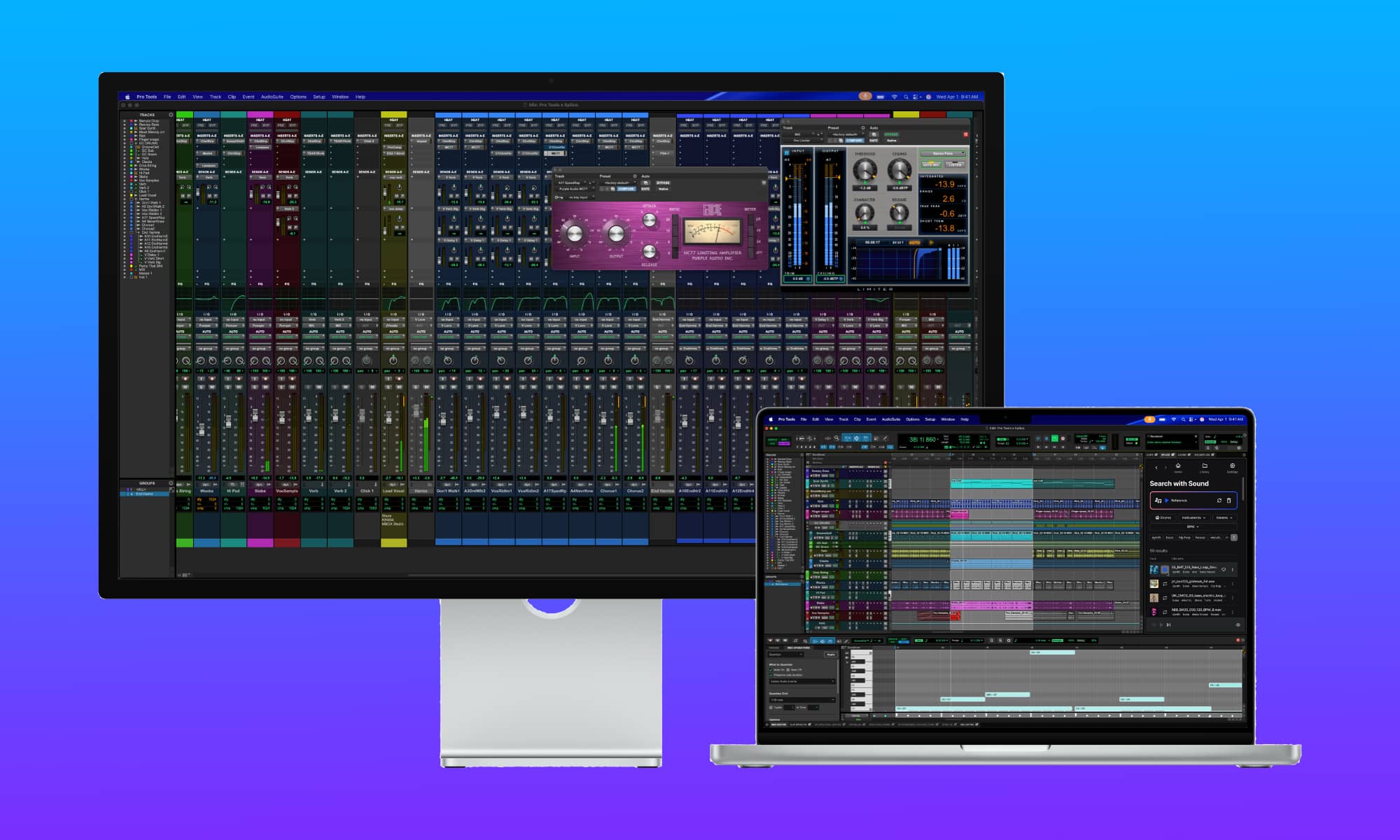
While any Mac that can run macOS Tahoe 26.3.1 or later should work, Apple has thrown another curveball into the mix: Intel Macs have been voted off the island.
Even though macOS 26 supports the last of the Intel Macs — the 2020 MacBook Pro, the 2020 iMac, the 2019 Mac Pro, and the 2019 16-inch MacBook Pro — none of these can be used with the new Studio Display — at least not officially. Here’s the full list of supported Macs for both of the new displays:
- 16-inch MacBook Pro (2021 and later)
- 14-inch MacBook Pro (2021 and later)
- 13-inch MacBook Pro (M1, 2020 and later)
- 15-inch MacBook Air (2023 and later)
- 13-inch MacBook Air (M1, 2020 and later)
- Mac Studio (2022 and later)
- Mac mini (2020 and later)
- Mac Pro (2023 and later)
- 24-inch iMac (2021 and later)
This list comes with an important caveat for the Apple Studio Display XDR: getting the full 120 Hz refresh rate requires the latest Apple Silicon. Apple notes that “Mac models with M1, M1 Pro, M1 Max, M1 Ultra, M2, and M3” only “support Studio Display XDR at up to 60Hz,” although all other features are fully supported.
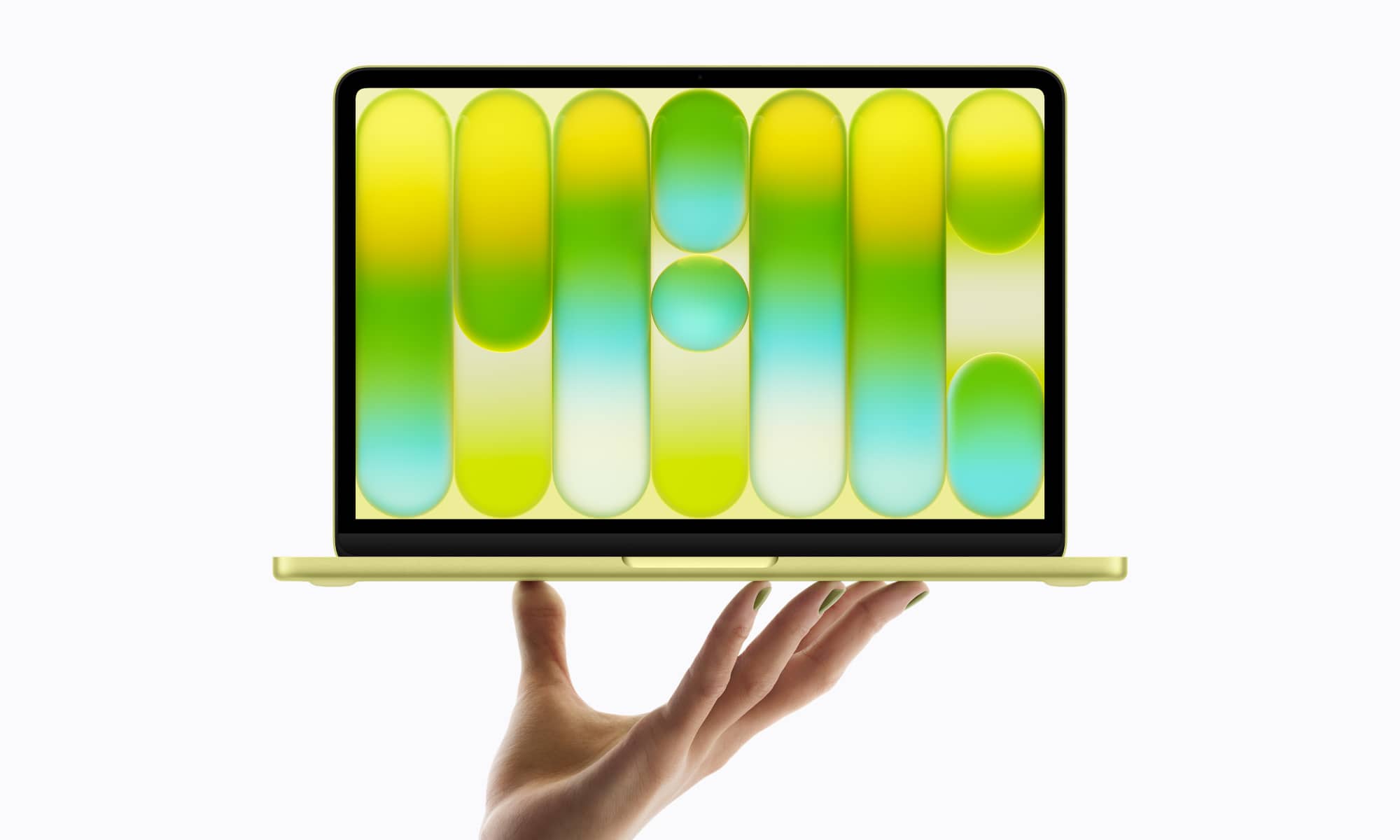
Also, there’s one other conspicuous omission here: the new MacBook Neo. With only two USB-C ports — not Thunderbolt — it’s not entirely surprising. The MacBook Neo supports a single external display using DisplayPort 1.4, which the original Studio Display definitely supports, although that only provides 4K resolution. Apple might be leaving it off the list for that reason alone, but it’s also possible it’s just a matter of timing, since the MacBook Neo hadn’t been announced when that was originally published. Still, an M4 Mac mini is a much better budget companion for the $1,599 Studio Display.
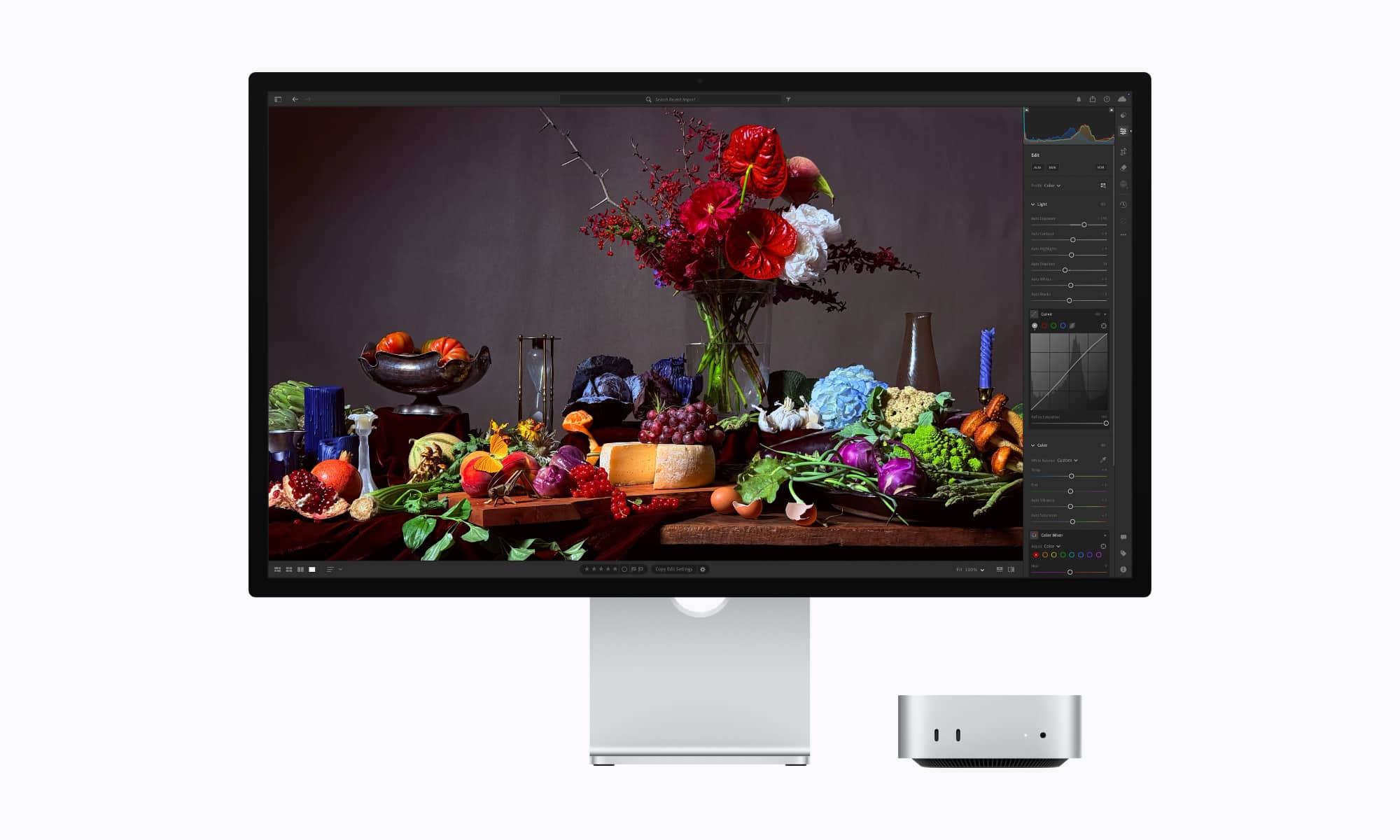
It’s also worth mentioning that a commenter on Reddit shared a response from Apple Support that confirms it will work as “a basic monitor over Thunderbolt,” with a Windows laptop, which means it should do the same with older Intel Macs, providing a basic 60 Hz display and likely also supporting the camera, speakers, and microphones using generic USB modes that will provide video and audio without any advanced features.
You’ll still need a compatible Mac to handle things like firmware updates, but at least this means the pricey displays can do double-duty, even if you need to switch the cables over manually. In the same chat, the Apple support rep also confirmed that you can only connect one device at a time; the additional Thunderbolt 5 port is only there to connect another downstream device.






