
Apple TV Gets Snoopy Avatars and Better Photo Privacy in tvOS 27.2
Toggle Dark Mode
With the fourth-generation Apple TV 4K arriving next month, Apple is also giving older models some love in the latest tvOS 27.2 update, which isn’t just paving the way for Siri AI to eventually show up, but also bringing the Peanuts gang into the profile screen and making some nice improvements to screen savers.
While Apple has already announced that Siri AI will be coming to 2021 and later Apple TV 4K models in the next update, it’s not live yet in the release candidate that came out earlier this week. That doesn’t mean it’s not coming, though, as Apple could simply be waiting for the new set-top box to ship before flipping the switch on for older models.

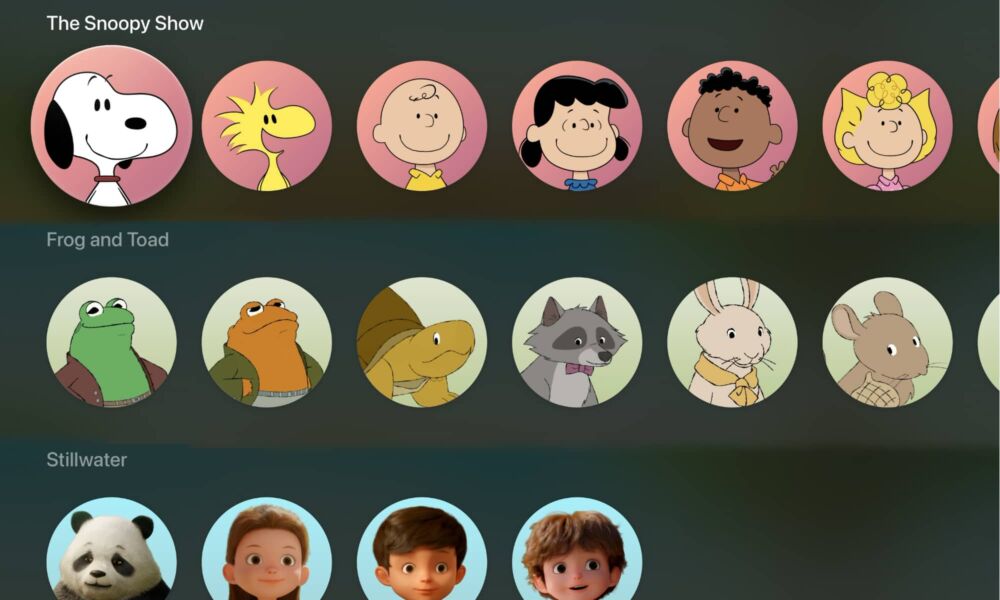
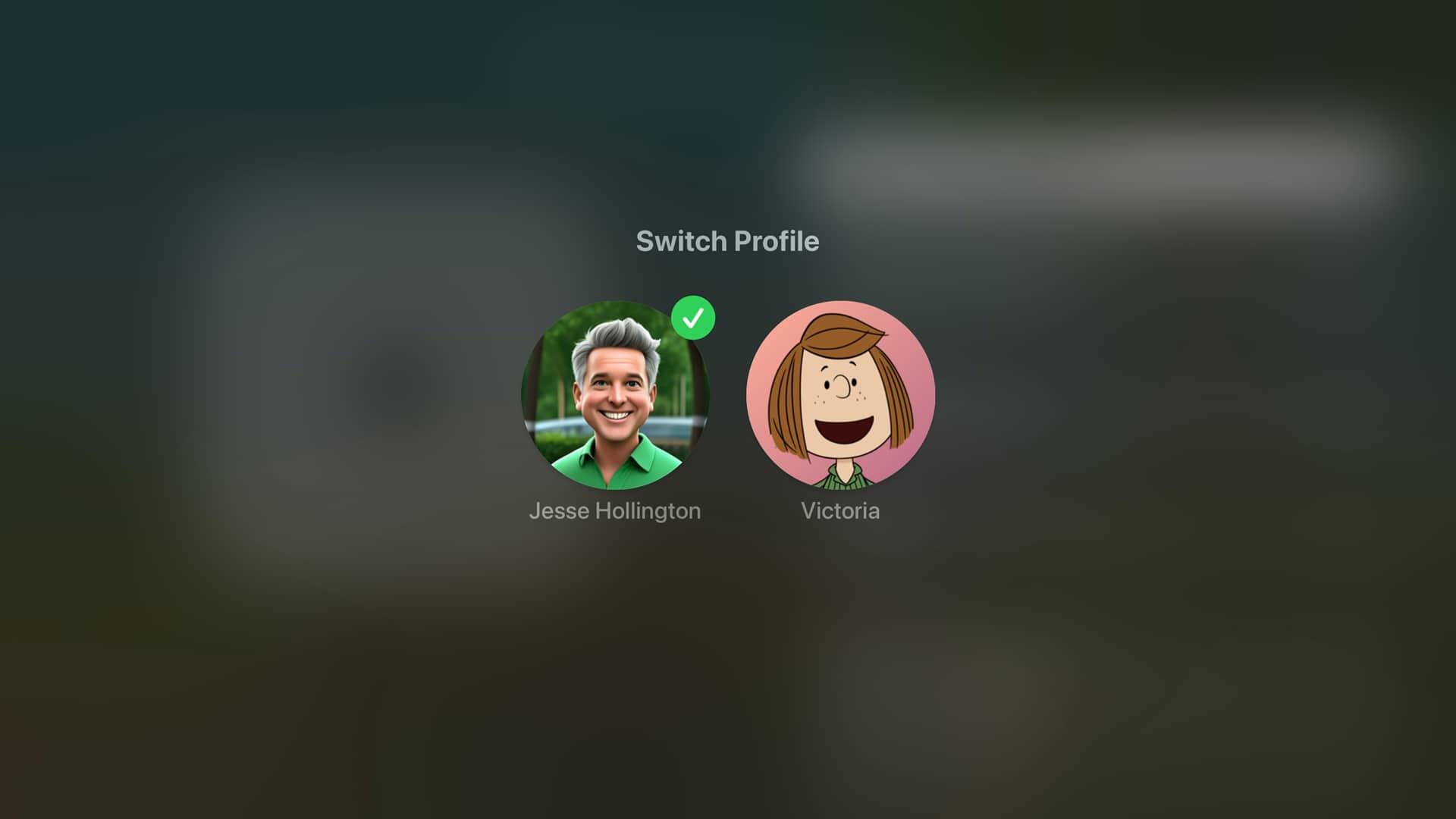
However, the company still has some fun treats for us in the meantime. First up is that you’ll now be able to select from a variety of characters from Apple TV kids’ shows when setting up a Child or Guest profile on an Apple TV.
Since Apple is the home for all things Peanuts, that naturally includes Snoopy and the gang — Woodstock, Charlie Brown, Lucy, Franklin, Sally, and Peppermint Patty (for whatever reason, Linus van Pelt seems to be sitting this one out). Other shows include Frog and Toad and Stillwater, along with the usual collection of emoji that were there before.
These images will only be available for managed profiles — those you create manually on the Apple TV. Profiles associated with an Apple Account will continue to use the picture associated with that account, and there doesn’t appear to be any way to override this.
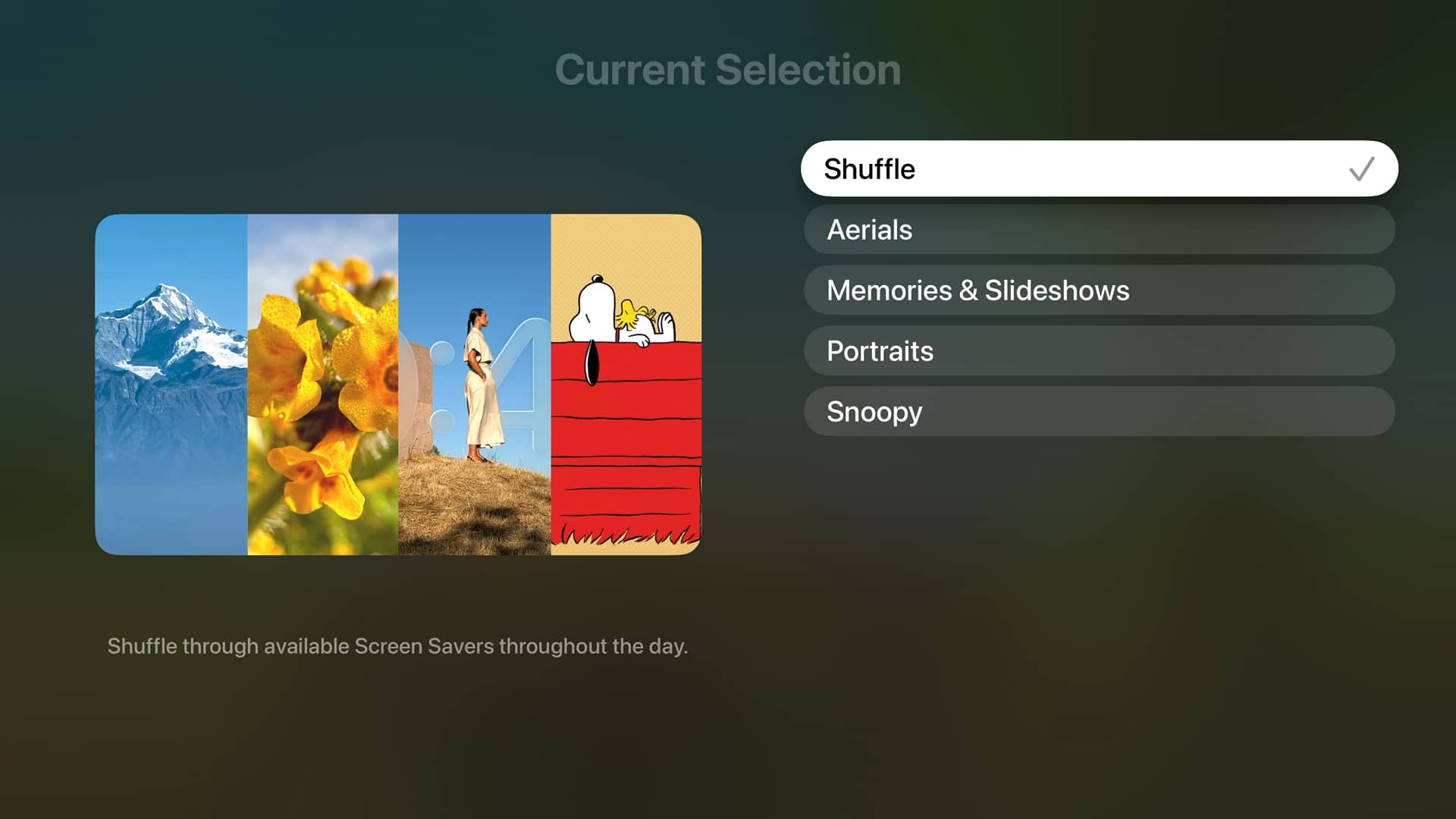
Another bonus is that you’ll no longer be forced to stick with a single class of screen saver. While it’s easy enough to switch between Aerials, Memories & Slideshows, Portraits, and Snoopy, once the screen savers are running, they’ve traditionally stuck to that category.
That changes in tvOS 27.2, which now includes a “Shuffle” option to let you cycle through all the screen savers throughout the day — across all four categories. The downside is that this is an all-or-nothing choice; you won’t be able to pick specific categories, such as Aerials and Snoopy.
On the upside, though, you can now select which content appears in the Memories & Slideshows or Portraits categories. Instead of trying to wade through your entire library on the Apple TV, you’ll now be prompted to select the content from your associated iPhone or iPad.
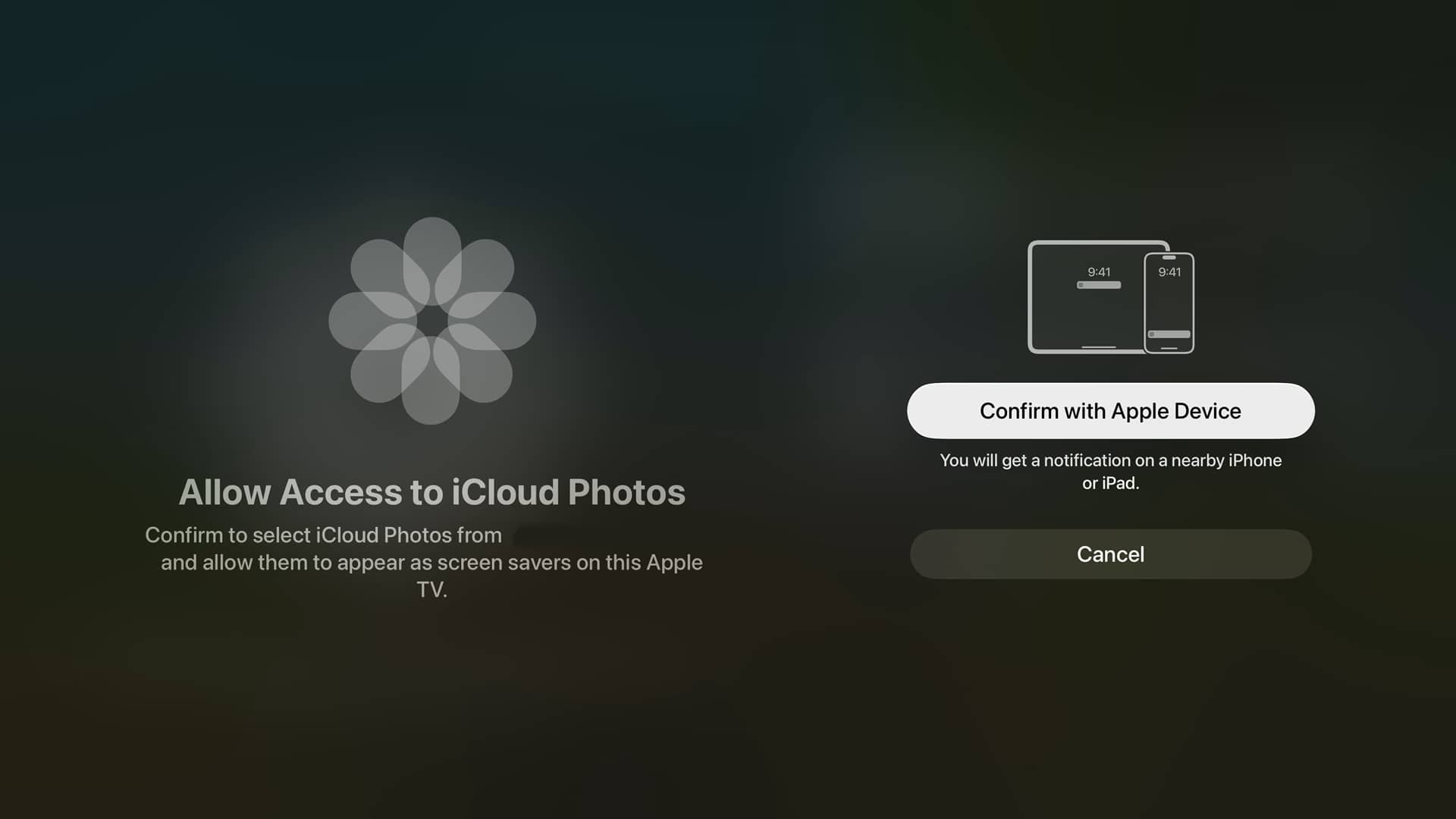
That’s not only more convenient, but it’s also more private and secure, since it ensures others won’t be able to browse your photo library — they’ll only see the photos you’ve explicitly shared.
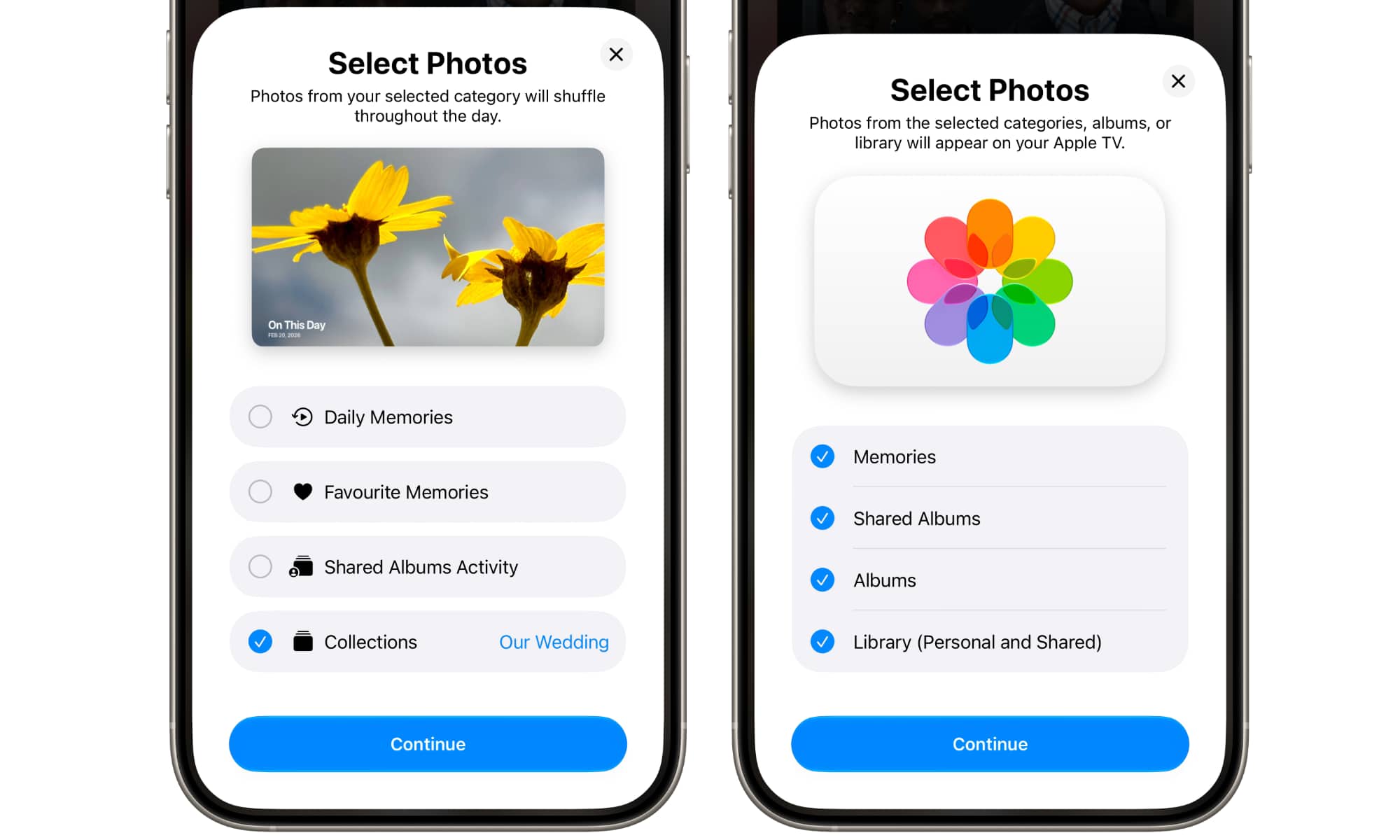
The same feature also applies to the Photos app in tvOS 27.2, which means you’ll now be able to restrict the Apple TV to showing only Memories, Shared Albums, or Albums, rather than giving it access to your entire photo library — and that can only be changed from your personal iPhone or iPad. It’s a great improvement for a device that’s essentially shared by everyone in the home.
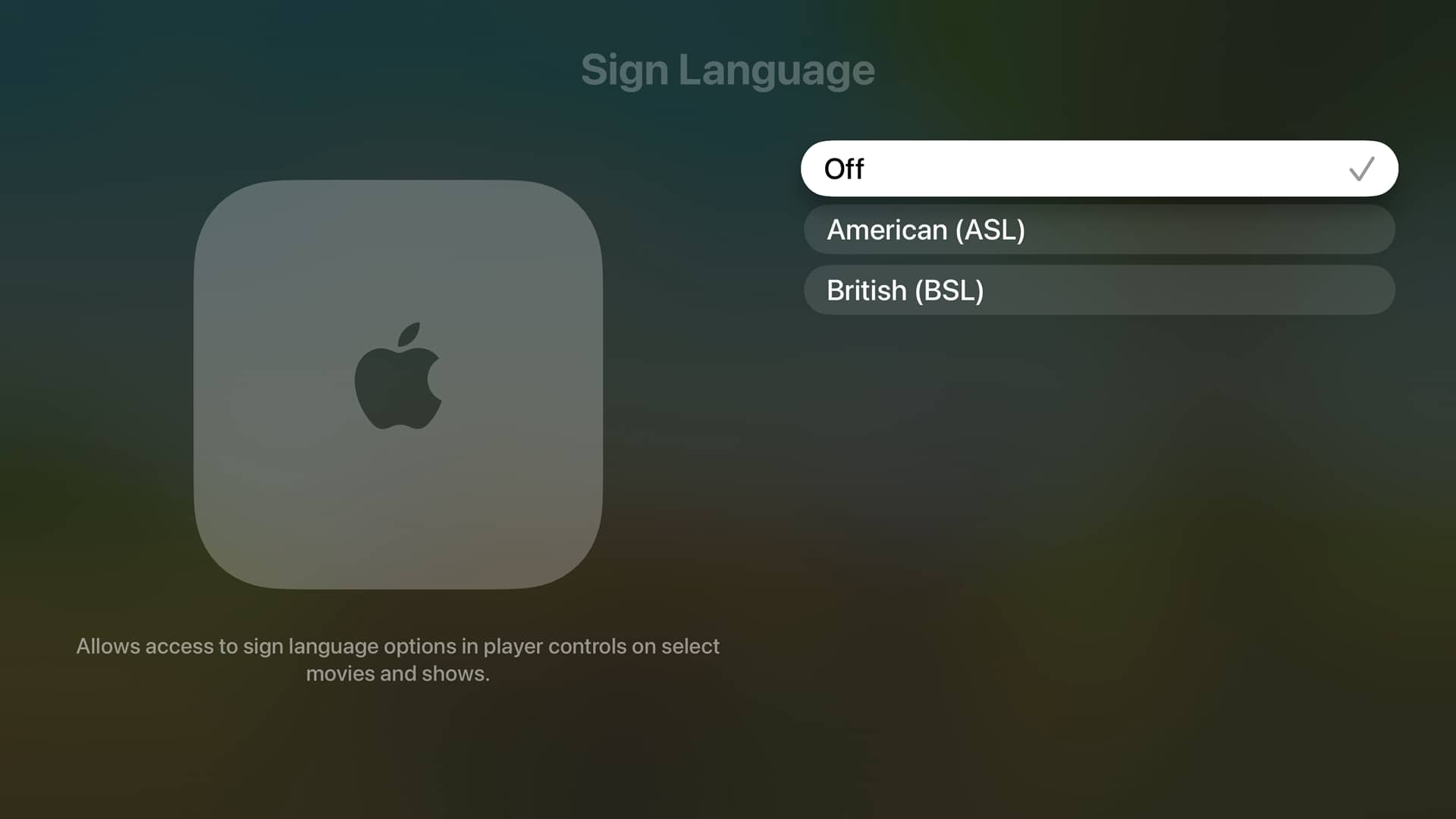
Lastly, tvOS 27.2 is introducing Sign Language support for content in the Apple TV app. A new option in Settings > Apps > TV lets you choose between American (ASL) and British (BSL). Apple hasn’t announced when this will be arriving or which content will support it, but the presence of the new option suggests it’s coming soon.
There are also plenty of references in tvOS 27.2 for features that will be exclusive to the fourth-generation Apple TV 4K, specifically the quad-speaker surround sound, plus a distinct “Whole Room Audio” mode that “spreads sound evenly across four HomePod speakers for audio that’s perfect for parties or game day.”
As noted by pdfu on X, this is a distinct setting from Surround Sound, which creates a more traditional Dolby Atmos-style surround stage for movies and TV shows. Whole Room Audio uses diagonal stereo pairing across all four speakers simultaneously while balancing levels so that everything sounds evenly mixed. That will likely be particularly important when mixing full-size HomePod (2nd generation) and HomePod mini 2 speaker pairs.






