
Top 10 Free Best Mac Data Recovery Software

Toggle Dark Mode
Have you ever accidentally deleted a file on your Mac and emptied your Trash before realizing you’d just screwed up? I certainly have. In this article, I share information about the top 10 free data recovery utilities for the Mac. I’ll take a look at their features, their pros and their cons. By the end of this article, you should have a good idea of which of the top 10 utilities will recover your lost files.
Before we begin taking a look at the top free data recovery apps for the Mac, I want to inform you that while these utilities are free, each developer also offers a paid version of the utility. The main difference between the free and paid version of most of these apps is that while the free version offers most of the features found in the paid version, only the free version is usually limited to a small amount of data, usually 1GB or less. It should also be noted that unless you deleted a huge amount of files at once, the free version should still meet your needs.

1. The Top Free Data Recovery for Mac: Stellar Free Data Recovery for Mac
Stellar Data Recovery software is regarded by many as a leader in the Mac data recovery industry, allowing even rookie users to easily and quickly recover deleted or lost files. I will note that this is my favorite data recovery utility and it has saved my butt multiple times when I needed to recover lost or deleted files. It can recover data lost due to accidental deletion, formatting, partition loss, virus attacks or even a total system crash. Hopefully you never have to deal with these issues, but it’s nice to know help is available in your time of need.
Features of Stellar Free Data Recovery include:
A large variety of recovery functions, allowing users to recover data lost or deleted in various scenarios. Stellar Free Data Recovery software provides solutions to allow users to recover as much lost data as possible.
The app has powerful disk testing capabilities, providing a complete inspection of your storage devices, identifying potential issues with bad sectors, logical errors, and other disk issues. It then provides a way to securely recovery your precious data.
A disk cloning function, is also available, allowing you to create a complete copy of Your Mac’s hard disks, be they your main drive or USB storage. This provides an additional layer of protection in case of accidental file deletion or disk formatting.
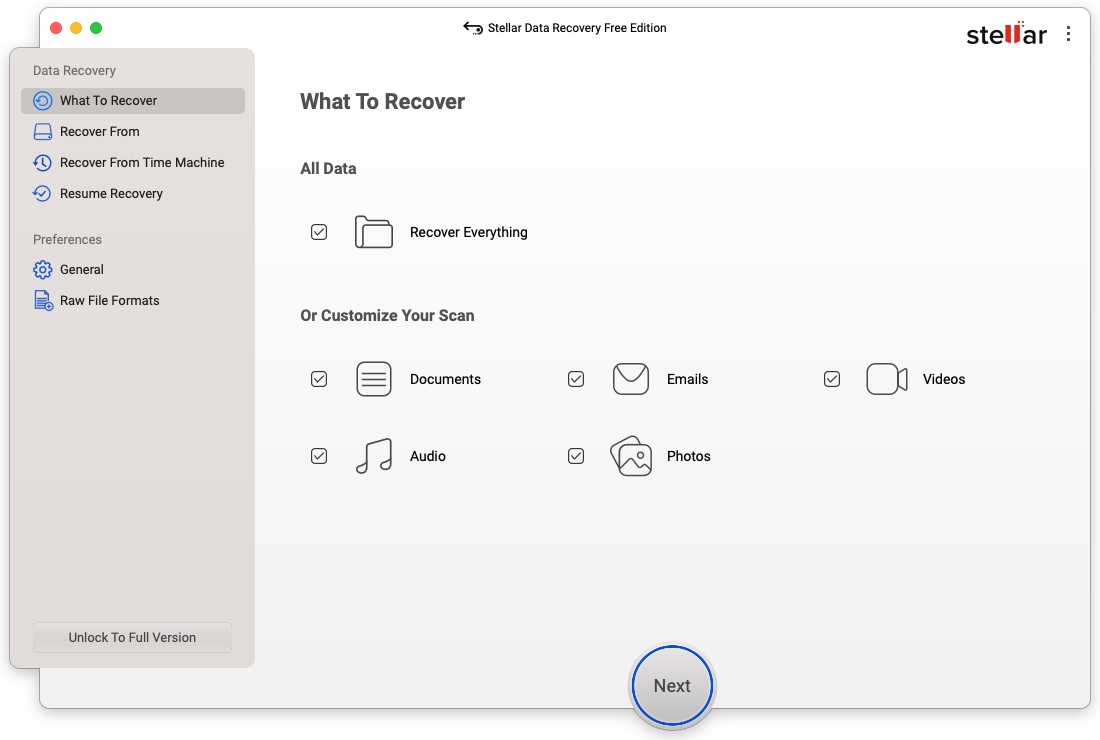
Stellar Free Data Recovery can recover deleted files from encrypted hard drives, and it supports recovery from APFS, APFS Encrypted, HFS+, NTFS, and even ex-FAT, FAT (FAT16/FAT32) file systems.
Advantages of Stellar Free Data Recovery include:
- Easy operation
- Easy recovery of deleted files and even formatted drives
- Support for Intel chips, as well as the latest Apple M1, M2, M3, M4, M5, & T2 Chips
- 24/7 customer support
Disadvantages of Stellar Free Data Recovery include:
- No automatic display of deleted files during recovery operations. Users are required to manually set relevant Settings and perform operations to view the list of deleted files.
- A 1GB limit on recovered data. However, this amount should be more than enough for most users’ needs.
- Recovery of non-Booting macOS drives, data from Lost Volumes, disk imaging, hard drive health features, repair of corrupt of delete photos and videos, recovery of virtual machines (VMDK, VDI, VHD & VHDX File Types), and support for Linux file systems require paid versions of the utility.
For more information about Stellar Free Data Recovery, or to download the app, visit the Stellar website.
2. Geekersoft Data Recovery for Mac
Geekersoft Data Recovery for Mac is another well-respected data recovery utility, offering a recovery rate of up to 95%. Geekersoft Data Recovery for Mac can retrieve various types of data from your Mac’s hard drives or external drives connected to your Mac.
While Geekersoft Data Recovery was specifically developed for recovering lost data from APFS storage devices, it also offers recovery of Mac data from other file systems , including HFS, HFS+, FAT16, FAT32, exFAT, and NTFS. In addition to internal or external hard drives, it also supports recovery from USB flash drives, SD cards, digital cameras, Android phones, and Linux/NAS systems.
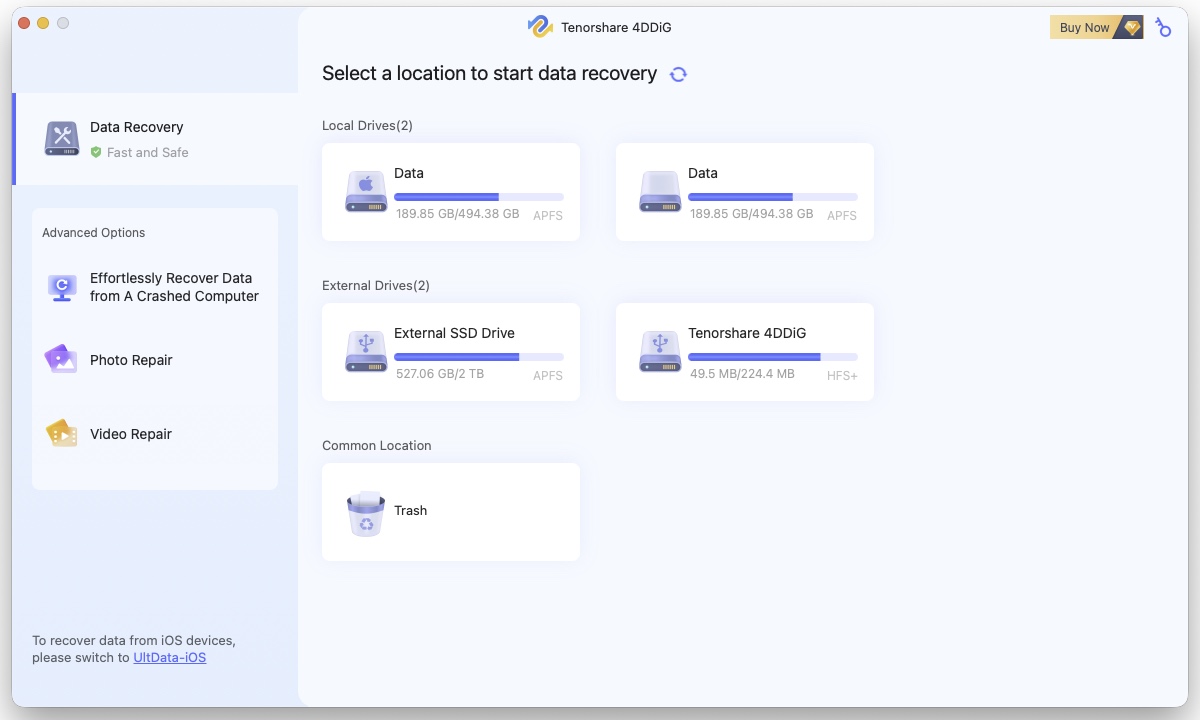
The utility offers in-depth scanning functions, supports thumbnail display and preview for lost files, can recover up to 1,000 types of files, offers an intuitive design, is compatible with Intel and Apple Silicon Macs, and much more.
For more information about Geekersoft Data Recovery for Mac, visit the Geekersoft website.
3. Data Rescue 6
Data Rescue 6 is designed to recover lost or deleted data from Mac hard drives, and features powerful search and recovery capabilities. The software’s free version allows users to recover up to 1GB of data. Scanning and recovery methods include quick scan, deep scan, deleted file scan, and clone file recovery.
Data Rescue 6 free version offers a number of useful features, including convenient restoration of backups from Time Machine, identification of duplicate files to avoid data redundancy and unnecessary use of storage space, and more.
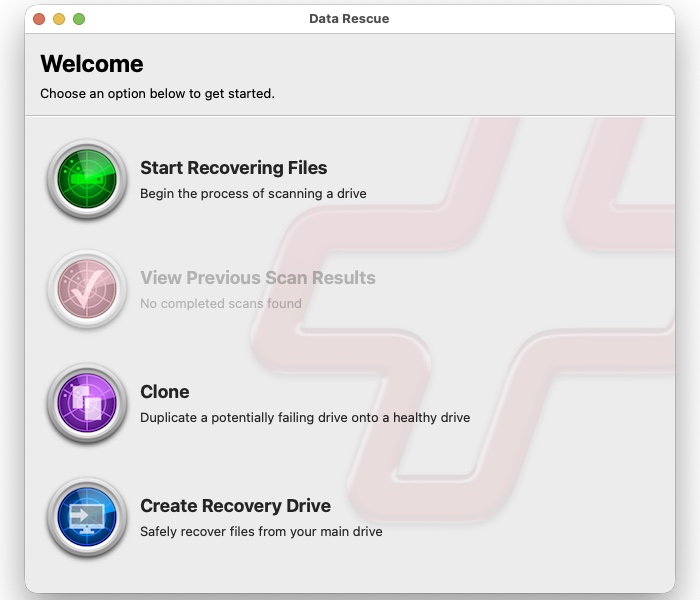
In addition to scanning for deleted files, the software also monitors the health of your drives in real time, alerting you when a bad sector or other possible issue with a drive has been detected. A hexadecimal editor is available for professional users, to help them more accurately find and recover lost data.
On the downside, the scanning and recovery speed of this software is a bit lacking, especially when dealing with large amounts of data.
For more information about Data Rescue 6 for Mac, visit the Prosoft website.
4. Disk Drill Disk Data Recovery Free
Disk Drill Disk Recovery Free for Mac is another well-regarded Mac data recovery utility, known for providing reliable and efficient data recovery. In addition to its recovery abilities, Disk Drill also offers protection for your data, via its Recovery Vault feature, which helps prevent file loss caused by accidental deletion.
Disk Drill Mac allows users to preview files before attempting recovery, enabling users to view the content of their files, allowing them to more easily determine whether the files in question are what they’re looking for.
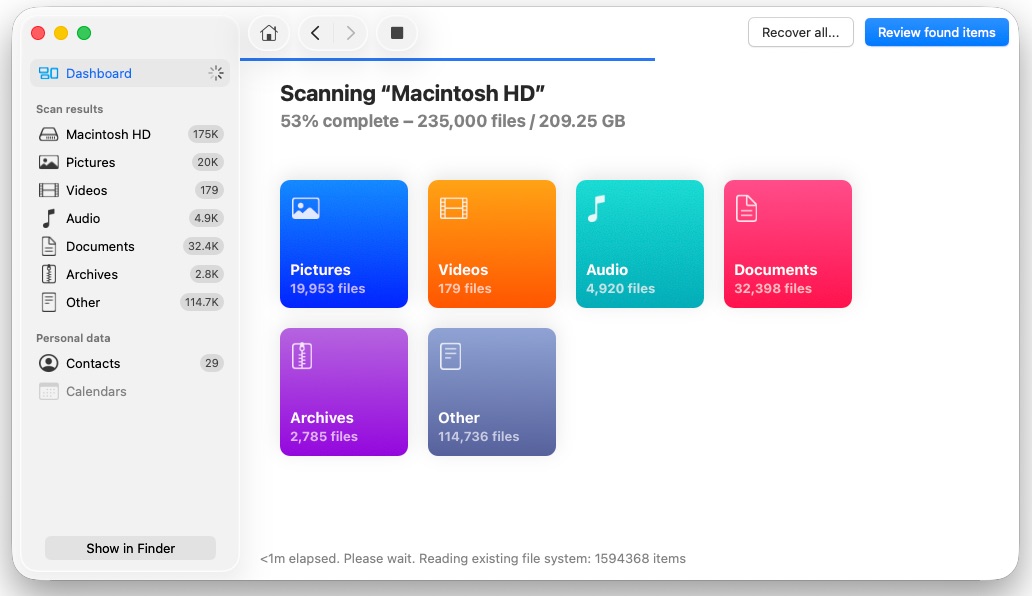
Quick scan and Deep scan features provide data recovery on different levels. The app includes the ability to recover files from an emptied Mac trash can to recover mistakenly deleted files. Unfortunately for some users, recovery of files is limited to around 200 file types, mainly including common file formats, like documents, images, and videos.
Free file recovery is limited to 100MB.
For more information about Disk Drill Disk Recovery Free for Mac, visit the Cleversoft website.
5. UndeleteMyFiles Pro
UndeleteMyFiles Pro offers data recovery for your Mac. While the app’s user interface leaves something to be desired, it offers fast scanning of deleted files from any Mac hard drive or external storage device.
The app is perfect for beginners, as it offers a simple, two-step process to recover lost or deleted files. Specialized recovery methods include a general file rescue wizard to quickly and easily find and recover deleted files, media recovery to recover media files, specialized filters to find specific information, a file wipes, and a mail recovery wizard.
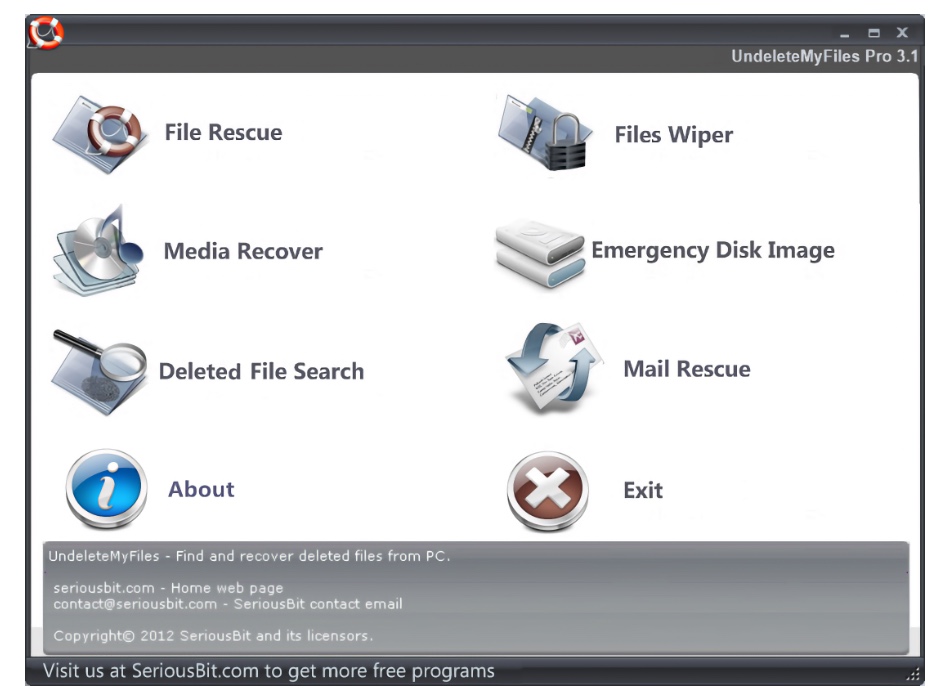
UndeleteMyFiles Pro is absolutely free and doesn’t offer a paid version.
For more information about UndeleteMyFiles Pro for Mac, visit the SeriousBit website.
6. Cisdem Data Recovery
Cisdem Data Recovery offers Mac users a free trial version that allows them to scan their machines and recover files they thought gone forever, thanks to inadvertent deletion, rash formatting decisions, hard drive crashes, and other data loss.
Cisdem Data Recovery offers five different recovery options, including basic data recovery, junk recovery, formatted drive recovery, external drive recovery, and advanced data recovery.
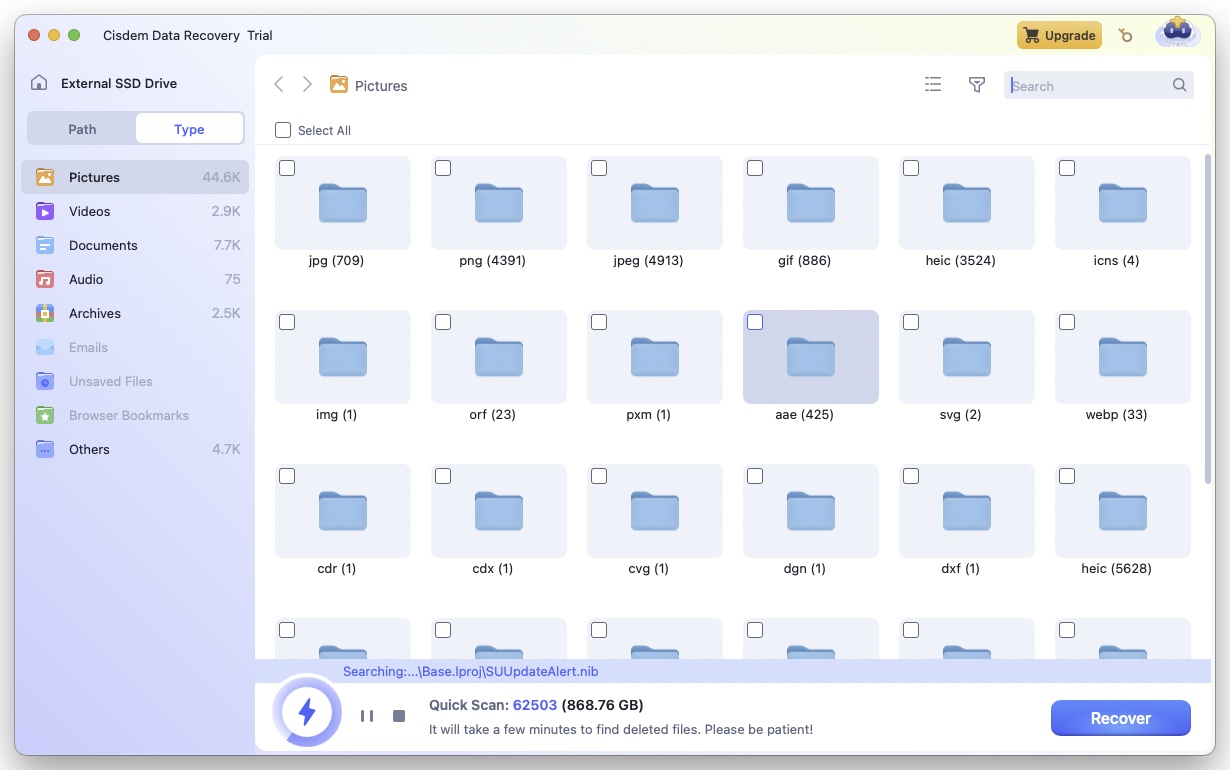
While the Cisdem data recovery software is simply designed and easy to use, the free version only allows users to perform file scanning and preview operations and cannot directly restore files. Users will have to pay for a license before actually being able to restore any sized data.
For more information about Cisdem Data Recovery, visit the Cisdem website.
7. Ontrack EasyRecovery for Mac
Ontrack EasyRecovery offers user-friendly recovery of your lost data, specializing in accidentally deleted files, even from deleted Apple Time Machine backups. While a free version of the Mac file recovery utility is available, it has has a data recovery limit of 1 GB of files sizes less than 25 MB.
This Mac data recovery tool can recover hundreds of file types on various macOS systems, including macOS 11, 10.15, 10.14, 10.13, 10.12, 10.11 and earlier versions. Quick scan and deep scan searches are available, with the ability to scan and recover from internal hard drives, removal media, and other storage devices.
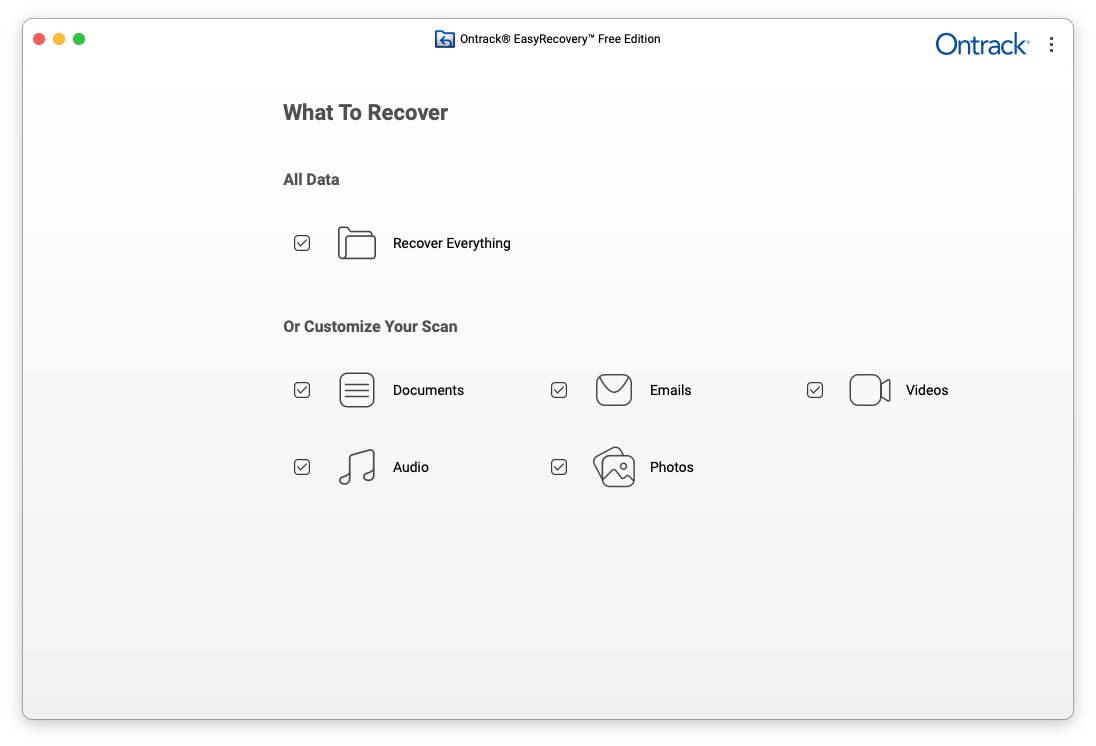
While it recovers multiple types of files and documents, some users report both a longer time to search for lost data, and a lower level of recovery than other recovery apps.
For more information about Ontrack EasyRecovery, visit the Ontrack website.
8. PhotoRec Data Recovery
PhotoRec Data Recovery offers powerful data recovery capabilities, offering 8 different recovery modes for files lost due to deletion, formatting, partition loss, virus attack, or system crash.
This software has the ability to recover a wide variety of data types on Mac, including common file formats for as photos, videos, audio and emails. The software does have a bit of a steep learning curve, requiring the use of the Terminal app, meaning less-experienced Mac users may want to look elsewhere for a quick and easy data recovery solution.
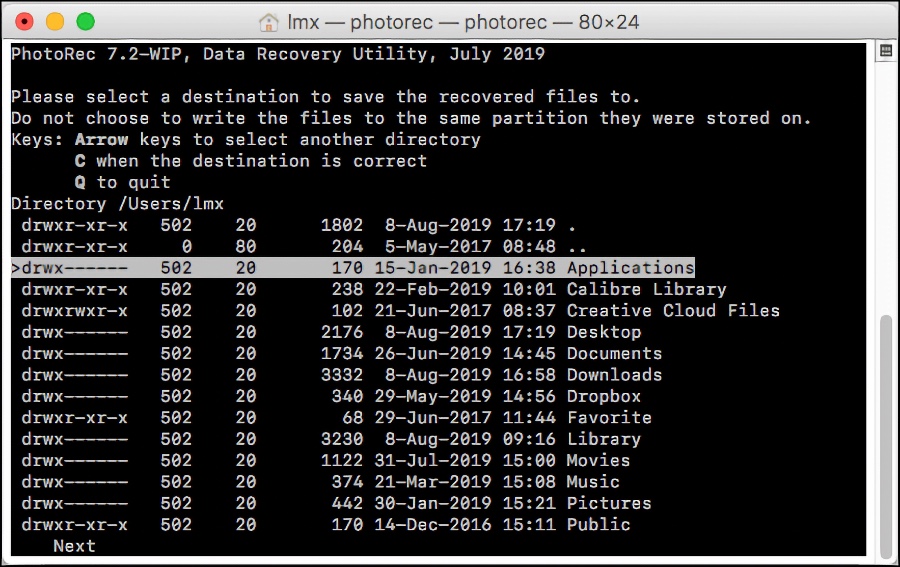
That said, PhotoRec is completely free, and there are no restrictions on its use. Experienced users will certainly be willing to do a bit more manual work to save a few bucks.
For more information about PhotoRec Data Recovery, visit the PhotoRec website.
9. iBoysoft Mac Data Recovery Free Version
iBoysoft Mac Data Recovery Free Edition allows users to attempt data recovery operations on multiple file formats lost or damaged by hard drive crashes, virus attacks, system errors, and other hazards. It supports data recovery from multiple external storage devices, including CF cards, iPods, USB flash drives, and more.
In addition to the usual recovery features, iBoysoft Mac Data Recovery offers a Bitlocker Recovery function, enabling users to recover Mac data from deleted or lost Bitlocker encrypted partitions. Be warned, you must have the password on hand in order to decrypt the data.
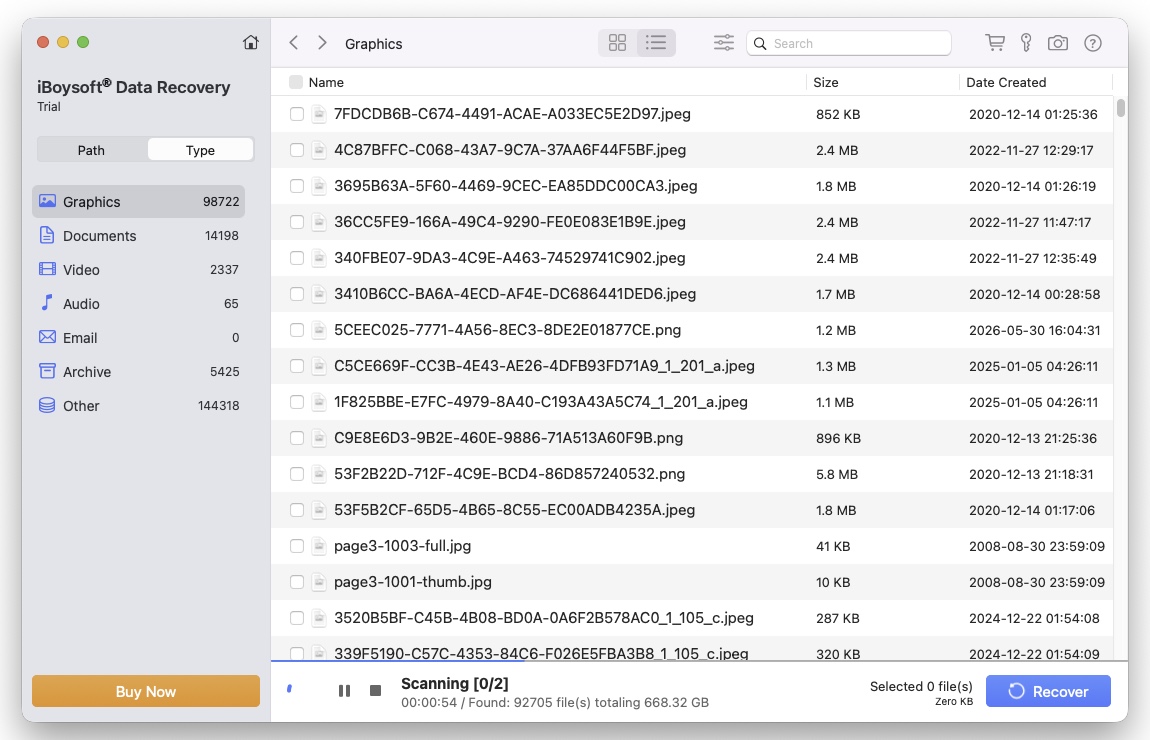
Deep scan, which are sometimes required to recover some files, can take a considerable amount of time to do a deep search of a storage device.
For more information about iBoysoft Mac Data Recovery Free Edition, visit the iBoysoft website. The app os also available in the Mac App Store.
10. EaseUS Data Recovery Wizard
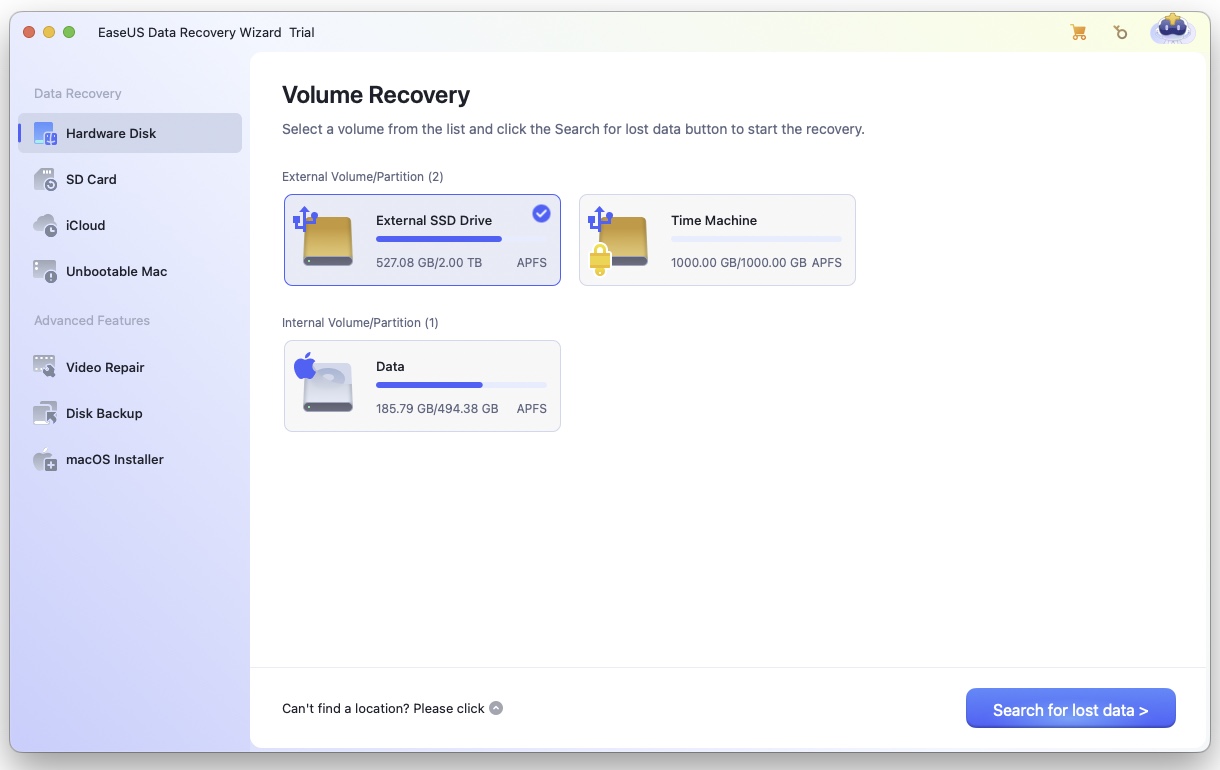
EaseUS has long been known in the data recovery software world, and this developer’s app offers free recovery of 2GB of data. That’s not enough to recover an entire drive, but may be sufficient for the needs of average users that just want to recover a file or two.
The easy to use app offers a friendly interface for beginners, while remaining powerful enough for experience users. The app takes a two tier approach to file recovery, first performing a quick scan to learn the lay of the land of the drive’s file directory and master files to determine what’s recently been deleted. A deep scan then digs deep to find the files you’re in search of.
For more information about EaseUS Data Recovery Wizard software, visit the EaseUS website.
Summary
All the free Mac data recovery software listed in this article allows user to recover lost data, including multiple types of files on various types of storage devices. Stellar Data Recovery software is regarded by many as a leader in the Mac data recovery industry, thanks to its advanced data recovery features, and its ability to recover up to 1GB of data at no cost. Users in search of a free, simple, secure, and powerfull Mac data recovery software, are recommended to give Stellar Data Recovery software a try.






