
Parallels Desktop 27 is Here: Faster AI, M5 Support, and No More Intel
Toggle Dark Mode
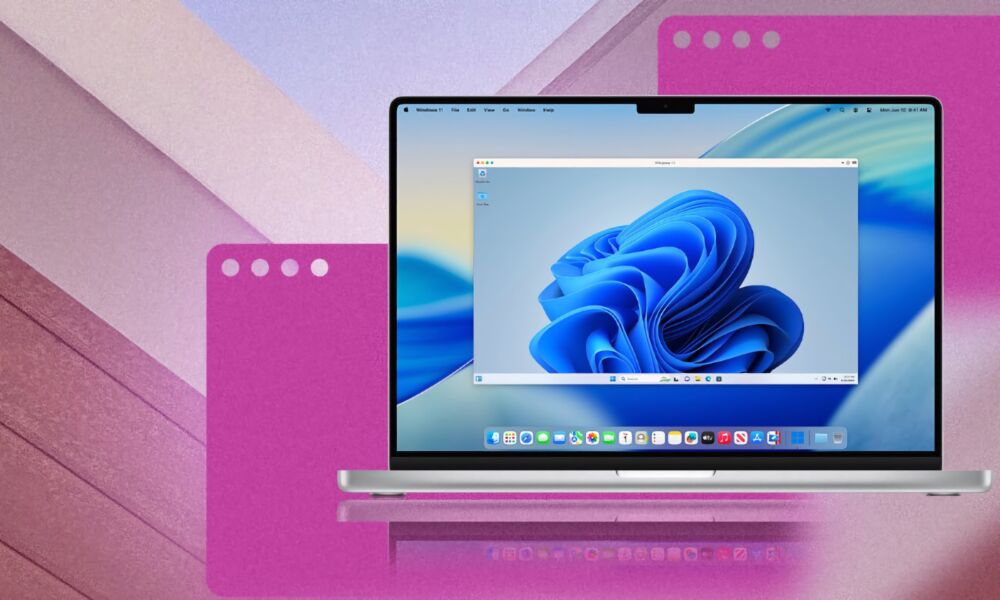
Parallels has announced the release of a major update to Parallels Desktop, version 27.0.0 (build 58628). The update includes several under-the-hood upgrades to better support the latest version of macOS running on Apple silicon, including the upcoming macOS 27 Golden Gate update. Although version 27 drops support for Intel-powered Macs, the company assures Intel users that it will continue to offer periodic security and compatibility updates for version 26.
Improvements and Fixes
Parallels Desktop 27 offers several improvements.
New to Parallels Desktop is the ability for Windows and Linux virtual machines to use Apple’s SME CPU feature on M4 and M5 chips, providing acceleration of heavy workloads, including local AI inference.
The update also brings fixes for several security vulnerabilities in the virtual networking stack, virtual GPU command processing, and VirtIO subsystem, fixing memory corruption issues, out-of-bounds reads, and privilege escalation vectors.
“As customers continue to push the limits of what they do on Mac,” said Elena Koryakina, Chief Product and Technology Officer at Parallels in a statement, “they’re looking for virtualization that keeps pace with increasingly demanding applications and workflows.”
“Parallels Desktop 27 enables customers to run more of the Windows applications they depend on,” she continued, “while giving developers faster local AI performance and expanding what’s possible on Apple silicon.”
Parallels Desktop 27 brings Scalable Matrix Extension (SME) support for both Windows and Linux virtual machines running on M4 Macs or later. Parallels says that results in faster AI development on-device, with improved performance for AI tools such as Ollama and llama.cpp.
The company claims the new version offers up to 7 times faster AI and machine learning matrix operations compared to the previous version. There is also said to be up to 1.75 times faster neural network inference.
Tools are now available to help Jamf users manage multiple Parallels Desktop 27 installations.
Windows on Mac
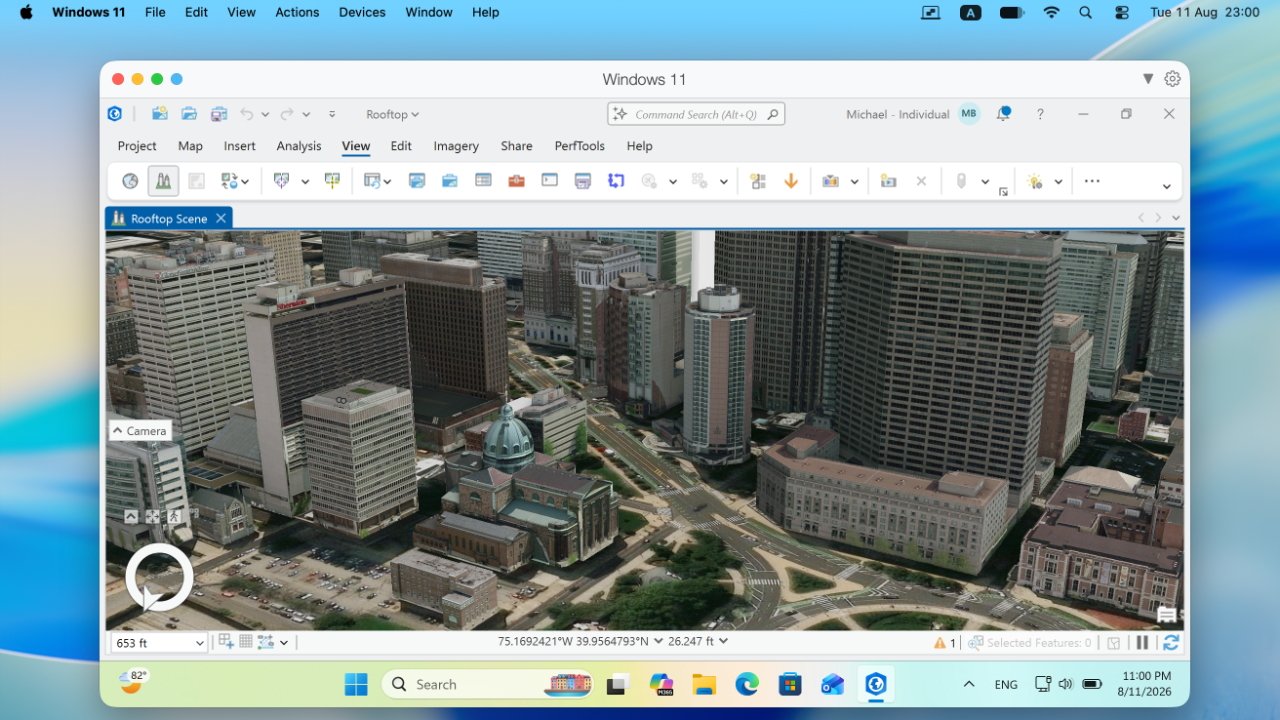
All Windows virtual machines now run on a reengineered OpenGL driver powered by Apple’s Metal API, raising support from OpenGL 4.1 to 4.3. Parallels says the change proved to be up to 2.6x faster in their benchmarks on Macs powered by an M3 chip or newer.
Highlights of the reengineered driver include:
- New Metal-based OpenGL 4.3 graphics driver
- Up to 160% faster OpenGL graphics performance on Macs with M3 chips and newer
- Up to 35% faster 3D rendering in ArcGIS Pro
Fixed issues include one where the TradeStation app would crash on launch with a “Graphics Error” message, an issue where launching PDF-XChange in a Windows 11 virtual machine running in Coherence mode would produce black box artifacts in the application window, and an issue with Altium Designer crashing when opening a project file inside a Windows virtual machine.
Linux on Mac
There are several new features for Linux users, including out-of-the-box support for new Linux distros, including Ubuntu 26.04 LTS, Ubuntu 26.04 LTS (x86_64 emulation), Fedora 44, Debian 13.6, and Kali Linux 2026.2.
Users running headless Ubuntu Arm virtual machines can now update Parallels Tools using the command line, no longer requiring a graphical session. Last but not least, Parallels has updated the shared folders daemon (prl_fsd) from libfuse2 to libfuse3, providing improved stability and compatibility with modern Linux distributions.
Parallels Desktop 27 for Mac Enterprise Edition
The Enterprise Edition of Parallels Desktop 27 hasn’t been left out of the update fun, as it’s now certified as “ARM SystemReady SR 3.1 (VE band)”, enhancing compliance, offering improved compatibility with new OS releases, and reducing the risk of unexpected issues.
The issue that prevented a provisioning package from being applied during Declarative Deployment on virtual machines running Windows 24H2 has also been fixed.
What’s Missing in Parallels Desktop 27
What software updates giveth, they also sometimes taketh away, and Parallels Desktop 27 is no exception to the rule.
Parallels learned from users participating in its ongoing Parallels Customer Experience program that some product features are used quite seldom, if at all. This has resulted in the decision to drop support for or completely eliminate the features, allowing developers to focus on the most used features and further improvements.
Parallels has dropped support for the following features:
- The ability to install Parallels Desktop 27 on a Mac running macOS Ventura 13.
- Support for Intel Macs.
- Support for Boot Camp.
- Travel mode.
- Unread email badge and new mail notifications for Classic Outlook.
- The “Security” tab in Parallels Desktop preferences. Those settings are now controlled remotely by Enterprise Edition administrators.
- Shared Bluetooth functionality. Bluetooth devices connected to your Mac will continue to work normally in virtual machines.
Online Windows Apps Compatibility Database
Parallels has also launched an online database to allow users to check which Windows apps are now supported. Search is restricted to the app’s name rather than offering the ability to search by name and a specific version. There are said to be over 200,000 Windows apps included in the database marked as working with Parallels.
Parallels Desktop 27 is a subscription app with differing price tiers for individual users, business, and enterprise customers. A typical price is $185 per year, although the company periodically offers discounts for first-time users and renewals.
Learn more about Parallels Desktop 27 and its new features at www.parallels.com/blogs/parallels-desktop-27.
For more information about Parallels Desktop for Enterprise, visit www.parallels.com/products/desktop/enterprise.






