
Lock the Front Door: 10 Easy Ways to Secure Your Online Life in 2026
Toggle Dark Mode
Keeping your online accounts safe isn’t as hard as it may sound — it usually comes down to a handful of decisions you make every day. Not only that, but you’ve probably heard these suggestions a thousand times before.
Things like stop using “password” as your actual password, and being aware of the messages you get all play a role. None of these changes is complicated on its own, but together they make your accounts much harder for someone else to break into.

Remember that account hacking is also pretty simple. It doesn’t happen because the other person knows complicated techniques or uses advanced tools; it usually happens with something as simple as a fake login page or a message that makes you want to trust them.
That’s why improving your account security is actually not that hard; you just need to improve your security in the right places. Here’s how you can do that.
Use a Unique Password for Every Account
Using the same password across multiple accounts might feel like a time-saver, but it creates a major risk. If one site is breached and your password is exposed, that same password can — and will — be tested across your other accounts almost instantly. Why? Hackers know that we’re lazy, and most of us tend to always use the same password in all of our accounts.
This is one of the most common ways attackers move from one compromised account to many others. Your email, social media, and even financial accounts can all become vulnerable if they share the same login credentials. Keeping passwords unique prevents that kind of chain reaction.
It may take a bit more effort at first, but it gives you much better control if something goes wrong. In the event that you do get hacked, the problem stays contained instead of spreading across every other account you use.
Make Your Passwords Longer and More Complex
This has been said a million times before, and it will continue to be one of the best security tips you can give because it works.
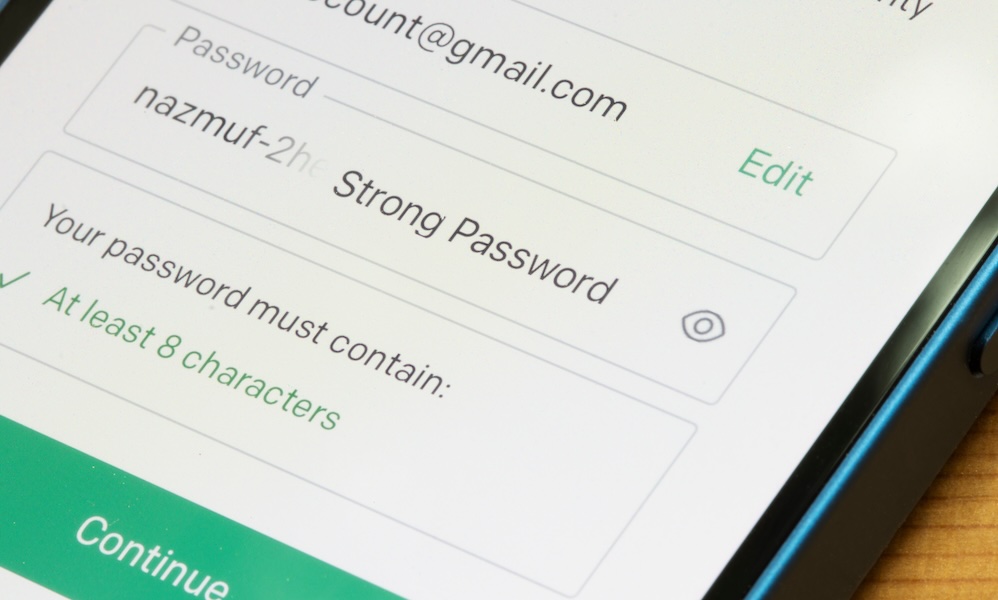
Password strength has just as much to do with length as it does with adding random symbols. A longer password or passphrase is harder to guess and more resistant to automated attacks. Adding capital letters, numbers, and special characters makes your password significantly harder to crack, even for automated tools — but make sure you’re not just using common replacements, like swapping “3” for “e” or “!” for “i”; hackers know about those too.
If you don’t think you’ll be able to remember something complex, the good news is that a combination of random words is just as secure — and often easier to remember than a short password filled with special characters. It also makes it less tempting to reuse the same password in multiple places.
The goal is to create something that isn’t predictable — and isn’t shared anywhere else. A longer password can help your accounts stay private. If you add a few extra characters and numbers, it will be even harder to crack your password.
Use a Password Manager
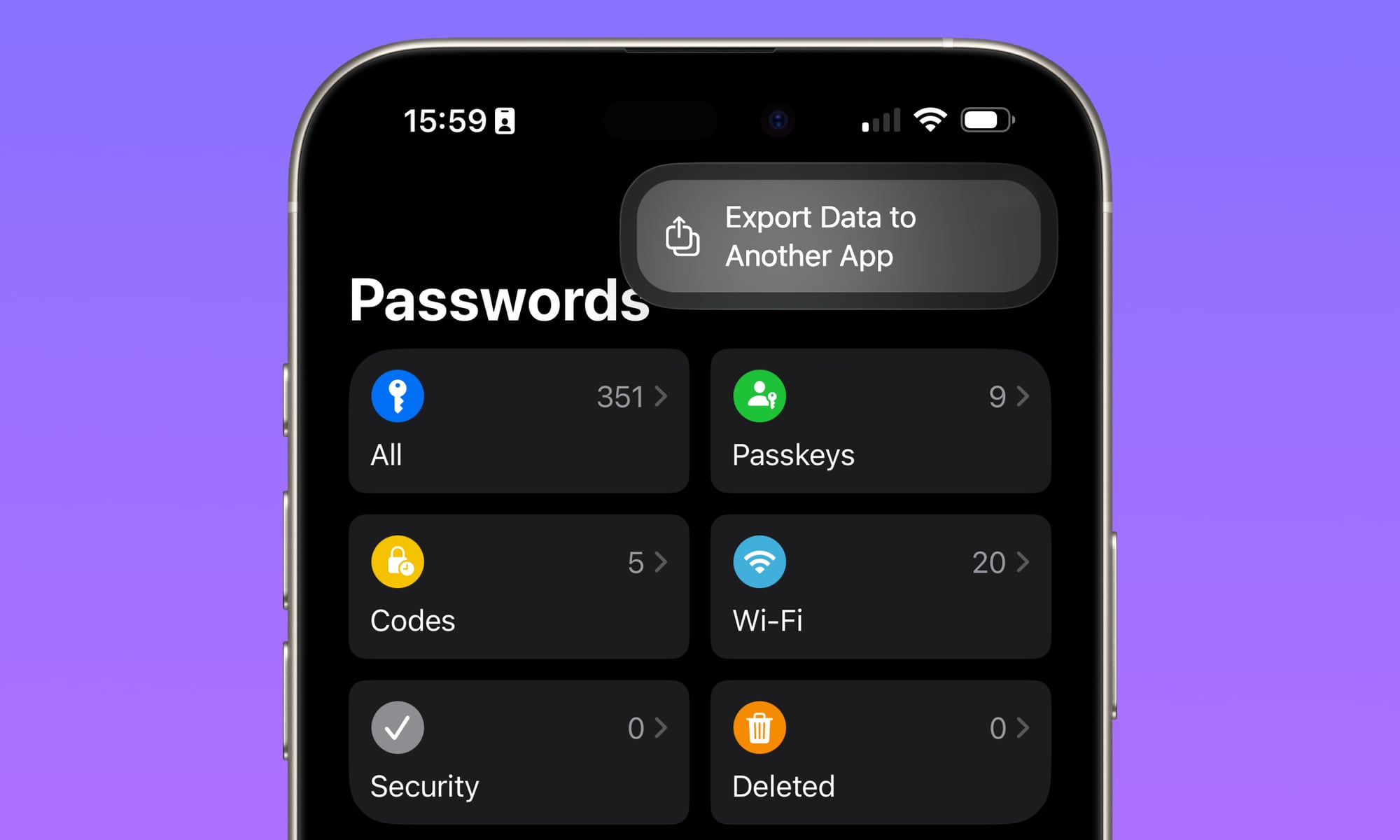
Once you start using unique passwords everywhere, keeping track of them becomes difficult without help. A password manager solves that problem by generating and storing strong passwords for you.
On your iPhone, Apple’s Passwords app already does a lot of the work. It saves your credentials, suggests stronger passwords, and alerts you if something looks weak or compromised. And the best part is that you don’t have to pay extra to use it. This makes it much easier to stay consistent without relying on your own brain.
If you want to use another password manager, you’ll probably have to pay to unlock all of its features. You can get by without one, but that makes it easy to fall back into old habits. You might reuse passwords or make small changes that don’t actually improve security.
Turn On Multi-Factor Authentication
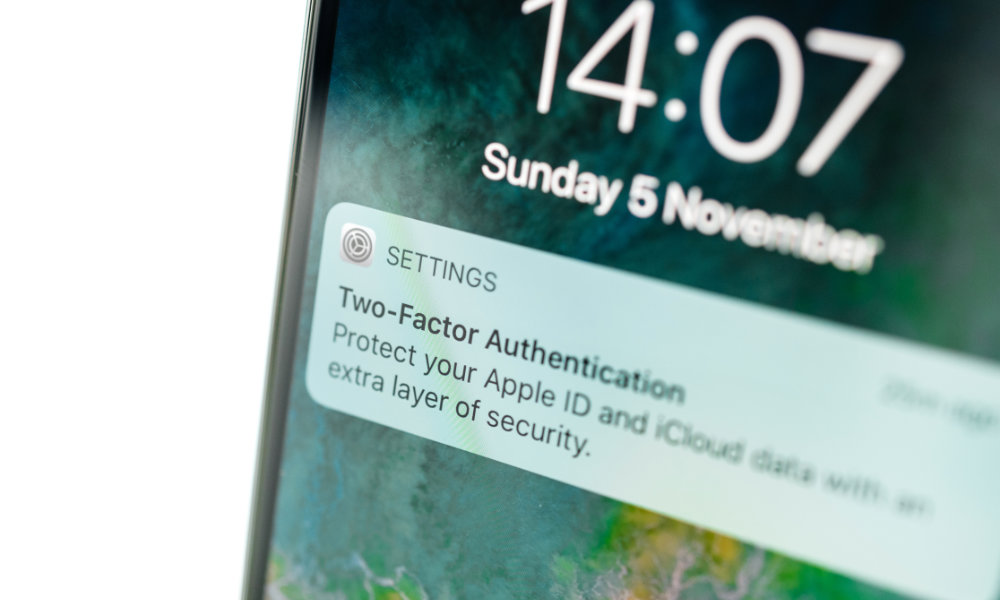
Multi-factor authentication adds a second step to your login process. Even if someone knows your password, they still need another form of verification to get into your account. That might be an SMS code that only you can receive or an authenticator app that creates a unique code for you every few seconds.
This extra layer blocks many common attacks. Passwords alone are no longer enough, especially with how often they’re exposed in data breaches. MFA makes it much harder for someone to use that information, especially since the second factor changes regularly.
Once MFA is enabled, it doesn’t require much attention. You’ll see it occasionally when logging in from a new device, but most of the time it just works quietly in the background.
Use Passkeys When Available
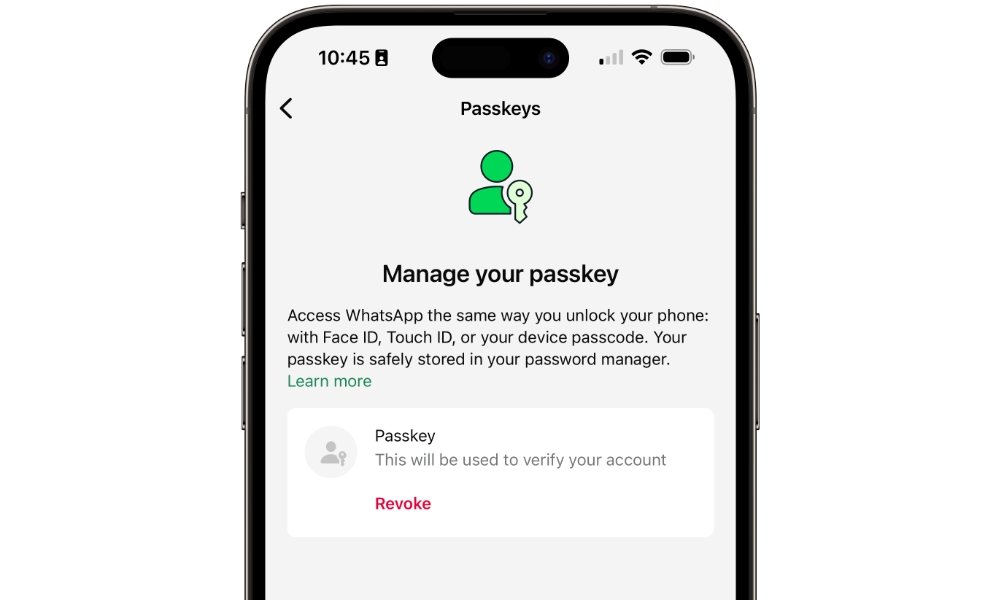
Passkeys are becoming more common and offer an alternative to traditional passwords for signing in to accounts that support them. Instead of typing a password, you authenticate using Face ID or Touch ID on your iPhone.
This gives you a couple of benefits. First, it removes the need to enter credentials into a website, which makes phishing attacks far less effective. Since there’s no password to reuse or steal, it’s a more secure approach.
Second, you won’t have to enter your password every time you log into your account, making it quick and safe to access all your online accounts without having your credentials at the ready. In some cases, you don’t even need to enter a username or email address, as the passkey can both identify and authenticate you.
On your iPhone, passkeys are built into the system, so they’re easy to start using. When you see the option to use one, try it out.
Never Share Verification Codes
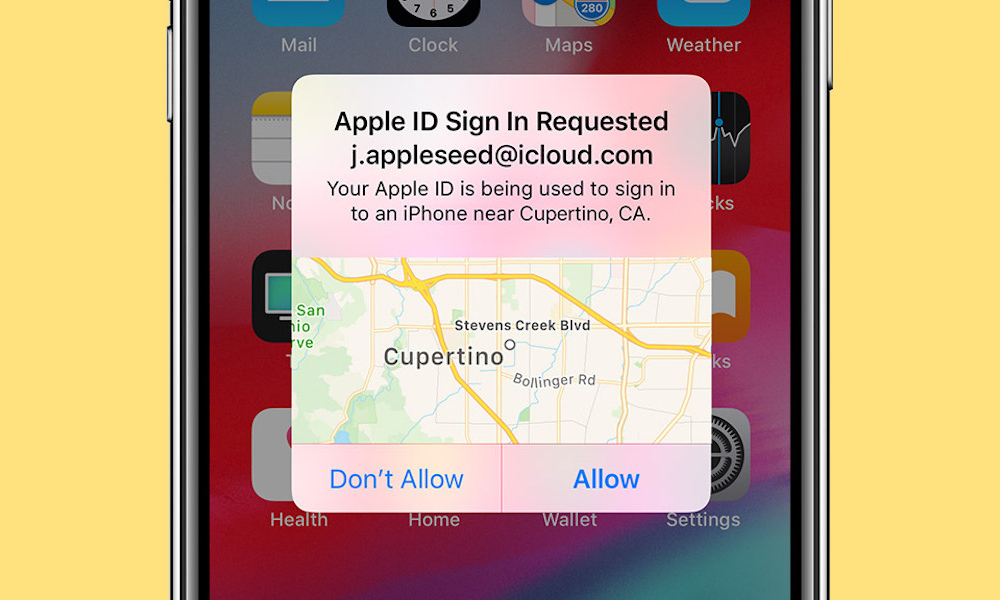
Verification codes are meant to stay private. If you get an email or text, and someone asks for one or tries to convince you to approve a login request, that’s a clear sign that something isn’t right.
Many account takeovers happen when someone unknowingly provides that final piece of information. The attacker may already have your password and just needs the code to complete the process. That’s when phishing attacks start to pop up in your inbox.
If you receive a code you didn’t request, it’s a good idea to check your account activity and update your password. Also, if the platform allows it, report this activity so they know it wasn’t you.
Learn to Recognize Phishing Attempts
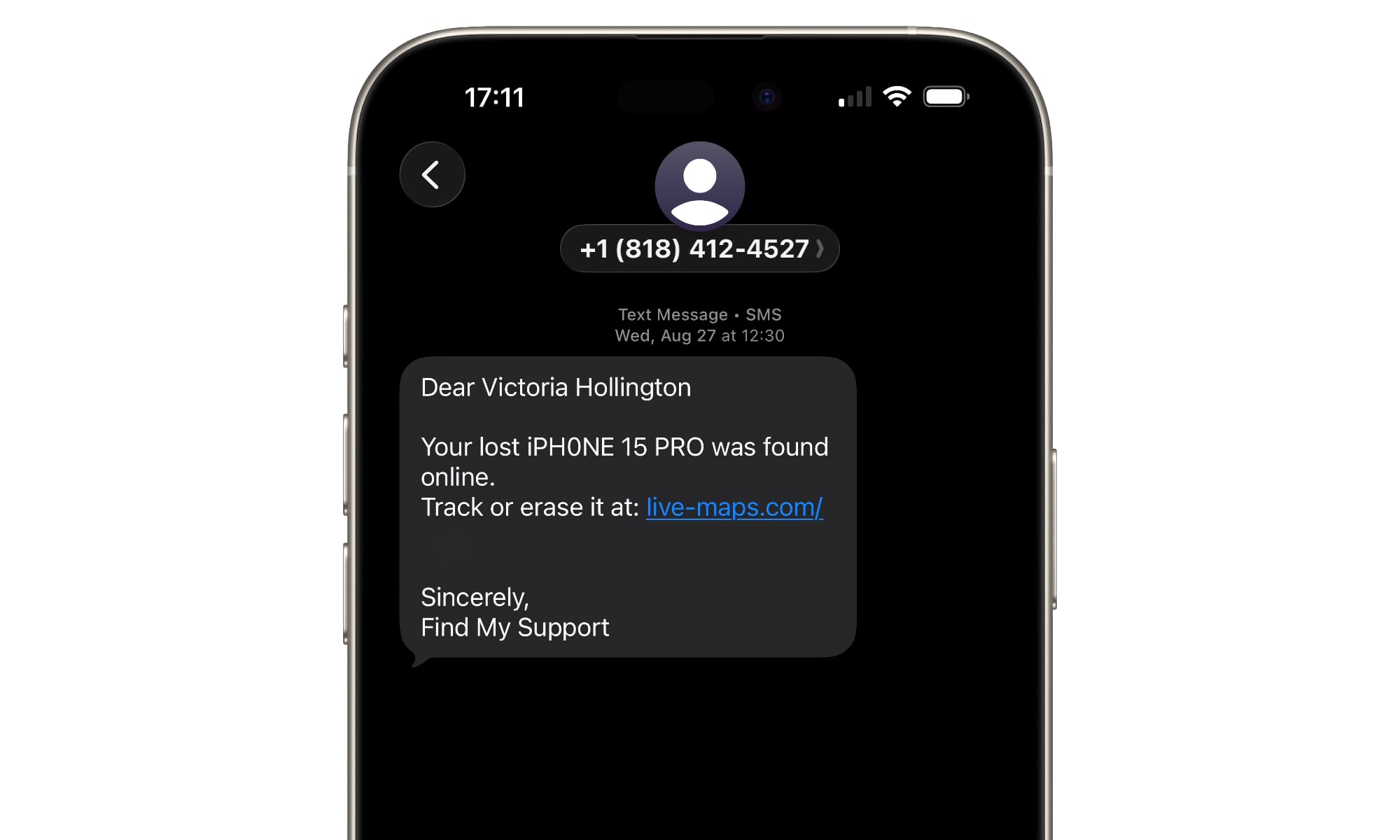
Phishing messages are designed to look like the real deal. They often mimic real situations like account alerts, password resets, or delivery updates.
These messages usually try to create urgency. They push you to act quickly, either because you’ll lose your account or you just won a million dollars. The attacker expects that you’re so excited or worried that you start to overlook details. Taking a moment to pause can make a big difference.
Even if something looks legitimate, it’s worth questioning unexpected requests for login information or personal details. That extra attention helps you spot a fake message before you share too much information on a fraudulent site.
Open Apps and Websites Yourself
The goal of many phishing attacks is to get you to click on something. Whether it’s to visit a website, open a file, or download a link, there’s usually a big button that they want you to press.
Instead of clicking links in messages, it’s safer to download the app from their official website or from the App Store. If the message is telling you to visit a website, but you don’t trust it, simply open your browser and type the real URL yourself.
This avoids being redirected to a fake login page, which removes one of the most common ways attackers gain access to accounts. Even a convincing message loses its impact if you don’t follow its instructions.
Keep Your Devices Updated
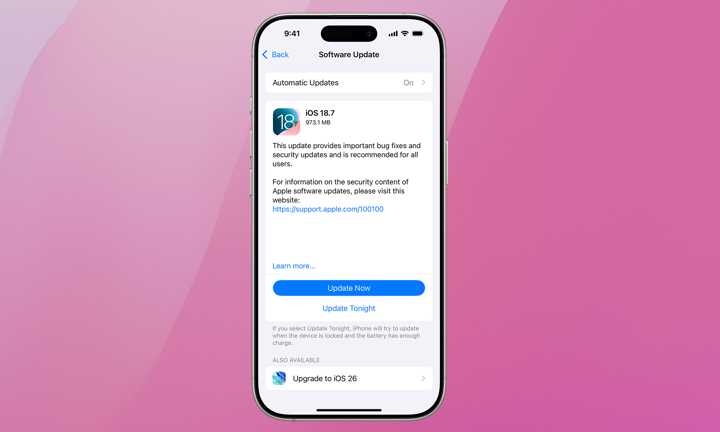
More often than not, software updates include security fixes that protect you against vulnerabilities that bad actors already know about. Even if they didn’t know before the patch, they certainly will once the security notes are public. Running outdated software can leave your accounts exposed to these attacks. And since you don’t know exactly how they can attack you, you’ll be exposed without having any clue about it.
Turning on automatic updates is the best way for your iPhone and your most-used apps to stay up to date without making you check for updates all the time. It’s one of the easiest ways to maintain a secure setup over time.
For your iPhone, simply go to Settings > General > Software Update > Automatic Updates, and turn this option on. To update apps, go to Settings > Apps > App Store, and under Automatic Downloads, make sure to turn on App Updates.
This doesn’t take much effort, but it plays an important role in keeping your accounts protected.
Protect Your Email Account First
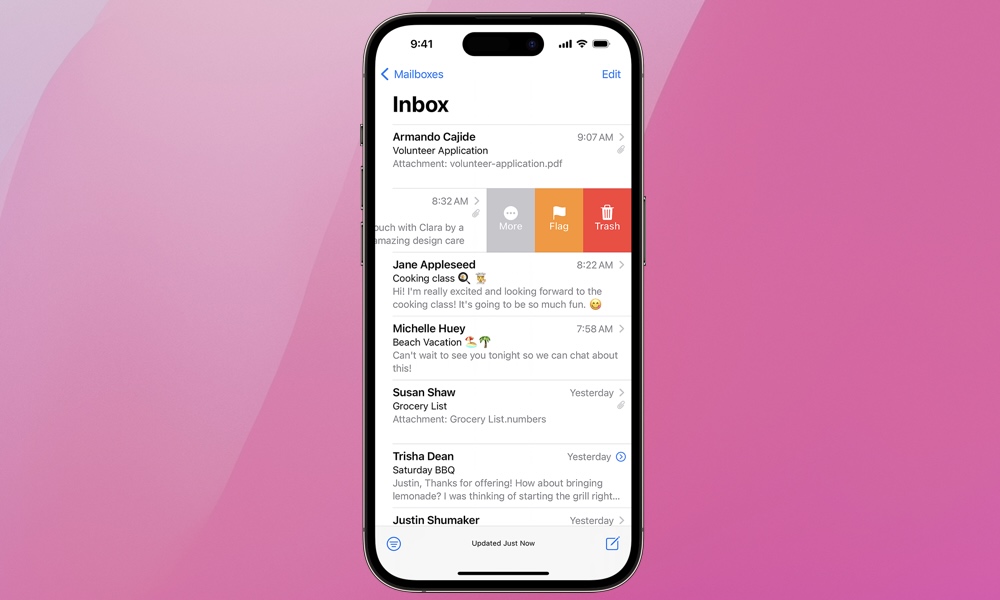
Your email account is often the gateway to your other accounts. After all, that’s where most password resets and important notifications are sent. Needless to say, that’s one of the first places where a hacker will try to attack you.
If someone gains access to your email, they’ll likely be able to reset passwords for other services, locking you out of some of your most important accounts. That’s why your email should have strong protection in place.
Before creating strong passwords for all your other accounts, start with your primary email address. Using a unique password and enabling MFA for your email account helps secure everything connected to it.
Make Your Life Online as Safe as Possible
Making your online accounts safer comes down to building good, strong habits and sticking to them. Using better passwords, enabling additional protection, and paying attention to small warning signs all contribute to a more secure life online.
What’s great is that these changes don’t require you to be an IT guy or to be constantly looking for security breaches. Once you set them up, they work in the background to keep your accounts protected.
With all of that said, even after you do all of these things, don’t think you’re 100% safe. Hackers are creative, and they’re always finding ways to attack us when we least expect it. But by using these tips, you will be much safer than the average person.






