
Apple’s Own Screen Time
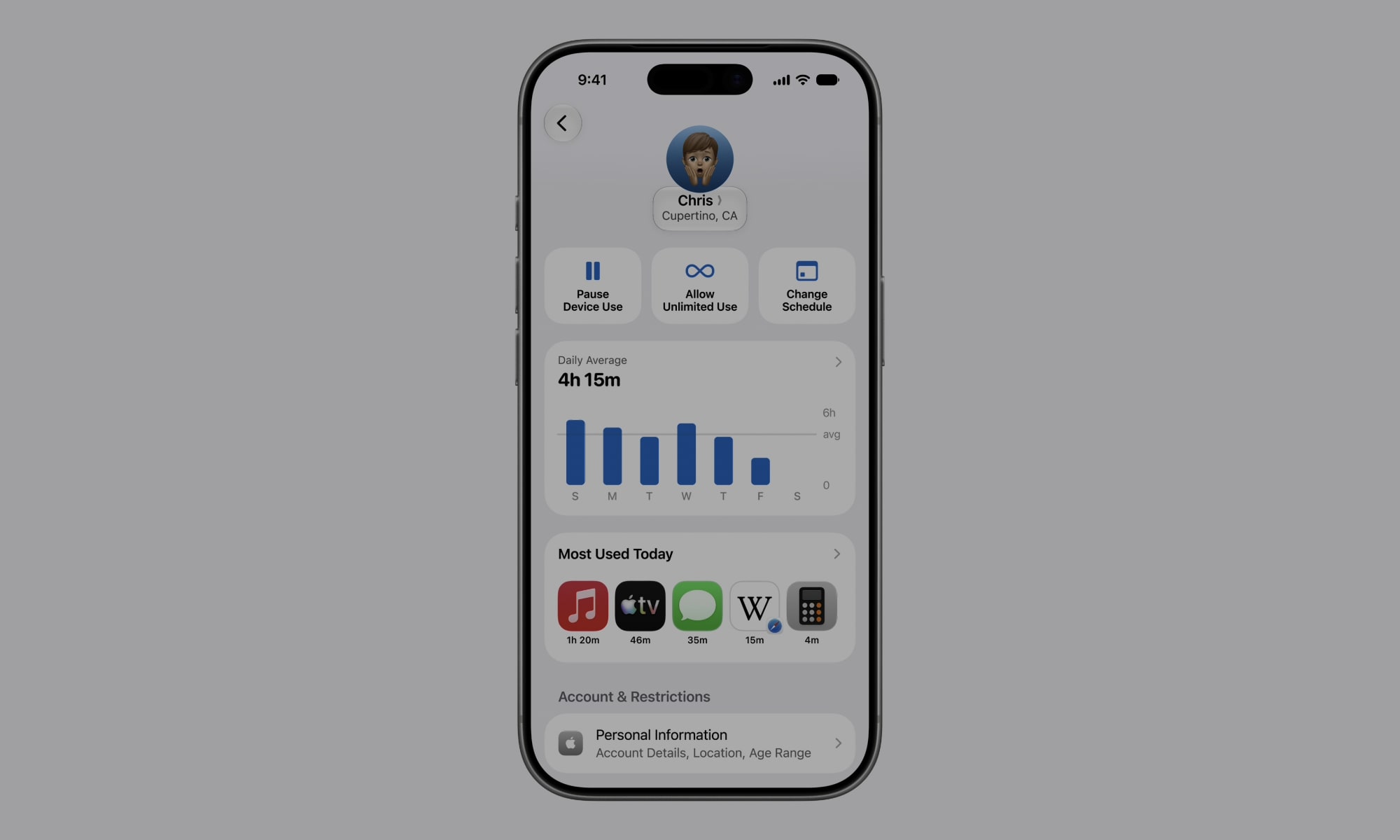
Before downloading anything else, spend some time looking at your iPhone’s Screen Time. This feature gives you a clear view of how much time you spend in individual apps, which is incredibly useful as most estimations tend to be way off when it comes to doomscrolling — and it’s expected to get even better in iOS 27.
You also get a weekly report, which is a useful place to begin because, again, most people underestimate their usage. You may think you only check Instagram occasionally, then discover that those short visits add up to several hours. Screen Time also separates usage into categories, which helps you see whether most of your time is going toward social media, video games, or something more productive.
Once you know where the problem is, you can start using built-in features, such as App Limits, to set daily restrictions. You can also use Downtime to make most apps unavailable during certain hours, such as before bed. And Communication Limits give you more control over who can contact you during regular use or Downtime.
You can find all of these controls by opening your Settings app and tapping on Screen Time. Review your weekly report before making any changes, and once you’ve identified the apps that take up the most time, set one or two limits that feel realistic enough to follow.