
The ChatGPT App
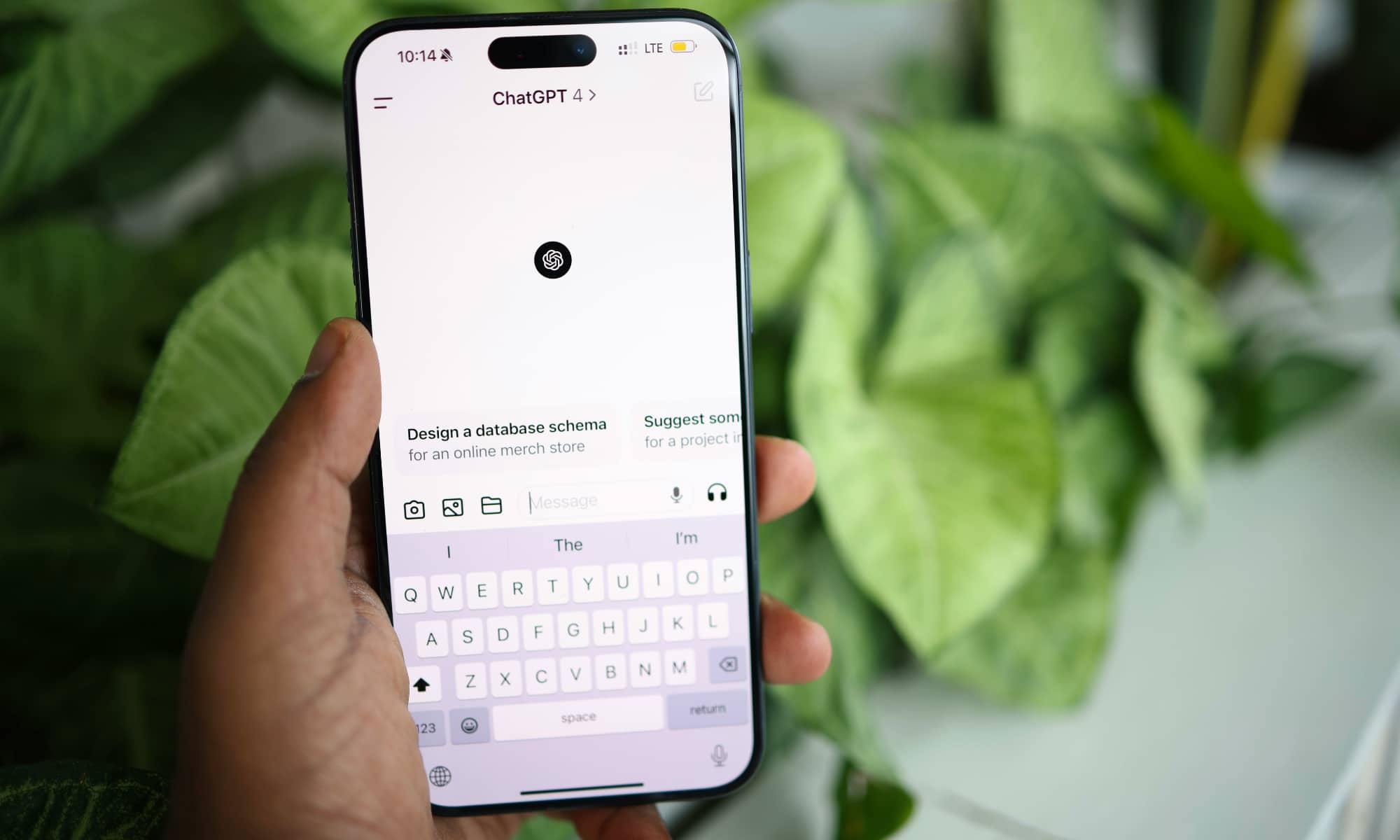
The ChatGPT app gives you direct access to OpenAI’s chatbot on your iPhone. You can use it to ask questions, brainstorm ideas, and even create images. However, you may not need to keep the standalone app installed if you only use ChatGPT for occasional requests.
On iPhones that support Apple Intelligence, Siri can send questions that it can’t answer to ChatGPT for a more detailed response. You can also begin a request by telling Siri to “Ask ChatGPT,” which lets you access the service without opening another app. If you’re worried about privacy, it’s worth noting that your iPhone will always ask you if you want to use ChatGPT before sending any type of information. On the other hand, if you find that question a bit annoying, you can always disable it by going to Settings > Apple Intelligence & Siri > ChatGPT and turning off Confirm ChatGPT Requests.
The best part is that you don’t need a ChatGPT account to use the basic Apple Intelligence integration. If you do have an account, you can optionally sign in to get access to extra features, such as saving your chat history or taking advantage of a ChatGPT Plus subscription. However, all of your ChatGPT requests made through Siri will be completely private and anonymous unless you choose to sign in to a ChatGPT account.
Since ChatGPT is available through Siri, you can ask for help while cooking, driving, or working without searching for the app first.
Of course, the dedicated ChatGPT app is still worth keeping if you use the service regularly. It provides direct access to your chat history and other features. But for someone who only asks an occasional question through Siri, the Apple Intelligence extension can save you from installing another app.