
Voice Recording Apps
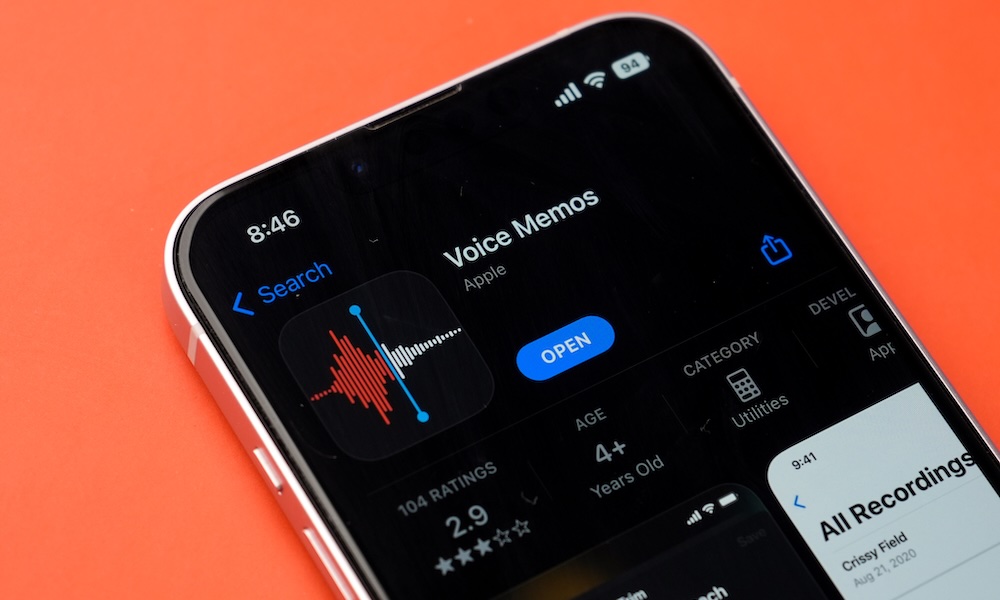
Voice recording apps let you capture anything from interviews and classes to spontaneous ideas you suddenly have. Many of these apps offer paid upgrades that you don’t really need, as Apple already includes a capable recorder called Voice Memos.
Voice Memos can record audio through the built-in microphone or a connected accessory. Afterward, you can trim the beginning and end or replace a section without starting the entire recording again. You can keep all your recordings organized and even create specific folders for all your needs.
What’s more, Voice Memos can also transcribe everything you record. You can just start talking, and your iPhone will turn everything into text, so you can read or copy it whenever you need to. This can help you review a meeting or locate a certain part of a longer recording. Plus, if you have an iPhone 15 Pro or newer, Apple Intelligence can create a summary of those recordings, letting you see the key points of a long lecture at a glance.
So whether you’re a journalist, a podcaster, or simply want to record something, all you need to do is open Apple’s Voice Memos app, which should already be on your iPhone (you can redownload it from the App Store if you’ve deleted it). Once inside, simply tap the red Record button and record to your heart’s content.
Just like other options on the list, third-party recording apps might bring a lot more features to the table, but there is still a lot you can do with the Voice Memos app, especially if you’re only looking for the most basic features.