
Document Scanner Apps
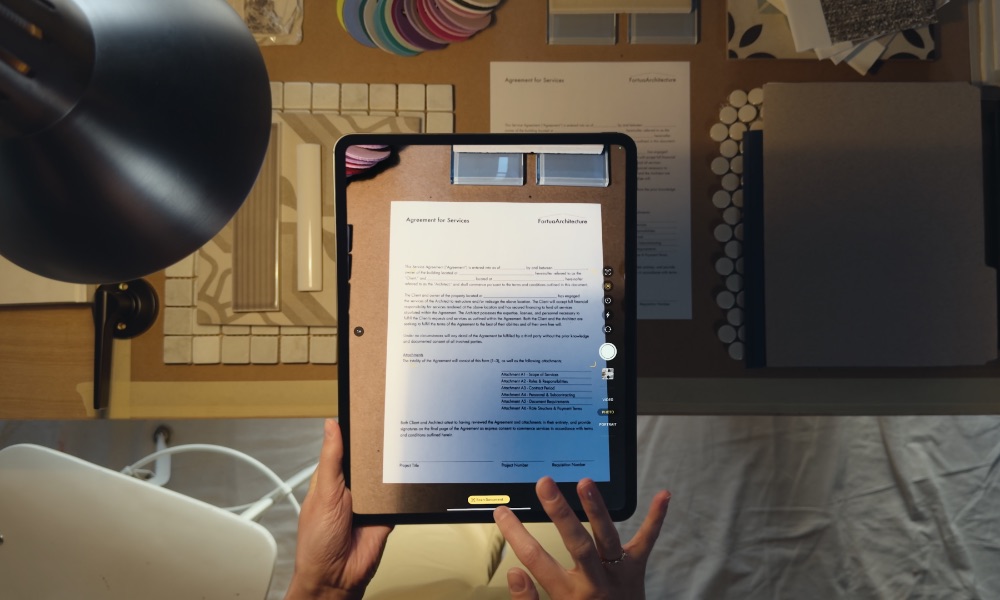
A document scanner uses the iPhone camera to capture all your paperwork and turn it into a clean digital file. These apps can straighten a page and improve its readability, which makes the result look more like a scan than an ordinary photograph.
Of course, there are a ton of apps you can use for this, but the truth is that your iPhone already includes this feature — and you can access it in several places. Notes can attach a scan to an existing note, while Files saves the document directly to a folder. On iOS 26 and later versions, there’s even a new Preview app that can also scan documents and turn them into PDFs.
The built-in scanner detects the edges of a page automatically. It can correct the perspective if you hold your iPhone at an angle, and you can even capture several pages inside one document. That should cover receipts or forms without requiring a subscription to yet another app.
How you use the scanning feature on your iPhone will depend on which app you use, but if you want to scan a document in the Files app, simply open the app, and then tap the More button (which looks like three dots) in the top-right corner of your screen. Next, tap Scan Documents and point your camera at the document you want to scan.
From there, it’s almost like using the Camera app, so take a “picture” of your document and then resize it however you want. Finally, tap Keep Scan or Retake, depending on what you want to do.
Dedicated scanning apps can still offer better file naming and advanced optical character recognition. But for occasional paperwork, Apple’s scanner is usually all you need.