
QR Code Scanner Apps
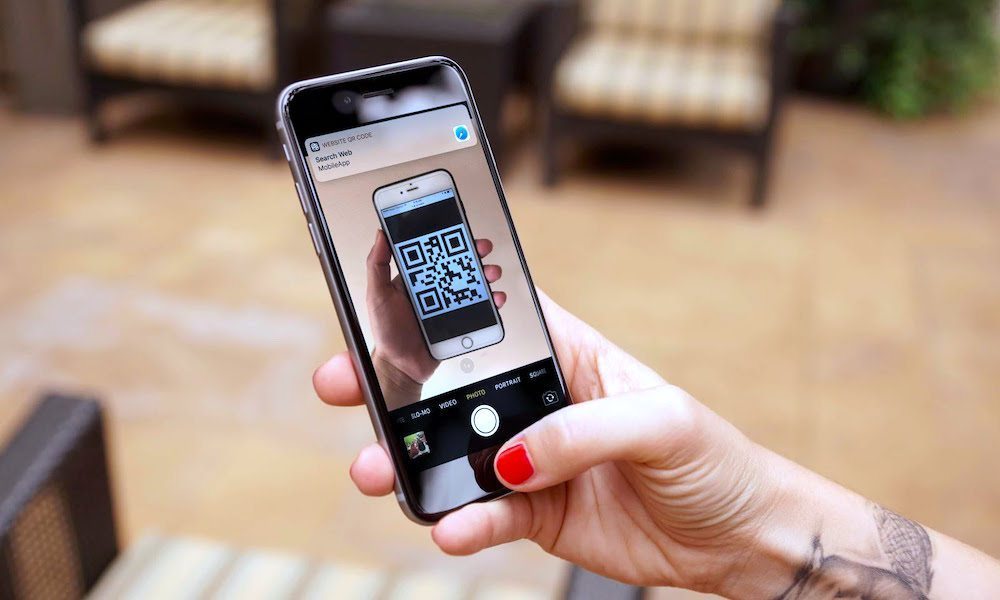
QR code scanner apps were once all the rage. Apple added QR code scanning to the iPhone’s Camera app in 2017 with iOS 11, but in those early days it wasn’t always great at recognizing QR codes.
However, that hasn’t been a problem for years. Improved camera hardware and better software algorithms mean the regular Camera app can easily detect nearly any QR code you encounter and display a tappable link right next to it in the viewfinder.
Keeping a separate scanner installed only adds another icon to your iPhone. Some free scanners also display annoying ads before opening the code, or even request access to information that has nothing to do with scanning.
You can even add a dedicated Code Scanner to Control Center if you scan QR codes frequently. This opens a simple camera view that focuses on scanning the code, which can be faster than opening the Camera when you’re checking a restaurant menu or accessing a digital ticket.
So next time you want to scan a QR code, simply open your camera, point it at the code, and wait for your iPhone to recognize it. It’ll only take a couple of seconds before you see the link pop up right below the QR code.