
Basic Calculator and Unit Converter Apps
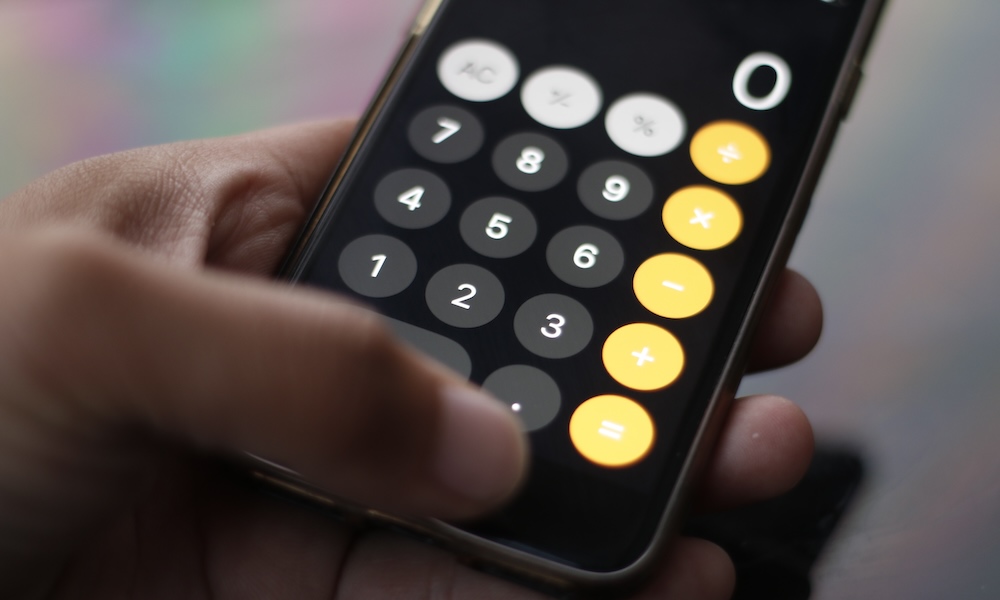
Many calculator apps provide the same buttons you already have in Apple’s Calculator. And thanks to an update a couple of years ago, the Calculator app on your iPhone is now more powerful — and it’s even capable of converting measurements or currencies.
Apple’s Calculator app offers two modes: basic and scientific. Both feature enough power to help with complicated math problems or basic calculations. The app also keeps a history of recent calculations, which helps when you need to check a previous result.
Additionally, the Notes app has a useful feature called Math Notes, which can solve equations and math problems automatically after you write them down.
Conversion mode handles common units inside the Calculator app. You can use it for length or temperature without opening a separate converter. Currency conversion is available as well, although exchange results should still be treated as estimates when making a purchase.
Spotlight and Siri can answer many quick questions too. Swipe down on your Home Screen and type a calculation when you don’t want to open Calculator. Overall, your iPhone is more than capable of handling any type of math problem you have. Everything is just a tap or a voice command away.