
163 Reasons to Install iOS 27.2 ASAP — and 9 Cool Perks You’ll Get When You Do
Toggle Dark Mode
After weeks of waiting, iOS 27.2 is finally here. Apple finally dropped the latest software update, and it brings a bunch of new features that we couldn’t be more excited for.
If you haven’t installed iOS 27.2, you really should get on it. Even if you don’t care about the new features, this release includes fixes for 163 security vulnerabilities. While none of these have been actively exploited yet, it’s only a matter of time now that Apple has published the full list of what was fixed. You can bet that cybercrooks are going to be looking for ways to exploit devices that are lagging behind.
But there’s a lot more here than security fixes. Here are some of the best new features that are coming in your iPhone’s latest update.

Siri Can See (and Understand) Past Conversations
This is one of the features that was weirdly missing when Apple revealed Siri AI in June, but it wasn’t forgotten — just a bit late.
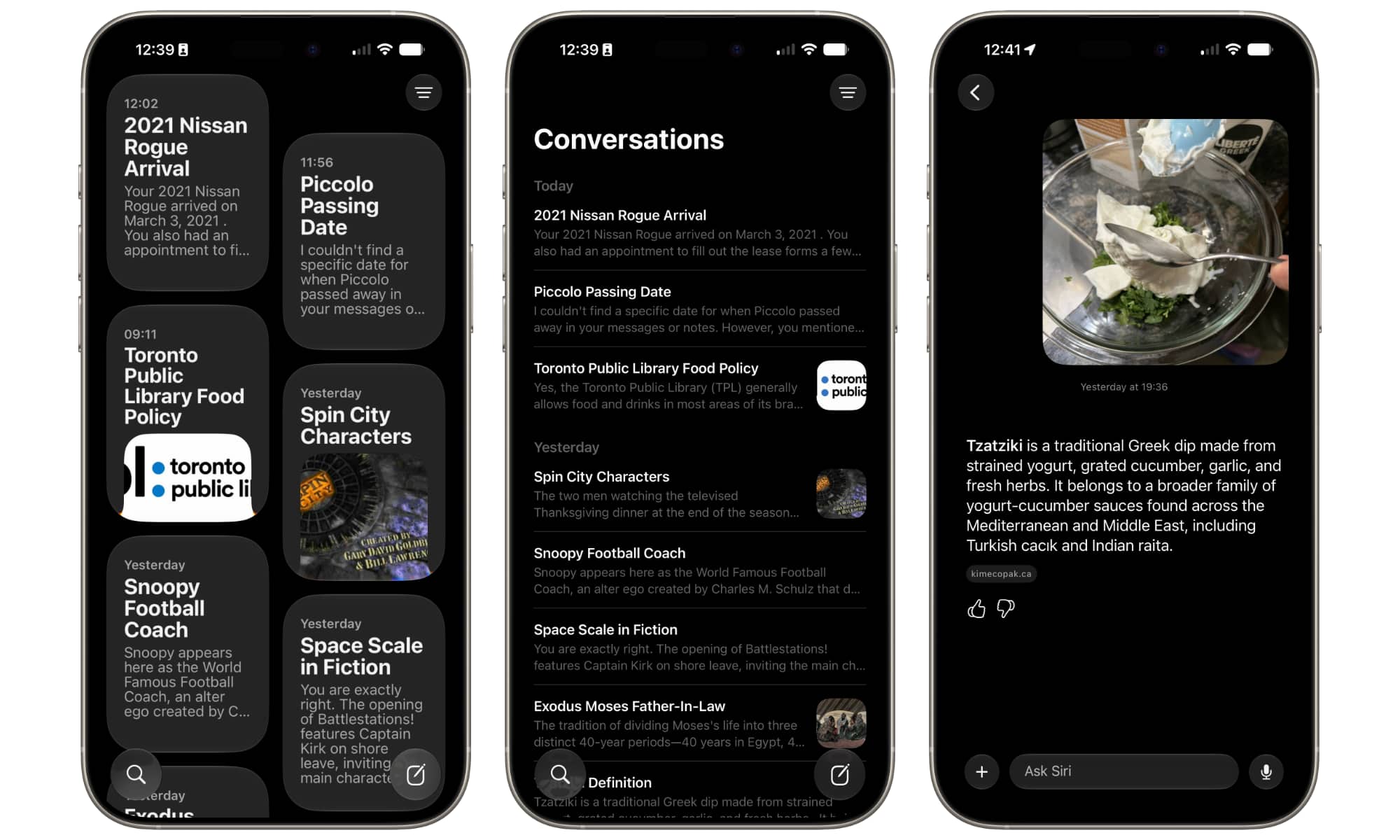
With iOS 27.2, Siri is capable of going back to previous conversations you’ve had with it. You can ask Siri about a previous message, like the time it suggested an easy meal to cook or a place to visit, and it’ll be able to continue that conversation without your having to explain everything again.
It may seem like a small improvement, but it can be a huge time-saver, especially if you’re used to how ChatGPT works. The easiest way to find all your previous conversations is by opening the new Siri app.
Siri’s Responses Are Easier to Copy
This is another small quality-of-life update that was really needed. Now, instead of having to copy the whole response from Siri, you can simply select and copy the parts that you actually care about.
Again, really small, but incredibly useful.
Siri’s Personal Context Got Better
The best feature of the new Siri AI is its ability to draw information from various apps to provide the personal context you need. For example, you can ask Siri for the recipe a friend sent you a week ago and it will start looking for the best match across all supported apps, such as Messages and Mail.
With iOS 27.2, this personal context gets even better, as Siri is now capable of grabbing information from additional sources, such as checking photos in the Messages app, people who are invited to an event in your Calendar app, and your voicemail messages stored in the Phone app.
Suggestions in Messages Is Here
Not all of the features that Apple announced during its June Worldwide Developers Conference (WWDC) made the cut for iOS 27.0 last month.
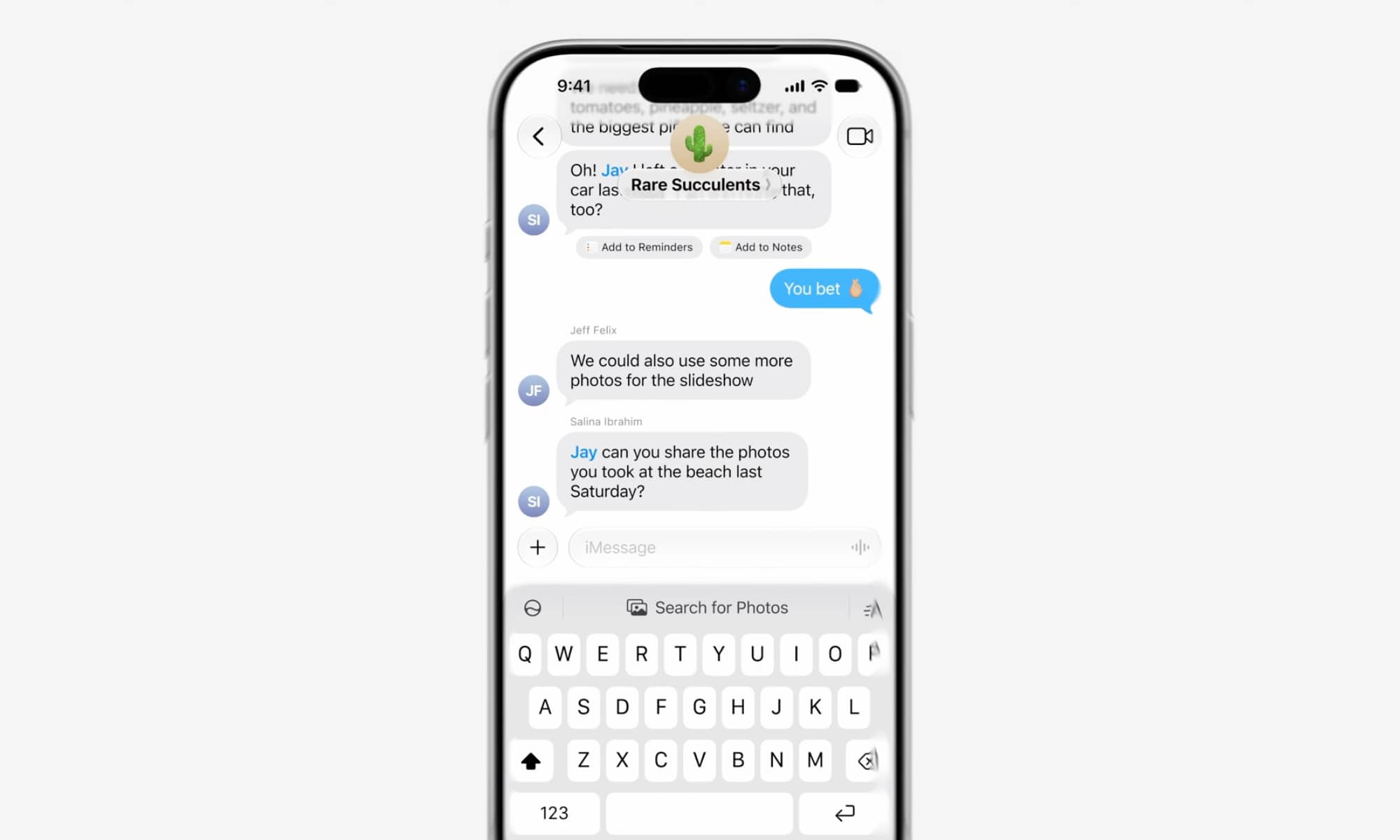
Among these was Suggestions in Messages, but the good news is that it’s just arrived in iOS 27.2. This simple but useful feature lets Apple Intelligence scan your conversations in the Messages app and provide specific suggestions based on their content.
For instance, if you just got invited to a birthday party, Apple Intelligence will show a Calendar button to make it easier to add it to your schedule with a single tap. Or, if your boss gives you a new task, your iPhone will show you Reminders suggestions so you can create a new reminder in seconds.
You Can Now Check What Your Friends Are Playing
If you don’t know what to play, or you’re just curious, the Games app now gives you a glimpse at what your friends are playing.
The Friends tab in the app will show you the games that your friends have recently played. It’s a small change, but it’ll be easier to pick up a new game if you don’t know what you’re in the mood for.
Get Anniversary Reminders During a Call
This might not be the “sexiest” new feature, but it’ll be a lifesaver for those of us who have a bad memory.
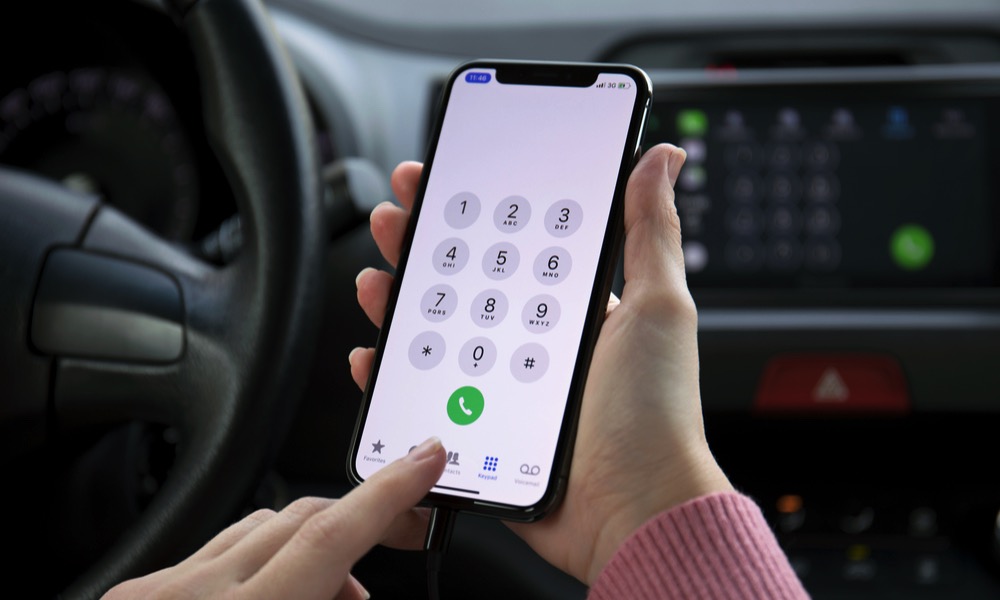
With iOS 27.2, you’ll get appropriate anniversary reminders whenever you call someone. Of course, it doesn’t just have to be anniversaries. Everything from birthdays to the first time they asked you if you’d love them if they were a worm can be added. Next time you’re on a call, you won’t be the one who forgets about special dates anymore.
After installing the update, you’ll have to go to the Phone or Contacts app and search for the contact you want. Then, tap Edit, scroll down, and tap Add Date. You can then tap Anniversary and create specific labels for whatever you want.
Your Shared Albums Got an Upgrade
The Photos app also got some updates to how Shared Albums work. First off is that a Temporary Shared Album can now show reminders a few days before it expires. This will give people enough time to save their favorite moments before it’s too late.
The Photos app can also handle duplicate pictures so they aren’t automatically added to a Shared Album, and people can also now edit the comments they’ve added to photos and videos in a Shared Album.
Multiview Got an Improvement as Well
Multiview has been around for a while now, but thanks to iOS 27.2 it got just a little bit better.
For those who don’t know, Multiview is a feature exclusive to the Apple TV app, which lets you stream multiple games at once. Now, with the new software update, you can watch up to four different games at the same time from your iPhone. Your attention span will be completely destroyed, but at least you’ll know the score of your favorite games.
FaceTime’s Dual Capture Is Now Better
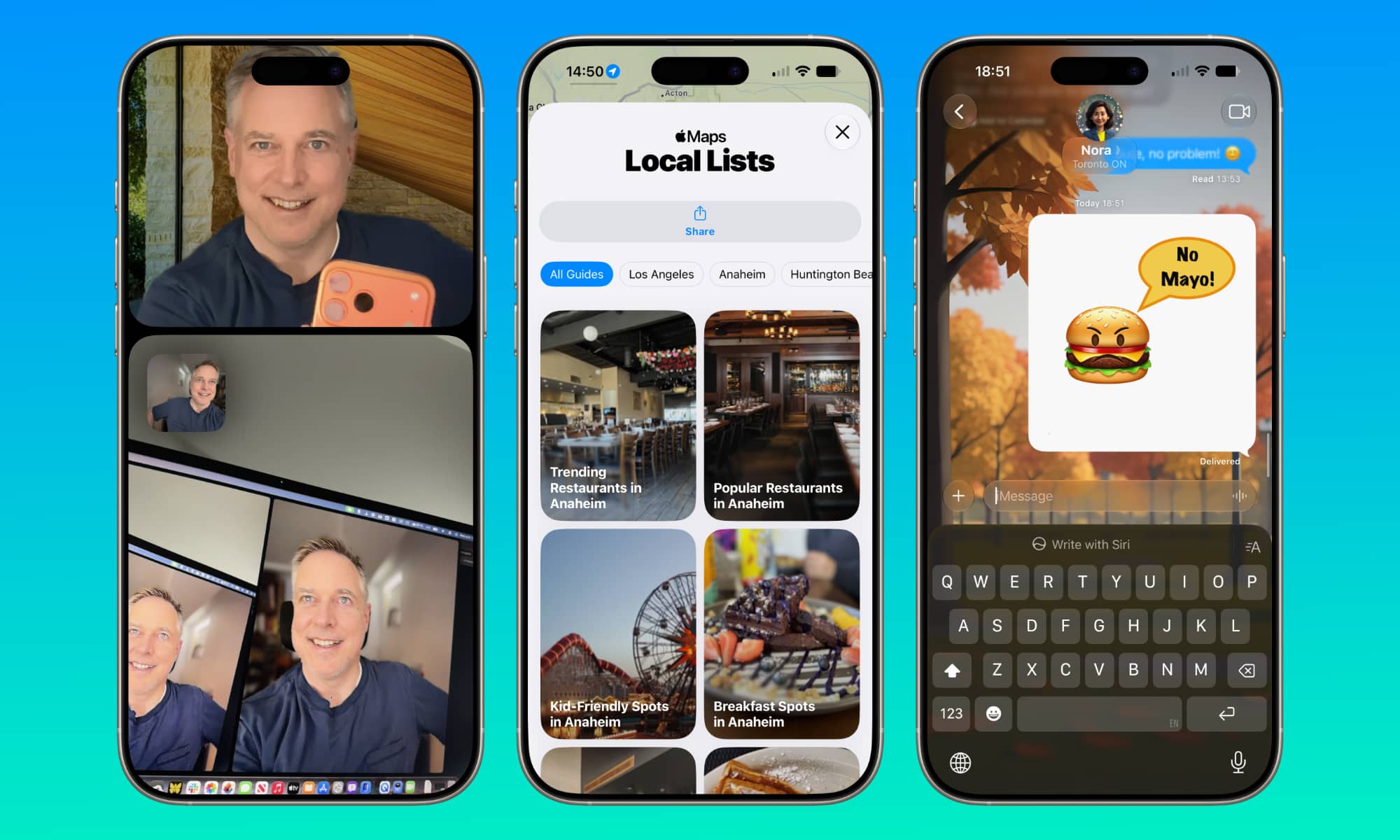
Apple also improved Dual Capture. In case you don’t remember, this is a FaceTime feature that allows you to use both your front and rear cameras at the same time.
Before, you could only use Dual Capture with one-on-one FaceTime calls, but with iOS 27.2 you can also use it during group calls. You’ll be able to turn on both cameras and show yourself and whatever you point to at the same time.
Of course, you’ll also need to have an iPhone that supports this feature, which is basically the iPhone 17 and all newer models, including the iPhone Air and, of course, the iPhone Duo.
Download iOS 27.2 ASAP
Even though it’s a small update, iOS 27.2 still brings a lot of new features and quality-of-life updates to the table.
Whether you want Siri to be smarter than before, or you never want to forget your anniversary again, iOS 27.2 is a must-have. So go to the Settings app and download it as soon as possible. Of course, just remember to back up your iPhone before you start.






