
The iPhone 17e’s Missing Link: Why Your AirTags Might Feel Lonely

Toggle Dark Mode
Apple’s affordable new iPhone 17e fixes one of the biggest omissions in its predecessor by adding MagSafe to support faster charging and a wealth of magnetic accessories. However, there’s at least one other significant iPhone 16e limitation that still applies to this year’s e-series model: the lack of Ultra Wideband support.
This missing feature was far less talked about in last year’s model, especially since it was overshadowed by the lack of MagSafe, but it’s actually pretty significant as it leaves the e-series models out of several of Apple’s more advanced features like Precision Finding, Car Key, and Home Key features that rely on proximity.
While it’s arguably a reasonable tradeoff for its $599 price tag, the missing Ultra Wideband chip is something buyers should be aware of, especially since it’s been standard on nearly every other iPhone for seven years.
Apple introduced Ultra Wideband to the iPhone 11 lineup in 2019 in the form of a new “U1” chip, which also came to the Apple Watch Series 6 the following year (but not the Apple Watch SE). Initially, it did little more on the iPhone than improve AirDrop, but it became apparent that Apple was playing the long game when it debuted Car Key in 2020. That started out as a BMW-only NFC solution until early 2021 when it embraced UWB.
A few months after that, Apple announced the first AirTags with a Precision Finding feature that was exclusive to the iPhone 11 and iPhone 12 — the only models that included the U1 chip at that time. Oddly, the Apple Watch was left out of that party until earlier this year, when the second-generation AirTags were released, bringing compatibility with the new second-generation Ultra Wideband chips found in the Apple Watch Series 9, Ultra 2, and later models (although the Apple Watch SE remains UWB-less).
That second-generation chip also came to the iPhone 15 in 2023, offering improved efficiency and range and powering a new Precision Friend Finding feature, allowing two people to track each other down in a crowd as long as they’re both toting an iPhone 15 or later model — as long as one of those isn’t an iPhone 16e or iPhone 17e.
What is Ultra Wideband Used For?
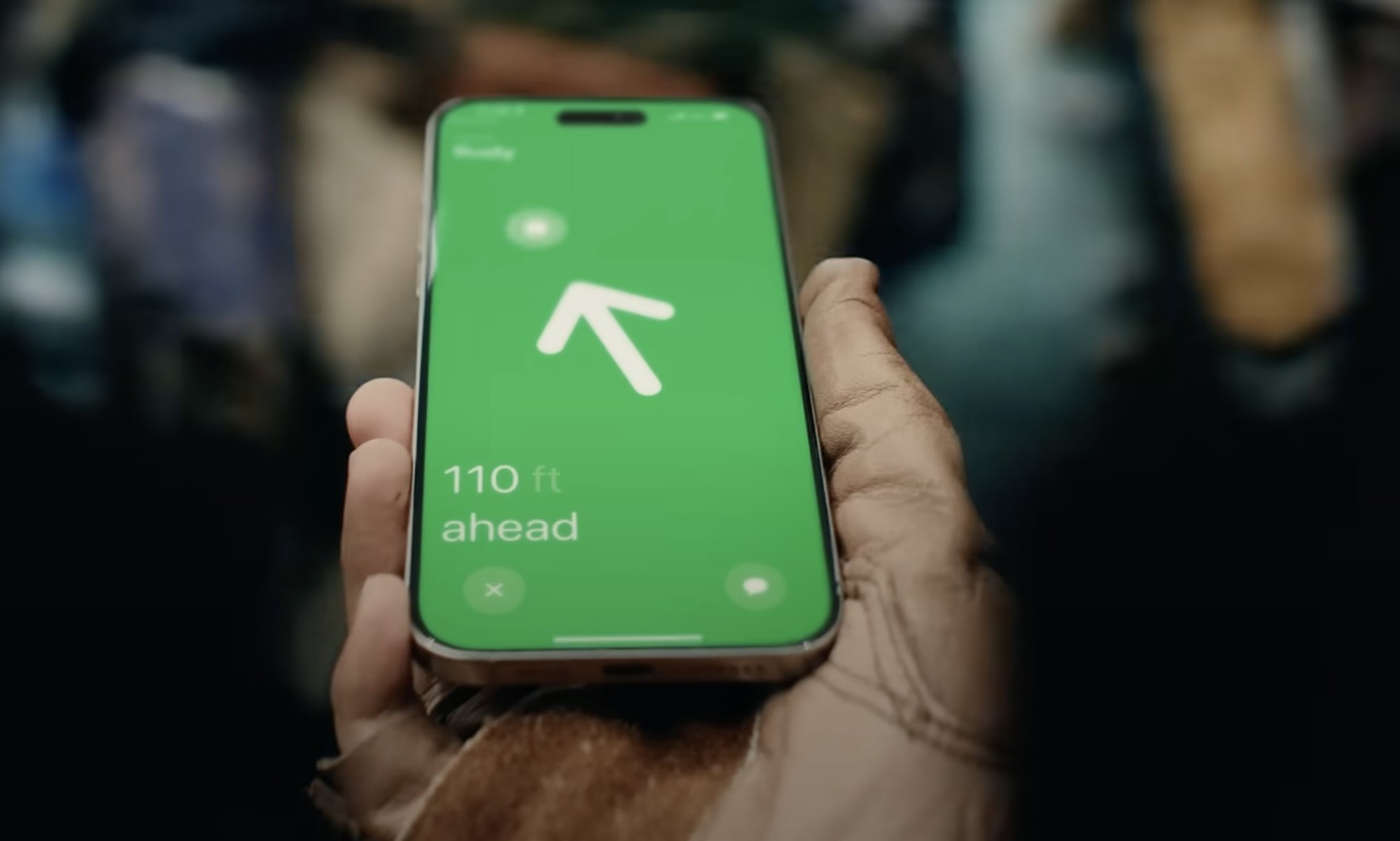
Since its introduction in 2019, Apple’s Ultra Wideband chips have expanded to offer a number of features:
- AirDrop efficiency: From the start, the U1 chip allowed two iPhone 11 or newer models to precisely detect each other’s locations when starting an AirDrop session, ensuring that you’ll see the person you’re actually trying to AirDrop something to at the top of the list, saving you from wading through a long list of strangers to find them.
- NameDrop and Proximity AirDrop: In 2023, Apple added new UWB-powered features to iOS 17 allowing contact cards and other AirDrop information to be quickly exchanged between two iPhones simply by holding them in close proximity. While these features don’t technically require a UWB chip — they were also supported on the iPhone XS and iPhone XR — they do work much faster when Ultra Wideband signaling is involved.
- Precision Finding for AirTags: This is one of the best features of the AirTags and many other Find My-enabled trackers, allowing you to zero in on their exact location. While the iPhone 17e can still tell you your keys are at home, you’ll need an iPhone 17 or other UWB-equipped model to be led to the specific couch cushion they’re hiding under. If you don’t have UWB, you’ll be limited to tracking them down by playing a sound.
- Precision Finding for Friends and Family Members: As mentioned earlier, this requires the newer “U2” chip in 2023 and later iPhone models, and lets you precisely track down a friend or family member, whether that’s out in the wilds or in a busy shopping mall.
- Precision iPhone Finding: Also a feature of the newer Ultra Wideband chip, this lets you locate your iPhone by using a UWB-equipped Apple Watch model, giving you a bearing and distance to precisely where you left it, just like an AirTag.
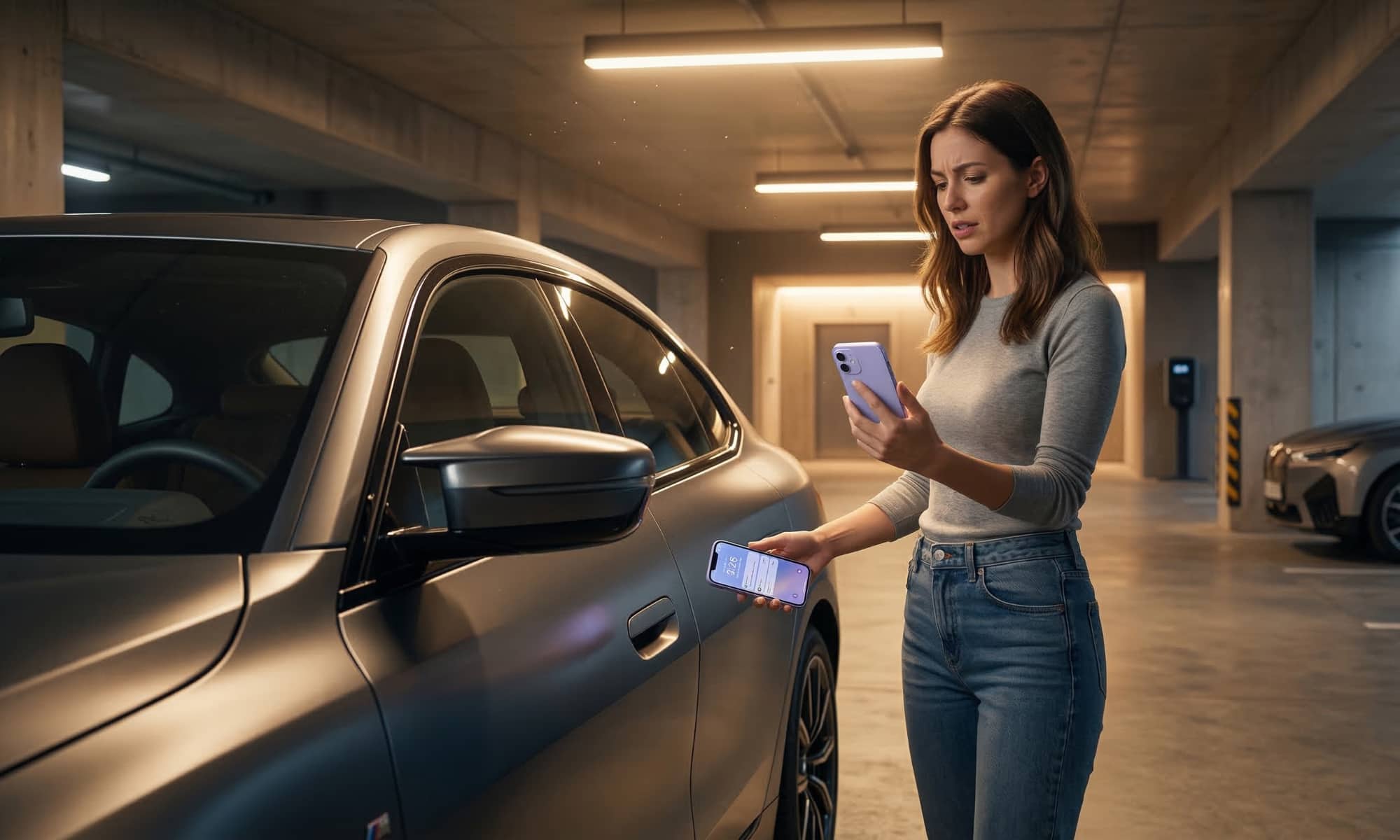
- Car Keys: This remains a bit niche as it’s still offered on relatively few vehicle brands, but if you have a vehicle that uses digital keys, you’ll need the UWB chip for keyless entry and operation. Some vehicle models can still use Car Key over NFC, but that’s cumbersome enough to be almost pointless.
- Home Keys: In 2024, Apple expanded its NFC-based Home Key support to add UWB so you can unlock your front door simply by walking up to it. While it’s taken a while for lock makers to add support for this, we’re finally beginning to see the first of them appear now that UWB has been added to the Matter standard.
That’s a long list of things that the iPhone 17e either won’t support at all, or that in the very least won’t work as well on the budget iPhone model. NameDrop and AirDrop will be slower, you’ll have to tap your iPhone to use digital keys on your car or front door, and you’ll only be able to track AirTags down by making them play a sound.
In that sense, the iPhone 17e is in the same category as the Apple Watch SE, although these features haven’t been supported on the Apple Watch for nearly as long, as most require the new “U2” chip that only came to the wearable in 2023.
Granted, these limitations won’t matter to a lot of folks, but if you’re used to features like Precision Finding for AirTags or friends, you’ll definitely feel their absence if you switch to an iPhone 17e. More importantly, even if you’re using the latest and greatest iPhone 17 Pro, buying an iPhone 17e for a family member means you won’t be able to use the Precision Finding feature to locate them when you’re out exploring the world. That alone might persuade you to to pay $100 more for an iPhone 16 or opt for a refurbished iPhone 15.
Anecdotally, I’ve found precision finding features to be invaluable for tracking down my teenage daughter when we’re out together, avoiding confusing iMessage chats like “I’m over near the mannequin” … “Which mannequin” … “the one with the clothes on.” My wife also has a habit of misplacing her iPhone around the home, and the Apple Watch-based finding feature is far more effective than trying to call it and listening for the buzz of it vibrating somewhere.






