
Flying Toasters Return: How to Run Classic Screen Savers on a Modern Mac
Toggle Dark Mode
If you’re of a certain age (like me), you likely remember After Dark, the collection of screen savers that were available back in the 1990s, first for the 68k Macintosh, then later for Windows PCs. Even if you don’t remember the full collection, I know you remember the flying toasters!
Now developer Jeff Halter has created Afterglow, a new app that allows you to enjoy those classic Mac screen savers on your modern Mac (via Daring Fireball).

What Was After Dark?
After Dark is a series of computer screen savers published by Berkeley Systems in 1989 for the Apple Macintosh, and in 1991 for Microsoft Windows. The original spawned multiple sequels, with additional editions named More After Dark and Before Dark, as well as variations themed around licensed properties such as Disney, Star Trek, Looney Tunes, Marvel, and The Simpsons characters.
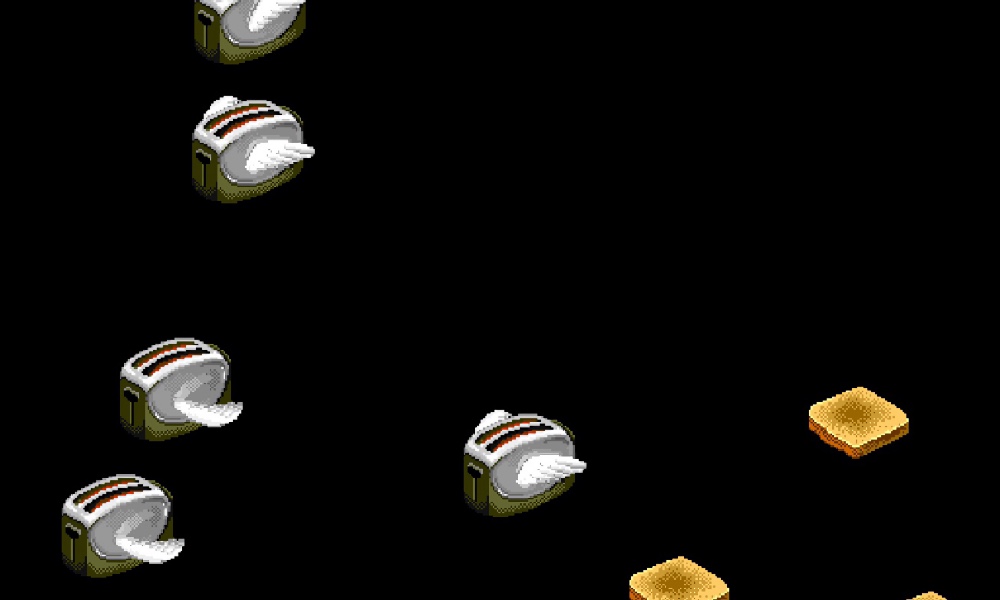
Arguably, the most famous of the screen saver modules included in the original version is Flying Toasters, which featured 1940s-style chrome toasters that had sprouted bird-like wings, flying across the screen alongside pieces of toast.
The creator of the Flying Toasters, engineer Jack Eastman, claims he came up with the screen saver after seeing a toaster in a kitchen during a late-night programming session and imagining the addition of wings. (Sure, that’s happened to all of us, right?) However, many users have noticed that the winged toasters bear a resemblance to those on the cover of Jefferson Airplane’s 1973 album Thirty Seconds Over Winterland. But all of that is better left to the lawyers of the world.
What Is Afterglow?
In recent years, if you’ve wanted to experience the magic that was After Dark, you needed to find vintage hardware or an emulator that could handle the classic Mac OS architecture. Both could be a major pain in the butt — old hardware can fail unexpectedly, and not all emulators properly handled After Dark — and was probably all a bit much for someone who just wanted to reminisce about an old screen saver.
Happily, there is now an easier way, thanks to Afterglow.
The project comes from Jeff Halter, who previously created Lunacy, a native Swift app that lets users play the classic More After Dark game called Lunatic Fringe on modern Macs.
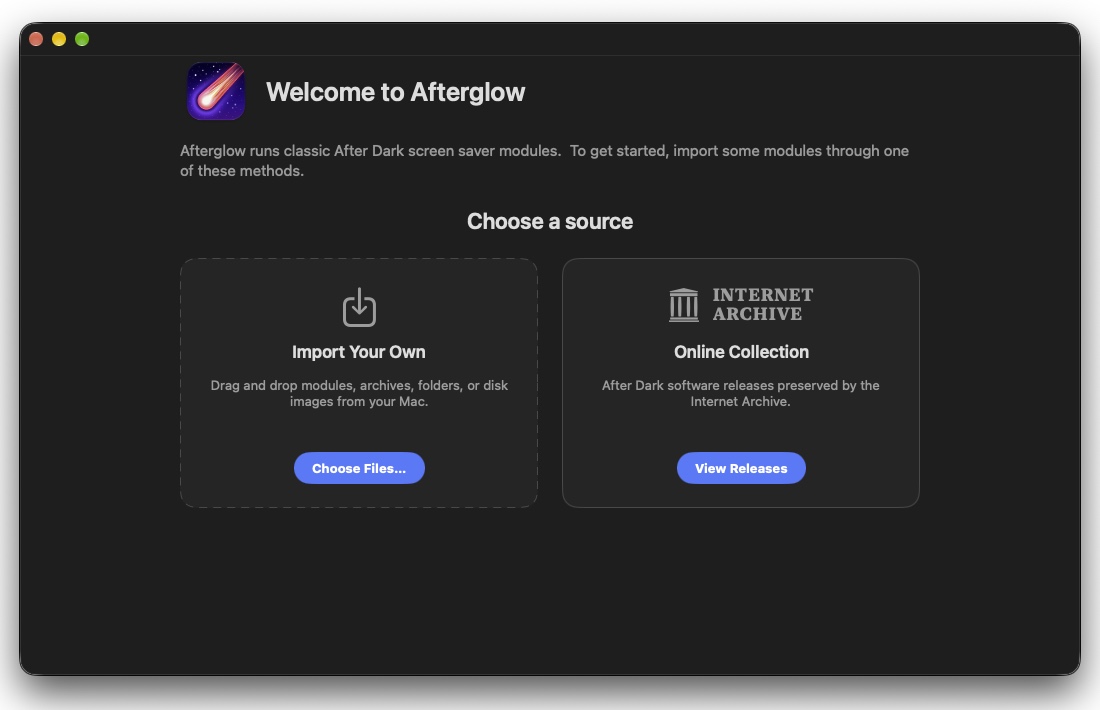
After installing Afterglow, which consists of downloading the disk image, mounting it, and dragging-and-dropping the app file into the Applications folder, users can fire up the app and import and enjoy After Dark modules as their Mac’s screen saver. While no After Dark modules are included in the download, the app can import After Dark screen savers you may still have on a handy hard drive, or it can also import them from Archive.org.
Halter explains his motivation behind the project:
In the ’90s, Berkeley Systems’ After Dark screen savers brought Flying Toasters, Fish, and Starry Skylines to Macintosh screens everywhere. They served a practical purpose in preventing burn-in on CRT monitors, but also entertained, with animations that could be funny, surreal, beautiful — sometimes gross.
They are works of art worth preserving.
Halter went on to explain that Afterglow does one thing and one thing only, running the original 68k After Dark module code. There are no dependencies on ROMs or classic Mac OS.
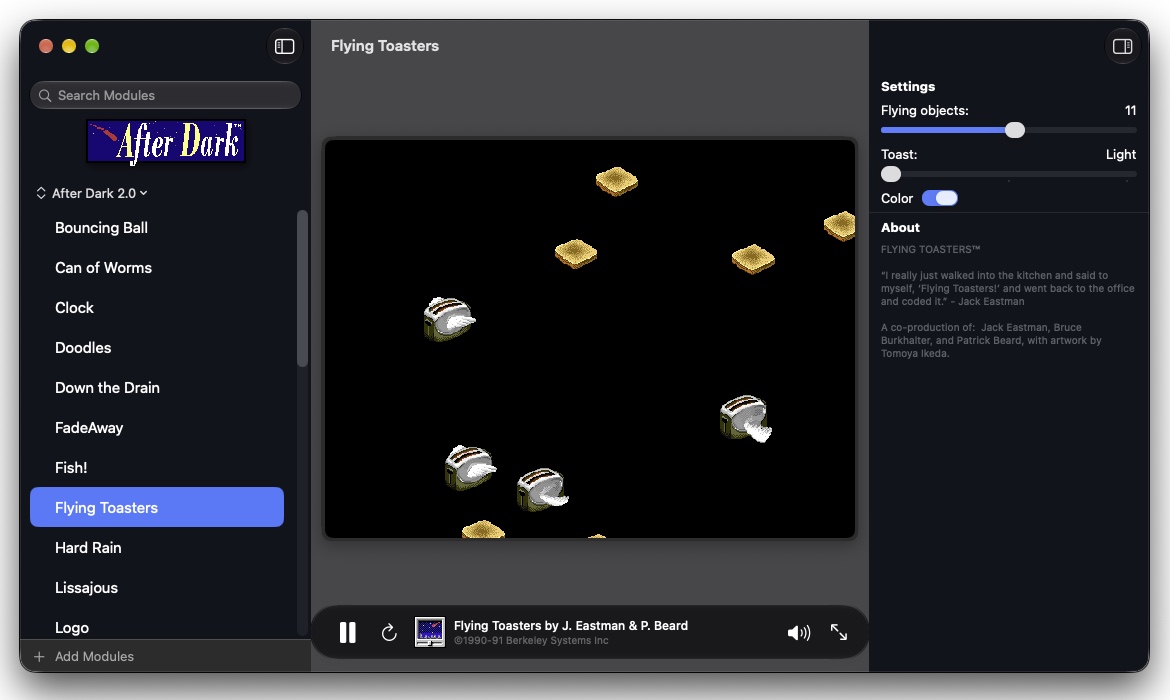
He says he created Afterglow in the spirit of software preservation, allowing Mac users now and in the future to enjoy a bit of Mac computing history.
Afterglow includes several features including full-screen mode, module controls, multimodule support, a CRT shader, a randomizer, 3D box art, a resource inspector, and a DrawMorph editor.
To learn more about Afterglow, visit the Afterglow website.






