
Google’s Gemini Spark Can Now Organize Your Messy Mac Desktop — For a Price
Toggle Dark Mode
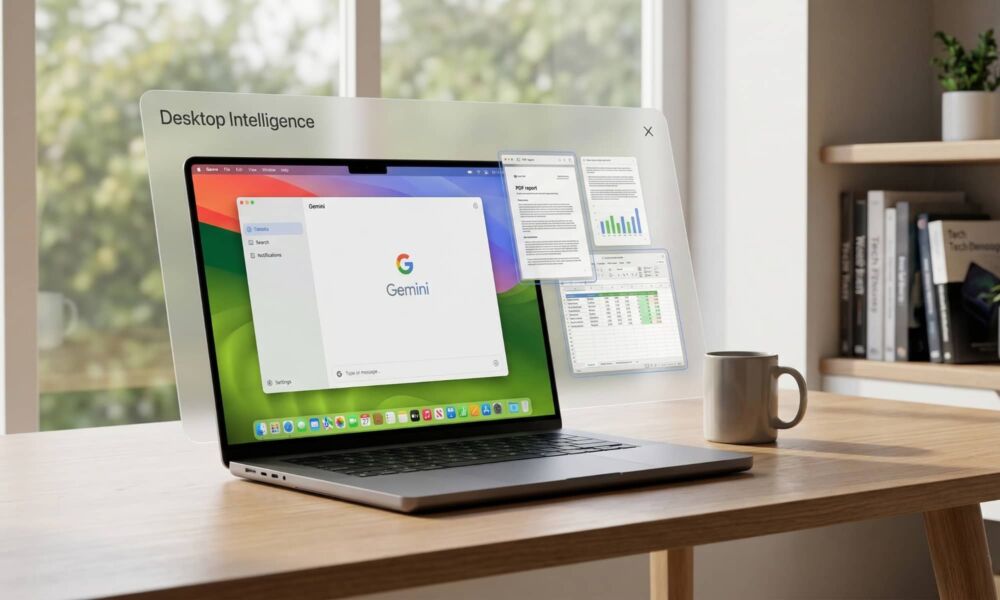
Google is working to get ahead of Siri AI in its macOS Gemini app with the launch of Spark, its own agentic AI tool that can now automate desktop workflows using Gemini.
While Google has offered a dedicated Gemini app for iPhone since late 2024, its AI tool only came natively to the Mac in April. However, there were rumors even before it launched that Google was planning to bring “Desktop Intelligence” to the Mac as part of the app — and it seems the first “Spark” of that has now arrived.
Google announced Gemini Spark at its own annual developer conference, Google I/O, in May as a new tool for the “agentic AI“ era. Although Gemini is arguably a bit behind the curve compared to OpenAI’s own agentic tools, Spark promises to be far more feature-rich and efficient thanks to its reliance on Google Cloud infrastructure. It also uses structured APIs rather than just scraping web pages, and is much more deeply integrated with Google Workspace, letting it readily tie in apps like Gmail, Google Drive, and Calendar to power automated workflows.
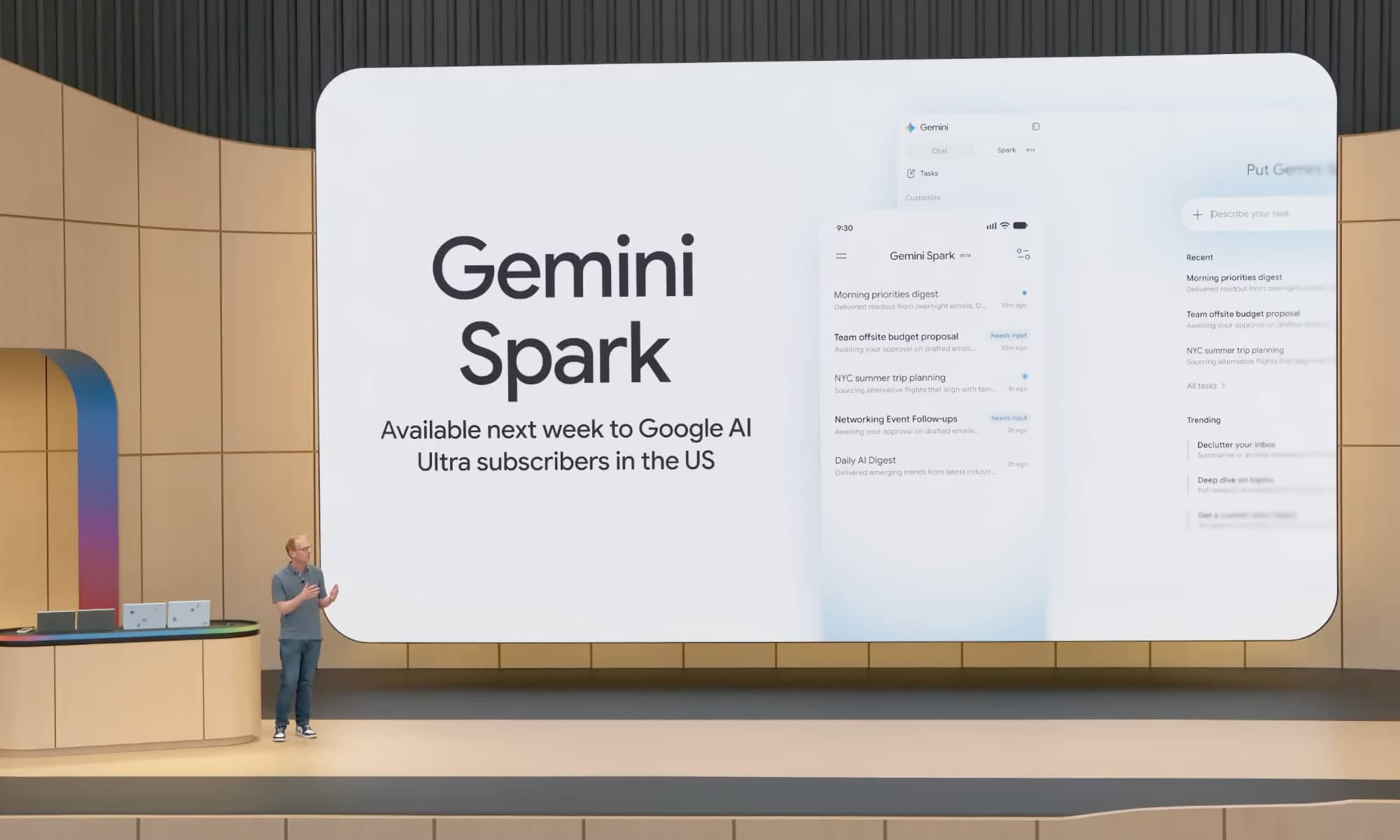
This week’s addition of Spark to Gemini for Mac promises to take this to the next level, allowing users to set up automated tasks for things like triaging the Downloads folder or turning a folder full of receipts into a Google Sheet. It’s essentially the missing piece that explains the reason for the Gemini app’s existence as a native Mac app.
Until now, Gemini for Mac was little more than a glorified wrapper for the browser-based version. It had the advantage of offering quick access thanks to keyboard shortcuts, and was able to read static content from any window you shared with it, which was slightly easier than taking and uploading a screenshot, but it lacked any deeper integration with macOS.
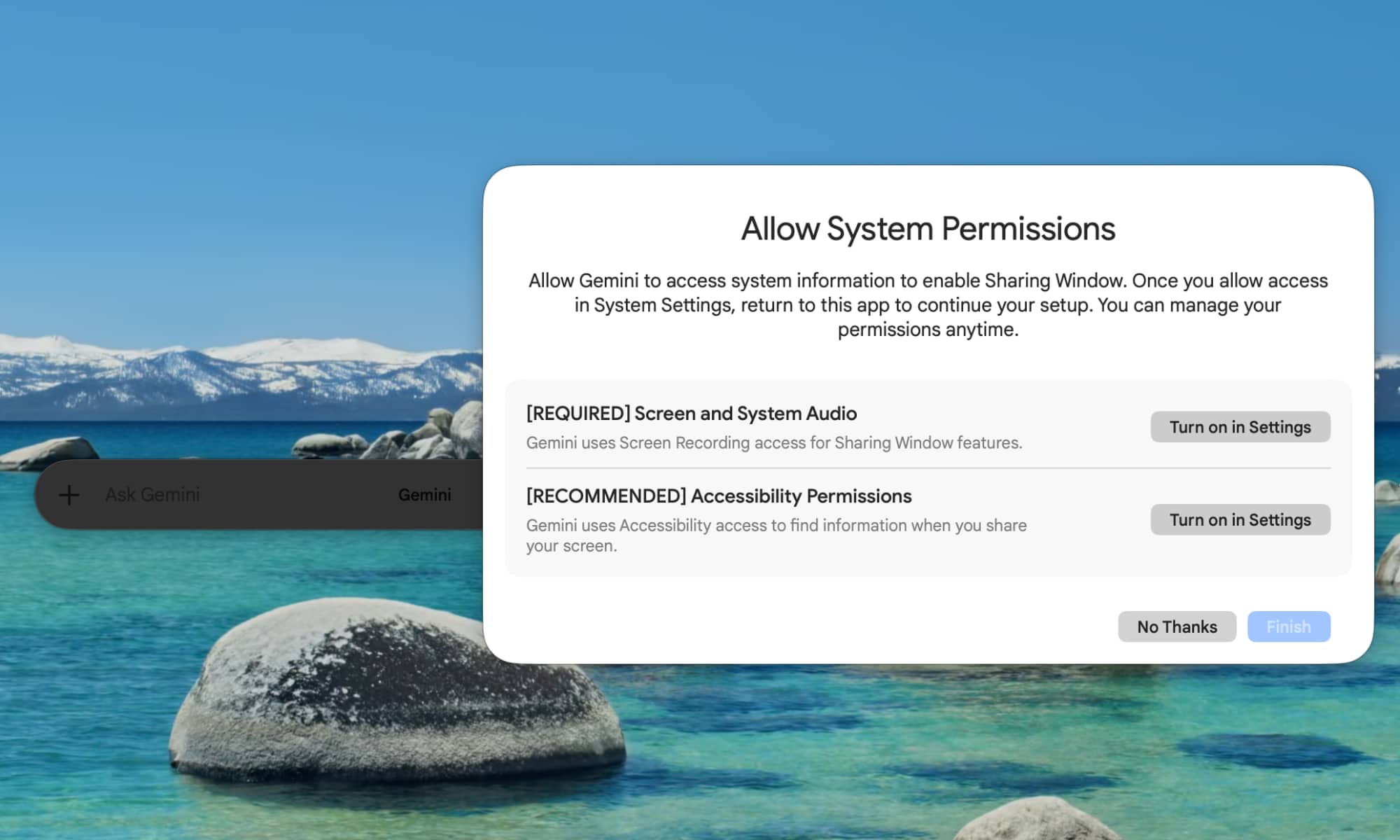
Gemini Spark changes that equation entirely by letting the Gemini app dig into the filesystem — with your permission, of course. Google makes it clear that Gemini will only have access to the files you explicitly authorize it to use.
For now, you’ll need to create those automations directly in the Gemini app on your Mac, but Google says it’s working on an update that will let you run tasks remotely from your iPhone, even when your Mac is sitting miles away at your desk.
You can assign a multi-step task to Gemini Spark from your phone — like asking it to find a specific sales report on your Mac, pull the total revenue number, and email it to you — and let it execute the work on your computer while you’re away.
Google is also expanding Spark to plug into more Google services, including Tasks and Keep, while also launching integrations with Canva, Dropbox, Instacart, OpenTable and Zillow Rentals. Those are coming to Gemini Spark on web and mobile first, but will arrive in the macOS app “in the coming weeks.”
The only catch? Gemini Spark for macOS is still in beta and it’s only available to Google AI Ultra subscribers aged 18 and over in the United States. That means it’s gated behind a $100 monthly price of admission, but hopefully as it evolves Google will see fit to bring it to lower-priced tiers, even if only in a more limited form.
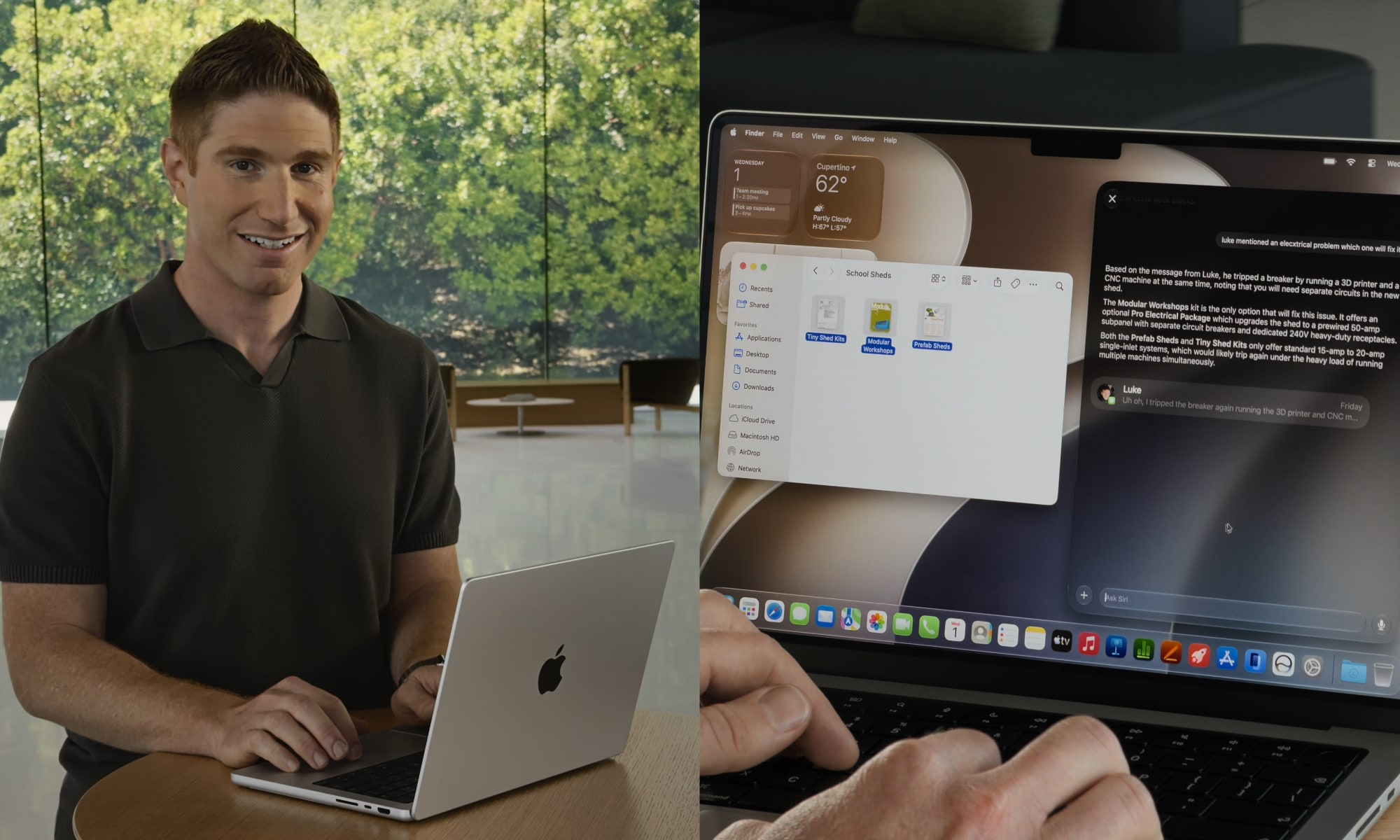
Although Apple’s Siri AI will be able to do some of the same things for Mac users when it launches as part of macOS 27 Golden Gate this fall, it still appears to be starting from behind. Apple isn’t getting into the agentic side of things just yet, and when the company demoed features at its Worldwide Developers Conference (WWDC) last month, it showed how Siri AI could interact with files on your Mac, but still required those to be selected and fed into Siri through a context menu. Further, as it stands right now, Siri can be used to find files, but Apple hasn’t given it the ability to manage them.
Many folks will consider that a good thing, as not everyone wants to trust an AI to manage their files. If that’s how you feel about Gemini for Mac, we can’t say we blame you, but at least Google will be offering the option for those who want to take advantage of it. While Apple will undoubtedly get there eventually — and do so in a way that inspires more confidence, since it will be built into macOS — it’s got some catching up to do when it comes to agentic AI features.






