
Clicks Takes Its iPhone Keyboard to the Next Level
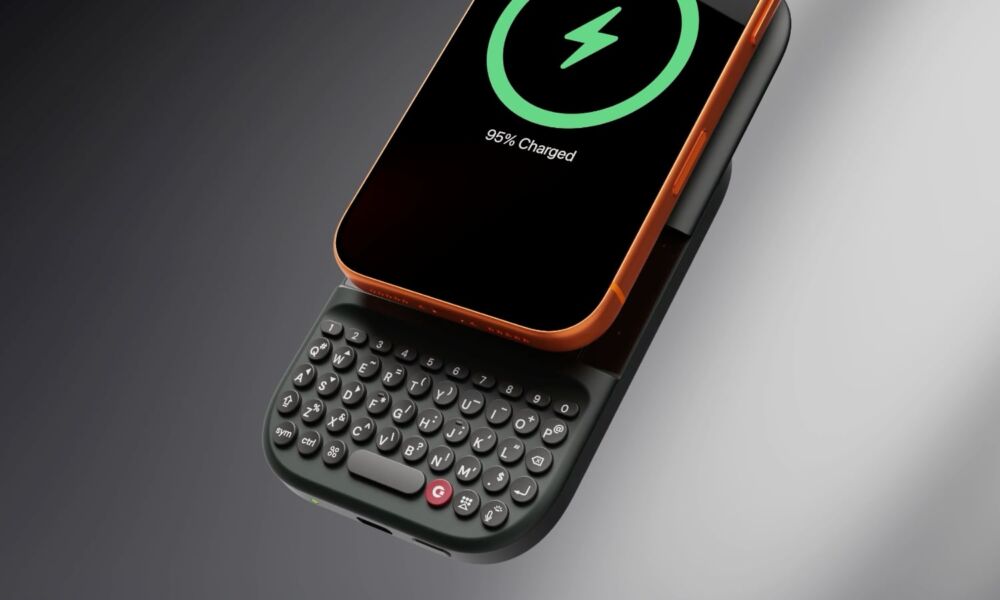 Clicks Power Keyboard [Clicks Tech]
Toggle Dark Mode
Although Steve Jobs disparaged physical keyboards when he unveiled the first iPhone nearly 20 years ago, for many folks, haptics just can’t replace the tactile feel of clicking actual buttons. That’s the gap that Clicks tried to fill with its keyboard case two years ago, and now it’s back with a couple of interesting and ambitious sequels.
To recap, Clicks unveiled its original Creator Keyboard at 2024’s Consumer Electronics Show (CES) to provide iPhone 14 and iPhone 15 users with an experience reminiscent of the classic BlackBerry devices of yesteryear. It’s a somewhat ironic twist, considering many industry watchers credit Apple for killing off BlackBerry with the iPhone, but it’s also fair to say that poor business decisions and an inability to read the room and see the emerging consumer market were more significant failings than the device having a hardware keyboard.

Nevertheless, after the iPhone arrived, even Android makers were quick to pivot to the full-touchscreen glass slabs that have now become the norm. However, Clicks clearly believes that design isn’t for everyone, and while the original Creator Keyboard was a bit unwieldy, the company has two sequels that thumb-typists might find more palatable.
The Clicks Power Keyboard
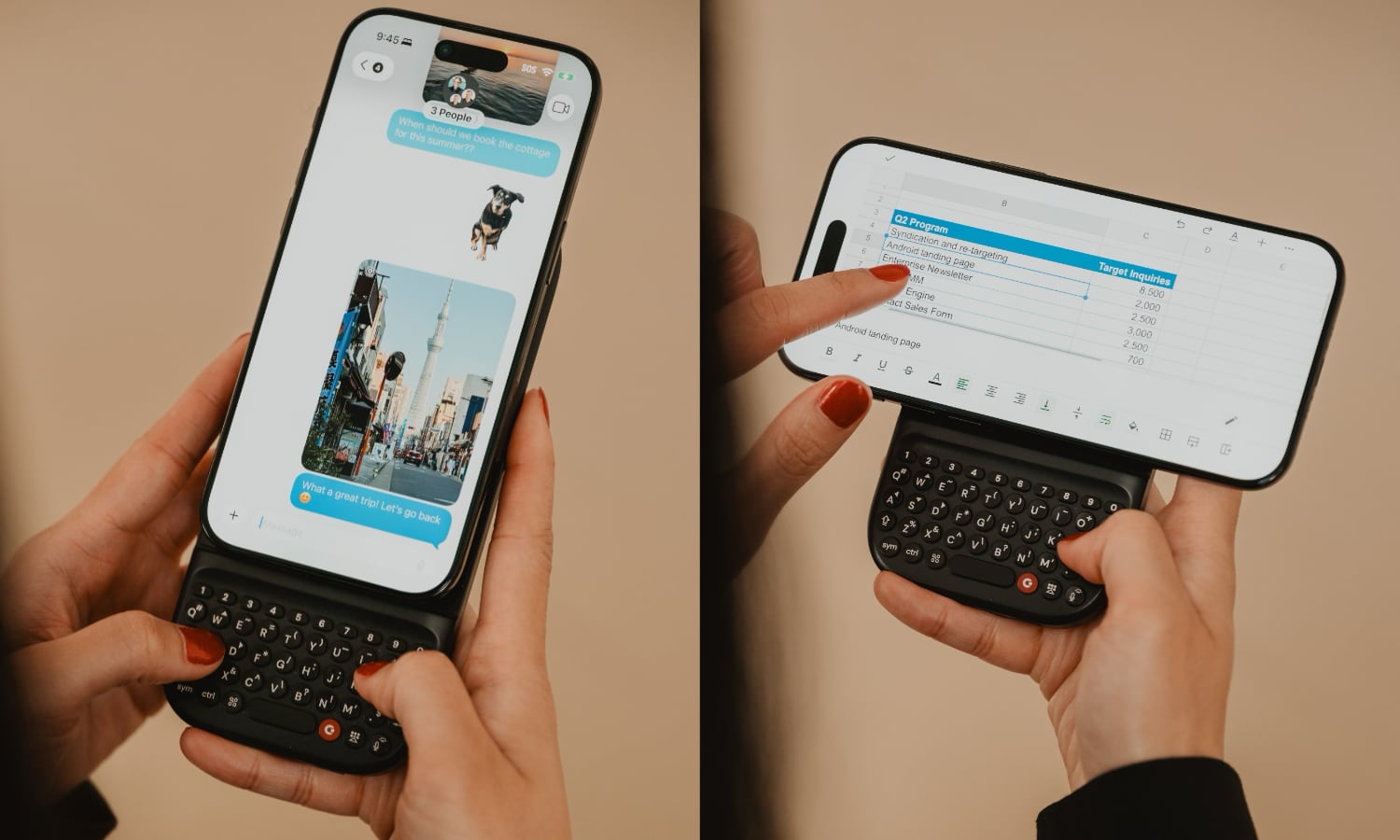
The biggest problems with the original Creator Keyboard were compatibility and size. It was a case, and therefore needed to be made specifically for each new iPhone model, and the keyboard didn’t fold up, but rather extended the length of the iPhone by another couple of inches.
The case was easy enough to remove, and the upside was because it was an external keyboard, you were left with the full real estate of your display, since no space needs to be taken up by an on-screen keyboard. Still, it was a bit cumbersome, since even if you popped the iPhone out of the case to fit it in your pocket, you still had to put the case somewhere else.
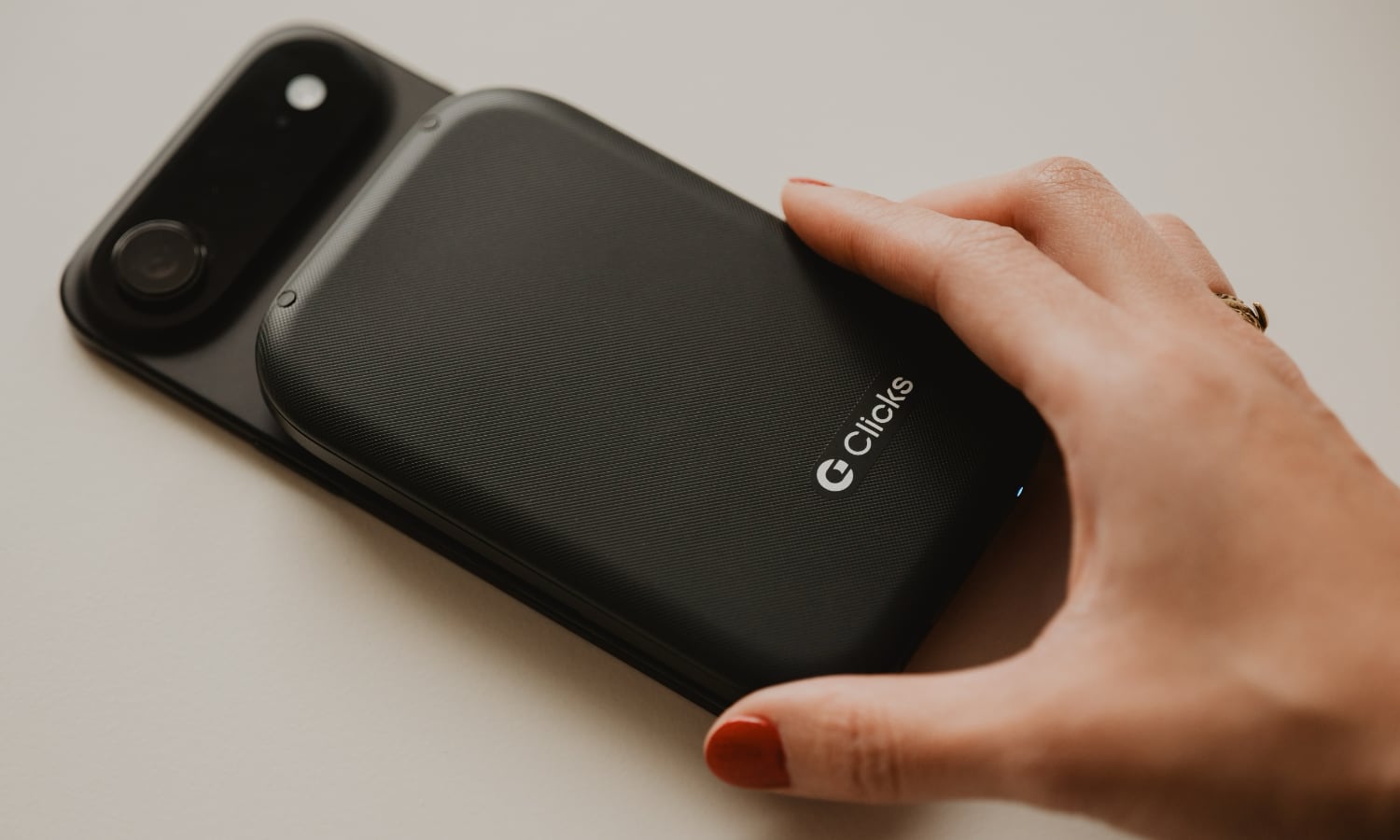
The Clicks Power Keyboard aims to address both of these issues. Ditching the case format, the new model is now a MagSafe accessory. That means it will attach to the back of nearly any iPhone, although you’ll need to add a MagSafe case if you want to use it with an iPhone 16e or iPhone SE. However, it does more than just attach this way. It also packs in a 2,150 mAh battery to help power your iPhone, although 500 mAh of that is reserved to power the keyboard itself to ensure it doesn’t cut out on you.
The keyboard also now connects using Bluetooth (BLE 5.4, specifically), which keeps the USB-C or Lightning port free and gives you the versatility to use it in either portrait or landscape orientations, turning your modern iPhone into something that makes us nostalgic for the T-Mobile Sidekick of old.
Perhaps most importantly, the keyboard also slides in when you’re not using it, reducing the size to that of a typical battery pack, which can either be left on the back of your iPhone for extra power or stowed in your bag or pocket.
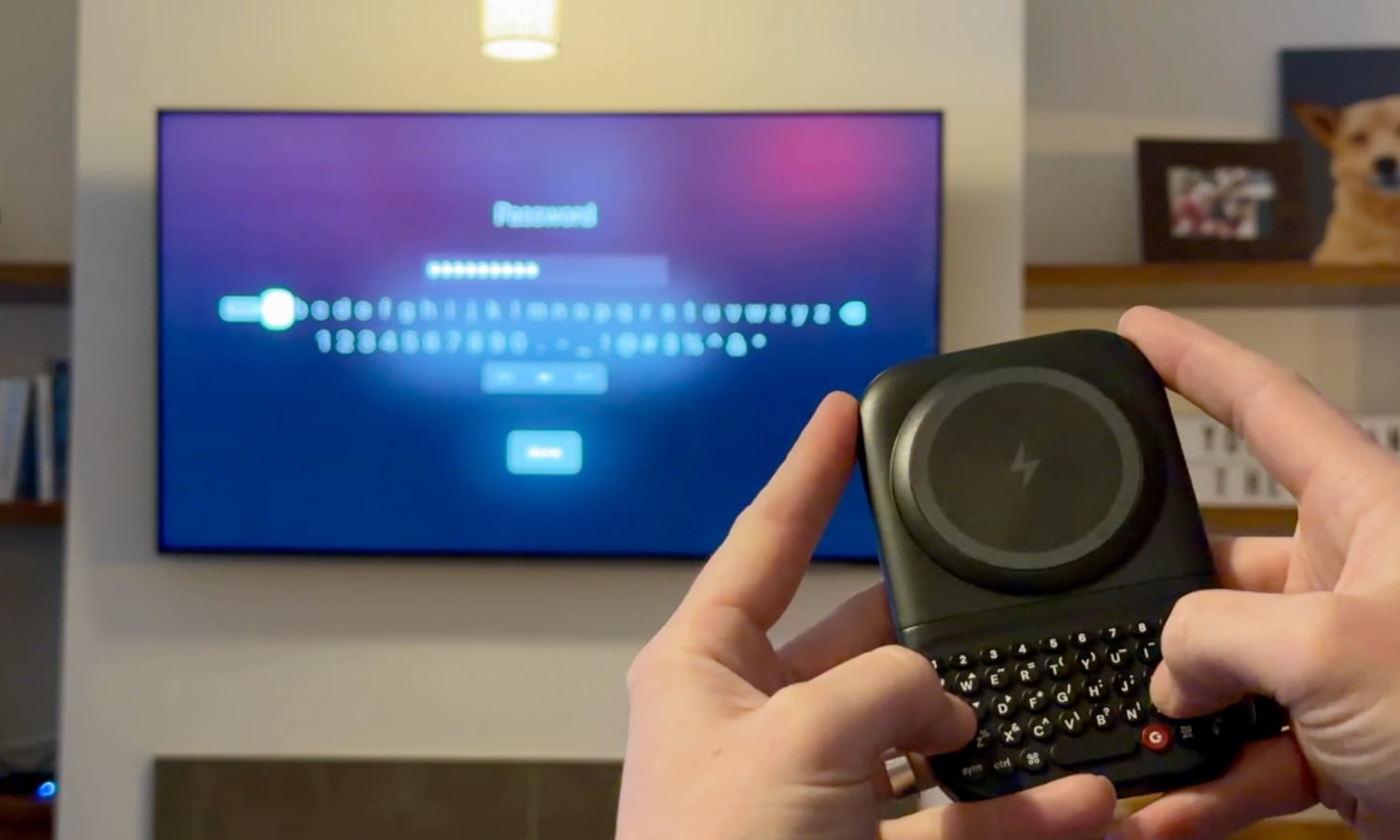
Plus, since it’s a Bluetooth keyboard, you’re not limited to using it with your iPhone. It can be paired up with anything that supports a Bluetooth keyboard, from your Apple TV to your Mac or even a Vision Pro, and can save those pairings for up to three devices, letting you easily switch between them.
The Clicks Power Keyboard is expected to be available this spring for $109, but can be pre-ordered for only $79 for a limited time.
The Clicks Communicator
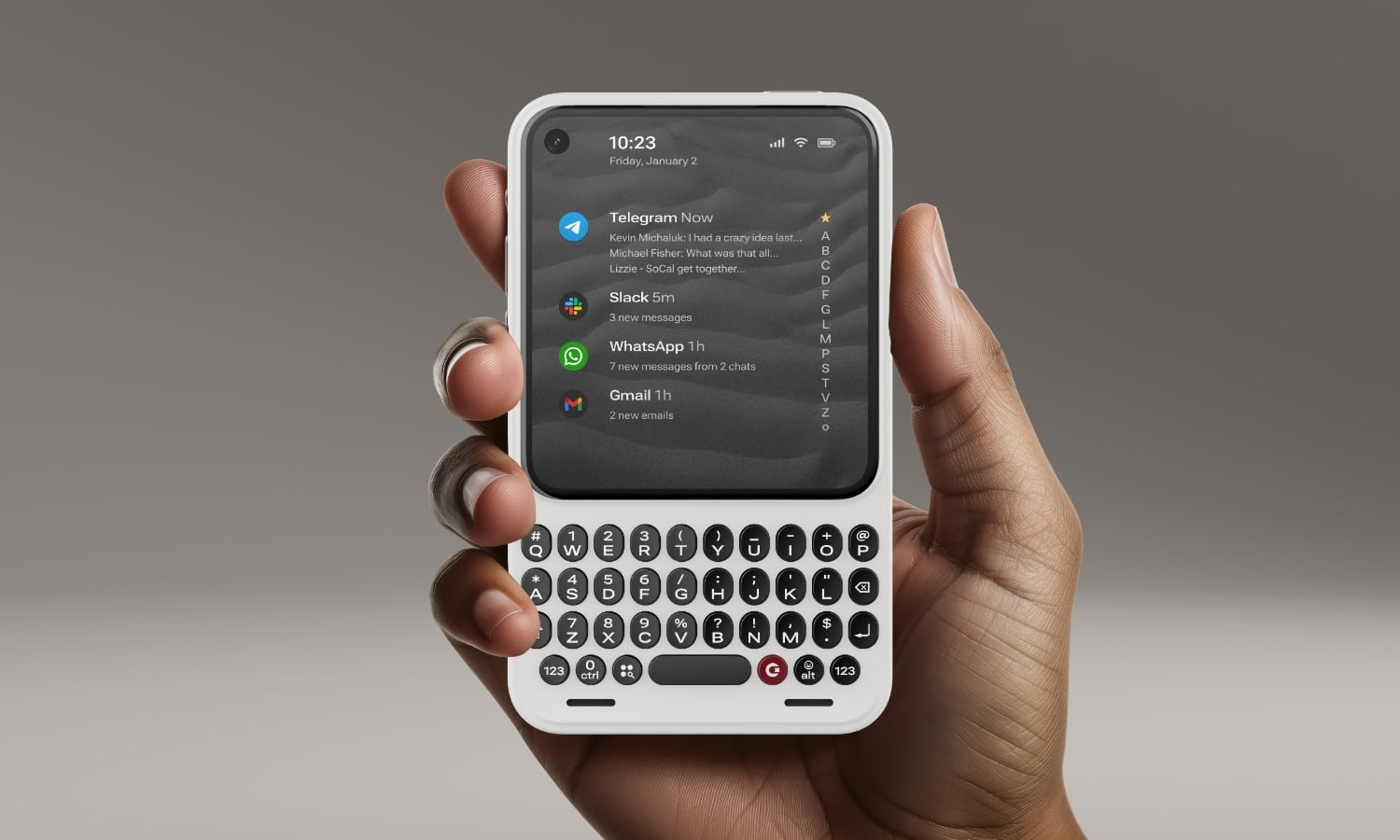
Clicks is going a really big — and somewhat odd — step further with the Clicks Communicator, a new mobile device that’s effectively the BlackBerry redux.
This isn’t an accessory, per se, although it’s unlikely to replace most people’s primary smartphones. Instead, as the name suggests, it’s a purpose-built smartphone designed to help you stay in touch without suffering the distractions of doomscrolling, endless notifications, or feeding your Candy Crush addiction.
Clicks describes it as “built for communicating in a noisy world.” It’s an Android 16 phone with all the hardware bells and whistles you’d expect, including 5G, Bluetooth, Wi-FI, Qi2 wireless charging, 256 GB of onboard memory and a four-inch AMOLED display. There are also a few other throwbacks beyond the keyboard, including a headphone jack and a microSD card for adding up to 2 TB of additional storage
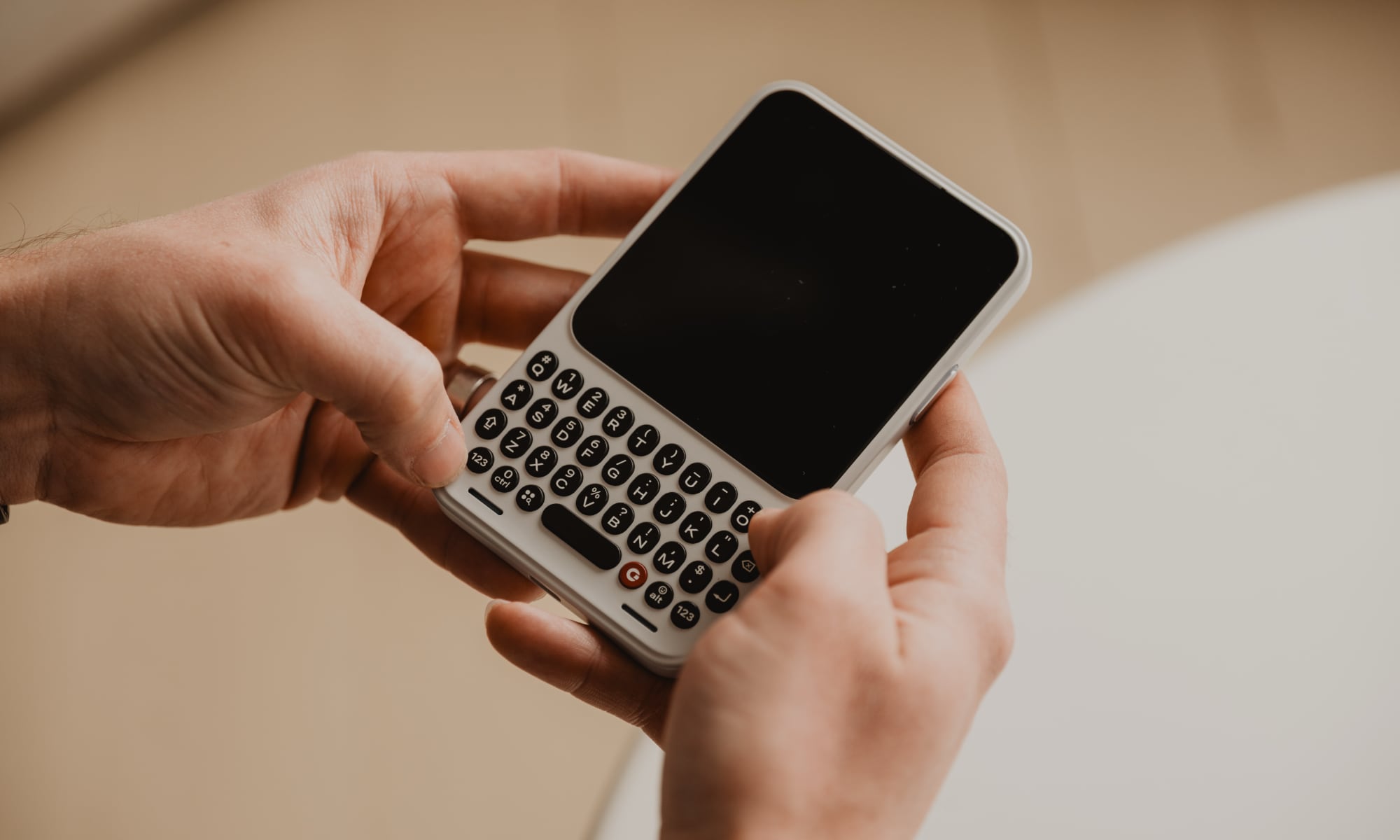
While the Communicator has a touch screen, the hardware keyboard also has an interesting trick up its sleeve in that you can swipe across the physical keys to use it as a sort of touchpad — a nod to BlackBerry’s Priv/KeyOne. There’s also a fingerprint sensor embedded in the spacebar.
While the Android operating system theoretically means you could install nearly any app on it, the Communicator is designed to discourage that with its squarish four-inch screen. In its press release, Clicks describes it as more of a companion than a primary device, although it should also appeal to folks who are caught between the simplicity of a “dumb phone” and the complexity of a full-fledged smartphone.
Communicator is to a smartphone what a Kindle is to an iPad. It’s a complementary product that stands on its own, optimized for a specific purpose. In the case of Clicks Communicator, that means communicating with confidence in a noisy world.
Jeff Gadway, Clicks Chief Marketing Officer
As someone who has been carrying cell phones in various forms since the early nineties and toted a BlackBerry for several years before the first iPhone came along, I can certainly see the appeal. Modern feature phones are too limiting, but Clicks Communicator strikes a nice balance by letting you focus on modern messaging apps and not just SMS. Clicks isn’t doing anything funky here, so don’t expect iMessage support, but iPhone users won’t need to fear green bubbles, as RCS is baked into Android 16, and any other messaging app available on the Play Store should also work just fine on the Communicator.
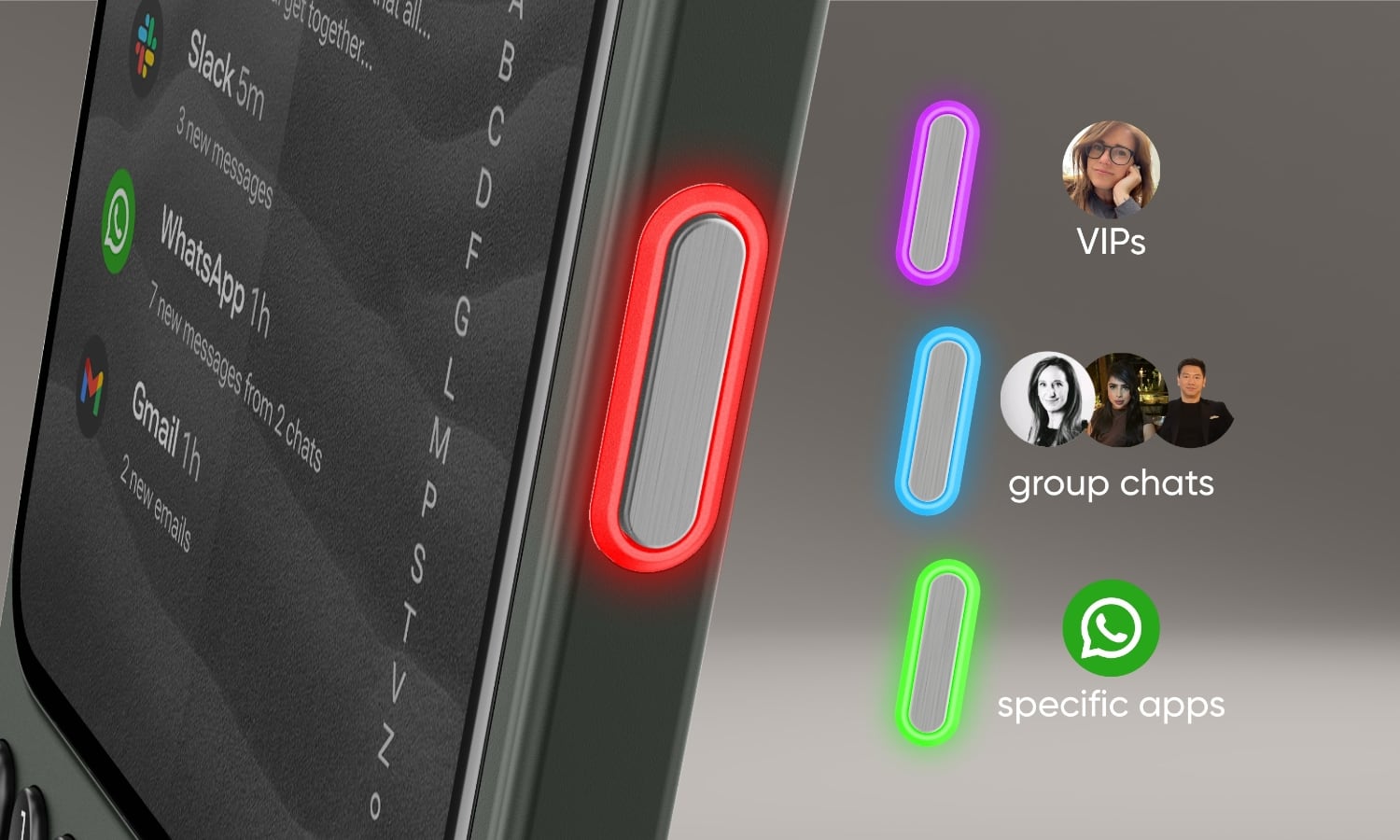
It’s also designed with thoughtful touches for that purpose. A customizable “Signal” LED light ring around the side-mounted button can illuminate in several colors so you’ll know when you have a message and what app or person it’s from. The side placement also means you’ll be able to see it whether the device is laying face up or face down.
The side button, dubbed the “Prompt Key” can also be used to dictate messages by voice, and Clicks envisions it as eventually triggering lightweight AI applications like note takers. There’s also a physical kill switch that can be configured for airplane mode, speaker and microphone mute, and more, which can be a big win for privacy.
While it runs Android 16 under the hood, Clicks has also partnered with Niagara Launcher to develop a streamlined user interface layer that focuses on frictionless communication.
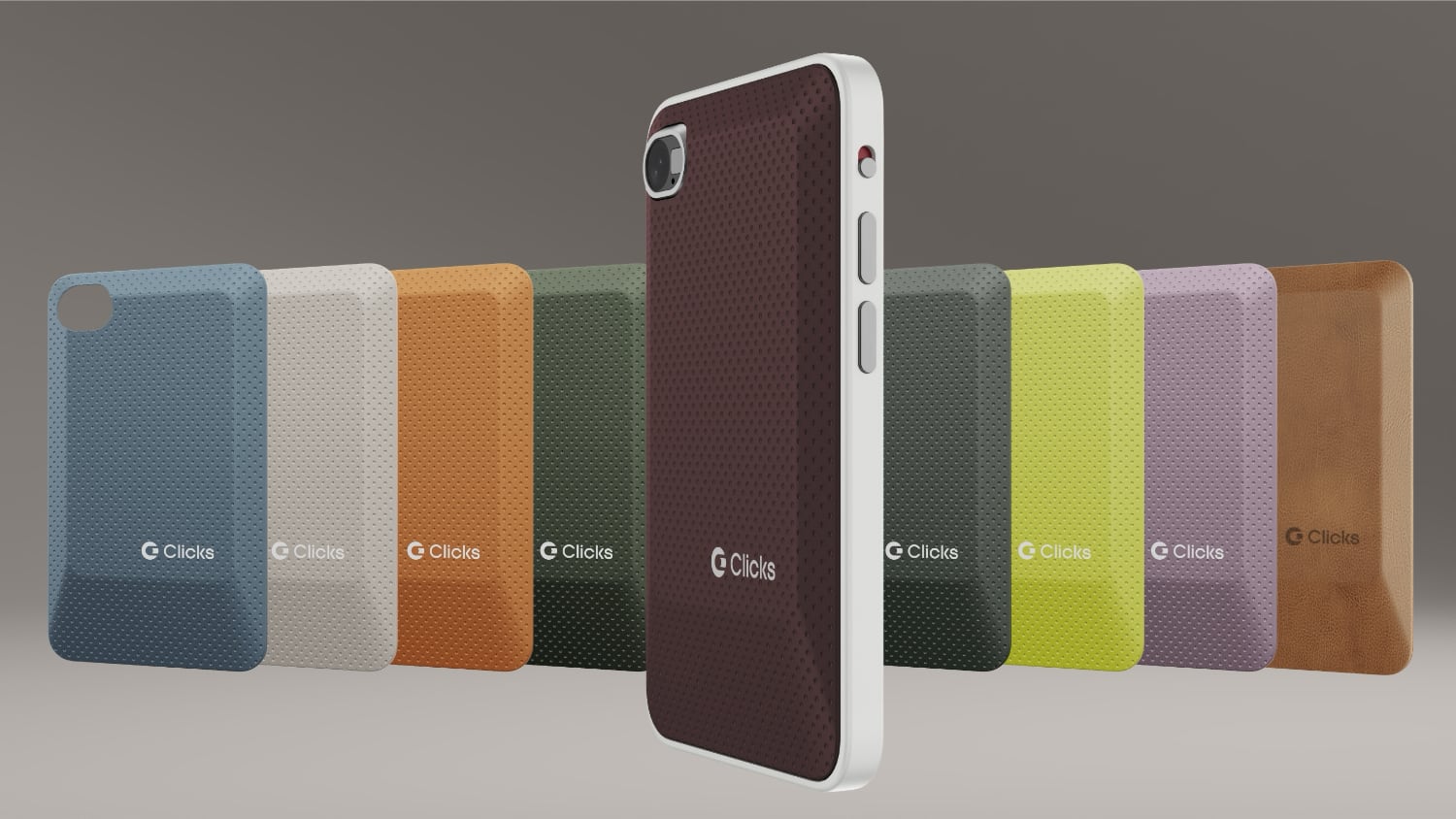
Clicks Communicator doesn’t exactly come cheap. It will be available in three base colors with a selection of swappable rear panels to dress it up, but you’ll pay $499 when it launches. Those who purchase a “reservation” before February 27 can get $100 off, plus two additional back covers by prepaying $399 in full.






