Claim Your Trump Account on iPhone Now That Billionaires Make Contributions to Young Americans
Toggle Dark Mode
Your child (age 0-18 years old) could soon own two shares of SpaceX. On November 25, the company pledged one share of its Class A stock to every “currently active Trump Account.” CEO Elon Musk said he would personally contribute a second share. Then, on Thanksgiving Day, Musk went a step further, saying he intends to give every American child another SpaceX share each year.
The first two shares are expected to arrive months apart. Musk said the company plans to transfer its shares in December 2026 and that his personal shares would follow in June 2027, when restrictions on transferring his stock expire. For a sense of what that could mean for one child, two shares were worth about $255 at SpaceX’s November 25 closing price. Their value will change with the stock price. SpaceX President Gwynne Shotwell has also separately pledged more than two million shares.
So what can you actually claim from your iPhone today? Your child’s account. Treasury automatically opened these tax-advantaged investment accounts for millions of eligible children in October. Claiming yours gives you access to the balance and contribution history. SpaceX hasn’t specified whether an account claimed after its announcement qualifies for the stock. In the meantime, some families already have a $250 gift from Michael and Susan Dell waiting for them.
How to Claim Your Child’s Trump Account on iPhone
Have your own Social Security number or individual taxpayer identification number handy, along with your child’s legal name, date of birth, and Social Security number. Use the name that appears in your child’s Social Security records to avoid a verification delay.
- Get the official app. On your iPhone, open Trump Accounts: Official App in the App Store and tap Get.
- Start your claim. Open the app, create a login or sign in, and follow the prompts to verify your identity. You’ll also be asked to confirm your relationship to the child as their parent or legal guardian.
- Review your child’s information and accept the terms. If Treasury already opened the account, you can claim it without filing an IRS form. If the app finds no existing account for an eligible child, it will let you request one.
- Open the contribution history. You can see deposits made before you claimed the account. This is the best place to look for the Dells’ $250 gift because the money was invested when it arrived, and today’s balance may be higher or lower.
If you have more than one child, open the account switcher and tap Add child at the top. You can then manage each child’s account from the same iPhone login.
How to Claim the Account on a Mac or Windows PC
Open the official Trump Accounts web portal in Safari on a Mac or Edge on a Windows PC. Chrome and Firefox also work. Choose Sign up on your first visit, or Log in with the credentials you created on your iPhone. Follow the prompts to verify your identity and relationship to your child, review the details, and accept the terms. Once you’ve completed the claim, you can check the balance and contribution history in your browser.
Check for the $250 Dell Gift or Request the Federal $1,000
For children born from 2016 through 2024, Michael and Susan Dell contributed $250 each to 25 million children’s accounts. The October deposits went to eligible children in ZIP codes with a median family income of about $117,300 or less, as well as eligible children living on military bases. The income figure applies to the area as a whole. You can look up your ZIP code using Invest America’s Dell gift checker.
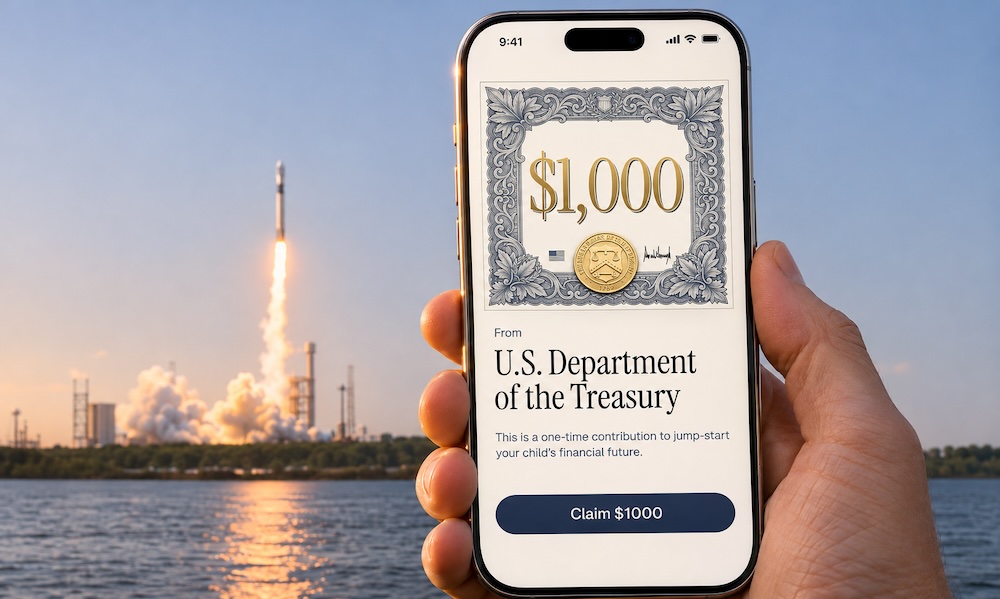
For children born from January 1, 2025, through December 31, 2028, there’s a separate $1,000 federal contributionfor eligible U.S. citizens with a valid Social Security number. This one requires action even if you’ve already claimed the account. Complete IRS Form 4547 in the app or on the website and select the option for the $1,000 pilot program contribution. If you skipped that option during setup, you can go back and request it.