
This is Easily the Most Useful New Weather Feature in iOS 27
Toggle Dark Mode
Apple Weather may not be the most exciting app in the iOS 27 pantheon, but it’s probably near the top of the list of apps most of us open every day. While there’s no shortage of alternative weather apps out there, Apple’s first-party version is more than enough for the majority of iPhone users — and it keeps getting better each year.
This week’s release of iOS 27 is no exception. While it’s not the wholesale redesign we saw in iOS 15 five years ago, the iOS 27 version adds some significant quality-of-life improvements that make it even more useful — and could make Apple Weather worth another look if you’ve previously abandoned it for a third-party app. Here’s what’s new.
Hourly Wind and Rain Forecasts
I’ve been running iOS 27 since the first beta came along in June, and I can honestly say this is the best new feature I’ve seen in Apple’s Weather app in years.
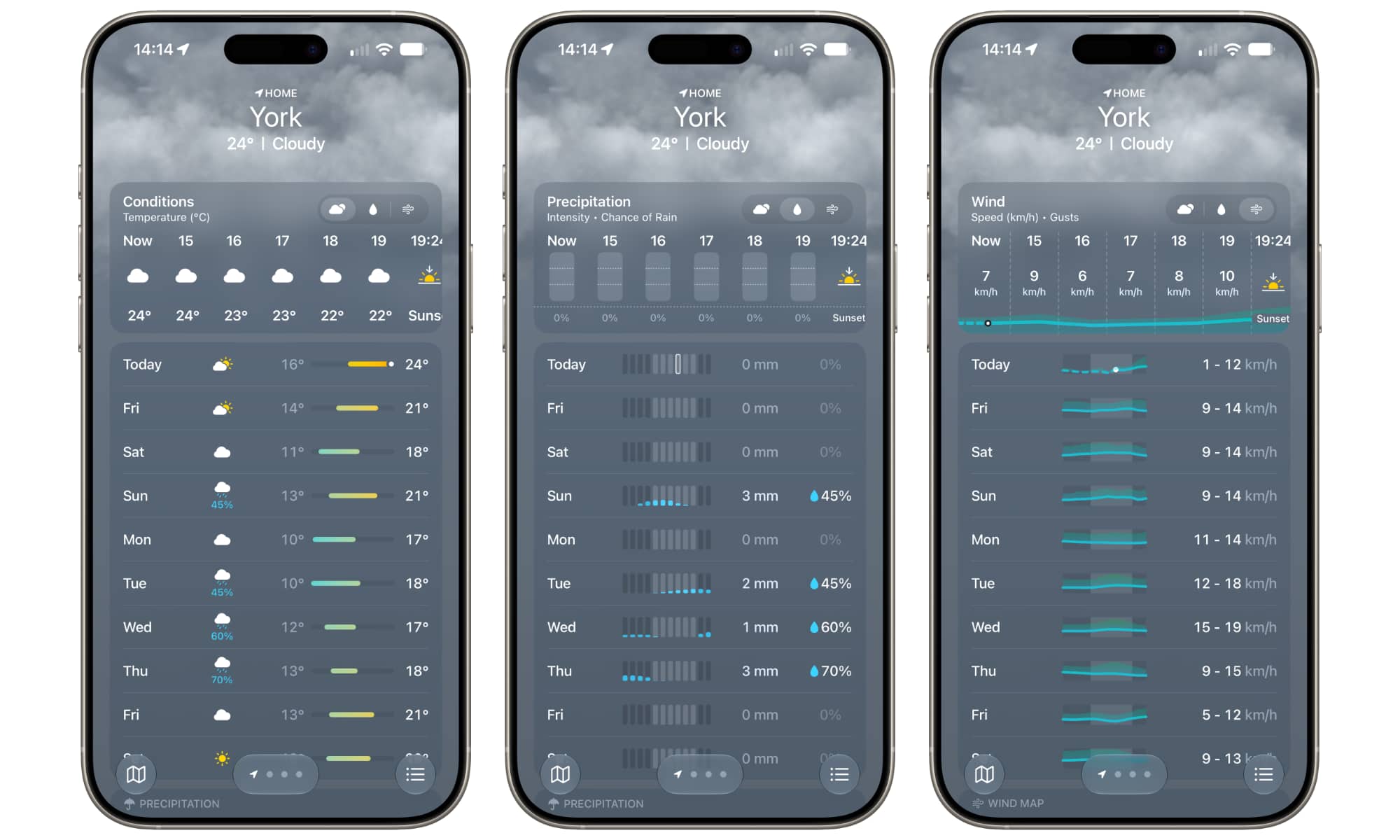
Instead of seeing a single icon in the 10-day forecast view that shows you whether it’s going to be windy or rainy that day, iOS 27 Weather will give you a bar chart (for rain) or a line graph (for wind) that breaks down the forecasted conditions by time.
That’s a huge improvement that makes things far less opaque. Previously, a forecast might show a rain cloud icon even for days when it was only raining overnight with sunshine for the rest of the day. Now, I can glance at the forecast, see the blue bars showing up solely on the left, and realize that maybe I don’t need to cancel my outdoor plans after all.
While this information was previously available in more detailed views, it’s so much better to just be able to see the whole week at a glance without tapping around.
The same holds true for wind forecasts, which show a line graph illustrating both the average wind speeds and gusting range.
This data is broken into three different forecast views, so you’ll still need to tap to switch between Conditions, Precipitation, and Wind. The Conditions view remains identical to the classic iOS 26 layout, while the other two are entirely new.
What Else is New in the iOS 27 Weather App?
While the new forecast view is the star of the show, Weather gains two other enhancements as a result of broader iOS 27 design changes:
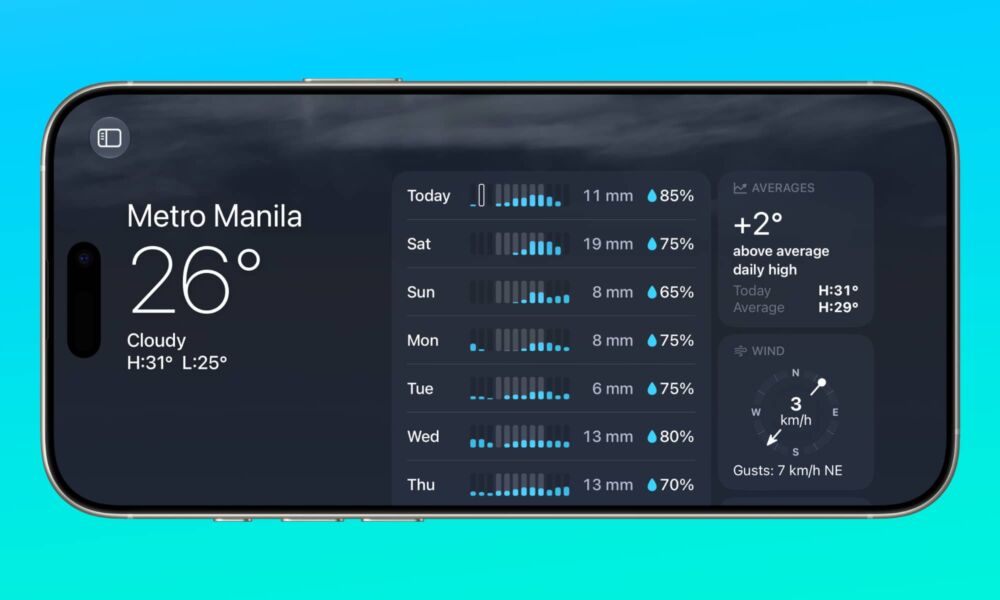
- Landscape Mode. Undoubtedly to accommodate the iPhone Duo, Apple has allowed many more of its first-party apps to now flip into a landscape orientation. This includes not only Weather, but also Music, Podcasts, Find My, Fitness, Health, and more. This may seem like a small thing, but it makes better use of the screen in Weather, and it’s a game-changer for anyone who likes to look at charts, graphs, and weather maps.
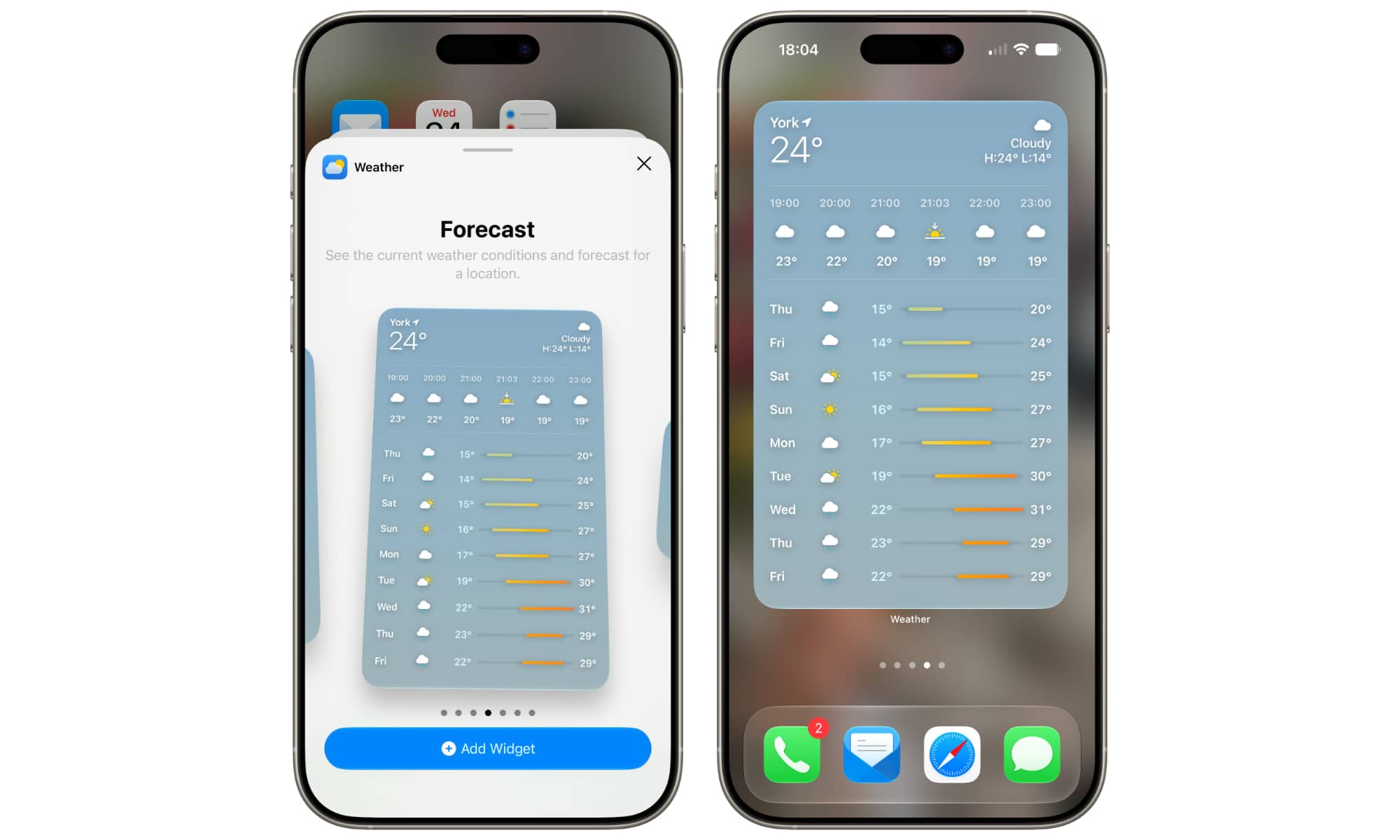
- An Extra Large Widget. Apple has super-sized its widgets, making it possible to turn a single Home Screen page into a giant forecast view.
Sadly, one feature that was in the early iOS 27 betas that Apple appears to have pulled back on a bit is the Highlights card. This appears at the top to provide a quick overview of everything you need to know about the upcoming weather over the next five days, such as upcoming precipitation or predicted temperature swings — but only if your device is set to US English.
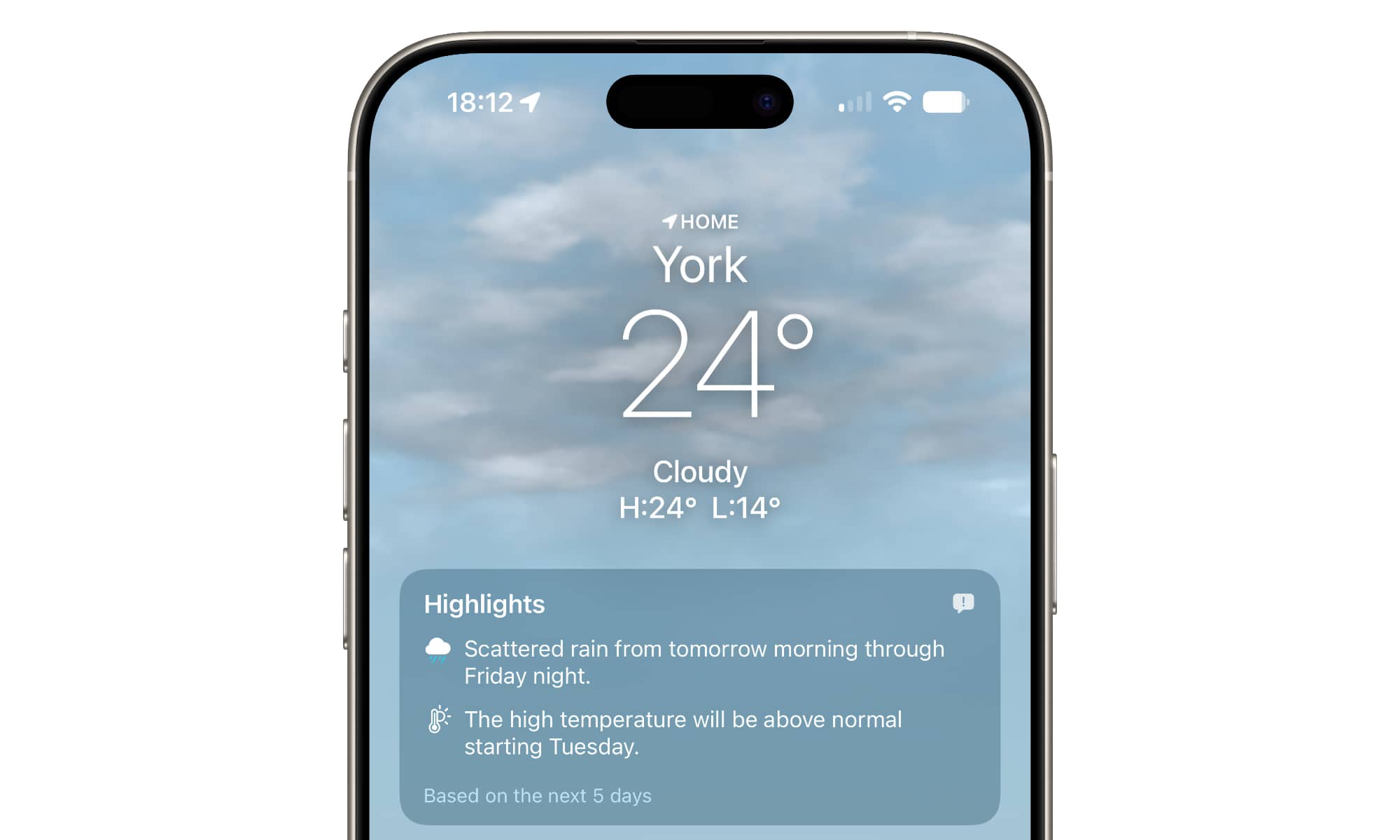
While it was available in multiple English dialects during the beta (e.g., US, Canada, UK, etc), the final iOS 27 release notes specify that “Weather Highlights is currently only available in US English.”
It’s unclear why Apple made this change, but it’s a language issue, not a regional one. Since Highlights is an AI-powered tool, it’s likely following the same slower language rollouts we’ve seen with other Apple Intelligence features.






