
10 Ways to Secure Your Online Accounts
 tete_escape / Adobe Stock
Toggle Dark Mode
Let’s be honest: most people don’t get hacked because a big Hollywood villain brute-forced their firewall. They get hacked because they reuse the same password across multiple sites, or because they tap a fake “your account has been locked” link, thinking it’s real.
The bad news is that no one is unhackable. The good news is that you can still safely browse online without worrying about losing all your data.

Taking a few steps to secure your online accounts won’t take much time out of your day, but it can be a lifesaver if you’re ever the target of a scam or a cyberattack. There are many ways to stay safe online, but we’ve gathered some of the most practical, easy-to-follow methods you can get started with.
Turn on Two-Factor Authentication (Everywhere)
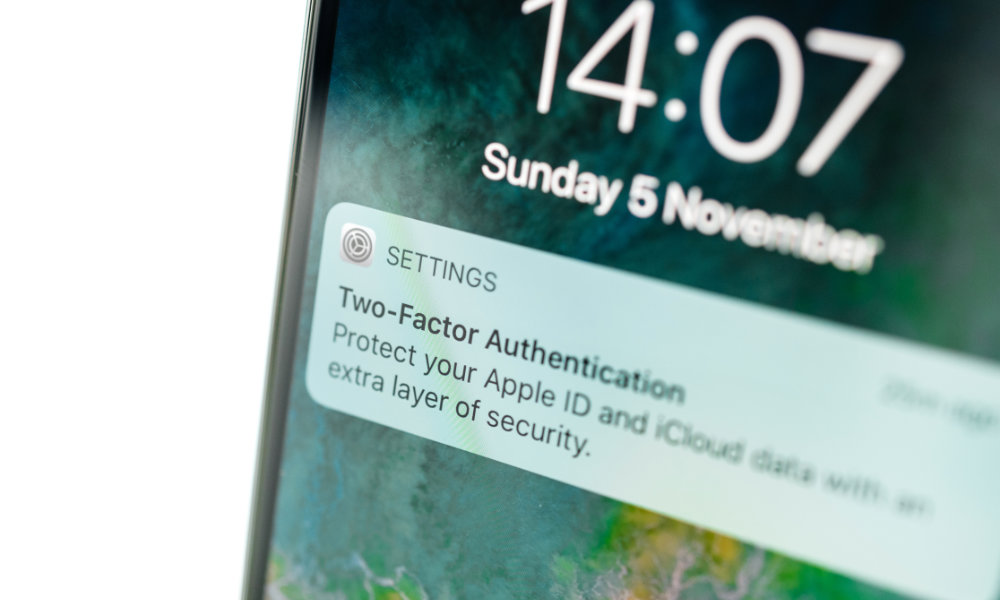
Passwords get leaked all the time. From social networks to small forums, and even services you forgot you signed up for. Two-factor authentication (2FA) is the safety net that prevents someone from logging in with a password they found after your credentials were leaked online. Even if a hacker has your password, they can’t access your account without that second code.
Cyber attackers have gotten really good at credential stuffing (trying your email + old password on dozens of sites) and at phishing for 2FA codes using AI-generated emails that look legit. That’s why you should enable 2FA on all your most important accounts, including your email, Apple Account, social media profiles, and your bank accounts.
Most platforms will walk you through enabling 2FA to secure your account. We recommend you start by securing your email and work your way to your other essential platforms.
A word of caution: When setting up 2FA, you’ll be shown a set of backup codes. Ensure you save these backup codes, as they’re the easiest (and often the only) way to get back into your account if you lose your 2FA device.
It’s Time to Use Strong Passwords
They say that a chain is as strong as its weakest link, which means it doesn’t matter how much security Meta or Apple implements on your account if your password is “password.”
Using a strong, alphanumeric password with some unique characters is a must in this day and age. In fact, some platforms won’t even let you use weak passwords like “123456” anymore, so you need to come up with a strong password that only you would know.
Instead of using things like birthdays or anniversaries, use random letters, words, and numbers. Something like “d32%x0s%9” will be a pain to remember, but it will also be harder to crack than “december25.”
You also don’t need to try coming up with these random passwords yourself — let your computer do it…
Start Using a Password Manager
Reusing passwords is still the number one way people’s accounts get hacked. A password manager fixes that by creating long, unique passwords for every single site and remembering them for you. That way, if any website gets breached, the attacker can’t reuse that password on your PayPal or Venmo accounts.
Apple users already have a good option with the new Apple Passwords app, but tools like 1Password and Bitwarden make it easier to manage your passwords, share them with family, and store 2FA codes in the same place.
Start Changing Your Reused Passwords
Even if you start using a password manager today, you still have a history of reused passwords. Most password managers have a feature that will tell you which sites are using the same password or which ones are weak. Some will even tell you if your password has been compromised and suggest that you change it.
If your password manager doesn’t have a feature like that, you’ll need to do it manually. Start with accounts that have your money or identity attached to them, like your bank account, Apple ID, or email. Then, continue with less critical accounts.
The goal is to have a unique password on all your online accounts. It sounds tough, but it’ll be worth it.
Choose App-Based Codes Over SMS Codes
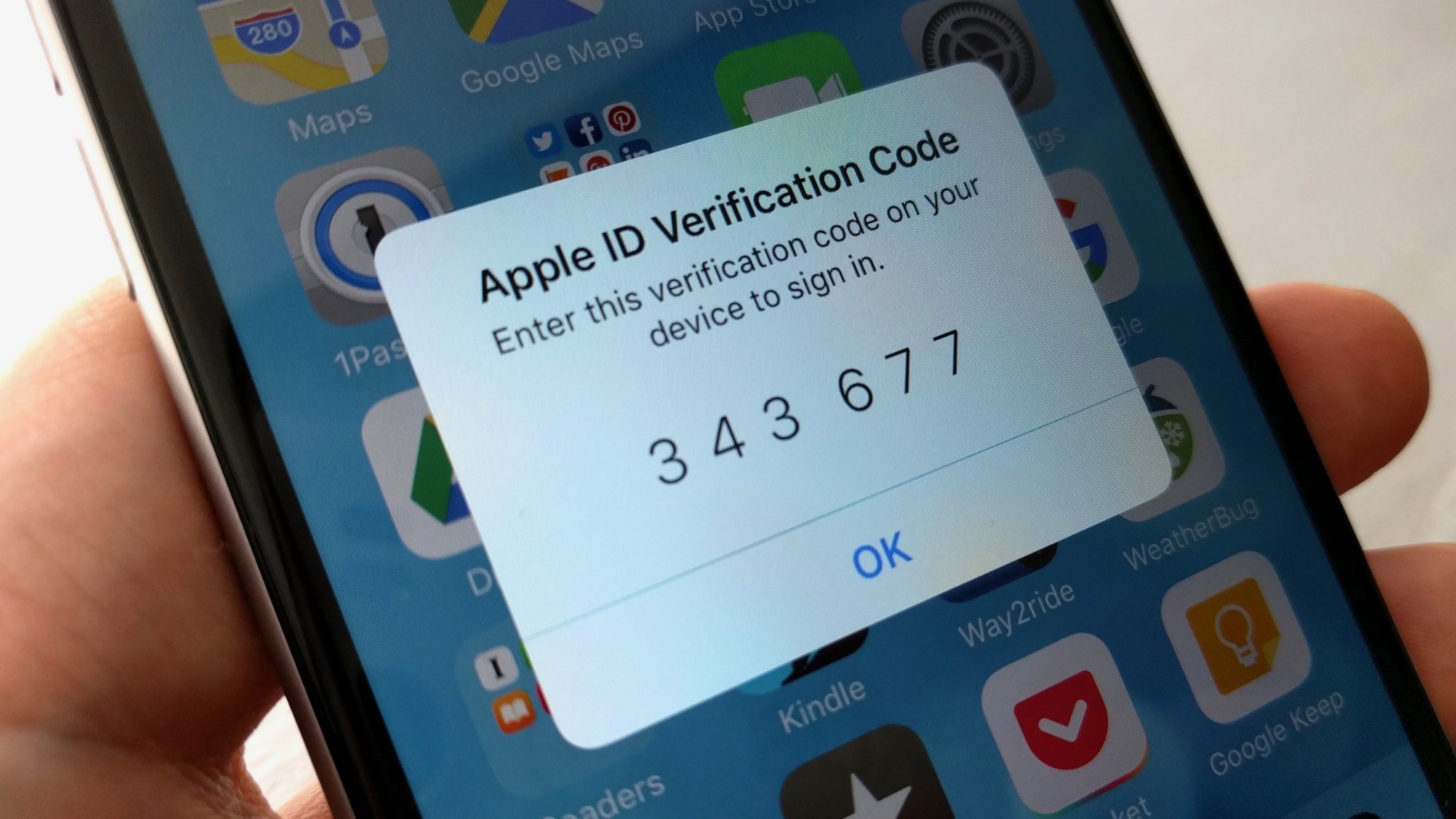
Text-message codes are still widely used because they’re easier to work with, but they’re not the safest. If someone takes over your phone number, they can get your codes.
App-based codes live on your device and aren’t tied to your carrier. Instead of a text message, you’ll get a notification on your device letting you know someone is trying to access your account. If you have an iPhone, you’ll still need to use Face ID or your passcode to let people into your account, which gives you even more security.
Turn on Passkeys Wherever You Can
Passkeys are the future, and Apple, Google, and Microsoft have been pushing them hard for a good reason: they work.
Instead of passwords, platforms use passkeys to let you log in to your account using Face ID or a fingerprint sensor. They’re also built to be phishing-resistant, because your device won’t hand over a passkey to a fake website.
So if you see “Use a passkey” on Google, PayPal, eBay, or even some banking sites, say yes. Next time you try to log in, the platform will ask for your Face ID or fingerprint to let you in. It’s faster and safer.
Split Your Email Addresses
Using the same public email for everything (social media, bank accounts, newsletters, random app websites) is convenient, but it means any phisher who knows that address can target your essential accounts.
A simple fix is to create different email addresses for different purposes. For instance, you can create an address for social media, one for financial-related stuff, and another one for personal use. If you’re an iCloud+ subscriber, you can use Hide My Email to create as many alternative addresses as you like that forward to your main address, and other services like Fastmail offer similar features.
If you really want to split things up, you can go with entirely separate email accounts. That may seem like a lot of work (because it is), but it will ensure that if one of your email accounts gets hacked, the bad actor won’t be able to mess around with all your online accounts. Still, it’s probably easier to ensure your main email address is as secure as possible.
Protect your phone number from SIM Swaps
Because SMS is still the default 2FA and account recovery method, your phone number is an attractive target. SIM-swapping attacks aren’t as prominent in the news as they were a few years ago, but they still happen, especially to people with crypto accounts or public profiles.
The first thing you should do is call your mobile carrier and set up a port-out PIN or lock. Most carriers will let you add this extra level of security to make it much harder for a bad actor to call them up and have your phone number transferred elsewhere by impersonating you.
Additionally, you should avoid sharing your personal phone number publicly, especially on social media. If you absolutely have to, consider getting a second phone number for online-related stuff (except 2FA).
Additionally, as we mentioned before, stop using SMS-based 2FA methods. Instead, switch to app-based 2FA with as many apps as possible.
Use Hardware Security Keys for High-Risk Accounts
If you run a business, manage other people’s data, have a large social following, or handle large amounts of money online, you should go one level beyond app-based 2FA.
Physical security keys, like Google’s Titan Security Key, are the gold standard. As the name suggests, there are physical hardware items you need to plug into a USB port or tap against the NFC reader on your iPhone to authenticate. Without the key, no one can log in to your credentials.
Keep Your Devices and Apps Updated
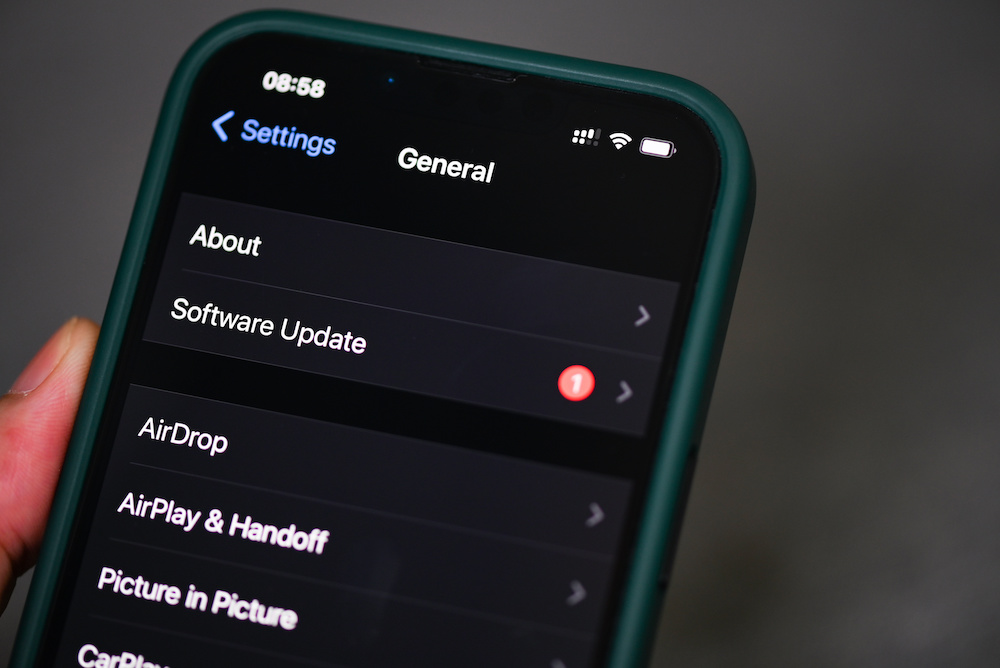
Many modern attacks don’t try to steal your password; they aim to gain access to your operating system through your web browser. That’s why Apple, Google, and Microsoft push rapid security responses as soon as possible. If you ignore updates, you stay vulnerable.
Updating your device constantly might feel like a hassle, but it’s the best way to stay safe online. Plus, you can change the settings so your devices and their apps automatically update themselves as soon as an update is available.
Get better at Spotting Phishing and AI Scams
Scam emails and texts used to have typos and weird logos. But as time moves on, scammers are starting to refine their phishing messages even more. Not only that, but in 2025, AI can generate a perfect fake email in seconds, and even spoof landing pages.
Don’t click login links from emails at all. If you receive a “PayPal” email, open PayPal manually — in a different browser window — and log in to your account.
Additionally, check the email domain name. Scammers can’t use “@google.com,” but they might try “@googlecontactnow123.com” or even “@arnzon.com.” So you need to look closely.
Scammers often try to create a sense of urgency. Receiving a message saying that you “lost all your money, please click here to recover it” will make you want to jump into action right away, and make you forget all the safety measures you should take.
More often than not, if you get an email about an emergency, it’s most likely from a scammer rather than a reputable website.
Stay Safe Online
Security isn’t a single switch you can turn on; it’s a series of steps you should follow to be safer online.
The most crucial step is to keep your essential accounts safe. Platforms that have access to your money or your most private data should be a top priority. Lock them behind a strong password, a unique email address, and use 2FA whenever possible.
If remembering all your passwords becomes a chore, try using a password manager to handle the heavy lifting for you.
Above all else, avoid sharing too much information online. Remember that your bank or Instagram will never ask you for sensitive information via email, so don’t share it with anyone, no matter who they pretend to be.






